
1. Introduction
The TOSING G7 Professional Karaoke Machine is a versatile and portable audio device designed for both adults and children. It integrates a high-quality microphone with a powerful Bluetooth speaker, making it suitable for various environments such as outdoor gatherings, parties, home use, or in a car. This manual provides detailed instructions for the safe and effective use of your G7 karaoke machine.
2. Product Overview
2.1 Components
- TOSING G7 Karaoke Microphone Unit
- Aluminum Portable Carrying Case
- Charging Cable (USB)
- Audio Cable (AUX)

Figure 1: Various views of the TOSING G7 microphone unit.

Figure 2: The TOSING G7 and its durable aluminum carrying case.
2.2 Key Features
- HD Stereo Sound: Equipped with a high-performance audio driver and advanced digital signal processor for clear sound, strong bass, and noise elimination. Features a built-in 2.82-inch subwoofer and two diaphragms for enhanced voice and powerful 70Hz 3D HD stereo bass.
- 20W Peak Power Pro: Delivers robust sound output with a dual symmetric speaker design. When two TOSING G7 units are paired via TWS, they provide synchronized stereo sound from four speakers.
- Advanced Technology: Features non-offset frequency technology for clear vocal pronunciation and in-tune vocal practice.
- Portable Design: Small, lightweight, and comes with a portable aluminum package for easy transport. The integrated 2000mAh high-performance battery offers 6 to 8 hours of continuous music playback on a full charge.
- Dynamic LCD Screen: Built-in LCD screen for easy viewing and control of karaoke functions, sound effects (original, professional, pop).
- Unique Leather Pattern Design: Aesthetically pleasing design with a delicate leather texture.

Figure 3: Integrated speaker technology for balanced sound production.

Figure 4: The 58mm large caliber speakers providing 20W high-power audio.

Figure 5: Detail of the unique leather pattern design on the G7.
3. Setup
3.1 Charging the Device
Before first use, fully charge the TOSING G7. Connect the provided USB charging cable to the charging port on the device and to a standard USB power adapter (not included) or a computer USB port. The battery indicator on the LCD screen will show charging status. A full charge provides approximately 6-8 hours of continuous use.
3.2 Power On/Off
Press and hold the power button (usually located on the control panel) for a few seconds to turn the device on or off. The LCD screen will illuminate upon power-on.
3.3 Bluetooth Pairing
- Ensure the G7 is powered on and in Bluetooth pairing mode (indicated by a flashing Bluetooth icon on the LCD screen).
- On your smartphone, tablet, or other Bluetooth-enabled device, go to the Bluetooth settings.
- Search for available devices and select "TOSING G7" from the list.
- Once connected, the Bluetooth icon on the G7's LCD screen will become solid, and you will hear a confirmation tone.
3.4 TWS (True Wireless Stereo) Pairing (for two G7 units)
If you have two TOSING G7 units, you can pair them for a true stereo experience:
- Turn on both G7 units.
- Press the TWS button on one of the units. It will enter TWS pairing mode.
- The two units will automatically connect to each other.
- Once TWS paired, connect your smartphone/tablet to one of the G7 units via Bluetooth as described in section 3.3. Audio will now play through both units in stereo.
3.5 AUX Connection
For devices without Bluetooth, use the provided AUX cable. Connect one end to the AUX-in port on the G7 and the other end to the audio output of your device (e.g., car audio, PC, laptop).
4. Operating Instructions
4.1 Multiple Ways to Use
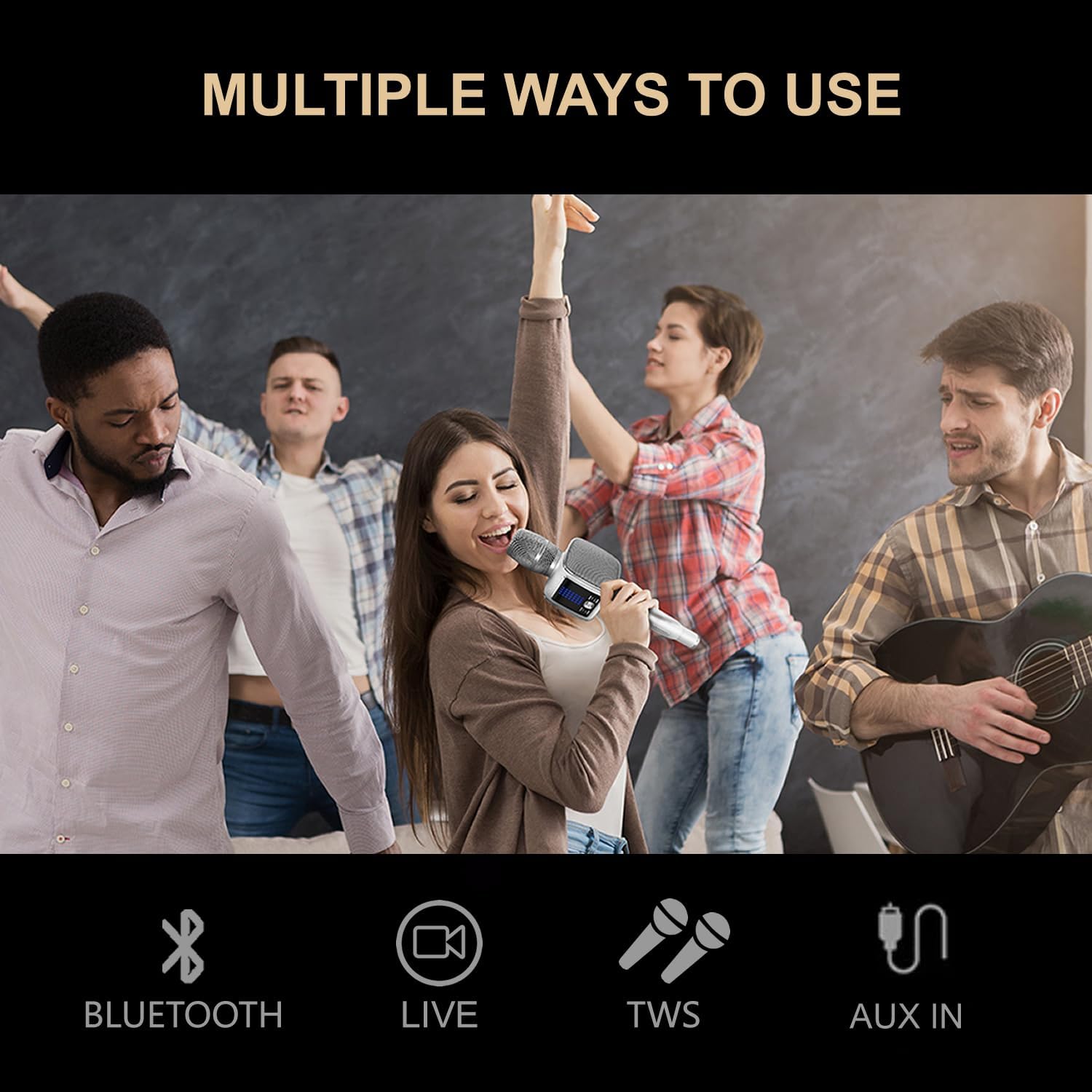
Figure 6: Connectivity options for the TOSING G7.
- Bluetooth: Connect wirelessly to your smartphone or tablet to stream music and karaoke tracks from platforms like YouTube, MP3s, or other streaming services.
- Live: Use the microphone for live vocal performances or public speaking.
- TWS: Pair two G7 units for enhanced stereo sound.
- AUX In: Connect to external audio sources using the AUX cable.
4.2 Singing and Karaoke
Once connected to your audio source (Bluetooth or AUX), play your desired karaoke track. The G7 will amplify your voice through its integrated speakers. Adjust the microphone volume and music volume using the dedicated controls on the device.
4.3 Sound Effects
The G7 features various sound effects, including 3D sound, original, professional, and pop modes. Use the controls on the device to cycle through and select your preferred sound effect. The LCD screen will display the active effect.
4.4 Volume Control
Separate controls are available for adjusting the microphone volume and the music playback volume. Locate these buttons on the control panel of the G7 and adjust to your desired levels.
4.5 Recording
The TOSING G7 supports recording your singing. Connect the device to your smartphone or tablet and use a compatible recording application to capture your performance. Refer to your smartphone's or tablet's instructions for recording audio via a connected Bluetooth device.
5. Maintenance
5.1 Cleaning
Wipe the device with a soft, dry cloth. Do not use abrasive cleaners or solvents. Avoid getting moisture into any openings.
5.2 Battery Care
To prolong battery life, avoid fully discharging the battery frequently. Charge the device regularly, even if not in use for extended periods. Store in a cool, dry place.
5.3 Storage
When not in use, store the TOSING G7 in its aluminum carrying case to protect it from dust and physical damage. Keep it away from extreme temperatures and direct sunlight.
6. Troubleshooting
- No Sound: Ensure the device is powered on, connected correctly (Bluetooth or AUX), and both microphone and music volumes are turned up. Check the volume on your connected audio source.
- Bluetooth Connection Issues: Ensure the G7 is in pairing mode. Turn off and on Bluetooth on both the G7 and your device. Try re-pairing. Ensure no other devices are actively connected to the G7.
- Excessive Echo: The G7 features various sound effects, some of which include echo by design. Check the sound effect settings on the device's LCD screen and adjust to a mode with less or no echo if desired.
- Battery Not Charging: Verify that the charging cable is securely connected to both the G7 and the power source. Try a different USB port or power adapter.
- Distorted Sound: Reduce the volume on both the G7 and your connected device. Ensure the microphone is not too close to the speakers, which can cause feedback.
7. Specifications
| Feature | Specification |
|---|---|
| Model Number | G7 |
| Brand | TOSING |
| Battery | 1 Lithium-ion (included) |
| Power Source | Battery Powered |
| Special Feature | 20W levitation speakers and integrated diaphragms |
| Components Included | Bluetooth/AUX |
| Recommended Use | Home, Outdoor, Party, Car |
| Number of Speakers | 2 |
| Connectivity Technology | Bluetooth |
| Compatible Devices | Car audio/projector, Bluetooth speaker/amplifier/PC/laptop, Smartphone/tablet |
| Voltage | 6 Volts |
8. Warranty and Support
For product support, please refer to the manufacturer's official website or contact their service line. Information regarding spare parts availability and software updates is not readily available.
- Manufacturer: TOSING
- Website: http://www.mytosing.com
- Service Line: +86-755-28302832
- UK Representative: APEX CE SPECIALISTS LIMITED, 89 Princess Street, Manchester, M1 4HT, UK. Tel: +441616371080. E-Mail: info@apex-ce.com
- EC Representative: APEX CE SPECIALISTS LIMITED, UNIT 3D NORTH POINT HOUSE, NORTH POINT BUSINESS PARK NEW MALLOW ROAD, CORK, T23AT2P, IRELAND. Tel: +353212066339. E-Mail: info@apex-ce.com
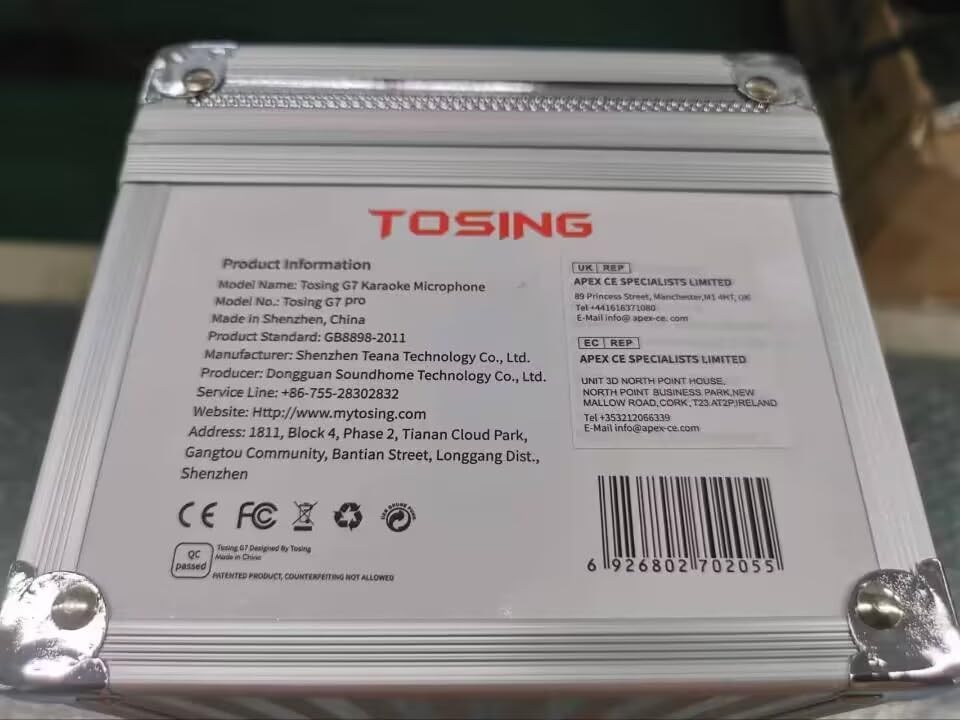
Figure 7: Product information and contact details on the carrying case.