
Victiv P18 RG 85" Phone Tripod Instruction Manual
Model: P18 RG | Brand: Victiv
1. Product Overview
The Victiv P18 RG Phone Tripod is a versatile and adjustable stand designed for smartphones, offering stability and flexibility for various recording and viewing needs. It features an extendable design, a flexible gooseneck, and a wireless remote control for convenient operation.
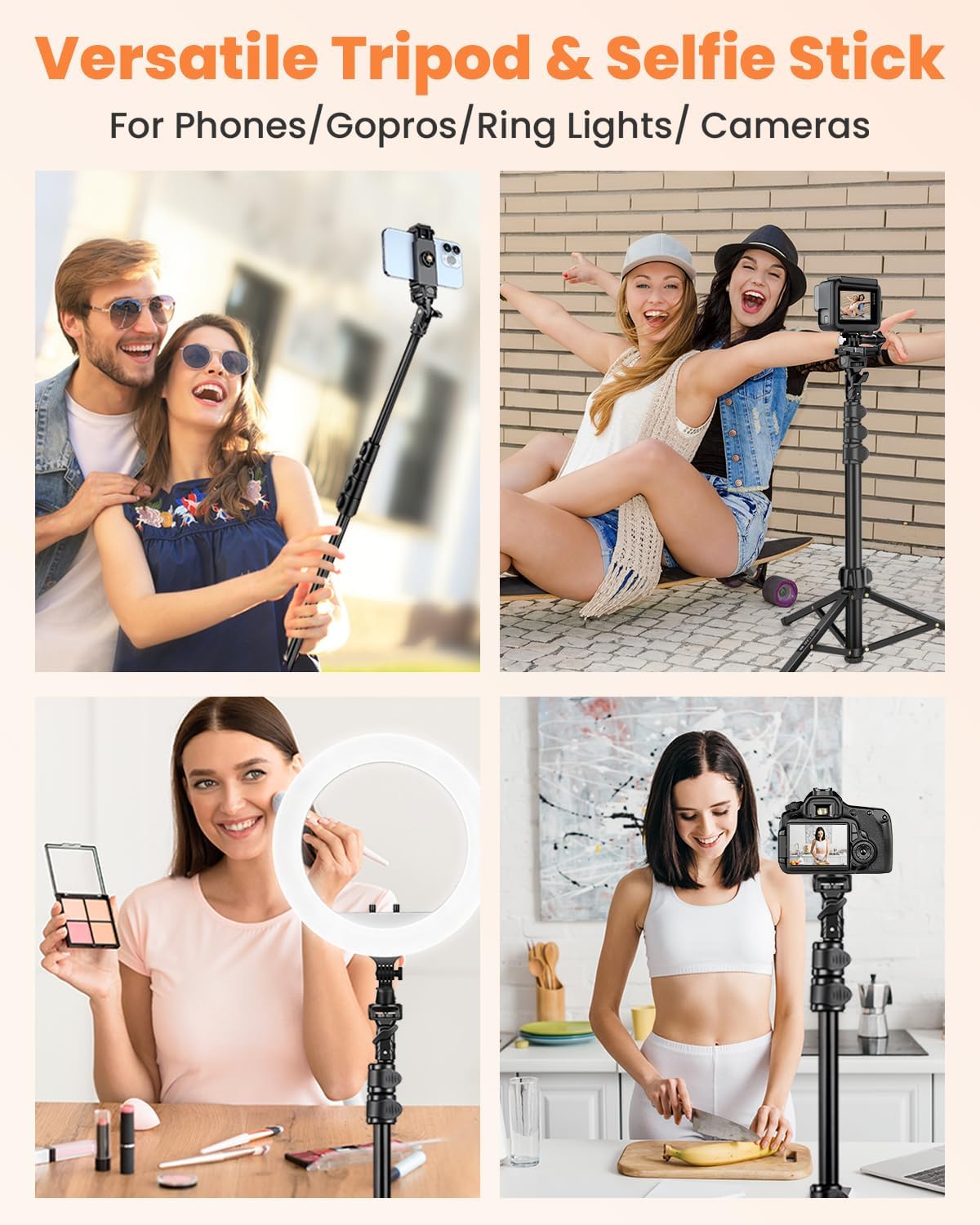
Image: The Victiv P18 RG Phone Tripod in its fully assembled state, showcasing the phone holder and gooseneck attachment.
2. Package Contents
Before assembly, ensure all components are present:
- 1x Tripod Stand
- 1x Universal Phone Holder
- 1x Wireless Remote Control
- 1x Gooseneck (15.8 inches long)
- 1x Carrying Bag

Image: All components of the Victiv P18 RG Tripod laid out, including the main stand, gooseneck, phone holder, remote, and carrying bag.
3. Setup Instructions
- Unfold the Tripod Base: Gently spread the three legs of the tripod stand until they are fully extended and stable.

Image: The tripod base with its three legs spread for stability.
- Attach the Gooseneck: Screw the 15.8-inch flexible gooseneck onto the top of the main tripod pole. Ensure it is securely fastened.

Image: The flexible gooseneck screwed onto the top of the tripod stand.
- Install the Phone Holder: Attach the universal phone holder to the top of the gooseneck. The phone holder features a 1/4" screw hole for secure mounting. It can accommodate smartphones between 2.28" and 4" wide.

Image: The phone holder with its cold shoe mount and 1/4" screw hole, ready for attachment.
- Insert Phone: Gently expand the phone holder and place your smartphone inside. The holder is designed to securely grip your device.
- Prepare Remote Control: The wireless remote control comes with batteries included. Ensure the battery is correctly inserted and the remote is powered on. Pair it with your smartphone via Bluetooth.

Image: The compact wireless remote control for the tripod.
4. Operating Instructions
- Adjusting Height: The tripod can extend from 19 inches to 85 inches. Loosen the flip locks on the tripod pole sections, extend to your desired height, and then secure the locks.

Image: Diagram illustrating the adjustable height range of the tripod from its minimum to maximum extension.
- Positioning the Gooseneck: The flexible gooseneck allows for precise angle adjustments. Bend and shape the gooseneck to achieve optimal viewing or recording angles, including low-angle or overhead shots.

Image: A user adjusting the flexible gooseneck to position a phone for an overhead view.
- Adjusting Phone Holder Angle: The flexible head with a 1/4" screw allows the phone holder to be turned 90° left or right, enabling quick switching between horizontal and vertical modes without removing the phone. The unique dual-hole design also allows for direct changes in mounting angle.

Image: Detailed view of the phone holder's adjustable head for horizontal and vertical orientation.
- Using the Wireless Remote: Once paired, use the wireless remote control to take photos or start/stop video recording from a distance. This is ideal for selfies, group photos, and vlogging.
- Selfie Stick Mode: The central pole of the tripod can be detached and used as a standalone selfie stick for handheld use.

Image: The tripod's central pole used as a selfie stick, with the remote control visible.
5. Maintenance
- Cleaning: Wipe the tripod with a soft, dry cloth to remove dust and debris. Avoid using harsh chemicals or abrasive materials.
- Storage: When not in use, collapse the tripod to its minimum size and store it in the provided carrying bag to protect it from damage and dust.
- Inspection: Periodically check all screws, clips, and joints to ensure they are secure. Tighten any loose parts as needed.
6. Troubleshooting
- Tripod is Unsteady:
- Ensure all three legs are fully extended and placed on a flat, stable surface.
- Verify that all height adjustment clips are securely fastened.
- For heavier phones (e.g., iPhone 17 Pro Max), ensure the center of gravity is balanced and avoid over-extending the gooseneck too far horizontally without counterweight.
- Phone Holder Not Gripping Securely:
- Ensure your phone's width is within the supported range (2.28" - 4").
- Check for any obstructions in the phone holder's grip.
- Wireless Remote Not Connecting:
- Ensure the remote control is powered on and has a working battery.
- Check your phone's Bluetooth settings to ensure it's discoverable and attempt to re-pair the remote.
- Note: Some apps (e.g., Snapchat) may not fully support external Bluetooth remotes for photo/video capture.
7. Specifications
| Brand | Victiv |
| Model Name | P18 RG |
| Material | Aluminum |
| Maximum Height | 85 Inches |
| Minimum Height | 19 Inches |
| Gooseneck Length | 15.8 Inches |
| Phone Holder Width | 2.28" - 4" |
| Item Weight | 2.05 pounds |
| Special Features | Foldable, Gooseneck, Lightweight, Remote Control |
| Compatible Devices | iPhone 16 15 14 13 12 11 Pro Max, Samsung Galaxy S23 S22 S21 ultra S10 S9, Huawei Mate 60 Pro P50 P40 P30 Pro and more. |
8. Support
For any questions, concerns, or assistance with your Victiv P18 RG Phone Tripod, please contact Victiv customer support. Refer to the product packaging or the official Victiv website for contact information.
