Introduction
Thank you for choosing the AGPTEK 64GB MP3 Player. This manual provides detailed instructions to help you set up, operate, and maintain your device, ensuring you get the most out of its features. Please read this manual thoroughly before using the product.

The AGPTEK 64GB MP3 Player, shown with its sleek design and accompanying wired earphones, ready for use.
Key Features
- 64GB Built-in Storage: Real large capacity for thousands of songs and files, expandable up to 128GB via TF card (not included).
- Upgraded Bluetooth 5.3: Faster transmission, more stable connection, stronger anti-interference, and lower latency for wireless audio.
- Multi-functionality: Music Play, Video, Built-in Speaker, Recording, FM Radio, Pictures, E-Books, Bluetooth, and Pedometer.
- HiFi Lossless Sound: Professional audio decoding chip and smart noise reduction for original lossless music quality.
- 2.4-inch TFT Color Screen: Clear and beautiful display with 240 x 320 resolution.
- Long Battery Life: Built-in 500mAh battery provides extended music playback.

This image emphasizes the device's substantial 64GB built-in memory, capable of storing thousands of songs and files.

The MP3 player demonstrating its advanced Bluetooth 5.3 connectivity, allowing seamless pairing with wireless headphones or speakers for an enhanced audio experience.
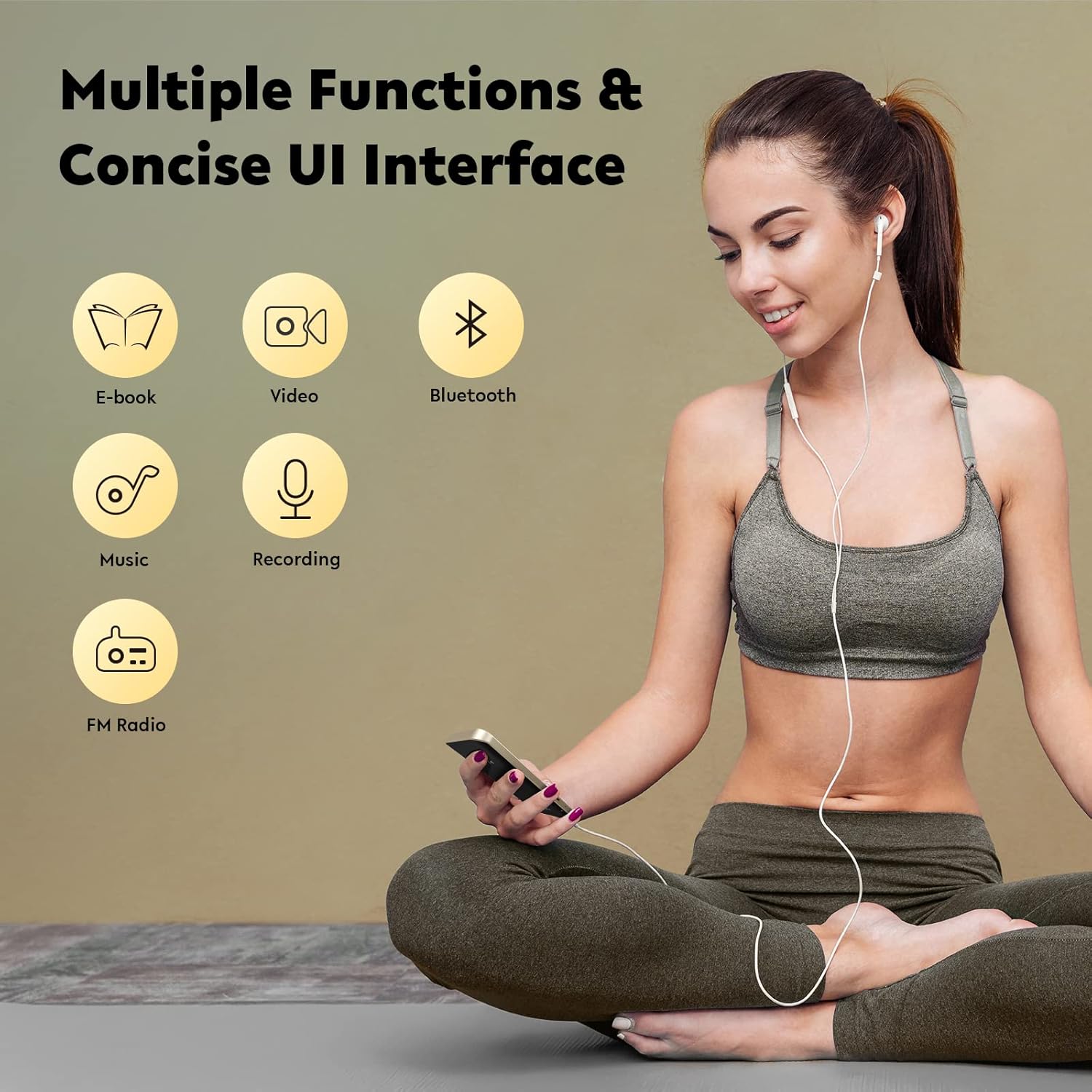
An illustration of the MP3 player's versatile functions, including E-book, Video, Bluetooth, Music, Recording, and FM Radio, all accessible through its user-friendly interface.

This image illustrates the MP3 player's expandable storage, indicating that its capacity can be increased by 250% (from 64GB to 196GB with a 128GB TF card), allowing storage of up to 8000 songs.
Package Contents
- AGPTEK A09X MP3 Player x 1
- Type-C Cable x 1
- Earphones x 1
- User Manual x 1
- Lanyard x 1

A clear display of all items included in the product package: the AGPTEK A09X MP3 Player, a Type-C Cable, Earphones, a User Manual, and a Lanyard.
Setup Guide
1. Charging the Device
Before first use, fully charge the MP3 player. Connect the included Type-C cable to the player's charging port and the other end to a USB power adapter (not included) or a computer's USB port. The battery icon on the screen will indicate charging status. A full charge takes approximately 2.5 hours.

The MP3 player connected to a Type-C charging cable, illustrating the charging process which takes approximately 2.5 hours for a full charge.
2. Power On/Off
- To Power On: Press and hold the Power button until the screen lights up.
- To Power Off: Press and hold the Power button until the device prompts you to shut down, then confirm.
3. Transferring Files
Connect the MP3 player to your computer using the Type-C cable. The device will appear as a removable disk. You can then drag and drop music, video, picture, and e-book files directly into the appropriate folders on the player. Ensure files are in supported formats (MP3, WMA, APE, FLAC, WAV, DRM, ACELP for music).
Operating Instructions
1. Music Playback
- From the main menu, select 'Music'.
- Browse by 'All Songs', 'Artists', 'Albums', 'Genres', or 'Playlists'.
- Select a song to begin playback.
- Use the navigation buttons to control playback (play/pause, next/previous track, volume).

Visual representation of the MP3 player's HiFi lossless sound capability, designed to deliver clear audio by reducing external background noise.
2. Bluetooth Connection
- From the main menu, select 'Bluetooth'.
- Turn on Bluetooth on the MP3 player.
- Ensure your Bluetooth headphones or speaker are in pairing mode.
- Select 'Search Device' on the MP3 player to find available devices.
- Select your device from the list to pair. Once paired, audio will be routed wirelessly.

A conceptual image highlighting the advanced Bluetooth 5.3 chip, responsible for the player's fast, stable, and low-latency wireless connectivity.
3. FM Radio
- Plug in wired earphones; they act as the antenna for FM reception.
- From the main menu, select 'FM Radio'.
- Use the 'Auto Search' function to find available stations or manually tune.

The device's FM Radio feature in use, highlighting that wired headphones are required to act as an antenna for optimal reception.
4. Voice Recorder
- From the main menu, select 'Recorder'.
- Choose 'Start Voice Recording' to begin.
- Press the appropriate button to stop and save the recording.
5. E-book Reader
- From the main menu, select 'E-book'.
- Browse and select your desired text file (e.g., TXT format).
- Use the navigation buttons to scroll through pages.
6. Video Playback
- From the main menu, select 'Video'.
- Select a video file to play. Ensure video files are in supported formats for optimal playback.
7. Pedometer
- From the main menu, select 'Tools' then 'Pedometer'.
- Activate the pedometer function to track your steps during physical activity.
Maintenance
- Cleaning: Use a soft, dry cloth to clean the device. Avoid using harsh chemicals or abrasive materials.
- Storage: Store the MP3 player in a cool, dry place away from direct sunlight and extreme temperatures.
- Battery Care: To prolong battery life, avoid fully discharging the battery frequently. Charge the device regularly, even if not in use for extended periods.
- Avoid Drops: The device is crafted from aluminum alloy and zinc alloy, but impacts can still cause damage. Handle with care.
Troubleshooting
| Issue | Possible Solution |
|---|---|
| Device will not power on. | Ensure the device is fully charged. If the battery is completely drained, it may take a few minutes of charging before it responds. |
| Bluetooth connection is unstable or fails. | Ensure both devices are within range (typically 10 meters/33 feet). Turn off and on Bluetooth on both devices. Clear previous pairings and try reconnecting. |
| No sound during music playback. | Check the volume level on the device and connected headphones/speaker. Ensure headphones are properly plugged in or Bluetooth is correctly connected. Verify the audio file is not corrupted. |
| FM Radio not receiving stations. | Ensure wired earphones are properly plugged in, as they function as the antenna. Try auto-searching for stations again in a different location. |
| Cannot transfer files to the device. | Ensure the USB cable is securely connected to both the device and the computer. Try a different USB port or cable. Verify the device is recognized as a removable disk by your computer. |
| Battery drains quickly. | Reduce screen brightness. Turn off Bluetooth when not in use. Close background applications. Avoid extreme temperatures. |
Specifications
| Feature | Detail |
|---|---|
| Brand | AGPTEK |
| Model Name | A09X |
| Memory Storage Capacity | 64 GB (supports up to 128GB TF card expansion) |
| Connectivity Technology | Bluetooth 5.3 |
| Screen Size | 2.4 Inches (TFT color screen) |
| Screen Resolution | 240 x 320 |
| Battery | 500mAh Lithium Polymer (included) |
| Charging Time | Approx. 2.5 hours |
| Item Weight | 7.7 ounces |
| Package Dimensions | 8.39 x 5.55 x 0.67 inches |
| Supported Music Formats | MP3, WMA, APE, FLAC, WAV, DRM, ACELP |
| Special Features | Voice Recorder, FM Radio, Built-in Speaker, E-book, Pedometer |


