
ExploreHome VG-SOCR15/ZA
ExploreHome VG-SOCR15/ZA One Connect Cable User Manual
Model: VG-SOCR15/ZA
Introduction
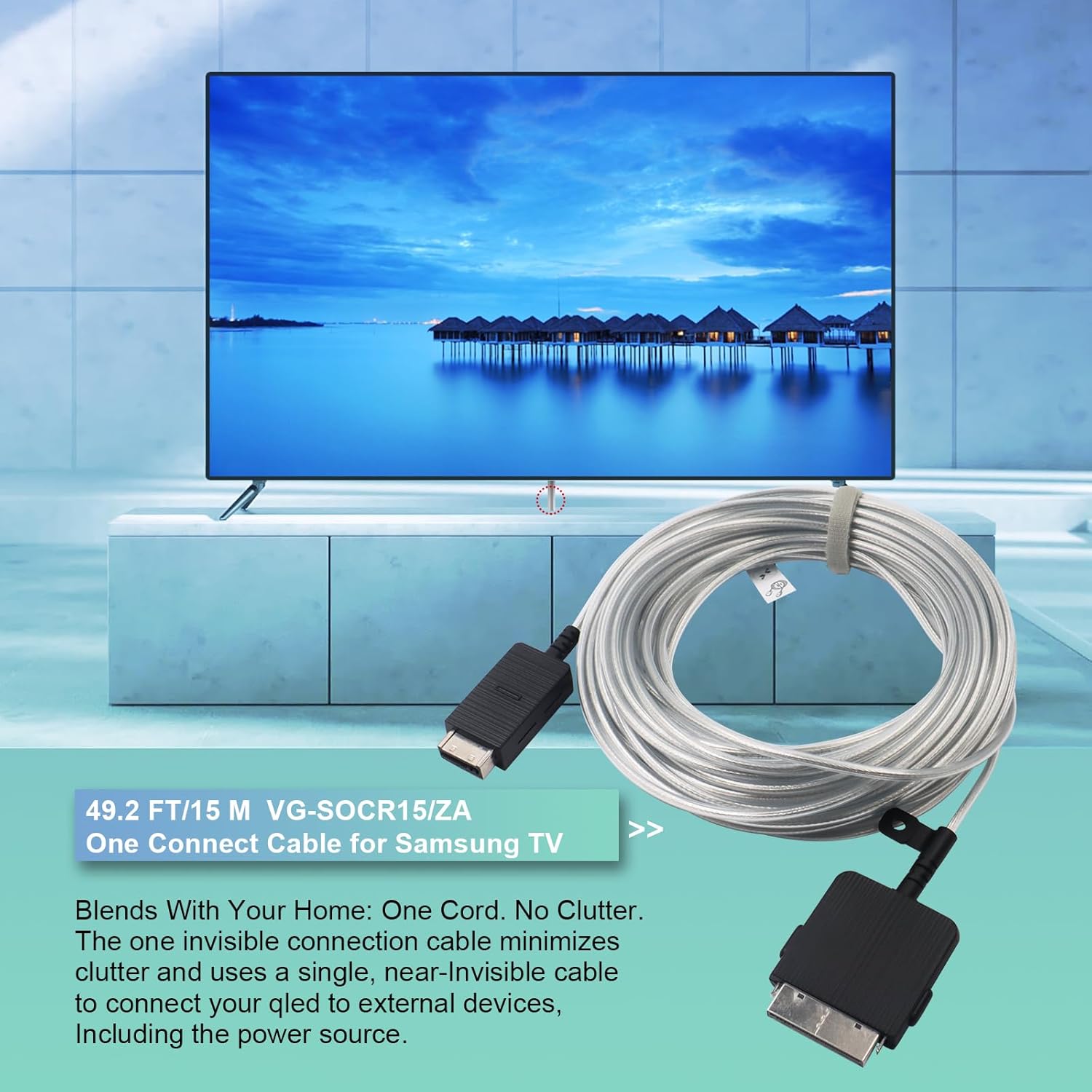
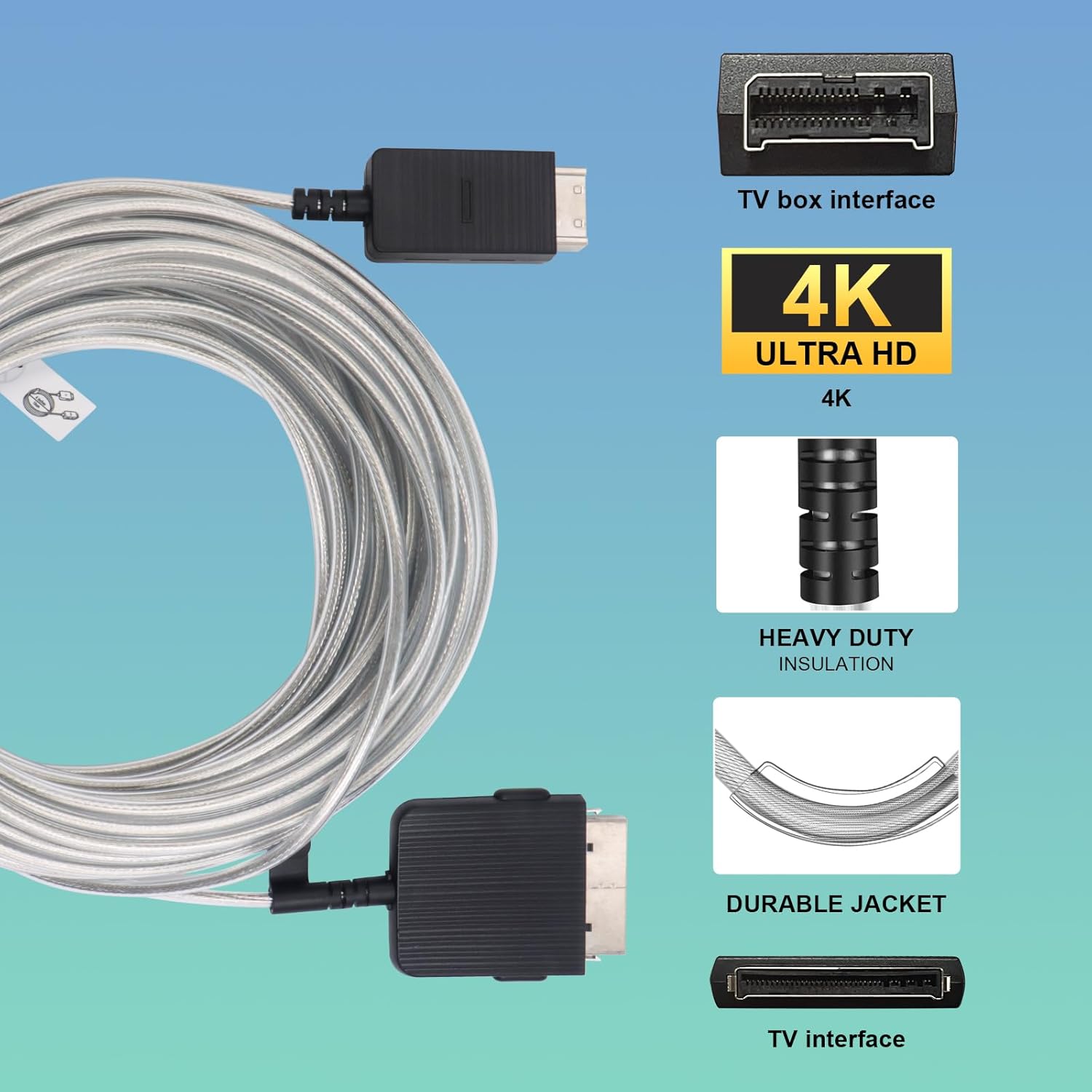
The ExploreHome VG-SOCR15/ZA One Connect Cable is designed as a replacement or extension for Samsung The Frame and QLED 4K TVs. This fiber optic cable provides a single, nearly invisible connection between your television and the One Connect Box, transmitting video, audio, and power. Its 15-meter (49.2 ft) length allows for flexible placement of your One Connect Box, helping to minimize cable clutter and maintain a clean aesthetic in your living space.
Safety Information
Please read and follow these safety guidelines to ensure proper and safe use of your One Connect Cable:
- Do not bend or kink the cable sharply, as this can damage the internal fiber optics.
- Avoid placing heavy objects on the cable.
- Keep the cable away from water, excessive heat, and direct sunlight.
- Do not attempt to disassemble or modify the cable or its connectors.
- Ensure the cable is securely connected to both the TV and the One Connect Box before powering on.
Compatibility
This VG-SOCR15/ZA One Connect Cable is compatible with various Samsung The Frame and QLED 4K TV models. Please verify your TV model against the list below:
- Compatible with Samsung Frame 43"-85" LS03 Smart TV (2019-2024)
- Samsung 2022 TVs: QN43LS03BAGXZD, QN50LS03BAGXZD, QN55LS03BAGXZD, QN65LS03BAGXZD, QN75LS03BAGXZD, QN85LS03BAGXZD, QN55LS03BDFXZA
- Samsung 2021 TVs: QN43LS03AAFXZA, QN50LS03AAFXZA, QN55LS03AAFXZA, QN65LS03AAFXZA, QN75LS03AAFXZA
- Samsung 2020-2019 TVs: QN43LS03TAFXZA, QN50LS03TAFXZA, QN55LS03TAFXZA, QN65LS03TAFXZA, QN75LS03TAFXZA, QN43LS03RAFXZA, QN49LS03RAFXZA, QN55LS03RAFXZA, QN65LS03RAFXZA, QN65Q90RAFXZA, QN75Q90RAFXZA

Setup and Installation
Unpacking
- Carefully remove the One Connect Cable from its packaging.
- Inspect the cable and connectors for any visible damage. If damaged, do not use and contact customer support.
Connecting the Cable
- Ensure your Samsung TV and One Connect Box are powered off and unplugged from the electrical outlet.
- Locate the One Connect port on the back of your Samsung TV.
- Carefully insert one end of the VG-SOCR15/ZA cable into the One Connect port on your TV. Ensure it clicks securely into place.
- Locate the One Connect port on your Samsung One Connect Box.
- Carefully insert the other end of the cable into the One Connect port on the One Connect Box. Ensure it clicks securely into place.
- Once both ends are securely connected, you may plug in and power on your TV and One Connect Box.

Operation
The One Connect Cable functions automatically once properly connected. It transmits all necessary video, audio, and IR signals, along with power, from your One Connect Box to your Samsung TV. No additional user input is required for its operation beyond ensuring secure connections.
Care and Maintenance
To ensure the longevity and optimal performance of your One Connect Cable, follow these maintenance tips:
- Regularly check the cable for any signs of wear, fraying, or damage.
- Keep the cable clean and free from dust. Use a soft, dry cloth to wipe it if necessary.
- Avoid pulling on the cable by the cord itself; always grasp the connector when plugging or unplugging.
- If storing the cable, coil it loosely without sharp bends to prevent damage to the internal fibers.
Troubleshooting
If you encounter issues with your One Connect Cable, refer to the following common problems and solutions:
| Problem | Possible Cause | Solution |
|---|---|---|
| No picture or sound from TV | Loose or incorrect cable connection. | Ensure both ends of the One Connect Cable are fully and securely inserted into the TV and One Connect Box ports. Power cycle the TV and One Connect Box. |
| Intermittent signal or flickering screen | Cable damage or loose connection. | Check the cable for any visible kinks, cuts, or damage. Re-seat both ends of the cable. If damage is present, replace the cable. |
| Cable does not fit into port | Incompatible model or incorrect orientation. | Verify your TV model is listed in the compatibility section. Ensure the cable is oriented correctly before inserting into the port. Do not force the connection. |
Specifications
| Feature | Detail |
|---|---|
| Model Number | VG-SOCR15/ZA |
| Brand | ExploreHome |
| Length | 15 meters (49.2 feet) |
| Connector Type | Composite |
| Cable Type | Composite (Fiber Optic) |
| Special Features | Data Transfer, High Speed, Tangle Free, Connection Cable for Samsung One Connect Box |
| Package Dimensions | 8.23 x 8.19 x 1.97 inches |
| Item Weight | 1.17 Pounds |

Warranty and Support
For warranty information or technical support regarding your ExploreHome VG-SOCR15/ZA One Connect Cable, please refer to the manufacturer's official website or contact ExploreHome customer service directly. Keep your purchase receipt for warranty claims.
Ask a question about this manual
Ask about setup, troubleshooting, compatibility, parts, safety, or missing instructions. Manuals+ will review the question and use this page’s manual context to help answer it.