1. Introduction
This manual provides detailed instructions for the safe and effective operation of your Landtek MILA37900 Bluetooth Decibel Meter. This device is designed to measure sound pressure levels (SPL) accurately and reliably, offering a range of 30dB to 130dB. It features Bluetooth connectivity for data logging and analysis via a mobile application, making it suitable for various environments including home, school, and factory settings.
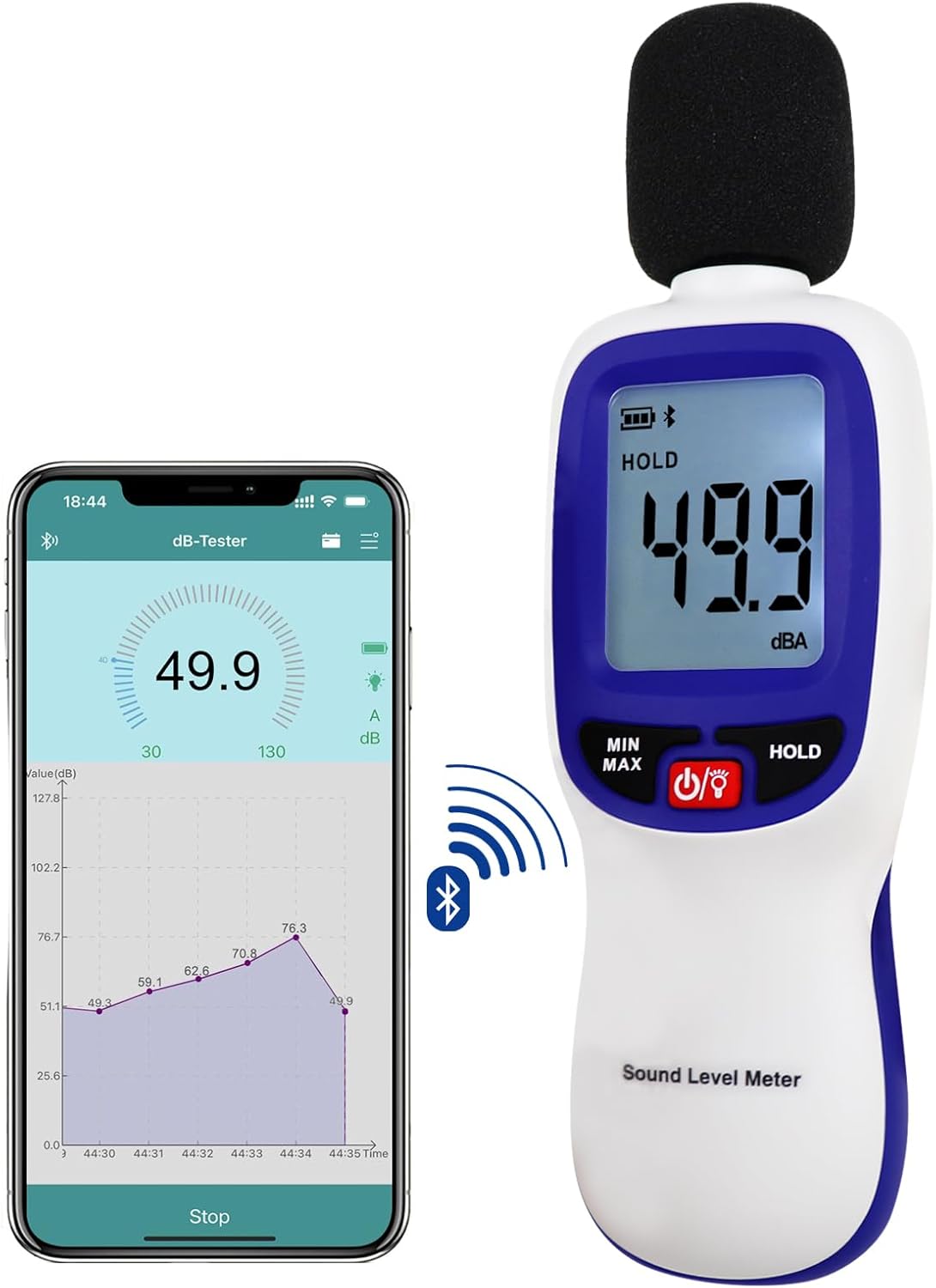
Figure 1: Landtek Bluetooth Decibel Meter and its companion mobile application.

Figure 2: Diverse applications of the decibel meter in various environments.
2. Product Features
- Accurate and Reliable Measurements: Measures sound levels from 30dB to 130dB with an accuracy of ±1.5dB.
- Easy-to-Read Backlit Screen: Features a 4-digit LCD display with 0.1dB resolution and a large backlight for visibility in low-light conditions. Includes a low voltage indicator.
- Multiple Measurement Modes: Includes MAX/MIN function to record peak and lowest values, and a HOLD feature to freeze current readings.
- Bluetooth Connectivity: Seamlessly connects to Android or iOS devices via Bluetooth for data transfer and management using the dB Tester APP. Supports up to 20,000 data measurements.
- Lightweight and Compact Design: Ergonomic design for comfortable handling and extended use. Equipped with a 1/4" mount thread for tripod attachment.

Figure 3: Overview of the decibel meter's key functionalities.
3. Package Contents
Upon unpacking, please verify that all items listed below are present and undamaged:
- Landtek MILA37900 Bluetooth Decibel Meter
- Wind-resistant Ball (Microphone Foam Cover)
- User Instruction Manual

Figure 4: Typical package contents.
4. Device Layout and Components
Familiarize yourself with the various parts of your decibel meter:
- Microphone: High precision noise sensor, typically covered by a wind-resistant ball.
- LCD Display: Digital screen showing sound level, battery status, and mode indicators.
- MIN/MAX Button: Toggles between minimum and maximum recorded values.
- Power Button (⑂): Turns the device on or off.
- HOLD Button: Freezes the current reading on the display.
- Battery Compartment: Located at the rear for battery installation.
- Tripod Mount: 1/4 inch threaded hole at the bottom for mounting on a tripod.
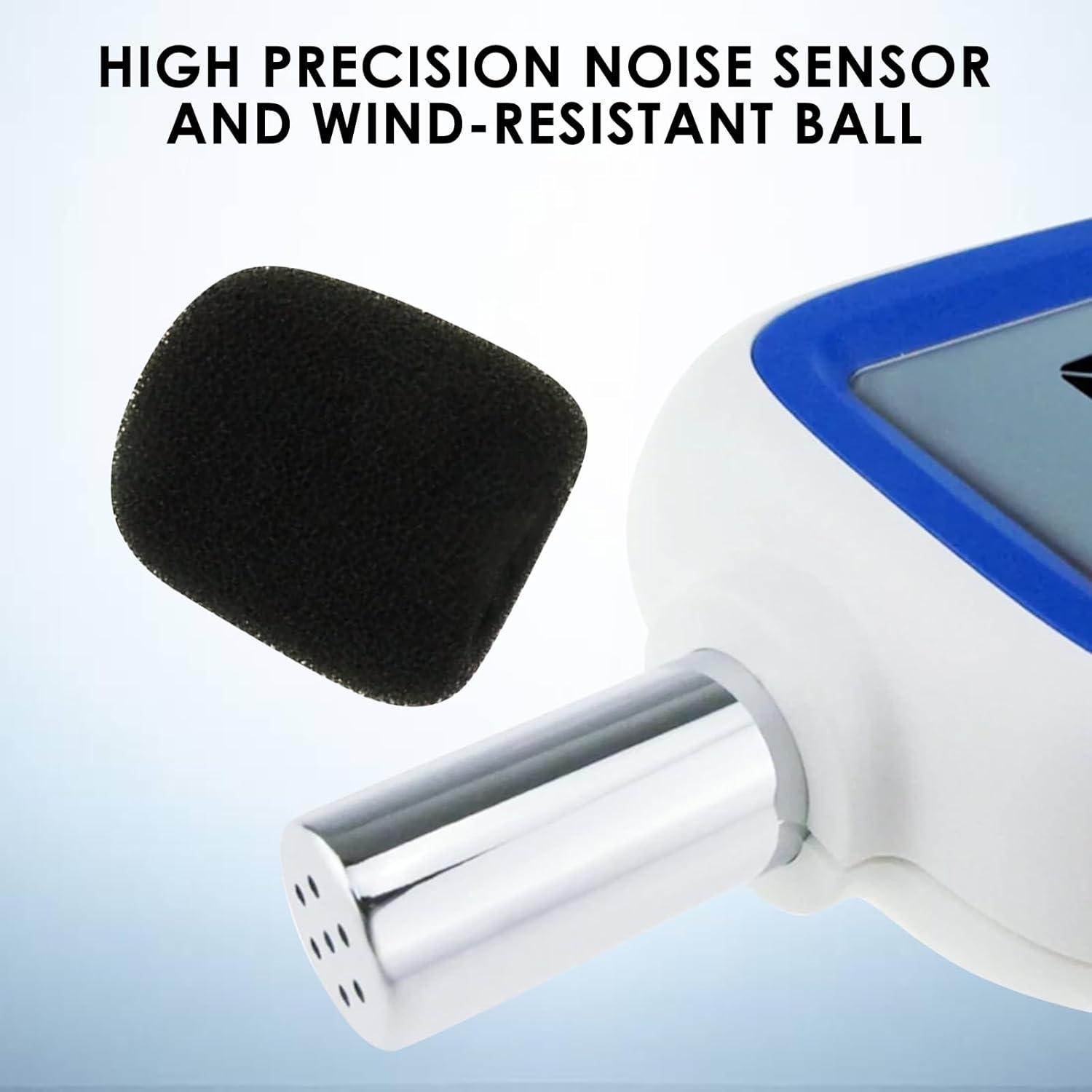
Figure 5: High precision noise sensor with wind-resistant ball.

Figure 6: LCD display indicators.
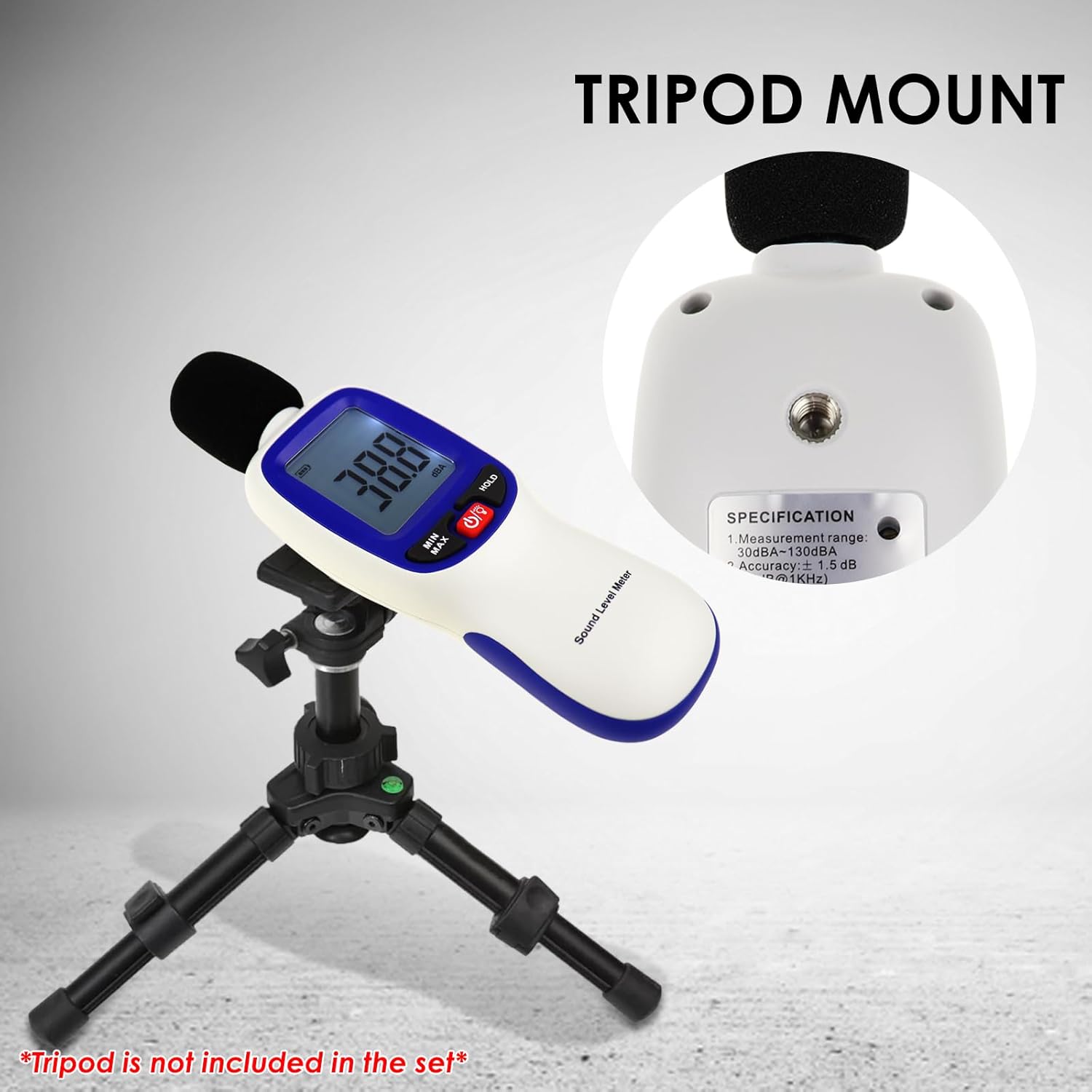
Figure 7: Tripod mount feature (tripod not included).
5. Setup
5.1 Battery Installation
- Locate the battery compartment cover on the back of the device.
- Slide or unclip the cover to open.
- Insert the required batteries (e.g., 3x AAA batteries, not typically included) according to the polarity indicators (+/-).
- Replace the battery compartment cover securely.
5.2 App Download and Bluetooth Connection
To utilize the Bluetooth data logging features, download the 'dB Tester' application on your mobile device.
- Scan the QR code provided in the manual or on the product packaging, or search for 'dB Tester' in your device's app store (Android or iOS).
Download dB Tester App - Install the application on your smartphone or tablet.
- Ensure Bluetooth is enabled on your mobile device.
- Power on the Landtek Decibel Meter.
- Open the 'dB Tester' app. The app should automatically detect and connect to the decibel meter. A Bluetooth icon on the meter's LCD will indicate a successful connection.

Figure 8: dB Tester app interface for data management.
6. Operating Instructions
6.1 Power On/Off
Press the ⑂ button to turn the meter on. Press and hold the ⑂ button for a few seconds to turn it off.
6.2 Basic Measurement
Once powered on, the meter will immediately begin displaying real-time sound pressure levels in dBA. Position the microphone towards the sound source for accurate readings.
6.3 MAX/MIN Function
Press the MIN/MAX button to cycle through the following display modes:
- Current Reading: Real-time sound level.
- MAX: Displays the maximum sound level recorded since the meter was powered on or the MAX/MIN function was reset.
- MIN: Displays the minimum sound level recorded since the meter was powered on or the MAX/MIN function was reset.
To reset the MAX/MIN values, turn the meter off and then on again.
6.4 HOLD Function
Press the HOLD button to freeze the current reading on the display. The 'HOLD' indicator will appear on the LCD. Press the HOLD button again to release the reading and return to real-time measurement.
6.5 Backlight
The backlight typically activates automatically in low light or can be toggled by a short press of the power button (if available on your model, refer to specific device markings).
6.6 Datalogging via App
With the meter connected to the 'dB Tester' app:
- Navigate to the recording section within the app.
- Set desired recording intervals and duration.
- Initiate data logging. The meter can store up to 20,000 data points internally, which can then be uploaded to the app for review, analysis, and export.
7. Understanding Readings
Sound pressure levels are typically measured in decibels (dB). The Landtek MILA37900 measures in dBA, which is a weighted scale that approximates the human ear's response to sound. Refer to the chart below for common noise ranges and their implications.

Figure 9: Noise level chart.
| dB Range | Description |
|---|---|
| 15dB | Silence |
| 15 to 20dB | Quiet |
| 20 to 40dB | Whispering |
| 40 to 60dB | Normal Conversation |
| 60 to 70dB | Noise (e.g., busy office) |
| 70 to 80dB | Very Noisy (e.g., vacuum cleaner) |
| Above 100dB | Damage to Hearing (prolonged exposure) |
8. Maintenance
- Cleaning: Wipe the device with a soft, dry cloth. Do not use abrasive cleaners or solvents.
- Storage: Store the meter in a cool, dry place away from direct sunlight and extreme temperatures. Remove batteries if the device will not be used for an extended period.
- Microphone Care: Keep the microphone clean and free from dust or debris. Use the wind-resistant ball to protect it during use.
9. Troubleshooting
9.1 Device Does Not Power On
- Check battery installation and ensure correct polarity.
- Replace with fresh batteries.
9.2 Inaccurate Readings
- Ensure the microphone is not obstructed.
- Avoid measuring in strong winds without the wind-resistant ball.
- Ensure the device is not exposed to extreme temperatures or humidity.
9.3 Bluetooth Connection Issues
- Ensure Bluetooth is enabled on both the meter and your mobile device.
- Restart both the meter and the mobile application.
- Ensure the mobile device is within range of the meter.
- Check if the 'dB Tester' app has necessary permissions on your mobile device.
10. Specifications
| Parameter | Value |
|---|---|
| Measurement Range | 30dB to 130dB |
| Accuracy | ±1.5dB |
| Resolution | 0.1dB |
| Frequency Weighting | A-Weighting |
| Datalogging Capacity | Up to 20,000 data points |
| Display | 4-digit LCD with Backlight |
| Connectivity | Bluetooth (Android/iOS App) |
| Tripod Mount | 1/4 inch thread |
| Model Number | MILA37900 |
| Manufacturer | Landtek |
11. Safety Information
- Do not attempt to open or modify the device.
- Keep the device away from water and other liquids.
- Avoid dropping the device or subjecting it to strong impacts.
- Dispose of batteries according to local regulations.
- Do not use the device in environments with explosive gases or vapors.
12. Warranty and Support
Landtek products are manufactured to high-quality standards. This product typically comes with a standard manufacturer's warranty against defects in materials and workmanship. Please refer to your purchase documentation or contact Landtek customer support for specific warranty terms and conditions.
For technical assistance, troubleshooting, or service inquiries, please contact Landtek customer support through their official website or the contact information provided with your purchase.


