Introduction
This manual provides instructions for the Re-Flix Superior Light 4-in-1 universal remote control, pre-programmed for use with Andersson A190WD televisions. This remote is designed for immediate use without complex setup, requiring only battery insertion.
Setup
1. Battery Installation
The remote control requires two 1.5V AAA batteries (not included).

Locate the battery compartment cover on the back of the remote control. Slide the cover downwards to open. Insert two AAA batteries, ensuring correct polarity (+ and - symbols). Close the battery compartment cover securely.
2. Initial Use
This remote control is pre-programmed specifically for the Andersson A190WD TV. Once batteries are installed, it is ready for immediate use. No codes or additional programming steps are required for the specified device.
Note: If you intend to program this remote for additional devices, a separate USB programming unit is required. This unit is not included with the remote control.
Operating Instructions
The Re-Flix Superior Light remote control operates using infrared (IR) signals. Ensure a clear line of sight between the remote control and the TV's IR receiver for optimal performance.
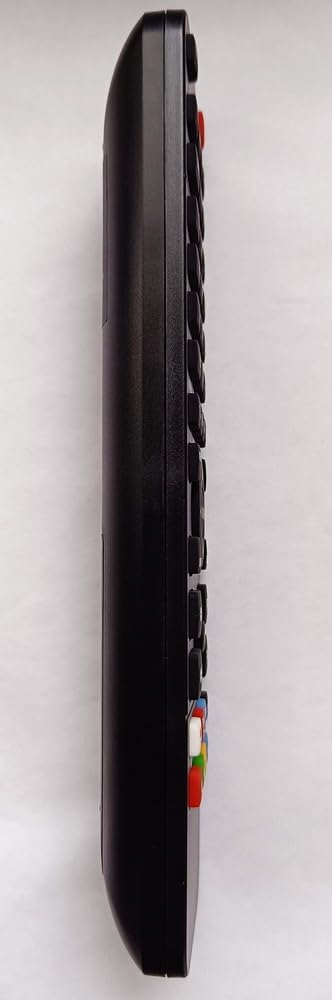
This image displays the front of the remote control with its various buttons for power, volume, channel, input selection, and other functions.
Basic Functions:
- Power Button: Turns the TV on or off.
- Volume Up/Down: Adjusts the TV's volume level.
- Channel Up/Down: Changes TV channels.
- Number Buttons (0-9): Directly select TV channels.
- Input/Source Button: Cycles through available input sources (e.g., HDMI, AV).
- Mute Button: Silences the TV audio.
Maintenance
Battery Replacement:
When the remote control's performance degrades or it stops responding, replace the batteries. Follow the battery installation steps outlined in the Setup section. Always replace both batteries simultaneously with new 1.5V AAA alkaline batteries.
Cleaning:
To clean the remote control, use a soft, dry cloth. Do not use liquid cleaners, abrasive materials, or solvents, as these can damage the remote's surface or internal components.
Troubleshooting
Remote Control Not Responding:
- Check Batteries: Ensure batteries are correctly inserted with the proper polarity and are not depleted. Replace with new batteries if necessary.
- Line of Sight: Verify there is a clear path between the remote control and the TV's infrared receiver. Obstructions can block the signal.
- Distance: Ensure you are within the effective operating range of the remote control.
- TV Power: Confirm the TV is powered on and functioning correctly.
Remote Not Controlling Other Devices:
This remote is pre-programmed specifically for the Andersson A190WD TV. To control other devices, a separate USB programming unit is required to configure the remote. This unit is not included with this product.
Specifications
| Feature | Detail |
|---|---|
| Brand | Re-Flix |
| Model Number | 747516 |
| Model Name | A190WD |
| Compatible Devices | Television |
| Special Features | Pre-programmed |
| Battery Description | Alkaline |
| Connection Technology | Infrared |
| Weight | 89 g |
| Dimensions (L x W x H) | 21.0 x 4.7 x 2.0 cm |
| Battery Type | 2 x 1.5 V AAA (not included) |
| Color | Black |
| Maximum Supported Devices | 1 (as pre-programmed) |
| Number of Buttons | 20 |
| Controller Type | Button control |
Warranty and Support
For warranty information or technical support, please refer to the documentation provided with your purchase or contact the retailer directly. It is recommended to keep your proof of purchase for any warranty claims.