1. Introduction
Thank you for choosing the Blaupunkt Bluebot XPOWER BPK-VCBB1XPW+ Robot Vacuum Cleaner. This device is designed to provide efficient and convenient cleaning for your home, combining vacuuming, sweeping, and mopping functionalities. This manual provides essential information for the safe operation, setup, maintenance, and troubleshooting of your robot vacuum cleaner. Please read this manual thoroughly before using the product and retain it for future reference.
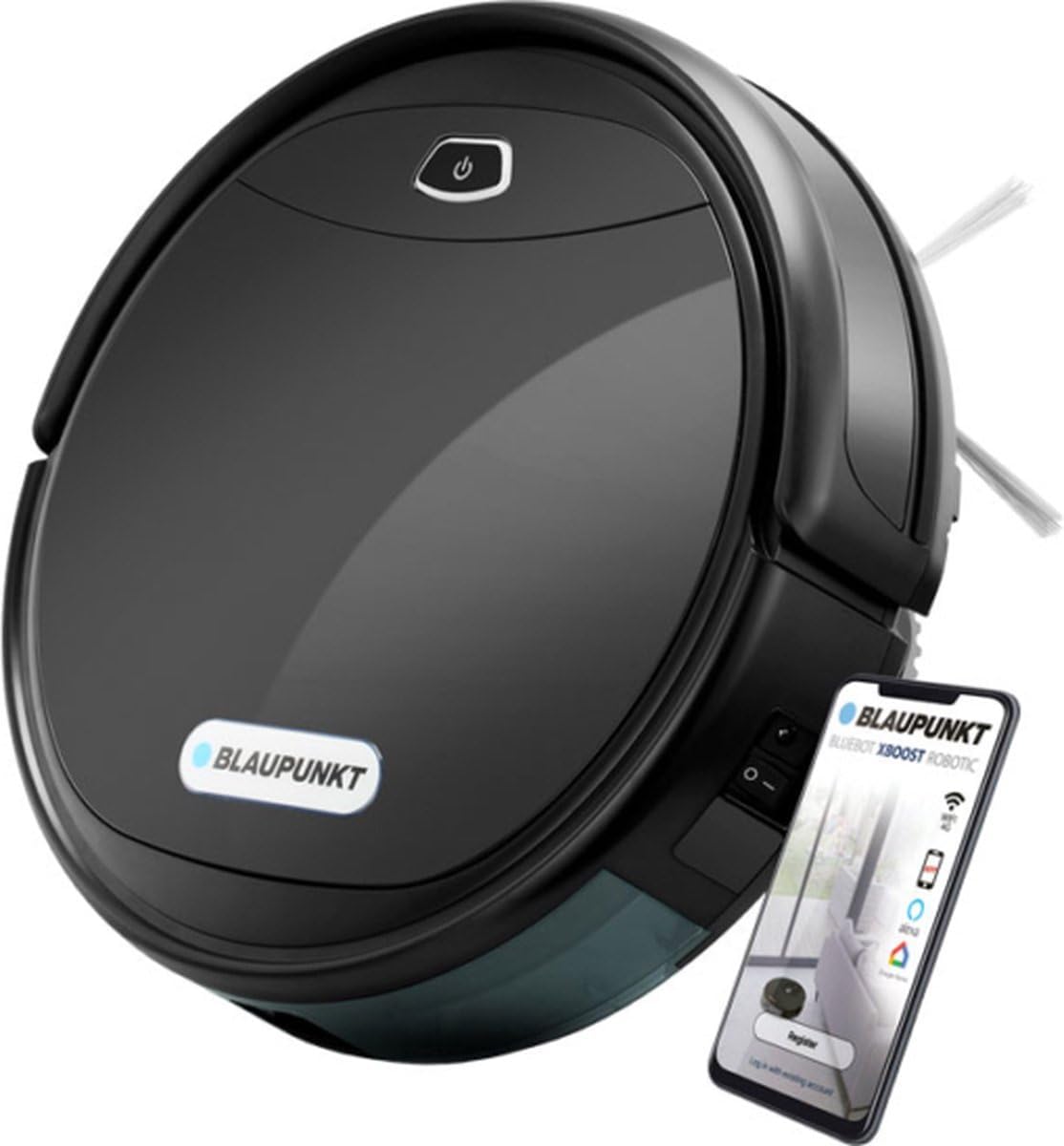
Image 1.1: The Blaupunkt Bluebot XPOWER BPK-VCBB1XPW+ robot vacuum cleaner, a black circular device with a power button on top, shown next to a smartphone displaying its control app.
2. Safety Instructions
To reduce the risk of injury or damage, read these safety instructions carefully and keep them accessible during product use.
- This appliance can be used by children aged 8 years and above and persons with reduced physical, sensory or mental capabilities or lack of experience and knowledge if they have been given supervision or instruction concerning use of the appliance in a safe way and understand the hazards involved.
- Children should be supervised to ensure that they do not play with the appliance.
- Cleaning and user maintenance shall not be made by children without supervision.
- Use only the original power adapter and charging dock provided by the manufacturer.
- Do not operate the robot in environments with open flames or explosive materials.
- Avoid exposing the robot to direct sunlight or extreme temperatures.
- Do not immerse the robot or its charging dock in water or other liquids.
- Ensure all cables and small objects are removed from the floor before operation to prevent entanglement.
3. Product Overview
3.1 Components
The package includes the following items:
- Blaupunkt Bluebot XPOWER Robot Vacuum Cleaner
- Docking Station
- Mopping Cloth
- Instruction Manual
- Magnet Strip
- Water Reservoir (integrated with 2-in-1 combo tank)
- Side Brushes
- Main Brush
- HEPA Filter
- Power Adapter
- Remote Control
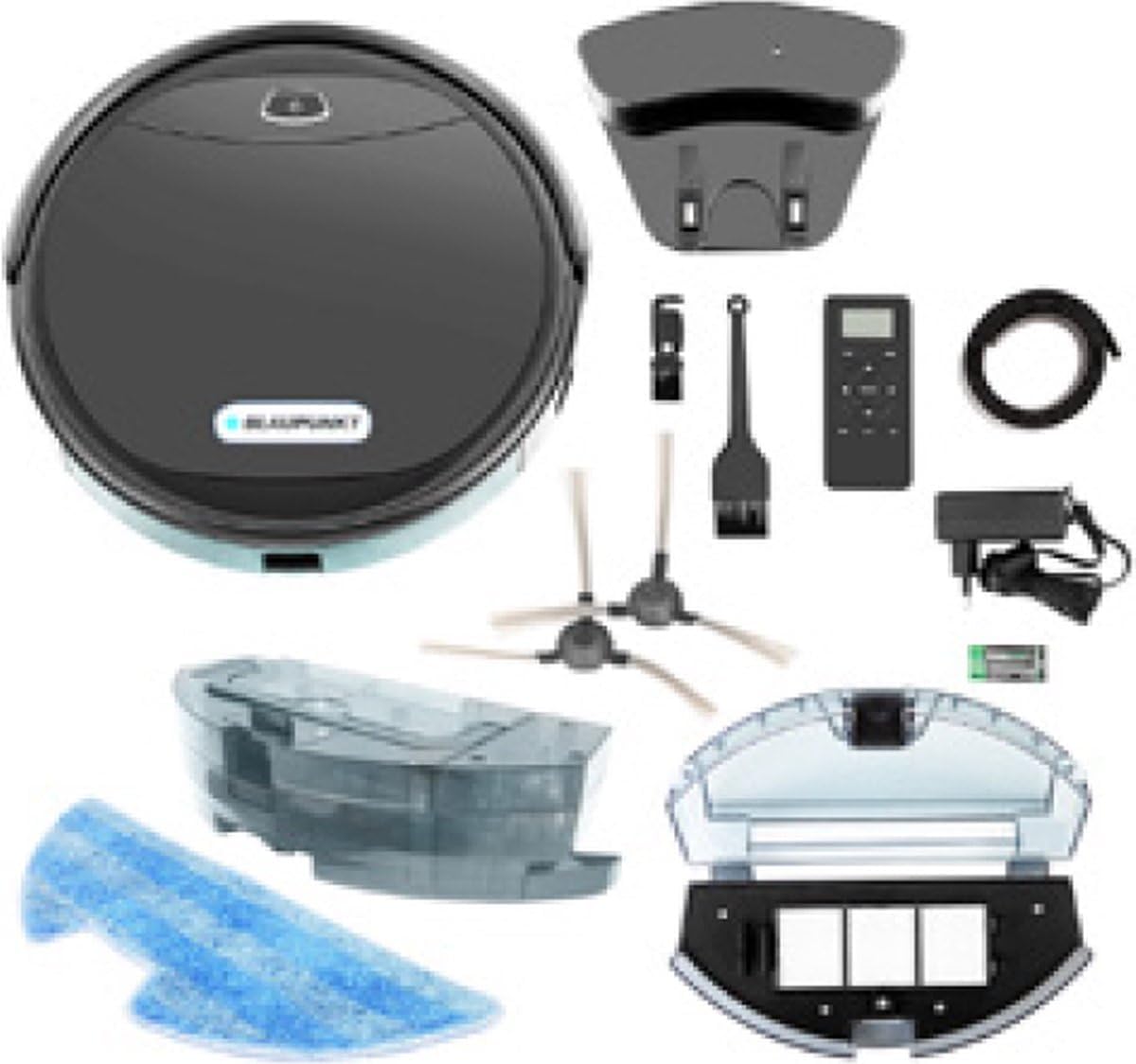
Image 3.1: All components included with the Blaupunkt Bluebot XPOWER BPK-VCBB1XPW+ robot vacuum cleaner, laid out on a white background. These include the robot, charging dock, power adapter, remote control, side brushes, main brush, cleaning tool, mopping cloth, and the 2-in-1 combo tank.
3.2 Key Features
- 3-in-1 Cleaning Technology: Simultaneously vacuums, sweeps, and mops with a damp cloth.
- V-shaped Main Brush: Optimized for effective cleaning of pet hair, carpets, and hard floors.
- 2-in-1 Combo Tank: Allows for simultaneous vacuuming and mopping.
- Rotating Side Brushes: Designed for thorough cleaning of edges and corners.
- HEPA Filter: Captures fine dust particles for improved air quality.
- Magnetic Strip Boundary: Use the included magnet strip to define restricted areas or doorways.
- Long Battery Life: Li-ion battery provides up to 120 minutes (approximately 180 m²) of cleaning time.
- App Control: Manage and schedule cleaning tasks via a dedicated smartphone application (Android compatible).
4. Setup
4.1 Unpacking and Initial Placement
- Carefully remove all components from the packaging.
- Choose a suitable location for the charging dock. Ensure it is placed against a wall, with at least 1 meter of clear space on either side and 2 meters in front, free from obstacles.
- Connect the power adapter to the charging dock and plug it into a wall outlet. Ensure the power indicator on the dock illuminates.
4.2 Initial Charging
Place the robot vacuum cleaner onto the charging dock. Ensure the charging contacts on the robot align with those on the dock. The robot will begin charging automatically. For first-time use, allow the robot to charge completely (approximately 4-5 hours) before its initial cleaning cycle.
4.3 App Download and Connection
- Download the 'Blaupunkt Bluebot' app from your smartphone's app store (compatible with Android devices).
- Open the app and follow the on-screen instructions to create an account and add your device.
- Ensure your robot vacuum cleaner is powered on and your smartphone is connected to a 2.4GHz Wi-Fi network during the pairing process.
4.4 Using the Magnet Strip
The magnet strip can be used to create virtual boundaries that the robot will not cross. Place the strip flat on the floor in areas you wish to restrict, such as doorways or around delicate objects. The robot's sensors will detect the strip and avoid entering the designated area.
5. Operating Instructions
5.1 Starting a Cleaning Cycle
You can start a cleaning cycle using the power button on the robot, the remote control, or the smartphone app.
- On the Robot: Press the power button once to start cleaning. Press again to pause.
- Remote Control: Use the 'Clean' button to start or pause.
- Smartphone App: Open the app, select your device, and tap 'Start Cleaning'.
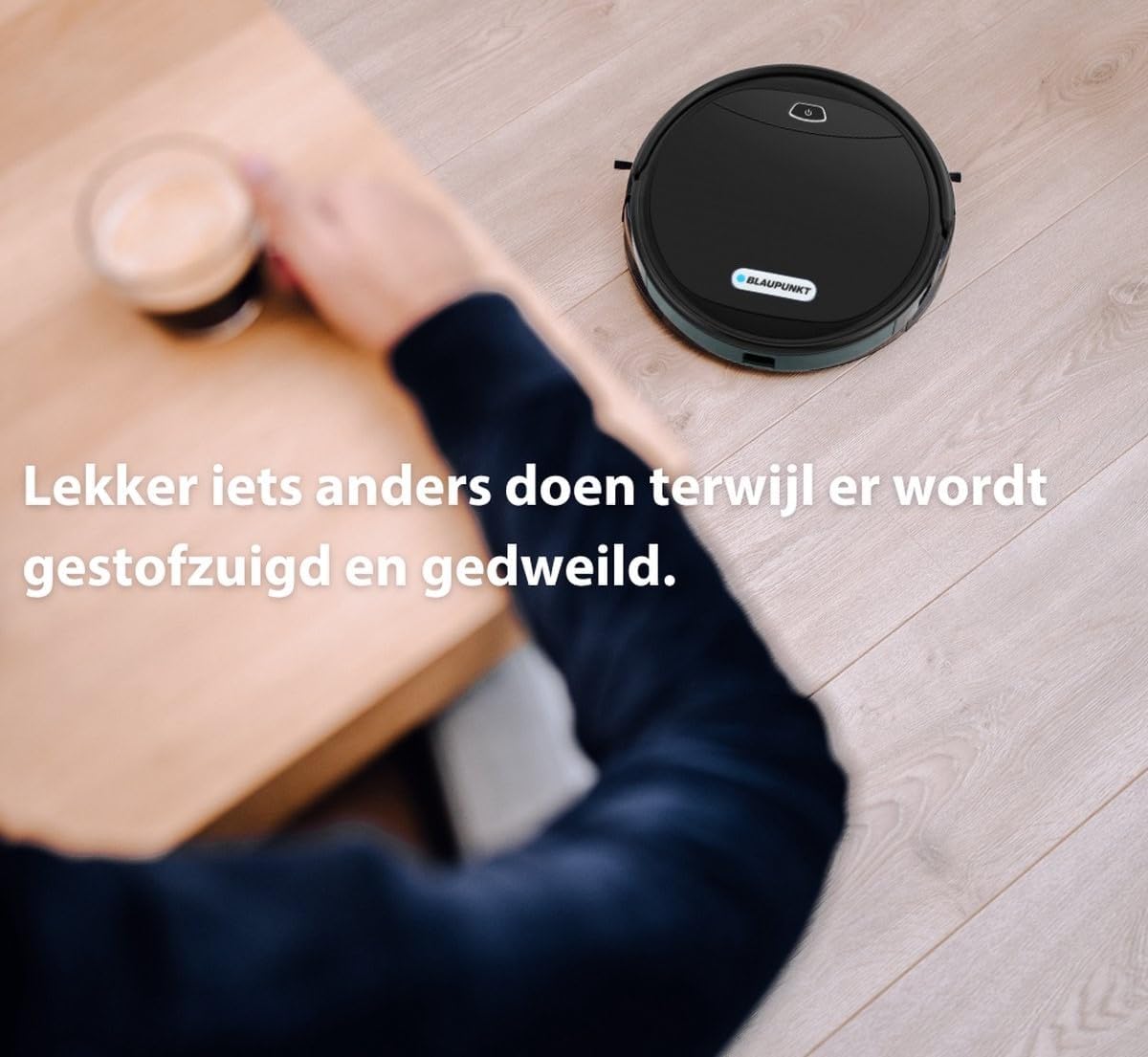
Image 5.1: The robot vacuum cleaner operating on a wooden floor, cleaning under a table while a person is seated nearby. This illustrates the convenience of automated cleaning.
5.2 Cleaning Modes
The Blaupunkt Bluebot XPOWER offers multiple cleaning modes:
- Auto Cleaning: The robot intelligently navigates and cleans your home.
- Spot Cleaning: Focuses on a specific dirty area.
- Edge Cleaning: Cleans along walls and furniture edges.
- Mopping Mode: When the 2-in-1 combo tank is filled with water and the mopping cloth is attached, the robot will mop while vacuuming.
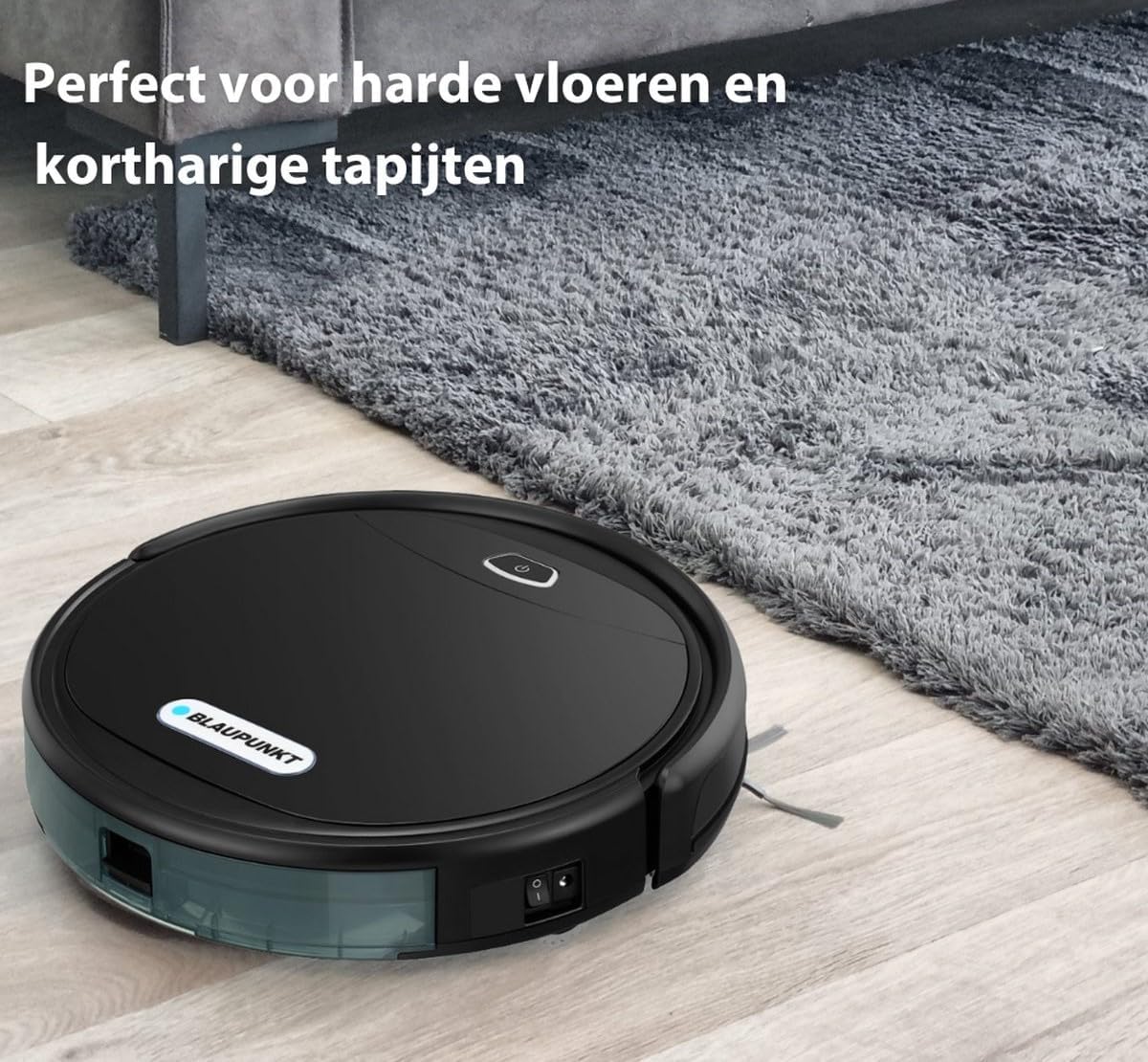
Image 5.2: The robot vacuum cleaner transitioning from a hard floor to a low-pile carpet, demonstrating its versatility across different floor types.
5.3 Scheduling
Use the smartphone app to set cleaning schedules. You can program the robot to clean at specific times and days, ensuring your home is always tidy.
6. Maintenance
Regular maintenance ensures optimal performance and extends the lifespan of your robot vacuum cleaner.
6.1 Cleaning the Dustbin and Filter
- Press the dustbin release button and remove the dustbin.
- Open the dustbin cover and empty its contents into a trash bin.
- Remove the HEPA filter and primary filter. Tap them gently to remove dust. The HEPA filter is not washable; replace it every 3-6 months. The primary filter can be rinsed with water and air-dried completely before reinstallation.
- Wipe the inside of the dustbin with a dry cloth.
- Reassemble the filters and dustbin, then reinsert into the robot.
6.2 Cleaning Brushes
- Main Brush: Remove the main brush cover and lift out the brush. Use the cleaning tool to remove hair and debris tangled around the brush. Reinstall the main brush, ensuring it clicks into place.
- Side Brushes: Periodically check the side brushes for tangled hair or debris. If damaged, replace them. To clean, gently pull them off, remove debris, and push them back on.
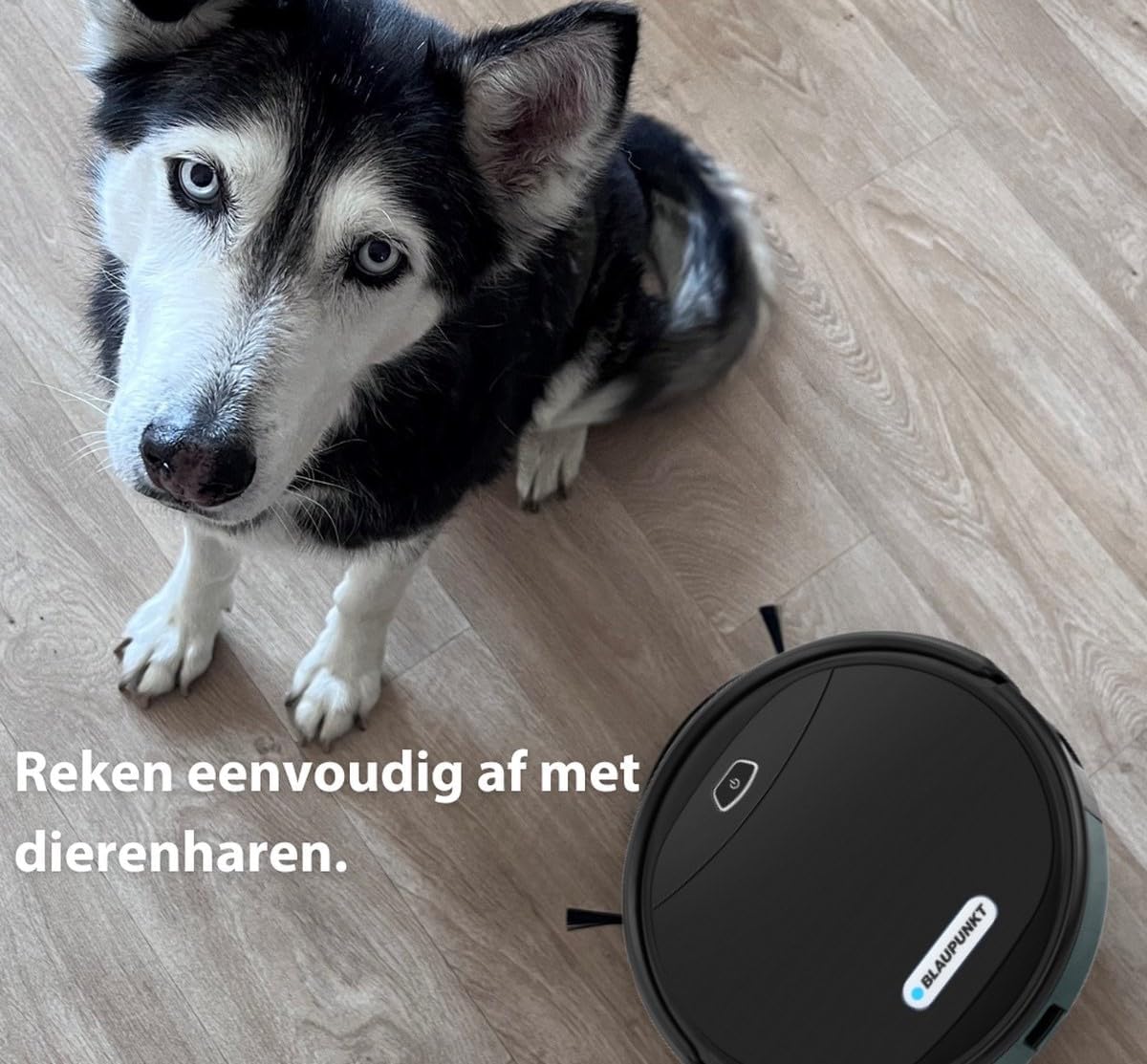
Image 6.1: The robot vacuum cleaner positioned on a wooden floor next to a husky dog, highlighting its capability to manage pet hair effectively.
6.3 Cleaning the Water Tank and Mopping Cloth
- After mopping, remove the 2-in-1 combo tank.
- Empty any remaining water from the tank.
- Detach the mopping cloth. Rinse the mopping cloth thoroughly with water and allow it to air dry.
- Clean the water tank with a damp cloth and allow it to air dry before reinstallation.
6.4 Cleaning Sensors and Charging Contacts
Wipe the cliff sensors, wall sensors, and charging contacts on both the robot and the charging dock with a clean, dry cloth to ensure proper function.
7. Troubleshooting
If you encounter issues with your robot vacuum cleaner, refer to the following common problems and solutions:
| Problem | Possible Cause | Solution |
|---|---|---|
| Robot does not turn on | Low battery; Power switch off | Charge the robot; Ensure power switch is in 'ON' position |
| Robot does not charge | Charging contacts dirty; Dock not powered | Clean charging contacts; Check power connection to dock |
| Poor cleaning performance | Dustbin full; Brushes tangled; Filter clogged | Empty dustbin; Clean main and side brushes; Clean or replace filter |
| Robot gets stuck frequently | Obstacles on floor; Cliff sensors dirty | Clear floor of cables/small items; Clean cliff sensors |
| Robot does not mop effectively | Water tank empty; Mopping cloth dirty/dry | Fill water tank; Clean and moisten mopping cloth |
If the problem persists after attempting these solutions, please contact customer support.
8. Specifications
| Feature | Specification |
|---|---|
| Brand | BLAUPUNKT |
| Model Number | BPK-VCBB1XPW+ |
| Model Name | XPOWER+ app |
| Color | Black |
| Runtime | Up to 120 minutes |
| Battery Type | Lithium-ion |
| Filter Type | HEPA |
| Special Features | Simultaneous vacuuming and mopping, Programmable, Bagless |
| Surface Recommendation | All floor types, hard floors, wooden floors |
| Controller Type | Android (App Control) |
| Compatible Models | Google Home |
9. Warranty and Support
Your Blaupunkt Bluebot XPOWER BPK-VCBB1XPW+ Robot Vacuum Cleaner comes with a manufacturer's warranty. Please refer to the warranty card included in your packaging for specific terms and conditions, including the warranty period and coverage details.
For technical support, service, or warranty claims, please contact Blaupunkt customer service through their official website or the contact information provided in your product documentation. When contacting support, please have your model number (BPK-VCBB1XPW+) and purchase information readily available.


