
BUBLUE Dehumidifier 1 Max
BUBLUE Dehumidifier 1 Max User Manual
Model: Dehumidifier 1 Max | Brand: BUBLUE
Introduction
Thank you for choosing the BUBLUE Dehumidifier 1 Max. This high-capacity, Energy Star certified dehumidifier is designed to efficiently remove excess moisture from basements, homes, and large commercial spaces, improving air quality and comfort. Please read this manual thoroughly before operation to ensure proper use, maintenance, and safety.

Image: Front view of the BUBLUE Dehumidifier 1 Max, showcasing its sleek design and control panel.
Safety Information
- Always plug the unit into a grounded electrical outlet.
- Do not operate the dehumidifier with a damaged power cord or plug.
- Keep the unit away from water sources and flammable materials.
- Ensure proper clearance around the unit for adequate airflow.
- Do not insert objects into the air inlet or outlet.
- Unplug the unit before cleaning or performing any maintenance.
- This appliance is not intended for use by persons (including children) with reduced physical, sensory or mental capabilities, or lack of experience and knowledge, unless they have been given supervision or instruction concerning use of the appliance by a person responsible for their safety.
Product Features and Components
The BUBLUE Dehumidifier 1 Max is equipped with advanced features for optimal performance and user convenience.
- High Capacity: Removes up to 125 pints of moisture per day, suitable for areas up to 8,500 sq. ft.
- Energy Star Certified: Efficient operation to save energy.
- Low Noise Operation: Operates at approximately 50db, designed for quiet performance.
- Dual Drainage Options: Features a 1.72-gallon removable water tank for manual emptying and a continuous drainage outlet for hose connection.
- Moveable Wheels: Integrated wheels for easy portability.
- Control Panel: Intuitive digital display with various function buttons.
- Airflow System: Supercharged airflow for efficient dehumidification.
- Internal Components: Features a turbo-boosted centrifugal fan and commercial-grade motor for powerful moisture absorption.

Image: Side view of the dehumidifier highlighting the drainage outlet, moveable wheels, and water tank cover.

Image: Top-down view illustrating the powerful airflow system, designed for both commercial and household use.
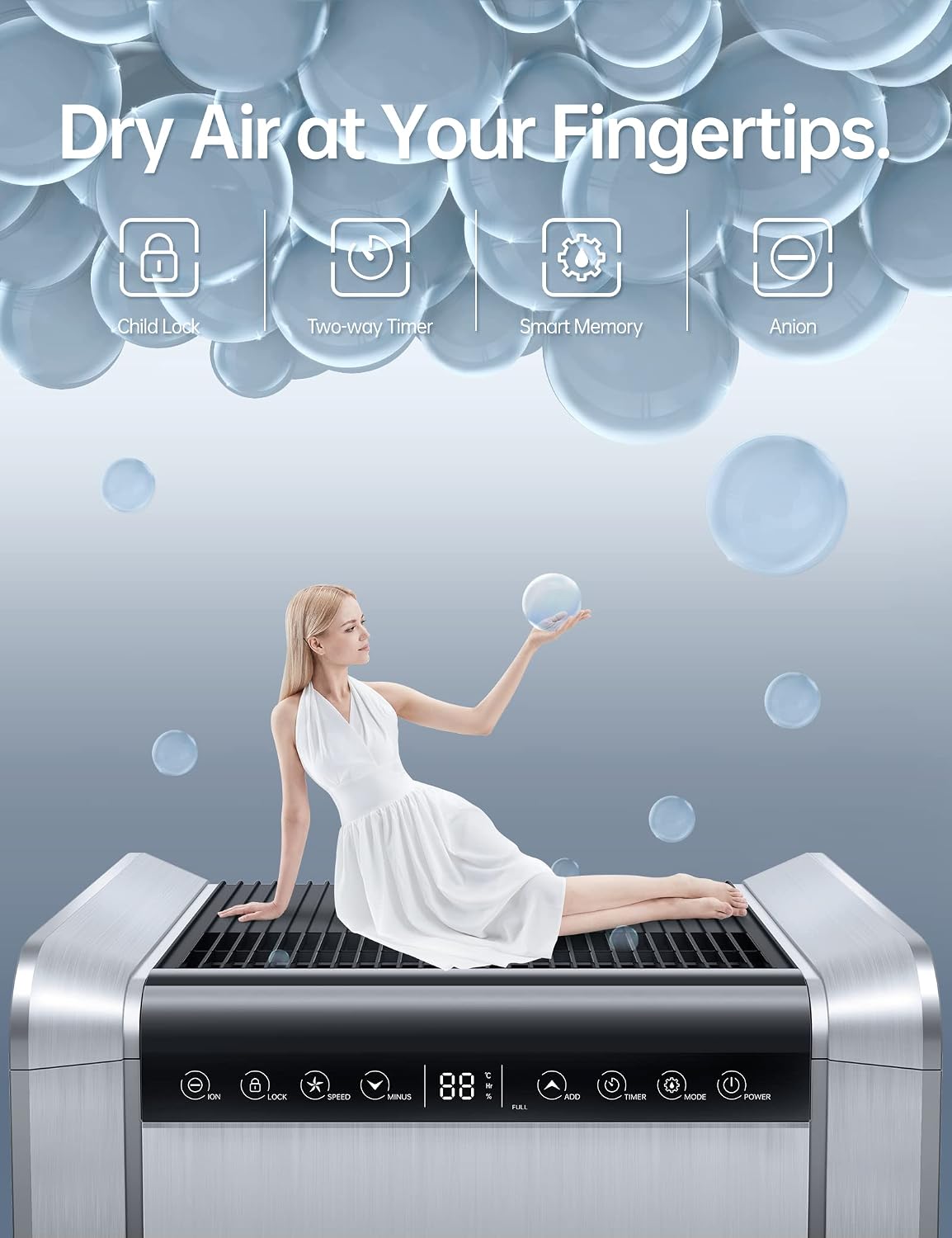
Image: Cutaway view illustrating the internal dehumidification process and components.

Image: Transparent view highlighting the turbo-boosted centrifugal fan and commercial-grade motor.
Setup
- Unpacking: Carefully remove the dehumidifier from its packaging. Retain packaging for future storage or transport.
- Placement: Place the unit on a flat, stable surface. Ensure there is at least 8 inches (20 cm) of space around the unit for proper air circulation. Do not block the air inlet or outlet.
- Power Connection: Plug the power cord into a grounded 120V/60Hz electrical outlet.
- Drainage Setup:
- Manual Drainage (Water Tank): Ensure the water tank is correctly inserted into the unit. The unit will automatically stop operation when the tank is full.
- Continuous Drainage: For continuous operation without emptying the tank, attach a standard garden hose (not included) to the continuous drainage outlet located on the back of the unit. Ensure the hose is sloped downwards to allow gravity drainage to a suitable drain.
Operating Instructions
Control Panel Overview

Image: Close-up of the control panel showing various buttons and the digital display.
- Power Button: Turns the unit ON/OFF.
- Mode Button: Cycles through operation modes:
- Intelligent Mode: Automatically adjusts humidity levels based on ambient conditions.
- Continuous Mode: Runs continuously regardless of humidity level, ideal for very damp environments.
- Sleep Mode: Operates at a lower fan speed for quieter operation, suitable for nighttime use.
- Timer Button: Sets the auto ON/OFF timer (up to 24 hours).
- +/- Buttons: Adjusts desired humidity level or timer settings.
- Speed Button: Adjusts fan speed (e.g., Low, Medium, High).
- Lock Button (Child Lock): Press and hold to lock/unlock the control panel to prevent accidental changes.
- Ion Button (Anion): Activates/deactivates the Anion function for air purification.
- Display: Shows current humidity, set humidity, timer, and error codes.
- Full Indicator: Illuminates when the water tank is full and needs emptying.
Setting Desired Humidity
In Intelligent Mode, use the +/- buttons to set your desired humidity level. The unit will operate until the set humidity is reached, then cycle on and off to maintain it. Recommended humidity levels are typically between 40% and 60%.
Timer Function
Press the Timer button to set the number of hours for the unit to turn ON or OFF automatically. Each press increases the time by one hour, up to 24 hours. The timer will start counting down once set.

Image: Illustration of the three operation modes: Intelligent, Continuous, and Sleep, indicating their respective functions.
Maintenance
Regular maintenance ensures the longevity and efficient operation of your dehumidifier.
Emptying the Water Tank
When the water tank is full, the "Full" indicator will light up, and the unit will stop operating. Carefully pull out the water tank, empty the collected water, and reinsert the tank firmly until it clicks into place. The unit will resume operation.
Cleaning the Air Filter
The air filter should be cleaned every two weeks or more frequently depending on usage and air quality. A dirty filter can reduce efficiency and airflow.
- Turn off and unplug the dehumidifier.
- Locate and remove the air filter (refer to diagram in product manual if available).
- Clean the filter with warm, soapy water. Rinse thoroughly and allow it to air dry completely before reinserting. Do not use a dishwasher.
- Reinsert the dry filter into the unit.
General Cleaning
Wipe the exterior of the unit with a soft, damp cloth. Do not use harsh chemicals, abrasives, or solvents. Ensure no water enters the electrical components.
Troubleshooting
| Problem | Possible Cause | Solution |
|---|---|---|
| Unit does not turn on. | No power; power cord loose; water tank full or not properly inserted. | Check power outlet; ensure cord is firmly plugged in; empty and reinsert water tank correctly. |
| Unit runs but does not dehumidify. | Air filter clogged; room temperature too low; humidity setting too high. | Clean air filter; ensure room temperature is above 5°C (41°F); lower desired humidity setting. |
| Unit is noisy. | Unit not on a level surface; fan obstruction. | Place unit on a flat, stable surface; check for any obstructions in air vents. |
| Water leaks from unit. | Water tank not properly seated; continuous drainage hose loose or clogged. | Reinsert water tank firmly; check continuous drainage hose connection and ensure it's not kinked or blocked. |
Specifications
| Feature | Detail |
|---|---|
| Brand | BUBLUE |
| Model | Dehumidifier 1 Max |
| Dehumidification Capacity | 125 Pints/Day |
| Coverage Area | Up to 8,500 Sq. Ft. |
| Water Tank Capacity | 1.72 Gallons (6.5 Liters) |
| Noise Level | Approximately 50db |
| Product Dimensions | 40.13 x 32.51 x 68.58 cm |
| Item Weight | 23.1 kg |
| Special Features | Portable, Water Level Indicator, Timer, Child Lock, Smart Memory, Anion Function |
| Operation Modes | Intelligent, Continuous, Sleep |
Warranty and Support
For warranty information and technical support, please refer to the warranty card included with your product or contact BUBLUE customer service directly. Please have your model number and purchase date available when contacting support.
Website: www.bublue.com (Note: This is a placeholder URL, please refer to actual product documentation for official contact details.)
Ask a question about this manual
Ask about setup, troubleshooting, compatibility, parts, safety, or missing instructions. Manuals+ will review the question and use this page’s manual context to help answer it.