
1. Introduction
This manual provides essential information for setting up, operating, and maintaining your Bmax Mini PC B4. The Bmax Mini PC B4 is a compact desktop computer powered by an Intel 12th Gen Alder Lake N95 processor, equipped with 16GB DDR4 RAM and a 512GB SSD. It supports 4K 60Hz dual display output and offers various connectivity options for diverse computing needs.

Image 1.1: Front and side view of the Bmax Mini PC B4.
The Intel N95 processor features 4 cores and 4 threads with a burst frequency of up to 3.4GHz, providing efficient performance for daily tasks. The integrated Intel UHD Graphics supports 4K video output, enhancing visual experiences.

Image 1.2: Infographic detailing key features including Intel N95 processor, 16GB DDR4, 512GB SSD, dual 4K HDMI, Wi-Fi 5, Bluetooth 4.2, and Windows 11 Pro.
2. What's in the Box
Verify that all items are present in the package:
- 1 x Mini PC B4 16GB+512GB
- 1 x HDMI Cable
- 1 x US Power Adapter
- 1 x VESA Mount with Screws
- 1 x User Manual

Image 2.1: Contents of the Bmax Mini PC B4 product package.
3. Product Overview
The Bmax Mini PC B4 features a compact design with various ports for connectivity. Familiarize yourself with the port layout:

Image 3.1: Diagram illustrating the various ports and their functions on the Bmax Mini PC B4.
Front Panel Ports:
- 3.5mm Headset Jack: For audio input/output.
- USB 3.0 Ports (x2): For high-speed data transfer.
- Power Button: To turn the device on/off.
- Clear CMOS: Button to reset BIOS settings.
Rear Panel Ports:
- HDMI Ports (x2): For video output, supporting 4K Ultra HD.
- USB 2.0 Ports (x2): For connecting peripherals.
- Ethernet Port (RJ45): Supports 1000Mb LAN for wired network connection.
- DC Power Input Port: For connecting the power adapter.
4. Setup Instructions
Follow these steps to set up your Bmax Mini PC B4:
- Connect to a Display: Use the provided HDMI cable to connect one of the HDMI ports on the Mini PC to your monitor or TV.
- Connect Peripherals: Plug in your keyboard and mouse to the available USB ports.
- Connect to Network: For a wired connection, connect an Ethernet cable to the RJ45 port. For wireless, the device supports 2.4G+5G Wi-Fi.
- Connect Power: Plug the US Power Adapter into the DC power input port on the Mini PC, then plug the adapter into a power outlet.
- Power On: Press the power button on the front panel of the Mini PC. The system will boot up.
The Mini PC can be placed on a desk, mounted behind a monitor using the VESA mount, or wall-mounted to save space.

Image 4.1: Various placement options for the Bmax Mini PC B4, including on a desk, behind a monitor, and portable use.
5. Operating Instructions
Your Bmax Mini PC B4 comes with Windows 11 Pro pre-installed, allowing for immediate use. It also supports dual systems, including Linux (Ubuntu).
Basic Operation:
- First Boot: Upon first power-on, follow the on-screen instructions to complete the Windows 11 setup.
- Connectivity: Built-in Bluetooth 4.2 allows connection to various wireless devices such as keyboards, mice, and printers.
- Daily Use: The Mini PC is suitable for multimedia consumption, office applications, online learning, and web browsing.

Image 5.1: Examples of daily use scenarios for the Bmax Mini PC B4, including personal use with productivity software, video conferencing, and home theater.
Dual Display Setup:
The Mini PC supports connecting two displays simultaneously for enhanced productivity or a home theater experience.
- Connect two monitors to the two HDMI 2.0 ports on the rear panel.
- Once connected, Windows will automatically detect the displays. You can configure display settings (extend, duplicate, or show only on one) via the operating system's display settings.
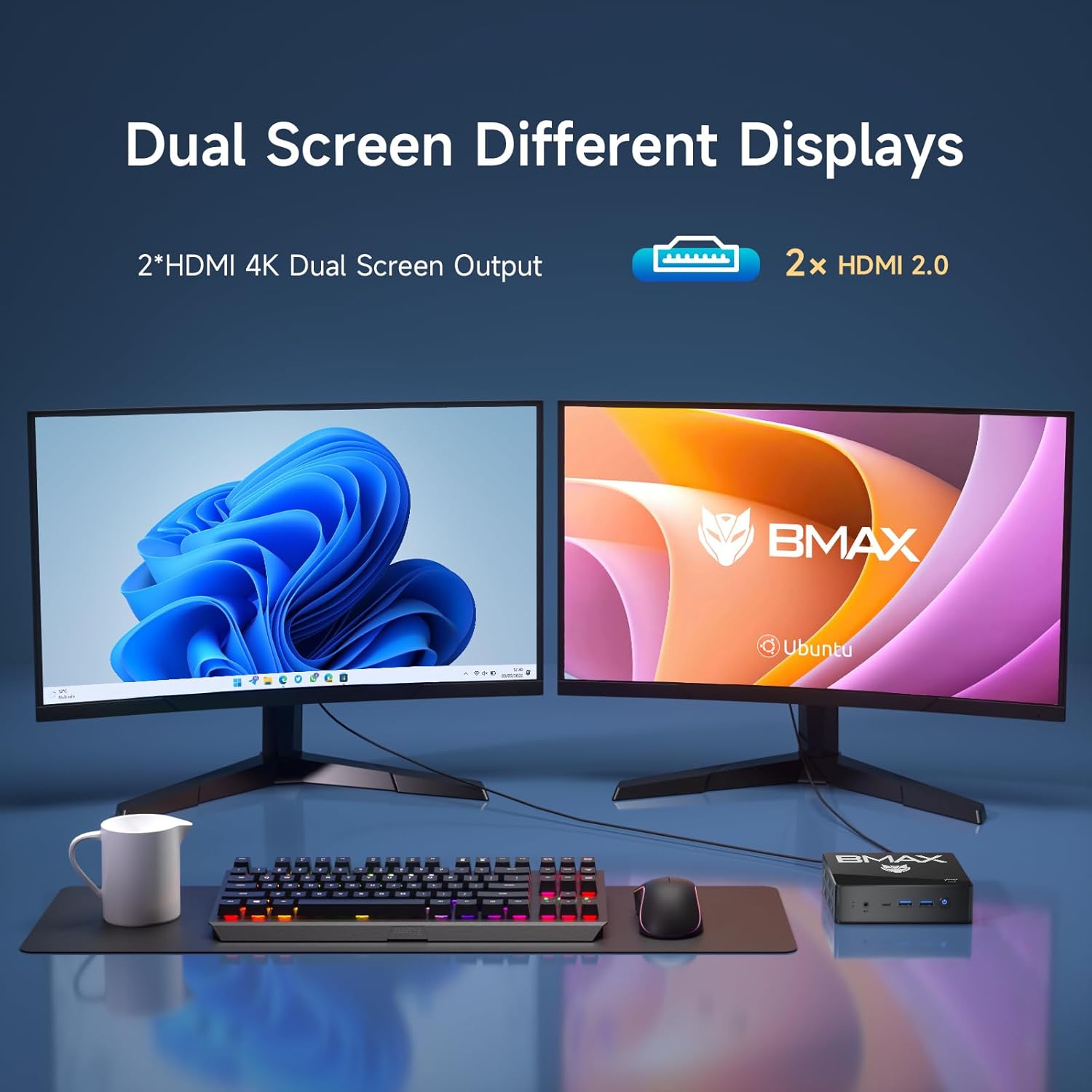
Image 5.2: A Bmax Mini PC B4 connected to two monitors, demonstrating dual-screen capabilities with different operating systems (Windows and Ubuntu).
6. Storage and Memory Expansion
The Bmax Mini PC B4 comes with 16GB DDR4 RAM and a 512GB SSD. You can expand the storage capacity if needed.
Storage Expansion:
The internal 512GB SSD can be replaced with a larger SSD, up to 2TB. Additionally, you can add a 2TB M.2 SATA 2280 SSD (not included) to further expand storage.

Image 6.1: Internal view showing the M.2 SATA SSD slot and DDR4 SO-DIMM slot, indicating expandability.
Memory Expansion:
The device supports up to 32GB DDR4 memory. Consult a qualified technician for memory upgrades to ensure compatibility and proper installation.
7. Maintenance
Cooling System:
The Mini PC is equipped with an ultra-quiet fan and heat sink designed to provide efficient cooling for the CPU processor. Ensure proper ventilation around the device to maintain optimal operating temperatures.

Image 7.1: Diagram illustrating the CPU silent fan and heat sink, with typical temperature ranges for various applications.
One-key Smart Recovery:
In case of system malfunction during an upgrade or other issues, the device features a one-key smart recovery option. Press F9 during boot-up to access the recovery menu and restore the system to its production state. This process can resolve many software-related issues.
8. Troubleshooting
If you encounter issues with your Bmax Mini PC B4, consider the following common troubleshooting steps:
- No Power: Ensure the power adapter is securely connected to both the Mini PC and a working power outlet. Try a different outlet if necessary.
- No Display: Verify that the HDMI cable is correctly connected to both the Mini PC and the monitor. Ensure the monitor is set to the correct input source.
- No Internet Connection: For wired connections, check the Ethernet cable and router status. For Wi-Fi, ensure the Wi-Fi adapter is enabled and connected to the correct network.
- Slow Performance: Close unnecessary applications. Check for background processes consuming resources. Consider running system diagnostics or using the one-key smart recovery if software issues are suspected.
- Peripheral Not Detected: Ensure USB devices are properly plugged in. Try a different USB port.
For persistent issues, refer to the Warranty and Support section for contact information.
9. Specifications
| Feature | Specification |
|---|---|
| Processor | Intel Alder Lake-N95 (4 Cores, 4 Threads, up to 3.4GHz) |
| Graphics | Intel UHD Graphics (up to 750MHz) |
| RAM | 16GB DDR4 SO-DIMM |
| Storage | 512GB SSD (Expandable up to 2TB SSD, additional M.2 SATA 2280 slot) |
| Operating System | Windows 11 Pro (Pre-installed), Supports Ubuntu |
| Video Output | 2x HDMI 2.0 (4K@60Hz Dual Display) |
| USB Ports | 2x USB 3.0, 2x USB 2.0 |
| Network | Wi-Fi 2.4G+5G, 1x Gigabit Ethernet (RJ45) |
| Bluetooth | Bluetooth 4.2 |
| Audio | 1x 3.5mm Earphone/Microphone Jack |
| Special Features | VESA Mount Support, Wake On LAN, PXE Boot, RTC Wake, Auto Power On, One-key Smart Recovery |
| Dimensions | Approximately 4.92 x 4.4 x 1.73 inches |
| Weight | Approximately 1.41 pounds (640g) |
10. Warranty and Support
Bmax provides comprehensive support for your Mini PC B4:
- Warranty: 12-month warranty for quality defects.
- Returns: 30-day free return policy.
- Customer Service: 7x24-hour customer service support.
- Technical Support: Lifetime technical support.
For inquiries, system updates, or troubleshooting assistance, please contact Bmax customer service. You can typically reach support by logging into your Amazon account, navigating to 'Your Account' -> 'Your Orders', and selecting 'Ask Product Question' for your Bmax Mini PC B4 order.

Image 10.1: Information on Bmax after-sales support, including contact methods and warranty details.


