
1. Product Overview
The DBSOARS VOCBOOM Bluetooth Speaker is designed to deliver powerful, stereo sound with deep bass, making it ideal for various indoor and outdoor activities. Its robust, IPX7 waterproof design ensures durability and performance even in challenging environments. Key features include True Wireless Stereo (TWS) pairing for an enhanced audio experience and a built-in power bank for charging your devices on the go.
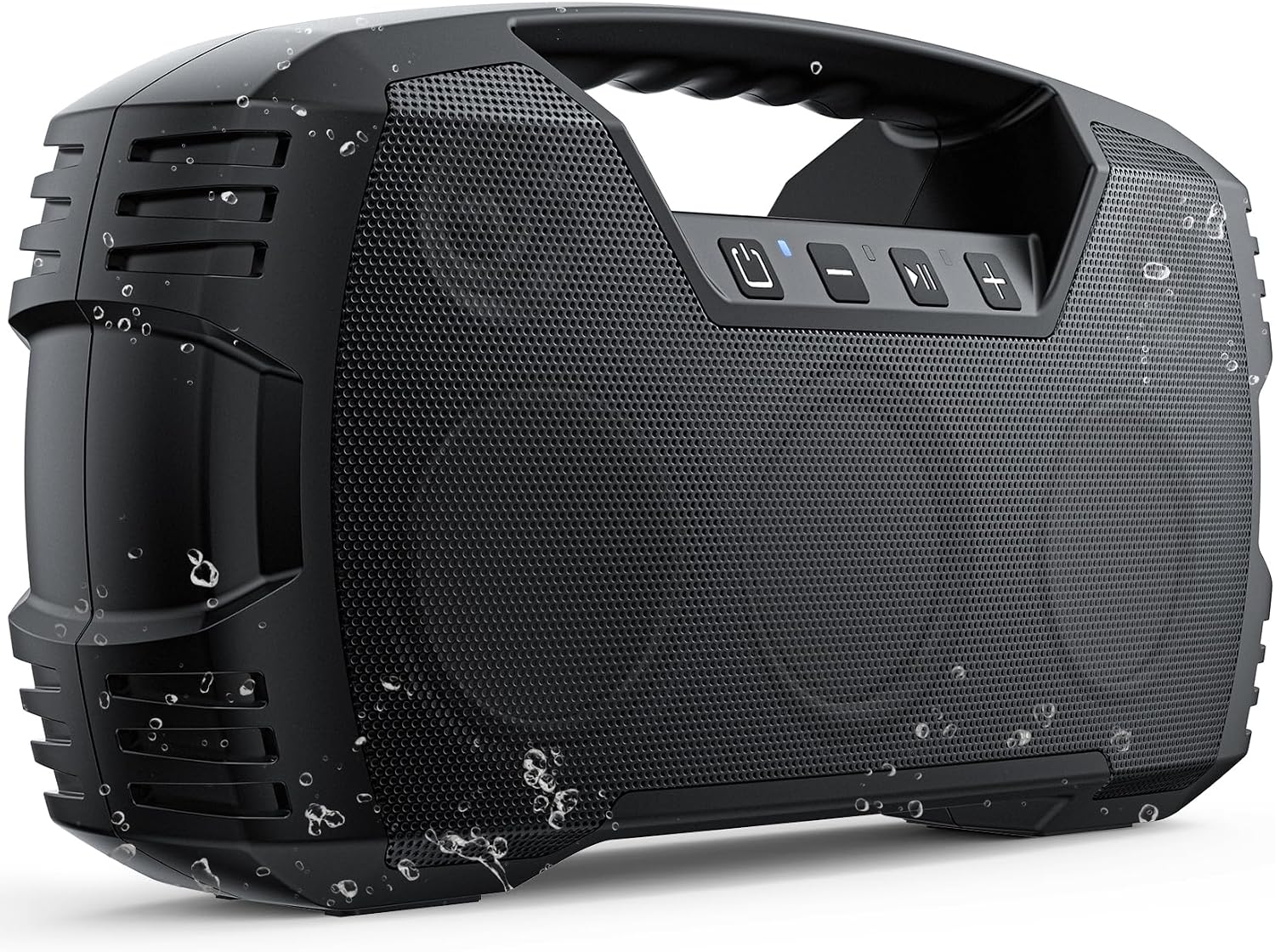
Figure 1: DBSOARS VOCBOOM Bluetooth Speaker. This image displays the speaker's overall design, highlighting its rugged exterior and water-resistant properties with visible water droplets.
2. Safety Information
Please read and understand all safety instructions before using this product. Failure to follow these instructions may result in electric shock, fire, or serious injury.
- Do not expose the speaker to extreme temperatures (above 45°C or below -10°C).
- Do not disassemble, repair, or modify the speaker. This will void the warranty.
- Ensure the charging port cover is securely closed when the speaker is exposed to water to maintain its IPX7 rating.
- Keep the speaker away from children and pets.
- Use only the provided charging cable or a certified equivalent.
- Dispose of the speaker and its battery responsibly according to local regulations.
3. Package Contents
Verify that all items are present in your package:
- DBSOARS VOCBOOM Bluetooth Speaker
- USB-C Charging Cable
- User Manual (this document)
4. Product Diagram and Controls
Familiarize yourself with the speaker's layout and controls:

Figure 2: Top Control Panel. This image illustrates the speaker's control buttons, including power, volume, play/pause, and Bluetooth pairing.
- Power Button: Press and hold to power on/off. Short press to check battery status.
- Volume Down (-): Short press to decrease volume. Long press for previous track.
- Play/Pause Button: Short press to play/pause audio. Press to answer/end calls. Long press to reject calls.
- Volume Up (+): Short press to increase volume. Long press for next track.
- Bluetooth Button: Short press to enter pairing mode. Long press to disconnect current device.
- USB-A Port: For charging external devices (power bank function).
- USB-C Charging Port: For charging the speaker.
- AUX-in Port: For wired audio connection.
5. Setup
5.1 Charging the Speaker
Before first use, fully charge the speaker. Connect the provided USB-C cable to the speaker's charging port and the other end to a USB power adapter (not included). The LED indicator will show charging status. A full charge typically takes several hours, providing up to 32 hours of playtime depending on volume and audio content.
5.2 Powering On/Off
- To Power On: Press and hold the Power button for 2-3 seconds until you hear an audible prompt and the LED indicator lights up.
- To Power Off: Press and hold the Power button for 2-3 seconds until you hear an audible prompt and the LED indicator turns off.
6. Operating Instructions
6.1 Bluetooth Pairing
- Ensure the speaker is powered on and in Bluetooth pairing mode (LED indicator will flash).
- On your device (smartphone, tablet, laptop), enable Bluetooth.
- Search for "DBSOARS VOCBOOM" in the list of available devices.
- Select "DBSOARS VOCBOOM" to connect. Once connected, you will hear a confirmation sound, and the LED indicator will turn solid blue.
6.2 True Wireless Stereo (TWS) Pairing
TWS allows you to pair two DBSOARS VOCBOOM speakers for a true stereo sound experience.
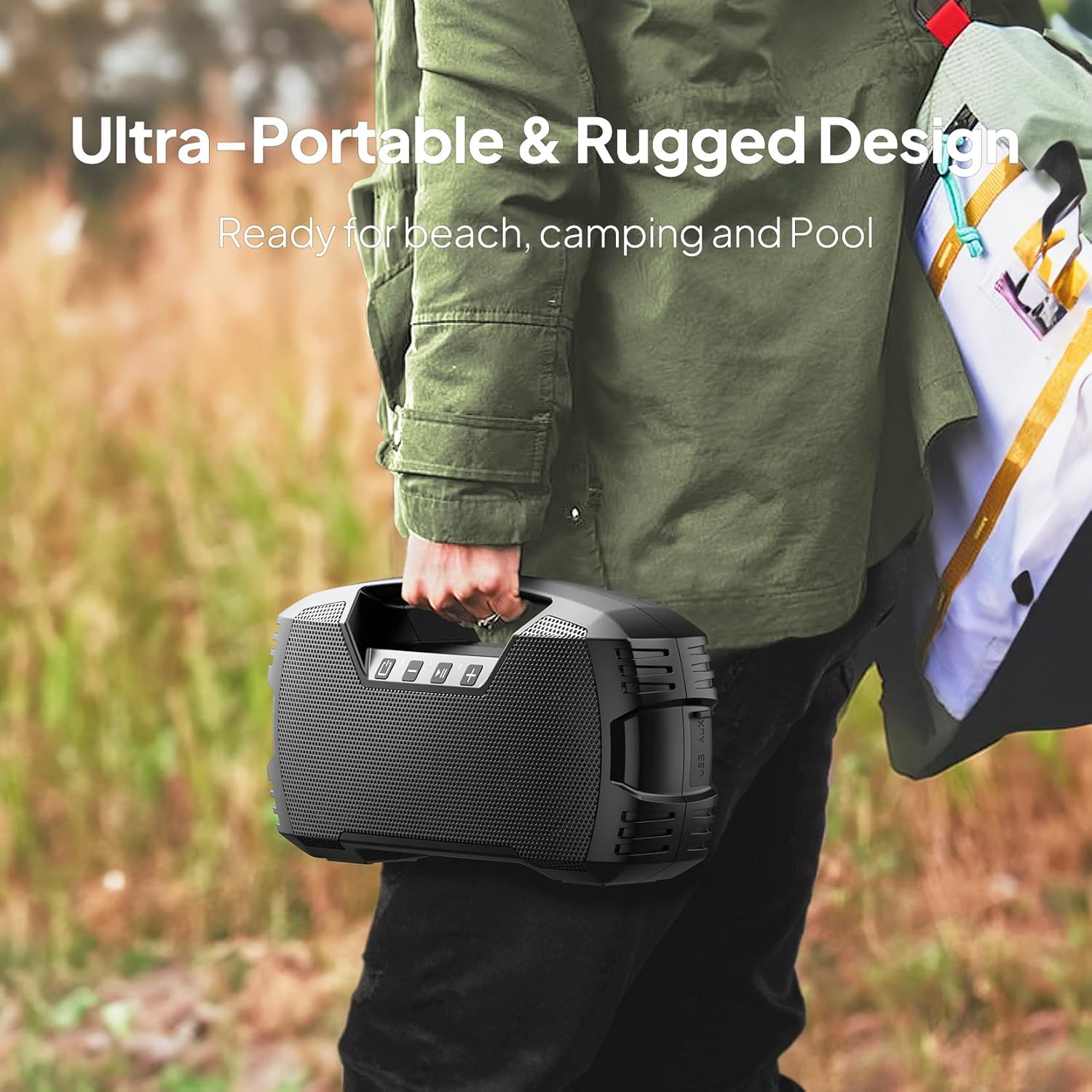
Figure 3: TWS Pairing. This image shows two speakers wirelessly connected, providing a wider soundstage for outdoor enjoyment.
- Ensure both speakers are powered on and not connected to any Bluetooth device.
- On one speaker (this will be the primary speaker), short press the Bluetooth button twice. The speaker will enter TWS pairing mode.
- The two speakers will automatically connect to each other. You will hear a confirmation sound once TWS pairing is successful.
- Now, connect your device to the primary speaker via Bluetooth as described in section 6.1. Both speakers will play audio in stereo.
6.3 Audio Playback
- Play/Pause: Short press the Play/Pause button.
- Volume Control: Short press the '+' button to increase volume, '-' button to decrease volume.
- Next Track: Long press the '+' button.
- Previous Track: Long press the '-' button.
6.4 Hands-Free Calling
The speaker features a built-in microphone for hands-free calls when connected via Bluetooth.
- Answer Call: Short press the Play/Pause button.
- End Call: Short press the Play/Pause button during a call.
- Reject Call: Long press the Play/Pause button.
6.5 Power Bank Functionality
The DBSOARS VOCBOOM speaker can act as a power bank to charge your other devices.

Figure 4: Power Bank Feature. This image shows the speaker providing power to a smartphone, illustrating its utility as a portable charging solution.
- Connect your device's charging cable to the USB-A output port on the speaker.
- The speaker will automatically begin charging your device.
7. Maintenance
Proper care will ensure the longevity and performance of your speaker.
- Cleaning: Wipe the speaker with a soft, damp cloth. Do not use harsh chemicals or abrasive cleaners.
- Water Exposure: After exposure to water, ensure the charging port cover is dry and securely closed before charging or using the ports. Allow the speaker to air dry completely.
- Storage: Store the speaker in a cool, dry place away from direct sunlight and extreme temperatures.
8. Troubleshooting
| Problem | Possible Cause | Solution |
|---|---|---|
| Speaker does not power on. | Low battery. | Charge the speaker fully. |
| Cannot pair via Bluetooth. | Speaker is already connected to another device or not in pairing mode. | Ensure the speaker is in pairing mode (flashing LED). Disconnect from other devices. Turn Bluetooth off and on on your device. |
| No sound. | Volume too low; device not connected; incorrect input source. | Increase speaker and device volume. Re-pair Bluetooth. Check AUX cable connection if applicable. |
| TWS pairing fails. | Speakers are too far apart or already connected to a device. | Ensure both speakers are disconnected from other devices. Place them close together and retry TWS pairing. |
9. Specifications

Figure 5: Product Dimensions. This image provides a visual representation of the speaker's size for reference.
- Brand: DBSOARS
- Model: VOCBOOM
- Connectivity: Bluetooth 5.0
- Audio Output: 40 Watts (Stereo Sound)
- Playtime: Up to 32 Hours (varies with volume and content)
- Waterproof Rating: IPX7
- Material: Metal
- Control Type: Button, Touch
- Item Weight: Approximately 4.66 pounds (2.12 kg)
- Product Dimensions: 3.7 x 14 x 7 inches
- Special Features: Portable, TWS Pairing, Built-in Power Bank, Deep Bass

Figure 6: Audio Components. This image provides a visual of the speaker's internal drivers, emphasizing its sound engineering.

Figure 7: Waterproof Demonstration. This image visually confirms the speaker's IPX7 waterproof and floating capabilities.
10. Warranty and Support
The DBSOARS VOCBOOM Bluetooth Speaker comes with a 1-year limited warranty from the date of purchase, covering defects in materials and workmanship under normal use. This warranty does not cover damage caused by misuse, accidents, unauthorized modifications, or natural disasters.
For warranty claims, technical support, or any inquiries, please contact DBSOARS customer service through the retailer where you purchased the product or visit our official website (contact details not provided in product data).