
K&F Concept K&F Concept 3G/4G LTE Cellular Security Camera (B0C9DDXZPY)
K&F Concept 3G/4G LTE Cellular Security Camera User Manual
Model: K&F Concept 3G/4G LTE Cellular Security Camera (B0C9DDXZPY)
1. Product Overview
The K&F Concept 3G/4G LTE Cellular Security Camera is a versatile, wire-free surveillance solution designed for locations without traditional Wi-Fi access. It operates on 3G/4G LTE networks, providing continuous monitoring with its built-in solar panel and high-capacity battery. Key features include 2K live video, 360° Pan-Tilt-Zoom (PTZ) capabilities, color night vision, two-way audio, and advanced motion detection with siren alerts.

Figure 1.1: K&F Concept 3G/4G LTE Cellular Security Camera with included solar panel and a smartphone displaying live footage.
2. Package Contents
Please verify that all items are present and in good condition upon opening the package:
- 1 x 4G LTE Security Camera
- 1 x Solar Panel
- Necessary mounting hardware (screws, wall anchors)
- User Manual (this document)
- SIM Card (pre-installed or included separately)
- SD Card (may be included depending on package variant)
3. Setup Guide
3.1. SIM Card and SD Card Installation
The camera requires a 3G/4G LTE SIM card for cellular connectivity and an SD card (up to 128GB) for local video storage. A SIM card is typically included, and traffic can be purchased. Ensure the camera is powered off before inserting or removing cards.
- Locate the SIM/SD card slot on the camera body. This is usually protected by a rubber plug or cover to ensure waterproofing.
- Carefully open the cover.
- Insert the 4G LTE SIM card into the designated slot with the gold contacts facing down, ensuring it clicks into place.
- Insert the Micro SD card into its slot until it clicks.
- Securely close the rubber plug/cover to maintain the IP66 waterproof rating.

Figure 3.1: Inserting the SIM and Micro SD cards into the camera's protected slots.
3.2. Mounting the Camera and Solar Panel
Choose a location that provides optimal cellular signal strength and direct sunlight exposure for the solar panel. The camera is IP66 waterproof, suitable for outdoor use.
- Select Location: Identify a mounting spot that offers a clear view of the area you wish to monitor and allows the solar panel to receive at least 4-6 hours of direct sunlight daily.
- Mark Drilling Points: Use the mounting bracket as a template to mark the screw holes on the wall or surface.
- Drill Holes: Drill pilot holes at the marked points. Insert wall anchors if mounting on masonry or drywall.
- Attach Bracket: Secure the camera's mounting bracket to the surface using the provided screws.
- Attach Camera: Mount the camera onto the secured bracket. Adjust the angle for optimal coverage.
- Attach Solar Panel: Mount the solar panel in a location that maximizes sun exposure, then connect its cable to the camera's charging port.
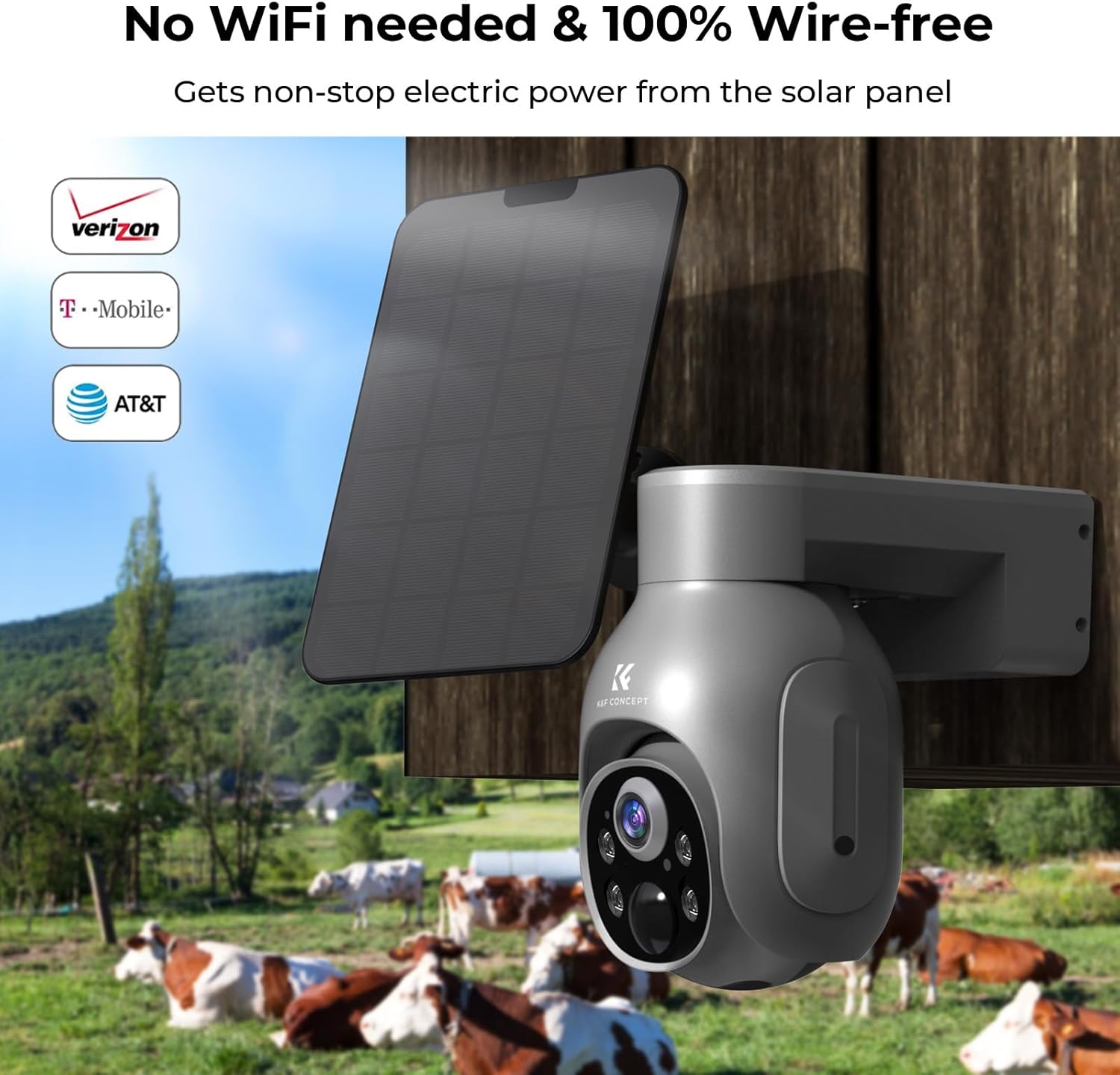
Figure 3.2: The camera and solar panel mounted for continuous power and wire-free operation.
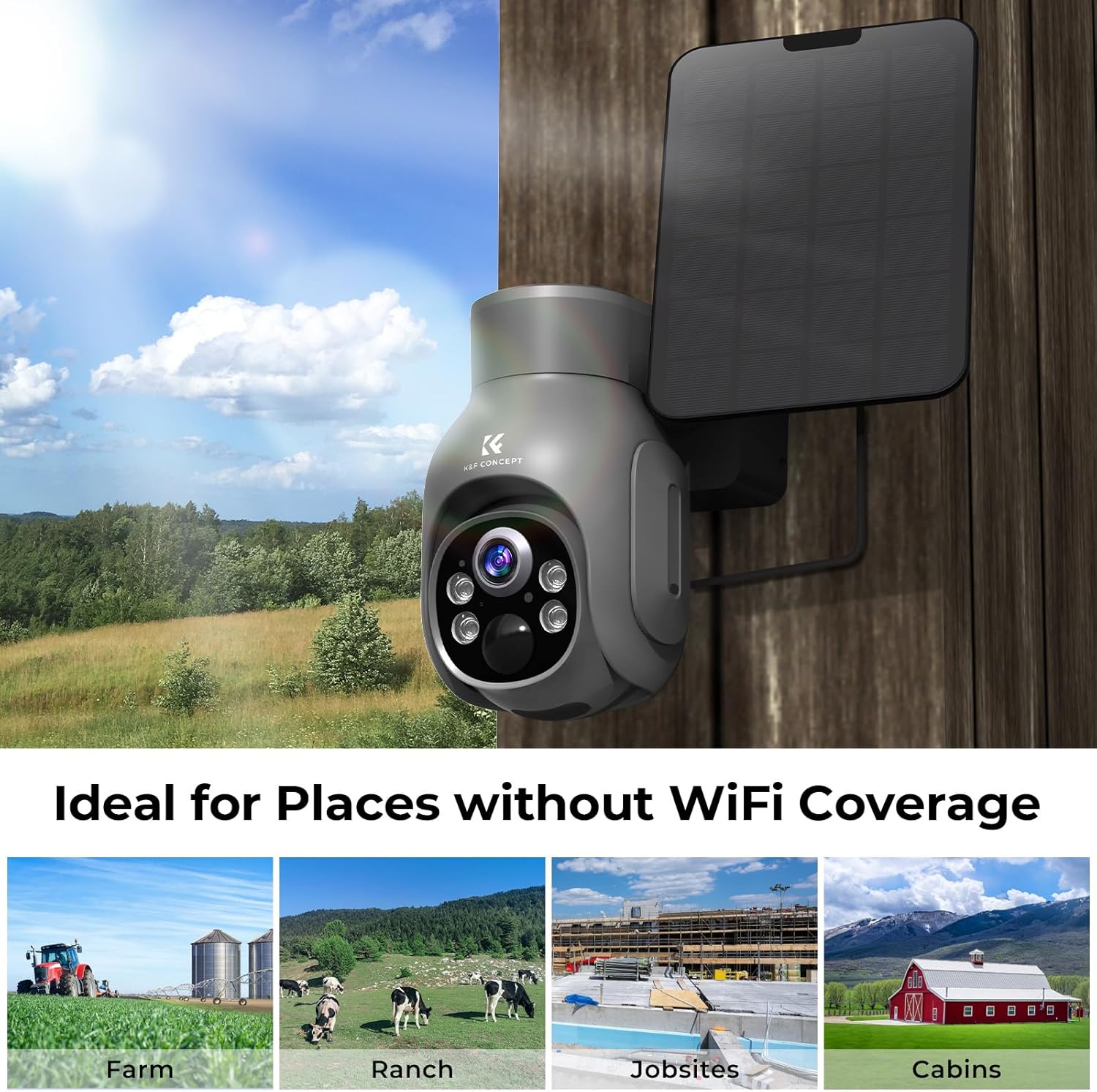
Figure 3.3: The camera is ideal for remote locations without Wi-Fi coverage.
3.3. App Download and Initial Configuration
To control and view your camera, download the official K&F Concept app on your iOS device.
- Download App: Search for "K&F Concept" in the Apple App Store and download the official application.
- Create Account: Open the app and follow the on-screen instructions to create a new user account or log in if you already have one.
- Add Device: Tap the "+" icon or "Add Device" option within the app. Select your camera model or scan the QR code on the camera/packaging if prompted.
- Follow Prompts: The app will guide you through connecting the camera to your account. Ensure your phone has a stable internet connection during this process.
- Initial Charge: For first-time use, it is recommended to fully charge the camera's internal battery using a USB charger before relying solely on solar power.
4. Operating the Camera
4.1. Live View and PTZ Control
Access the live feed from your camera anytime, anywhere via the K&F Concept app. The camera supports Pan-Tilt-Zoom (PTZ) functionality for comprehensive coverage.
- Access Live View: Open the K&F Concept app and select your camera from the device list to view the live feed.
- Pan & Tilt: Use the directional controls within the app's live view interface to remotely rotate the camera horizontally (355° pan) and vertically (100° tilt) to monitor different areas.
- Digital Zoom: Pinch-to-zoom on the live feed to digitally zoom in on details.

Figure 4.1: Remote Pan-Tilt control provides full coverage of the monitored area.
4.2. Motion Detection and Alerts
The camera features Passive Infrared (PIR) motion detection to identify human and animal movement, triggering alerts and actions.
- Instant Alerts: When motion is detected, the camera sends push notifications to your smartphone.
- Sound and Light Defense: You can configure the camera to activate a customizable siren (e.g., dog barking) and bright lights to deter intruders upon motion detection.
- Recording: Motion events are automatically recorded and stored on the SD card or cloud service.
- Sensitivity Adjustment: Adjust the PIR motion detection sensitivity in the app settings to minimize false alarms.

Figure 4.2: The camera provides instant alerts and can activate sound and light defenses upon motion detection.
4.3. Night Vision Capabilities
The camera provides clear surveillance even in low-light or no-light conditions.
- 2K Resolution: Captures high-definition video and images day and night.
- Color Night Vision: Equipped with 4 IR LEDs and white LEDs, the camera can present full-color night vision up to 20 meters.
- Infrared Night Vision: In extremely dark conditions, the camera automatically switches to infrared mode for clear black-and-white footage.

Figure 4.3: Day and 2K Color Night Vision comparison.
4.4. Two-Way Audio
Communicate directly with individuals near the camera using the built-in microphone and speaker.
- Speak: Tap the microphone icon in the live view to speak through the camera.
- Listen: The camera's microphone picks up audio from the monitored area, allowing you to listen in real-time.
4.5. Storage Options
Your camera offers flexible storage solutions for recorded footage.
- Micro SD Card: Supports up to 128GB Micro SD cards for local storage. Recordings are saved directly to the card.
- Cloud Storage: A cloud service option is available, including 30 days of free cloud storage. This provides off-site backup for your recordings.
5. Maintenance
Regular maintenance ensures optimal performance and longevity of your security camera.
- Cleaning: Periodically wipe the camera lens and solar panel with a soft, damp cloth to remove dust, dirt, or debris. Avoid abrasive cleaners.
- Solar Panel Efficiency: Ensure the solar panel remains free from obstructions (e.g., leaves, snow) that could block sunlight and reduce charging efficiency.
- Firmware Updates: Check the K&F Concept app regularly for available firmware updates. Keeping the camera's firmware updated ensures the latest features and security patches.
- Battery Health: While solar-powered, extreme weather conditions or prolonged periods without sunlight may affect battery levels. Monitor battery status via the app and consider temporary manual charging if needed.
6. Troubleshooting
This section addresses common issues you might encounter and provides solutions.
| Problem | Possible Cause | Solution |
|---|---|---|
| Camera not connecting to 4G network. | No cellular signal; incorrect SIM card insertion; SIM card not activated; data plan issues. |
|
| Battery not charging or draining quickly. | Insufficient sunlight for solar panel; dirty solar panel; excessive motion events; low temperature. |
|
| Motion alerts are too frequent or not triggering. | PIR sensitivity set too high/low; environmental factors (e.g., swaying branches, strong winds). |
|
| No video recording to SD card. | SD card full; SD card not inserted correctly; faulty SD card; recording settings. |
|
7. Specifications
Detailed technical specifications for the K&F Concept 3G/4G LTE Cellular Security Camera.
| Feature | Specification |
|---|---|
| Model | K&F Concept 3G/4G LTE Cellular Security Camera (B0C9DDXZPY) |
| Video Capture Resolution | 2K |
| Connectivity Protocol | 4G |
| Power Source | Solar Powered (9600mAh battery, 4W solar panel) |
| Field of View | 360 Degrees (355° Pan, 100° Tilt) |
| Night Vision | Color Night Vision (4 IR LEDs/white LEDs, 20m range) |
| Waterproof Rating | IP66 |
| Storage | Micro SD Card (up to 128GB), Cloud Storage |
| Audio | Two-Way Talk |
| Motion Detection | PIR (Passive Infrared) with customizable siren and light defense |
| Compatible Devices | iOS |
| Operating Temperature | -4°F to 131°F (-20°C to 55°C) |
| Dimensions | 8.74 x 6.46 x 5.2 inches |
| Item Weight | 2.27 pounds |
8. Warranty and Support
For detailed warranty information, please refer to the warranty card included with your product or visit the official K&F Concept website. K&F Concept is committed to providing high-quality products and customer satisfaction.
If you encounter any issues or have questions regarding your K&F Concept 3G/4G LTE Cellular Security Camera, please contact K&F Concept customer support through their official website or the contact information provided in your product packaging. Please have your model number (B0C9DDXZPY) and purchase details ready when contacting support.
You can visit the K&F Concept store on Amazon for more information: K&F Concept Store
Ask a question about this manual
Ask about setup, troubleshooting, compatibility, parts, safety, or missing instructions. Manuals+ will review the question and use this page’s manual context to help answer it.