
1. Introduction
This manual provides essential information for the safe and efficient operation of your FF Flashfish E200+TSP60 Portable Power Station and 60W Solar Panel. This solar generator bundle is designed to provide reliable power for various applications, including home backup, RV use, and outdoor activities like camping. Please read this manual thoroughly before use and retain it for future reference.
2. Product Overview
The FF Flashfish E200+TSP60 bundle includes a 200W/151Wh (40800mAh) Portable Power Station and a 60W Foldable Solar Panel. It offers multiple output options and recharging methods to keep your devices powered.
Key Features:
- Power Station Outputs: 2 x 110V AC (200W), 2 x DC (120W), 2 x QC 3.0 USB, 1 x USB (2.4A auto).
- Solar Panel Outputs: 1 x 18V DC, 1 x USB-C (45W), 1 x USB-A (18W).
- Recharging Options: AC adapter, car charger, or 60W solar panel.
- High Solar Conversion Efficiency: 21.5-23.5%.
- Safety Features: Built-in smart IC chip for intelligent device identification, optimized charging speed, and protection against overcharging and overloading.
- Portability: Lightweight design for easy transport.
Product Components:

Figure 1: FF Flashfish E200 Portable Power Station and 60W Solar Panel.
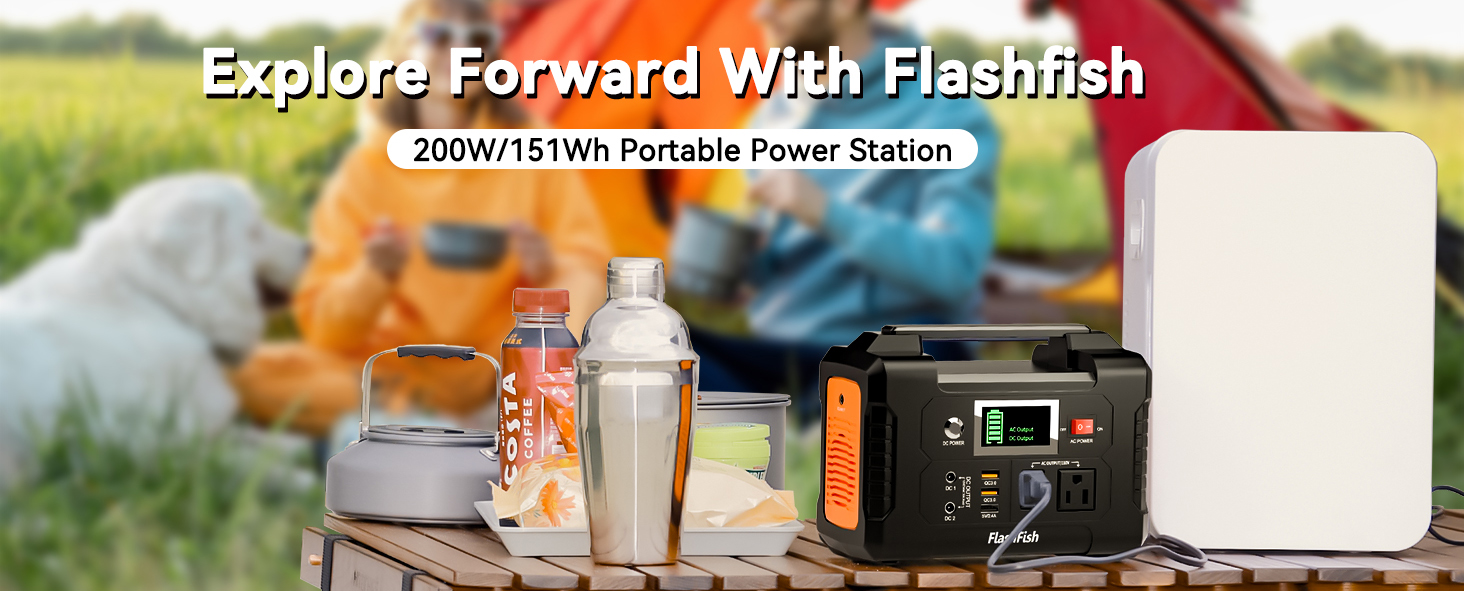
Figure 2: Illustration of the 200W AC output and estimated charging times for various devices.
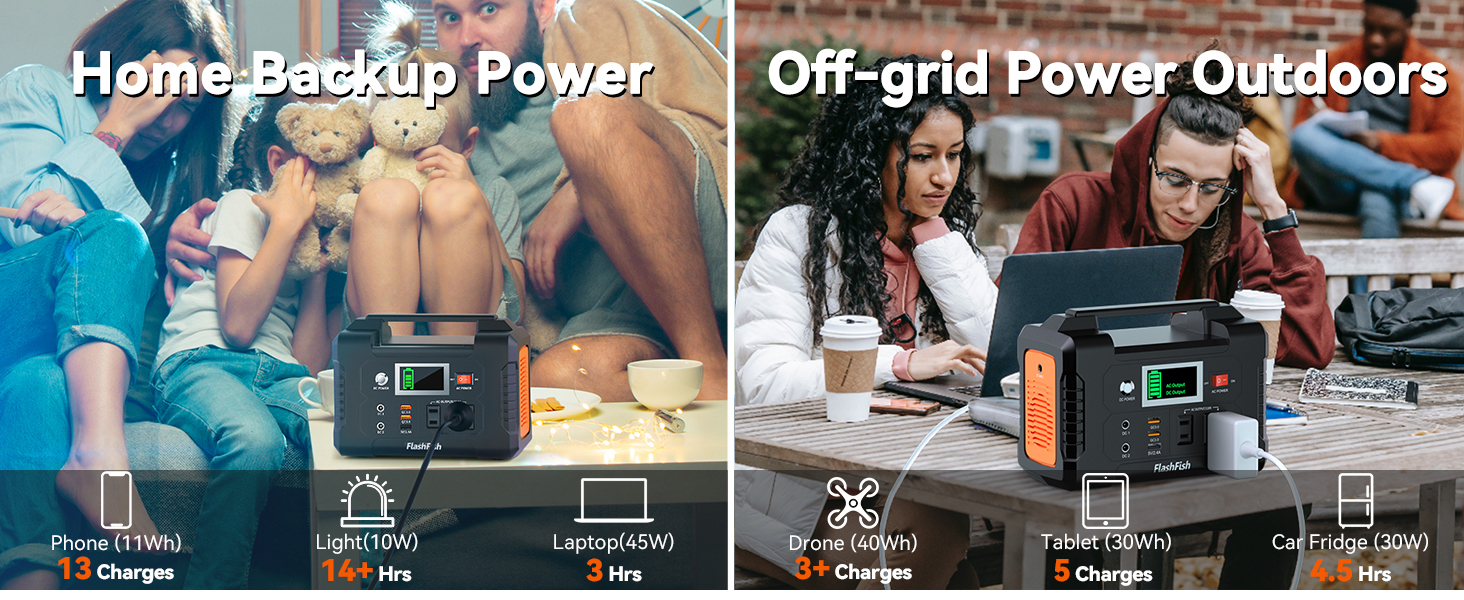
Figure 3: The power station and solar panel in a camping environment, showcasing its multiple output ports including AC, DC, and USB.
3. Setup
Initial Charging:
Before first use, fully charge the Portable Power Station using the provided AC adapter. Plug the AC adapter into a wall outlet and connect it to the DC input port on the power station. The display will indicate charging status.
Solar Panel Deployment:
- Unfold the 60W Solar Panel.
- Utilize the two integrated kickstands on the back of the solar panel to angle it directly towards the sun. This optimizes solar energy capture, increasing efficiency by up to 25% compared to laying it flat.
- Connect the solar panel's DC output cable to the DC input port on the Portable Power Station.
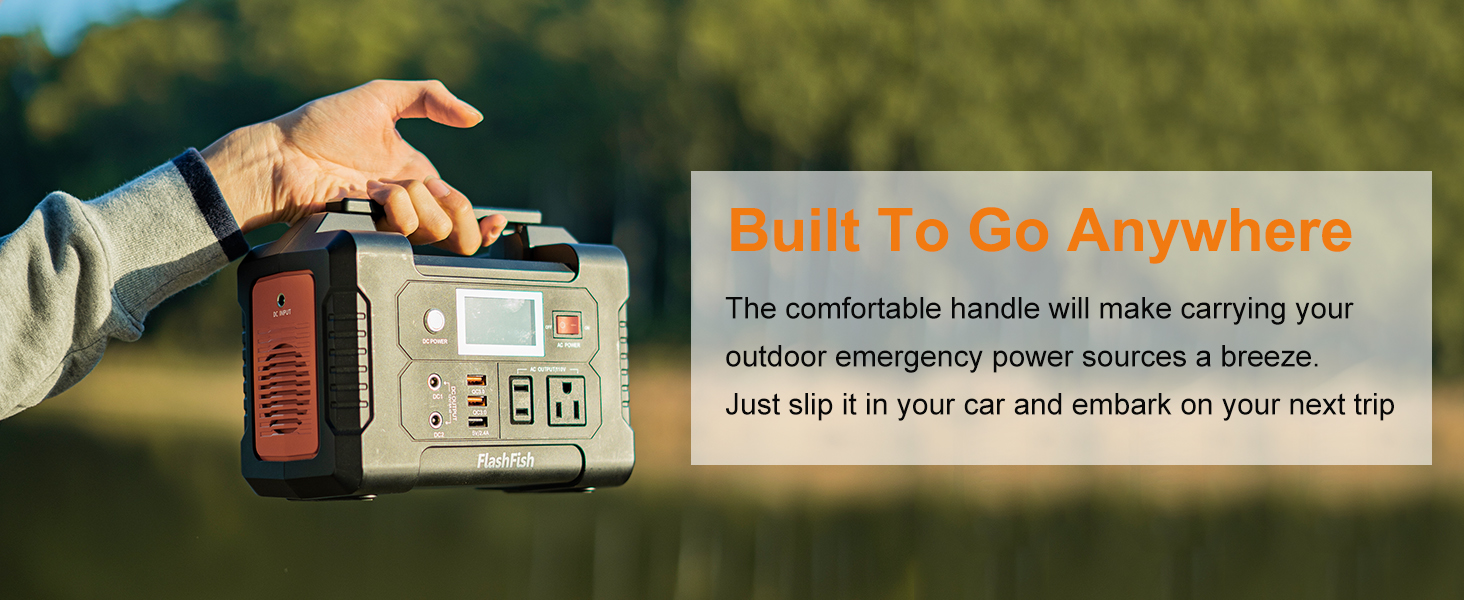
Figure 4: The 60W solar panel featuring two kickstands to adjust its angle for maximum sunlight absorption.

Figure 5: Step-by-step guide for connecting the solar panel to the power station.
4. Operating Instructions
Powering On/Off:
- To turn on the DC power output, press the 'DC POWER' button.
- To activate the AC power output, toggle the 'AC POWER' switch to 'ON'.
- To turn off outputs, reverse the steps.
Using Output Ports:
- AC Output: Plug your 110V AC devices (up to 200W) into the AC outlets.
- DC Output: Connect your 12V DC devices to the DC output ports.
- USB Output: Use the QC 3.0 USB ports for fast charging compatible devices, or the 5V/2.4A USB port for standard USB charging.
- Solar Panel Direct Charging: The 60W solar panel also features 1x USB-C (45W) and 1x USB-A (18W) output ports for direct charging of small devices.
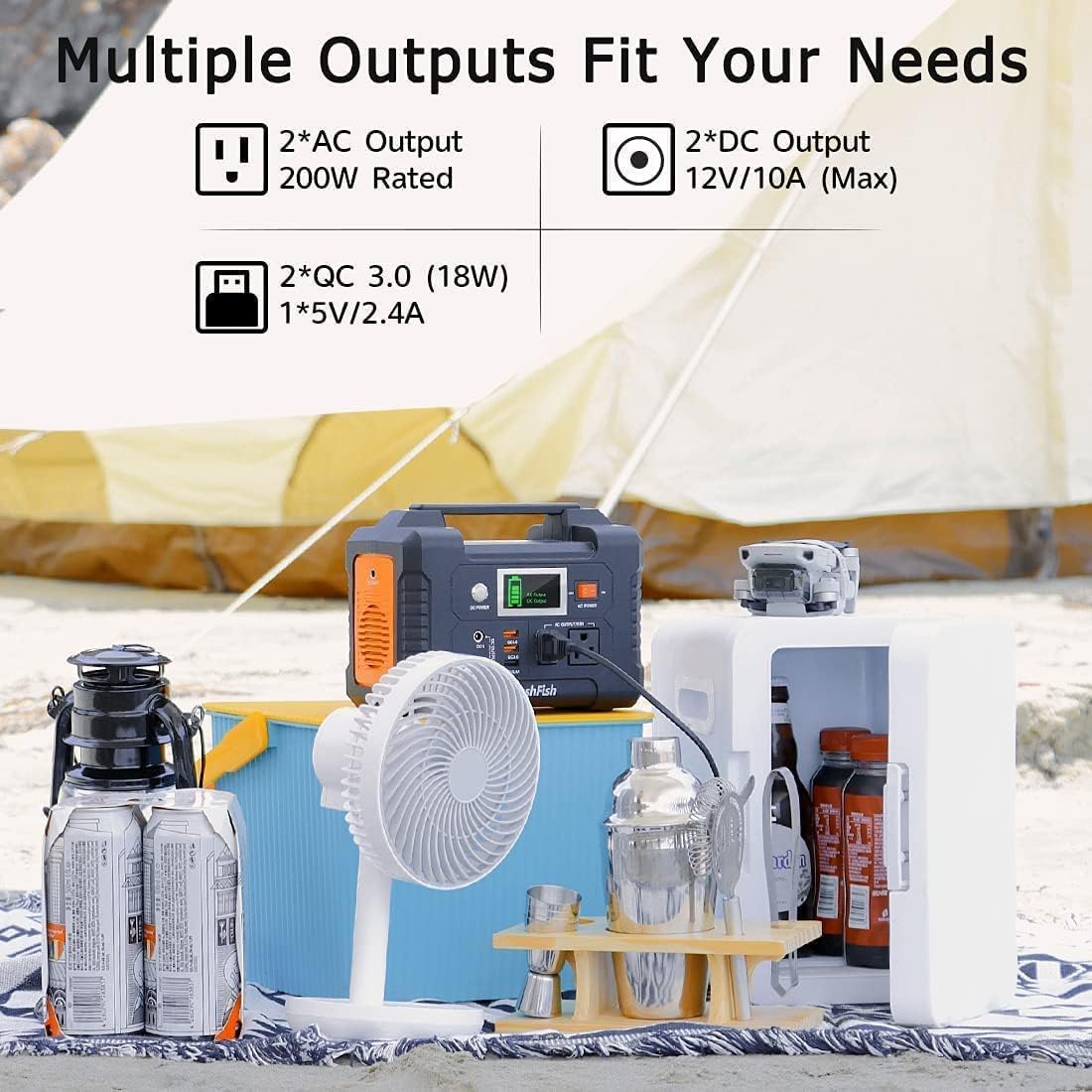
Figure 6: The power station's interface, highlighting the various output ports for different devices.
5. Charging Methods
Your FF Flashfish E200 Portable Power Station can be recharged using three methods:
- AC Adapter: Use the included AC adapter to charge from a standard wall outlet.
- Car Charger: Recharge the power station via your car's 12V outlet using the provided car charger.
- Solar Panel: Connect the 60W solar panel to the power station's DC input for eco-friendly solar charging.
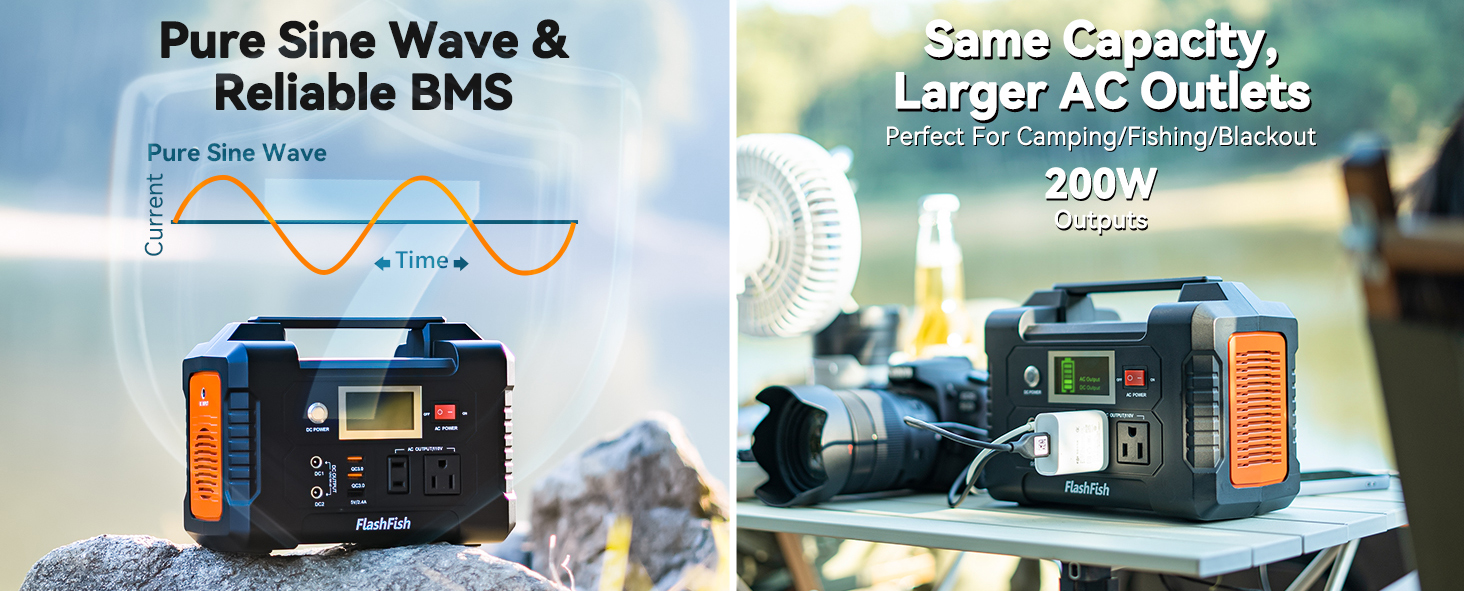
Figure 7: Diagram illustrating the solar charging process and estimated charging times for various Flashfish power station models.
6. Safety Information
- Do not disassemble, repair, or modify the unit.
- Keep the unit away from fire or extreme temperatures.
- Avoid exposure to water or high humidity.
- Do not use the unit if it is damaged or has been dropped.
- Ensure proper ventilation during use and charging.
- The power station features overload protection, automatically shutting off if connected devices exceed its rated output.
7. Troubleshooting
No Output from AC/DC/USB Ports:
- Ensure the respective output button/switch (DC POWER, AC POWER) is turned on.
- Check if the device connected requires more power than the station's output capacity (200W for AC).
- Verify that the power station has sufficient battery charge.
Slow Charging via Solar Panel:
- Ensure the solar panel is positioned directly towards the sun and not obstructed by shadows.
- Adjust the solar panel's angle using the kickstands for optimal sun exposure.
- Check for dirt or debris on the solar panel surface and clean if necessary.
8. Specifications
| Feature | Specification |
|---|---|
| Brand | FF FLASHFISH |
| Model Name | E200+TSP60 |
| Power Station Capacity | 151Wh (40800mAh/3.7V) |
| AC Output | 200W (Pure Sine Wave), 110V 60Hz |
| DC Output | DC 9-12V/10A (Max), USB 5V/2.4A, QC3.0 |
| DC Input | 15V/2.5A |
| Solar Charging Input | DC 15V-24V |
| Solar Panel Wattage | 60W |
| Power Source | Solar Powered |
| Item Weight | 12.1 pounds (total bundle) |
| Product Dimensions | 8.2"L x 4.3"W x 6.2"H (Power Station) |
| Material | Lithium-Ion, Monocrystalline Silicon |
9. Maintenance
- Store the power station and solar panel in a cool, dry place away from direct sunlight when not in use.
- Recharge the power station every 3-6 months to maintain battery health, even if not used.
- Clean the solar panel surface regularly with a soft, damp cloth to ensure optimal efficiency.
- Avoid dropping or subjecting the unit to strong impacts.
10. Warranty and Support
The FF Flashfish E200+TSP60 Portable Power Station and 60W Solar Panel comes with a 12-month warranty from the date of purchase. Please retain your proof of purchase for warranty claims.
For technical support, troubleshooting assistance, or warranty inquiries, please contact FF FLASHFISH customer service through the retailer where you purchased the product or visit the official FF FLASHFISH website for contact information.
