
Introduction
This manual provides essential information for the proper installation, operation, and maintenance of your HD Switch HiTorque Electric PTO Clutch. Designed for demanding applications, this clutch features enhanced torque, a robust bearing system, and durable construction to ensure reliable performance in lawn mower applications.
Key features include:
- High Torque Coil: Delivers 210 ft-lbs of torque, exceeding OEM specifications (175 ft-lbs) to prevent slippage and overheating during heavy use.
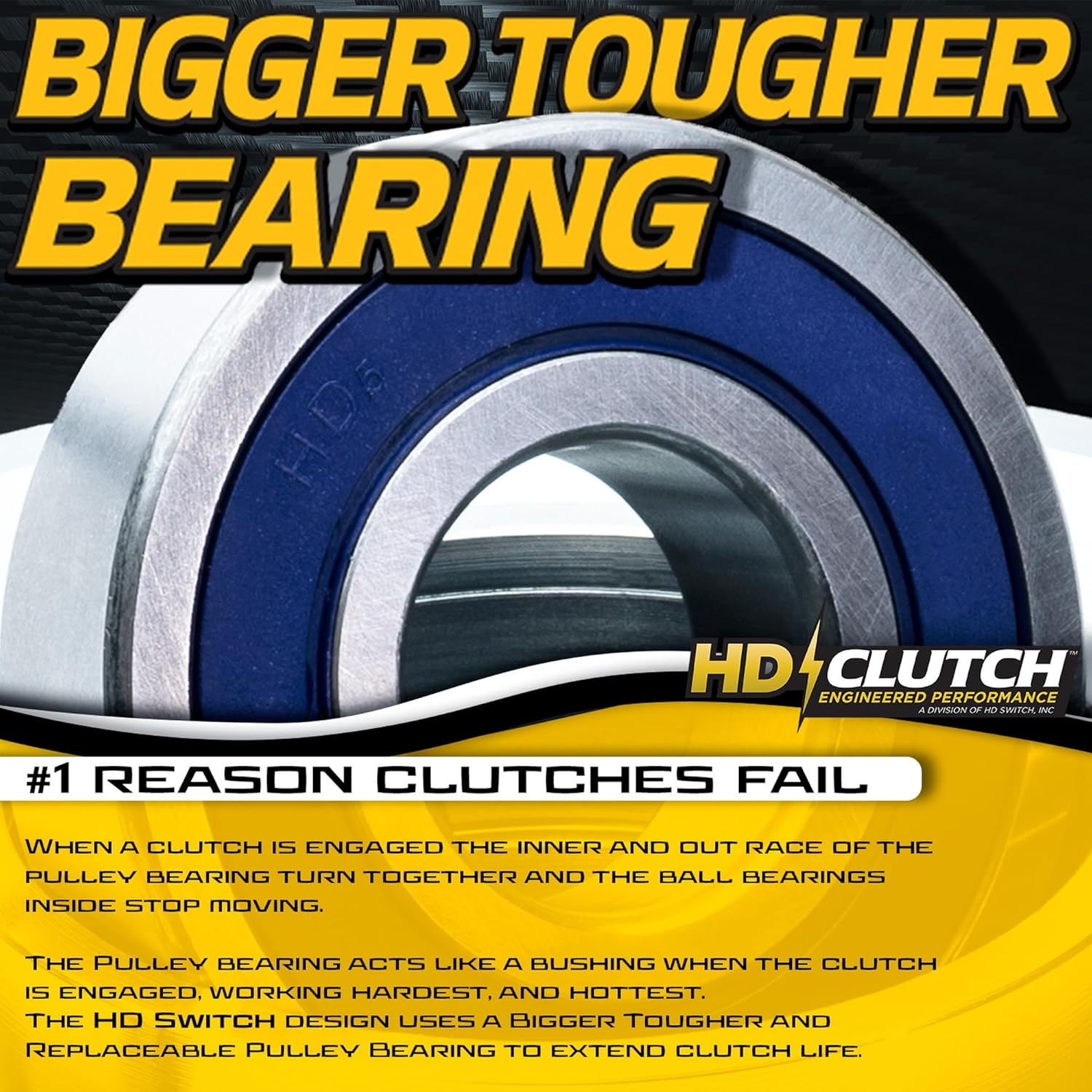
- BIGBearing Design: Incorporates a larger, tougher pulley bearing to address common failure points and extend clutch life.
- Tough Billet Pulleys: Forged and machined from solid steel, these pulleys reduce belt wear and maintain consistent blade speed.
- Premium C3 Bearings: Engineered with increased clearances and high-temperature synthetic grease to combat heat and prolong bearing life.
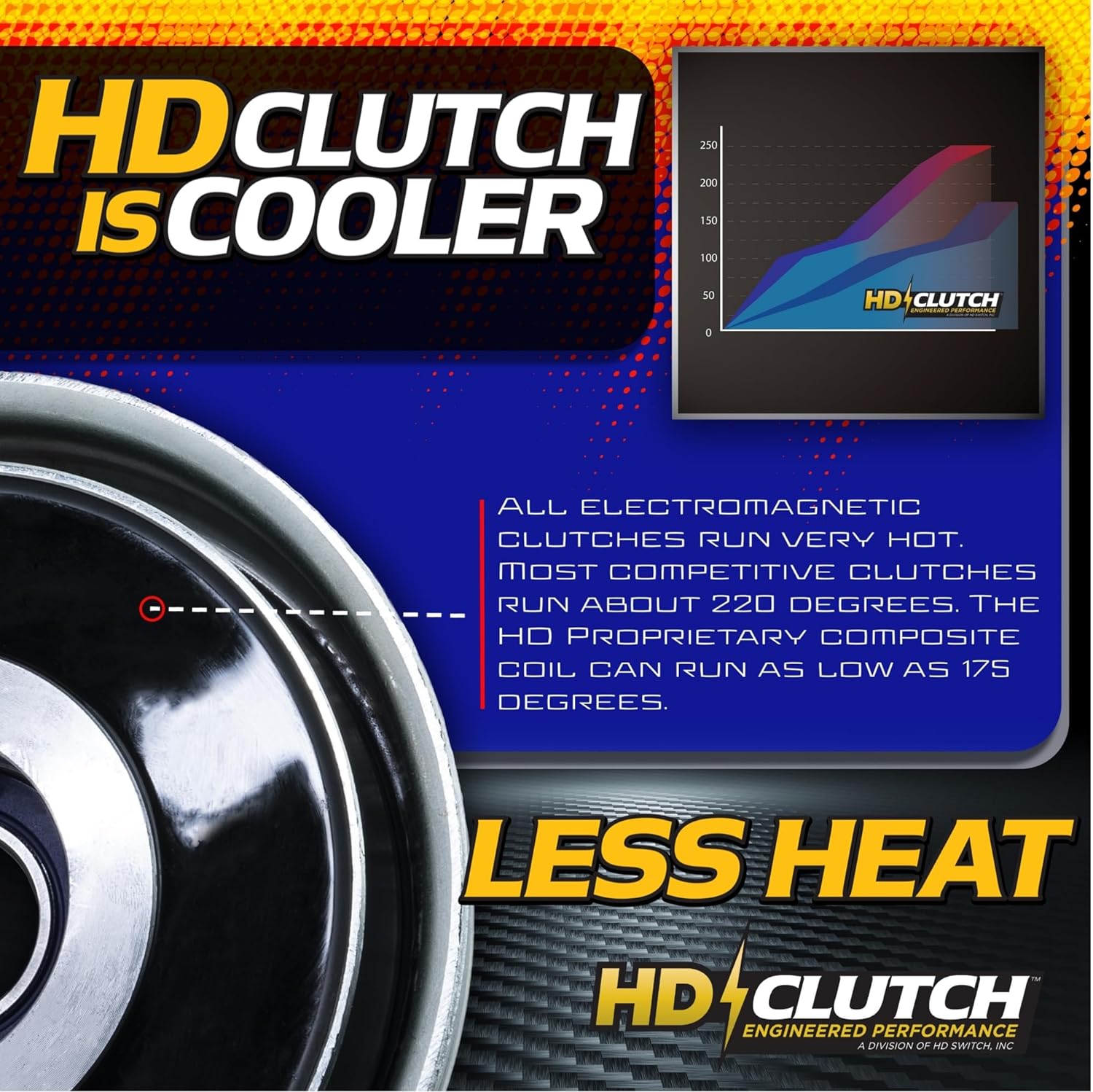
- Cool Coil Technology: Utilizes a proprietary composite material for faster heat dissipation, leading to a cooler running clutch and extended lifespan.
- Replaceable Bearing: The billet pulley design includes a snap ring, allowing for easy replacement of the pulley bearing.
- Tough Stainless Steel Rivets: Ensures a longer, safer service life compared to aluminum or copper rivets.


Setup and Installation
Proper installation is crucial for the safe and efficient operation of your electric PTO clutch. If you are not familiar with mechanical installations, it is recommended to seek assistance from a qualified technician.
Safety Precautions:
- Always disconnect the spark plug wire or battery before performing any maintenance or installation.
- Wear appropriate personal protective equipment, including safety glasses and gloves.
- Ensure the equipment is stable and secured before beginning work.
Installation Steps (General Guidelines):
- Remove Old Clutch: Carefully disconnect wiring and mounting bolts from the existing PTO clutch. Note the orientation and any shims or spacers.
- Clean Crankshaft: Thoroughly clean the engine crankshaft to remove any rust, dirt, or debris. A clean surface ensures proper fit and prevents damage.
- Install New Clutch: Slide the HD Switch clutch onto the crankshaft, ensuring the keyway aligns correctly. The clutch should slide on smoothly without excessive force.
- Secure Mounting Bolts: Install and tighten the mounting bolts to the manufacturer's specified torque. Uneven tightening can cause clutch misalignment.
- Connect Wiring: Reconnect the electrical wiring to the clutch. Ensure connections are secure and free from corrosion.
- Check Belt Alignment: Verify that the drive belt aligns correctly with the clutch pulley. Misalignment can lead to premature belt wear and clutch failure.
- Test Operation: After installation, perform a test run in a safe area to ensure the clutch engages and disengages properly.
Operating Instructions
The HD Switch Electric PTO Clutch is designed for straightforward operation. It engages and disengages the mower deck or other attachments via an electrical switch, typically located on the equipment's control panel.
General Operation:
- Ensure the engine is running at the recommended RPM before engaging the PTO. Engaging the clutch at low RPMs can cause excessive wear.
- Activate the PTO switch to engage the clutch. You should hear a distinct click as the clutch engages and the attachment begins to operate.
- To disengage, simply turn off the PTO switch. The clutch will release, and the attachment will stop.
- Avoid rapid, repeated engagement and disengagement, as this can generate excessive heat and reduce clutch life.

Maintenance
Regular maintenance helps extend the life of your HD Switch Electric PTO Clutch and ensures optimal performance. While the clutch is designed for durability, periodic checks are recommended.
Recommended Maintenance Checks:
- Bearing Inspection: Periodically inspect the pulley bearing for signs of wear, excessive play, or noise. The HD Switch design allows for the replacement of the pulley bearing if needed.
- Pulley Condition: Check the billet pulley for any signs of damage, nicks, or wear that could affect belt life. The robust design minimizes this risk.
- Electrical Connections: Ensure all electrical connections to the clutch are clean, tight, and free from corrosion. Loose connections can lead to intermittent operation or overheating.
- Heat Management: The HD Switch clutch incorporates Cool Coil Technology to dissipate heat efficiently. Ensure the area around the clutch is free from debris that could impede airflow.
- Belt Tension and Condition: Verify that the drive belt connected to the clutch is properly tensioned and in good condition. An old or worn belt can cause slippage and put undue stress on the clutch.


Troubleshooting
This section provides solutions to common issues you might encounter with your HD Switch Electric PTO Clutch.
| Problem | Possible Cause | Solution |
|---|---|---|
| Clutch does not engage. |
|
|
| Clutch slips during operation. |
|
|
| Excessive noise from clutch. |
|
|
| Clutch runs hot. |
|
|
Specifications
| Attribute | Detail |
|---|---|
| Product Name | HD Switch HiTorque Electric PTO Clutch |
| Models | 5218-44, 5218-49, 5218-215 |
| Manufacturer | HD Switch |
| Torque Rating | 210 ft-lbs (OEM 175 ft-lbs) |
| Crankshaft Compatibility | 1" Crankshaft |
| Bearing Type | Premium C3 Rated, Replaceable Pulley Bearing |
| Pulley Material | Machined Billet Steel |
| Coil Material | Proprietary Composite Material |
| Item Weight | 15.9 pounds |
| Package Dimensions | 11.5 x 9.25 x 6.75 inches |
| ASIN | B0C94XXC8M |
Warranty Information
For specific warranty terms and conditions regarding your HD Switch Electric PTO Clutch, please refer to the documentation included with your purchase or contact HD Switch directly. Warranty coverage typically addresses defects in materials and workmanship under normal use.
Support
If you require further assistance, have questions about installation, operation, or maintenance, or need to report an issue, please contact HD Switch customer support. You can typically find contact information on the manufacturer's official website or through your original point of purchase.
For more information, visit the HD Switch brand page on Amazon.