
1. Introduction
Thank you for choosing the Chuboor PJ01 Air Purifier. This manual provides essential information for the safe and efficient operation, maintenance, and troubleshooting of your device. Please read it thoroughly before use and retain it for future reference.
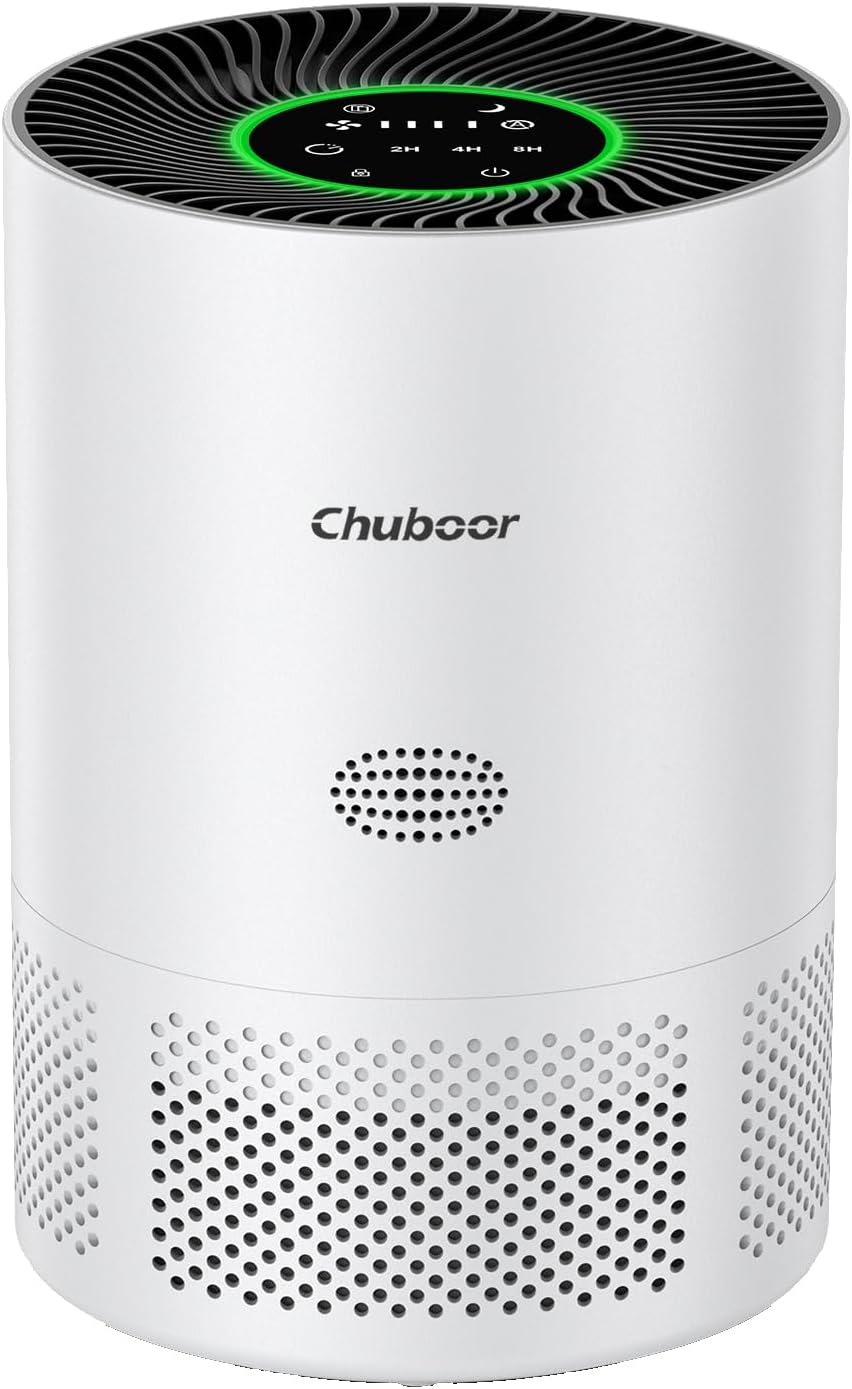
Image 1.1: The Chuboor PJ01 Air Purifier, a compact white cylindrical device with a top-mounted control panel and air intake vents around the base.
2. Safety Information
To reduce the risk of fire, electric shock, or injury, please observe the following safety precautions:
- Always place the air purifier on a firm, level surface.
- Do not immerse the unit in water or other liquids.
- Keep the power cord away from heated surfaces.
- Do not operate the unit if the cord or plug is damaged.
- Unplug the air purifier before cleaning or performing any maintenance.
- Ensure proper ventilation around the unit; do not block air inlets or outlets.
- This appliance is not intended for use by persons (including children) with reduced physical, sensory or mental capabilities, or lack of experience and knowledge, unless they have been given supervision or instruction concerning use of the appliance by a person responsible for their safety.
3. Product Overview
The Chuboor PJ01 Air Purifier is designed to improve indoor air quality by filtering various airborne particles and odors. Key components include:
- Air Inlet/Outlet: For drawing in and releasing purified air.
- Control Panel: Touch-sensitive interface for operating the unit.
- Filter Compartment: Houses the multi-layer filtration system.
- Air Quality Sensor: Detects PM2.5 levels in the environment.

Image 3.1: Physical dimensions of the Chuboor PJ01 Air Purifier, showing its compact size suitable for various room placements.
4. Setup
Follow these steps to set up your Chuboor PJ01 Air Purifier:
- Unpack: Carefully remove the air purifier from its packaging.
- Filter Installation:
- Turn the unit upside down and twist the base cover counter-clockwise to unlock.
- Remove the plastic packaging from the filter.
- Insert the filter into the unit, ensuring it is seated correctly.
- Replace the base cover and twist clockwise to lock.
- Placement: Place the air purifier on a stable, flat surface, ensuring at least 6 inches of clearance from walls or furniture for optimal airflow.
- Power Connection: Plug the power cord into a standard 110V AC outlet.

Image 4.1: Illustration of the multi-stage filter, highlighting the pre-filter for dust and pet fur, the H13 HEPA filter for pollen and dander, and the activated carbon filter for smoke and odors.
5. Operating Instructions
The Chuboor PJ01 features a touch control panel for easy operation.
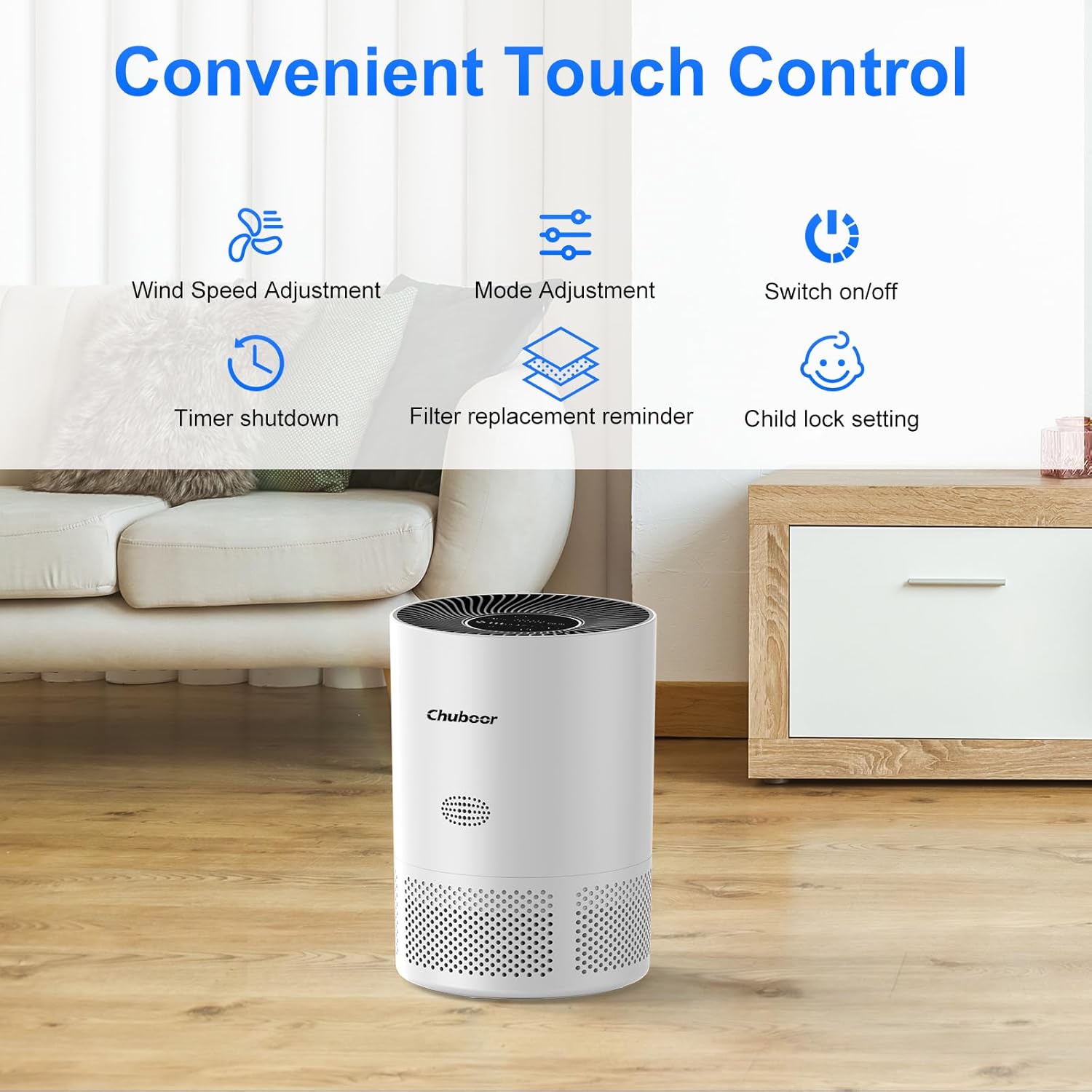
Image 5.1: Overview of the touch control panel with various function icons.
5.1 Power On/Off
- Touch the Power icon to turn the unit on or off.
5.2 Fan Speed Adjustment
- Touch the Wind Speed icon to cycle through different fan speeds (Low, Medium, High).
5.3 Mode Adjustment
- Touch the Mode icon to select between different operating modes, such as Auto Mode and Sleep Mode.
- In Auto Mode, the fan speed adjusts automatically based on detected air quality.
- In Sleep Mode, the unit operates at the lowest fan speed (24dB) and all indicator lights turn off for quiet operation.
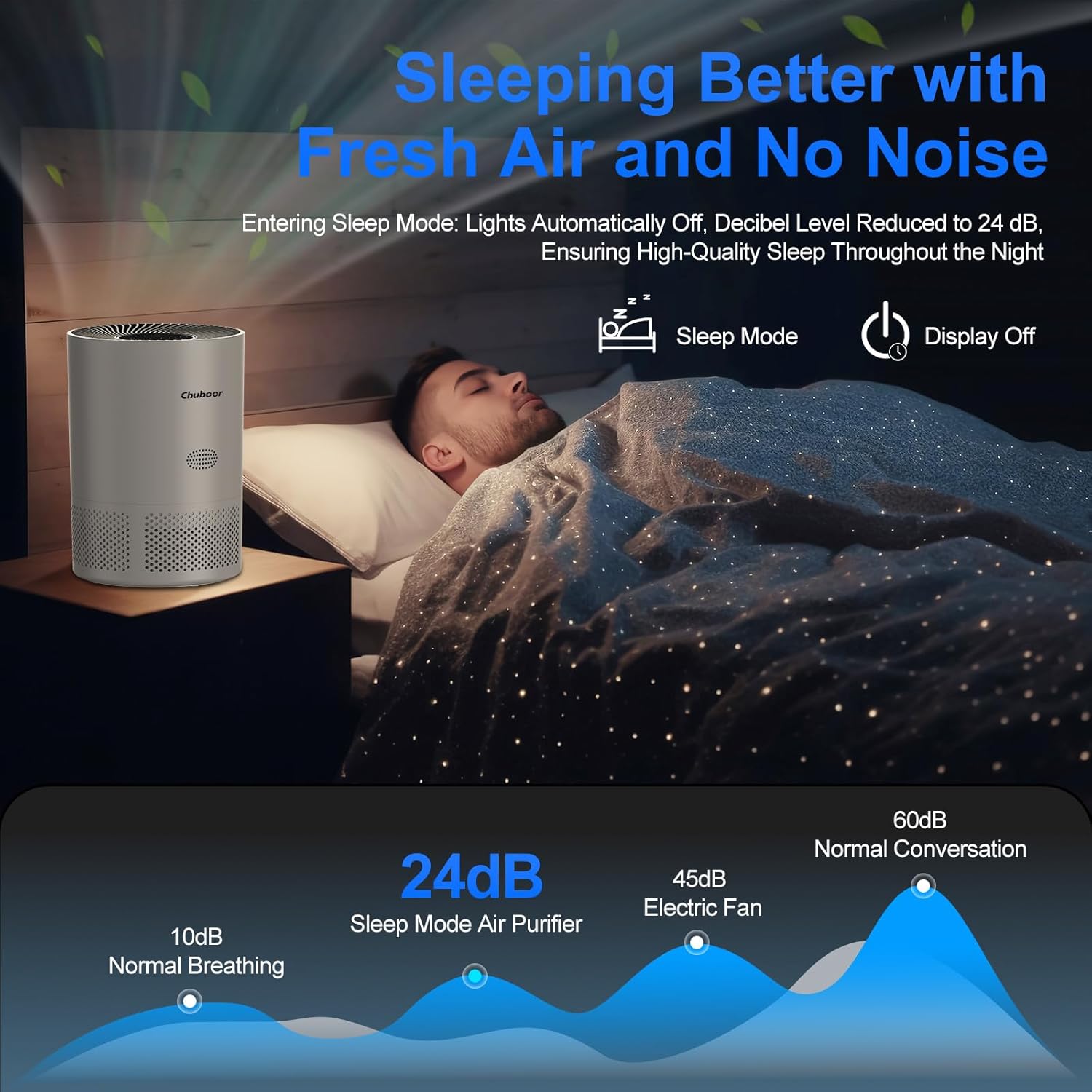
Image 5.2: The air purifier in sleep mode, demonstrating its low noise level for undisturbed rest.
5.4 Timer Function
- Touch the Timer icon to set the operating time for 2, 4, or 8 hours. The unit will automatically turn off after the selected duration.
5.5 Child Lock Setting
- Touch and hold the Child Lock icon for 3 seconds to activate or deactivate the child lock. When activated, other buttons will not respond to touch.
5.6 Air Quality Indicator Light
The built-in sensor monitors PM2.5 levels and displays air quality through a color-coded light on the control panel:
- Green Light: Excellent air quality.
- Yellow Light: General air quality.
- Red Light: Poor air quality.

Image 5.3: Visual representation of the air quality indicator lights and their corresponding air quality levels.
6. Maintenance
6.1 Cleaning the Unit
- Always unplug the air purifier before cleaning.
- Wipe the exterior surface with a soft, dry cloth. Do not use abrasive cleaners or solvents.
- Clean the air inlet and outlet vents with a soft brush or vacuum cleaner attachment to remove dust buildup.
6.2 Filter Replacement
The filter needs to be replaced periodically to maintain optimal performance. The filter replacement reminder icon will illuminate when a replacement is due.
- Unplug the air purifier.
- Turn the unit upside down and twist the base cover counter-clockwise to unlock.
- Remove the old filter.
- Insert a new Chuboor PJ01 replacement filter (search on Amazon: B0CCZTZLKM).
- Replace the base cover and twist clockwise to lock.
- Plug in the unit and press and hold the Filter Replacement Reminder icon for 3 seconds to reset the filter life indicator.

Image 6.1: A new replacement filter for the Chuboor PJ01 Air Purifier.
7. Troubleshooting
If you encounter issues with your air purifier, refer to the following table:
| Problem | Possible Cause | Solution |
|---|---|---|
| Unit does not turn on | No power; Power cord not properly connected; Filter not installed or plastic removed. | Check power outlet; Ensure power cord is securely plugged in; Verify filter is correctly installed and plastic removed. |
| Weak airflow | Filter is dirty or clogged; Air inlets/outlets blocked. | Replace filter; Clear any obstructions from vents. |
| Unusual noise | Unit not on a flat surface; Foreign object inside. | Place on a stable surface; Unplug and check for foreign objects. |
| Odor persists | Filter needs replacement; Strong odor source. | Replace filter; Ensure the room is adequately ventilated. |
| Air quality indicator always red/yellow | High level of pollutants; Sensor is dirty. | Allow more time for purification; Clean the sensor area with a dry cotton swab. |
8. Specifications
| Feature | Detail |
|---|---|
| Model Number | PJ01 |
| Product Dimensions | 8.18 x 8.18 x 11.38 inches |
| Weight | 4.02 Pounds |
| Rated Power | 20 Watts |
| Voltage | 110 Volts |
| Filter Type | H13 True HEPA with Activated Carbon |
| Coverage Area | Up to 1200 sq ft (based on product title) |
| CADR | 210 m³/h |
| Noise Level (Sleep Mode) | 24 dB |
| Certifications | EPA Certified |
9. Warranty and Support
Chuboor products are manufactured to high-quality standards. For warranty information or technical support, please refer to the contact details provided with your purchase or visit the official Chuboor website. Please retain your proof of purchase for warranty claims.


