1. Introduction
This manual provides essential information for the proper installation, use, and maintenance of your atFoliX FX-Antireflex Screen Protector, designed specifically for the Bafang DP C270 display. This screen protector is engineered to offer anti-reflective properties, shock absorption, and scratch resistance, ensuring optimal protection and readability for your device.
2. Package Contents
Please verify that all items listed below are included in your package:
- 3x atFoliX FX-Antireflex Screen Protector Films
- 1x Mounting Tool (Squeegee)
- 1x Microfiber Cleaning Cloth
- 1x Printed Installation Instructions

Image: Contents of the atFoliX screen protector package.
3. Setup (Installation)
Follow these steps for a stress- and bubble-free installation of your screen protector:
- Clean the Device Screen: Use the provided microfiber cloth to thoroughly clean the Bafang DP C270 display. Ensure there is no dust, smudges, or fingerprints on the screen surface. A clean screen is crucial for optimal adhesion.
- Align the Protector: Carefully peel off a small portion of the protective layer from the screen protector. Align the exposed edge of the screen protector with one edge of your device's screen. Take your time to ensure precise alignment.
- Apply and Smooth: Slowly peel off the remaining protective layer while simultaneously applying the screen protector to the display. Use the mounting tool (squeegee) to gently push out any air bubbles towards the edges as you apply. If bubbles persist, carefully lift the nearest edge of the protector and re-apply, smoothing it down with the squeegee.
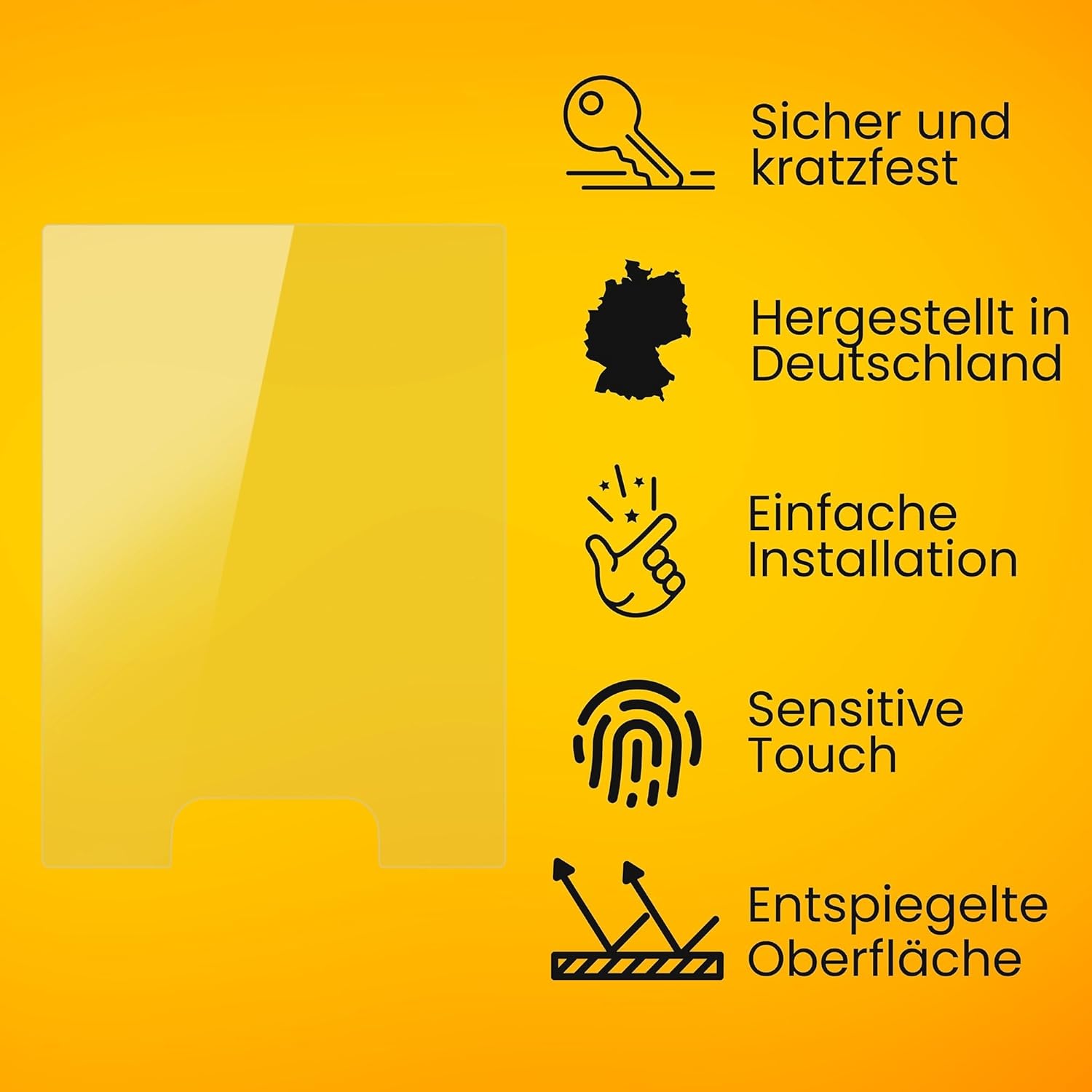
Image: Illustration of the screen protector installation process.
4. Operating (Usage Benefits)
The atFoliX FX-Antireflex Screen Protector enhances your Bafang DP C270 display experience with several key features:
- Anti-Reflective Surface: The matte finish significantly reduces glare and reflections, improving screen readability in bright light conditions, such as direct sunlight.

Image: Visual comparison of screen reflection with and without anti-reflective film.
- Scratch Resistance: With a high surface hardness of 3H, the protector provides maximum defense against scratches from everyday objects.

Image: Demonstration of the screen protector's scratch resistance.
- Shock Absorption: Integrated PET absorber layers provide a highly shock-absorbing effect, minimizing the risk of display breakage from impacts.

Image: Visual representation of the screen protector's shock absorption.
- Fingerprint Reduction: The matte surface helps to reduce the appearance of fingerprints and smudges, keeping your screen cleaner.

Image: Screen protector minimizing fingerprints and smudges.
- Clear Color Rendering: Despite the matte finish, the protector maintains clear and vibrant color reproduction on your display.

Image: Clear color display with the matte screen protector.
- Sensitive Touch: The screen protector does not interfere with the touch sensitivity of your Bafang DP C270 display.
5. Maintenance
To ensure the longevity and clarity of your screen protector, follow these maintenance guidelines:
- Cleaning: Use the provided microfiber cloth or another soft, lint-free cloth to gently wipe the surface of the screen protector.
- Avoid Harsh Chemicals: Do not use abrasive cleaners, alcohol, or chemical solvents, as these can damage the protector's coating.
- Gentle Wiping: Apply light pressure when cleaning to avoid scratching the surface or dislodging the protector.
6. Troubleshooting
Here are solutions to common issues you might encounter:
- Air Bubbles: If small air bubbles appear after installation, gently push them towards the nearest edge using the mounting tool. For larger, persistent bubbles, carefully lift the edge of the protector closest to the bubble and re-apply, smoothing it down.
- Dust Particles Under Film: If a dust particle is trapped, carefully lift the nearest corner of the screen protector. Use a piece of adhesive tape to gently dab and remove the dust particle from both the screen and the protector's adhesive side. Then, re-apply the protector.
- Poor Adhesion: Ensure the screen was thoroughly cleaned and dry before application. Residue or moisture can prevent proper adhesion. If the protector does not adhere well, it may need to be replaced.
7. Specifications
| Compatible Device | Bafang DP C270 |
| Product Model Number | FX-Antireflex@FoliX 4061186315810 |
| Material | Polyethylene terephthalate |
| Item Hardness | 3H |
| Finish Type | Matte, Anti-reflective |
| Special Features | Made in Germany, Residue-free removable, Very easy to apply, Shock-absorbing |
| Product Dimensions (Packaging) | 1.77 x 1.26 x 0.5 inches |
| Item Weight (Packaging) | 0.529 ounces |
8. Warranty Information
Specific warranty details are not provided in the product information. Please refer to the manufacturer's official website or contact their customer service for information regarding warranty coverage.
9. Support
For further assistance or inquiries, please visit the atFoliX official website or contact their customer support channels. Contact information is typically available on the product packaging or the manufacturer's website.


