1. Introduction
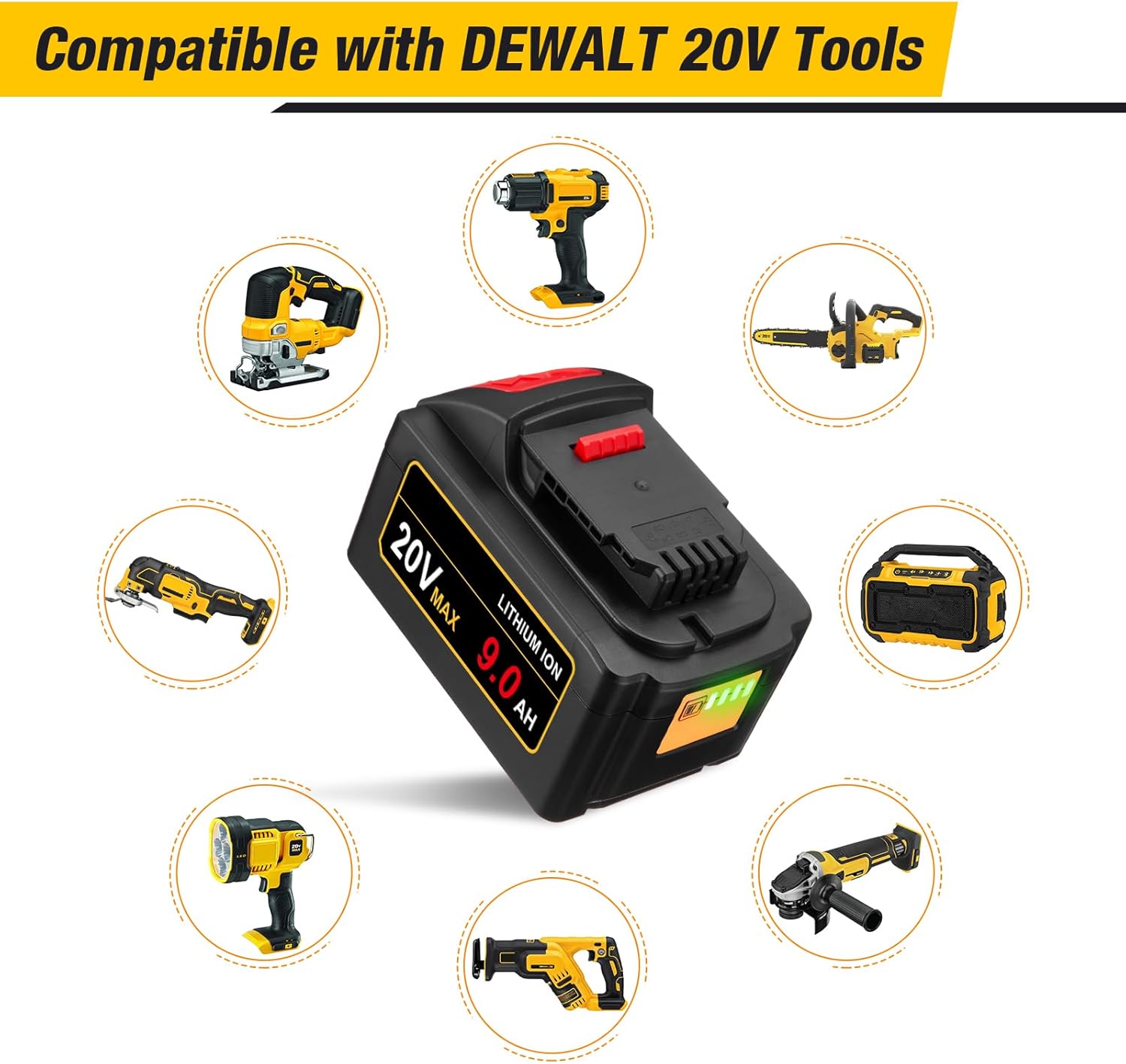
This manual provides essential information for the safe and effective use of your FirstPower Pro 9.0Ah DCB200 replacement battery. This high-capacity lithium-ion battery is designed to be compatible with a wide range of DeWalt 20V MAX power tools and chargers, offering extended runtime and reliable performance. Please read this manual thoroughly before first use and retain it for future reference.
2. Important Safety Instructions
WARNING: Read all safety warnings and instructions. Failure to follow the warnings and instructions may result in electric shock, fire, and/or serious injury.
- Battery Compatibility: Use this battery only with compatible DeWalt 20V MAX tools and chargers as specified in this manual.
- Charging Environment: Charge the battery in a well-ventilated area, away from flammable materials. Do not charge in damp or wet conditions.
- Temperature Control: Do not expose the battery to extreme temperatures (above 122°F / 50°C or below 32°F / 0°C). Avoid direct sunlight.
- Physical Damage: Do not drop, puncture, or attempt to disassemble the battery. If the battery casing is damaged, do not use it.
- Short Circuit Prevention: Avoid short-circuiting the battery terminals with conductive objects.
- Disposal: Dispose of batteries responsibly according to local regulations. Do not dispose of in fire.
- Overcharge/Over-discharge Protection: The battery features built-in protection against overcharge, over-discharge, over-current, and short circuits. However, always follow recommended charging practices.

3. Getting Started
3.1 Initial Charge
Before first use, fully charge the battery. This ensures optimal performance and extends battery life. Refer to the 'Charging the Battery' section for detailed instructions.
3.2 Installing the Battery
- Ensure the power tool is turned off and disconnected from any power source.
- Align the battery with the battery port on your compatible DeWalt 20V MAX tool.
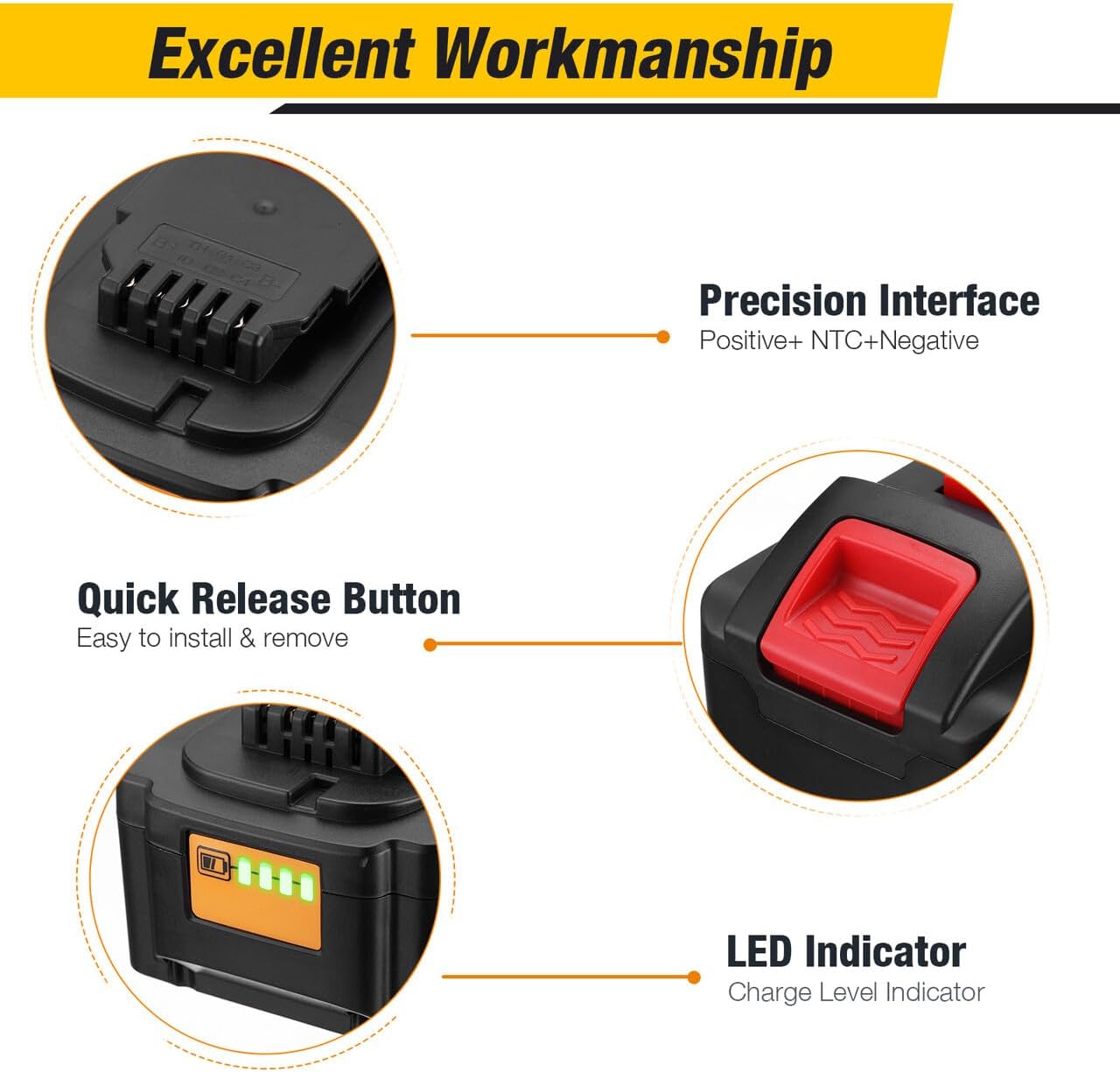
- Slide the battery firmly into the tool until it clicks securely into place. Ensure the quick release button is fully engaged.
- To remove the battery, press the quick release button and slide the battery out of the tool.
4. Operation
4.1 Using the Battery with Tools
Once installed, the battery powers your compatible DeWalt 20V MAX tools. The 9.0Ah capacity provides extended runtime for demanding tasks. Always ensure the battery is fully charged for optimal performance.
4.2 Checking Battery Charge Level
The battery is equipped with a 4-LED charge indicator. Press the button next to the LEDs to display the current charge level. Each illuminated LED represents approximately 25% of the battery's charge.
- 4 LEDs: 75-100% charge
- 3 LEDs: 50-75% charge
- 2 LEDs: 25-50% charge
- 1 LED: Below 25% charge, recharge soon
5. Maintenance and Storage
5.1 Charging the Battery
Use only compatible DeWalt 20V chargers (e.g., DCB102, DCB104, DCB107, DCB112, DCB115, DCB118) to charge this battery. Charging times vary depending on the charger model. For example, with a DCB118 fast charger, the battery can be fully charged in approximately 60-90 minutes.

5.2 Storage
For long-term storage, store the battery in a cool, dry place, away from direct sunlight and extreme temperatures. It is recommended to store the battery with a partial charge (around 50%) to maintain battery health. Avoid storing fully discharged or fully charged for extended periods.
5.3 Cleaning
Keep the battery terminals clean and free from dust and debris. Use a dry cloth to wipe the battery casing. Do not use solvents or abrasive cleaners.
6. Troubleshooting
| Problem | Possible Cause | Solution |
|---|---|---|
| Battery not charging | Charger not plugged in; faulty charger; battery too hot/cold; battery fault | Check charger connection; try a different charger; allow battery to reach room temperature; contact customer support if issue persists. |
| Tool not powering on with battery | Battery not fully charged; battery not properly installed; tool fault; battery fault | Charge battery fully; ensure battery is clicked into place; test with another battery if available; contact customer support. |
| Reduced runtime | Battery not fully charged; battery nearing end of life; extreme operating conditions | Ensure full charge before use; consider battery replacement if significantly degraded; operate within recommended temperature ranges. |
7. Product Specifications
| Feature | Specification |
|---|---|
| Model Number | DB201 |
| Voltage | 20V (Nominal 18V, Max initial 21.6V) |
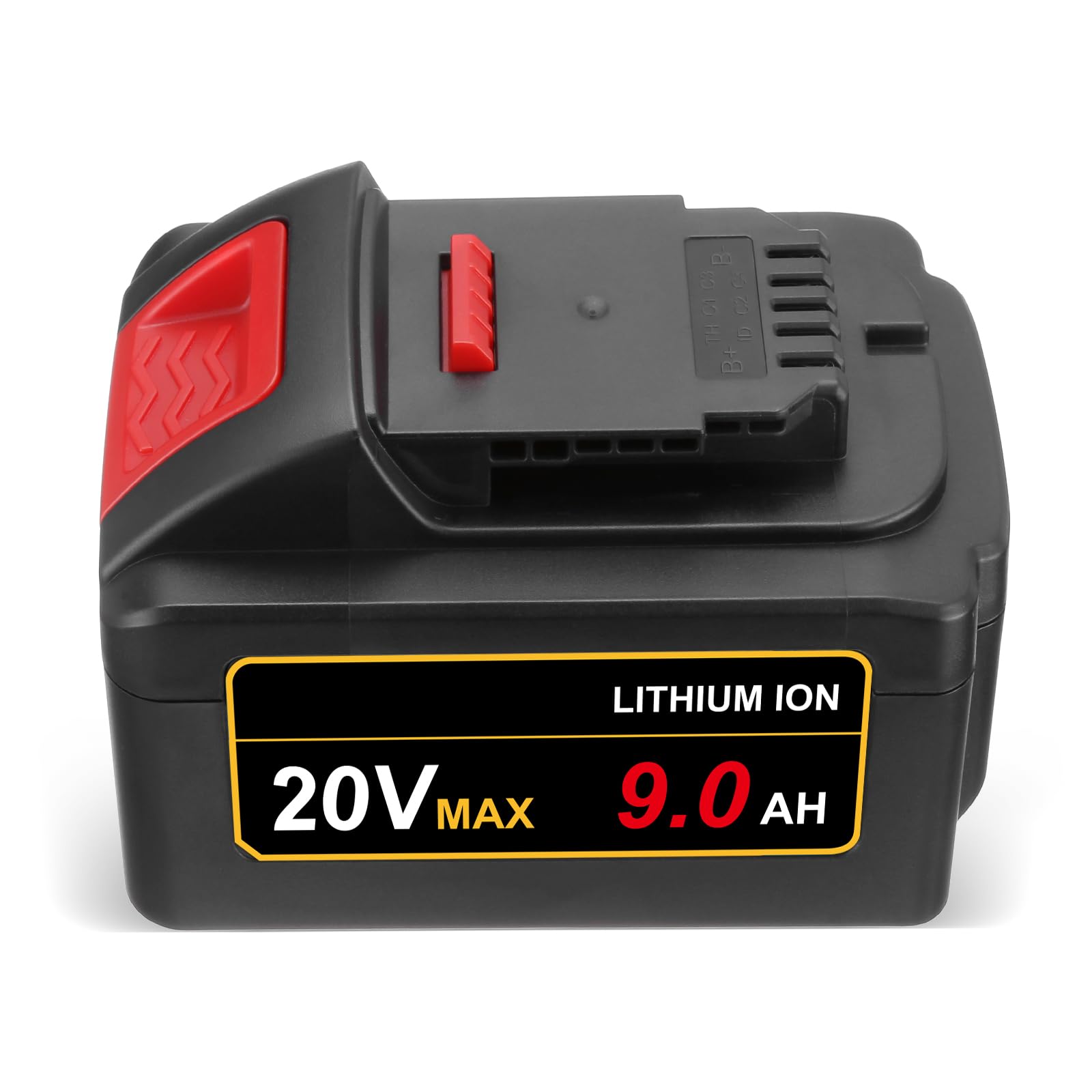
| Capacity | 9.0Ah (9000mAh) |
| Battery Cell Type | Lithium-Ion (21700 cells) |
| Item Weight | 2.02 pounds |
| Product Dimensions | 5.9 x 3.5 x 3.3 inches |
| Compatible Tools | DeWalt 20V MAX Series (e.g., DCD/DCF/DCG/DCS Series) |
| Compatible Chargers | DCB102, DCB104, DCB107, DCB112, DCB115, DCB118 |
| Certifications | FCC/CE/RoHS certified |
8. Warranty Information
This product is covered by a manufacturer's warranty. Please refer to the product packaging or contact customer support for specific warranty terms and conditions. The warranty typically covers defects in materials and workmanship under normal use.
9. Customer Support
If you have any questions, encounter issues, or require assistance with your FirstPower Pro 9.0Ah DCB200 replacement battery, please do not hesitate to contact our customer service team. We offer 24-hour support to ensure your satisfaction.
For support, please refer to the contact information provided with your purchase or visit the official FirstPower Pro website.


