
1. Introduction
This manual provides detailed instructions for the setup, operation, and maintenance of your WZATCO W6 Polar Native 1080P LED Projector. Please read this manual thoroughly before using the projector to ensure proper functionality and to extend the product's lifespan. Keep this manual for future reference.
2. Safety Information
Observe the following safety precautions to prevent damage to the projector and to ensure user safety:
- Do not look directly into the projector lens when the lamp is on, as the bright light can cause eye damage.
- Ensure proper ventilation. Do not block the ventilation openings. Maintain adequate space around the projector for airflow.
- Place the projector on a stable, level surface to prevent it from falling.
- Keep the projector away from water, moisture, and extreme temperatures.
- Use only the power adapter supplied with the projector.
- Do not attempt to open or repair the projector yourself. Refer all servicing to qualified personnel.
- Keep out of reach of children.
3. Product Overview
The WZATCO W6 Polar is a Native 1080P LED projector with 4K support, offering 6900 Lumens (690 ANSI) brightness and a 5000:1 contrast ratio. It features an Android 9.0 operating system, Bluetooth 5.0, and Wi-Fi connectivity for versatile use.
3.1. Projector Components
Familiarize yourself with the main components and ports of your W6 Polar projector.


3.2. Package Contents
Verify that all items are present in the package:
- WZATCO W6 Polar Projector
- Remote Control
- Power Cable
- User Manual
4. Setup
Follow these steps for initial setup of your projector:
4.1. Placement
Position the projector on a stable surface or mount it to the ceiling. Ensure the projector is at an appropriate distance from the projection surface to achieve the desired screen size (e.g., 1.5m for 50 inches, 3m for 200 inches).

4.2. Power Connection
Connect the power cable to the projector's power input and then to a power outlet.
4.3. Focus Adjustment
Turn on the projector. Rotate the focus ring on the lens until the projected image is clear and sharp.
4.4. Keystone Correction
If the projected image appears trapezoidal, use the keystone correction feature to adjust it to a rectangular shape. The W6 Polar supports 4P & 4D Digital and 2D Manual Keystone correction.

5. Operating Instructions
5.1. Power On/Off
Press the power button on the projector or the remote control to turn the unit on or off.
5.2. Input Source Selection
Use the remote control to select the desired input source (HDMI1, HDMI2, USB1, USB2, AV) based on your connected device.
5.3. Android 9.0 Smart OS
The projector comes with Android 9.0, allowing access to pre-installed applications like Netflix, Prime Video, Hotstar, and SonyLiv. Navigate the interface using the remote control.
5.4. Wireless Screen Mirroring
The W6 Polar supports 2.4G Wi-Fi for wireless screen mirroring from Android and iOS devices. Refer to the on-screen instructions for connecting your smartphone or tablet.

5.5. Bluetooth Connectivity
Connect Bluetooth 5.0 compatible devices such as soundbars or headsets for enhanced audio. Access Bluetooth settings through the Android interface.

5.6. Digital Zoom Function
Adjust the image size without moving the projector using the digital zoom in/out function. This feature allows you to scale the image from 100% down to 50%.
5.7. USB Media Playback
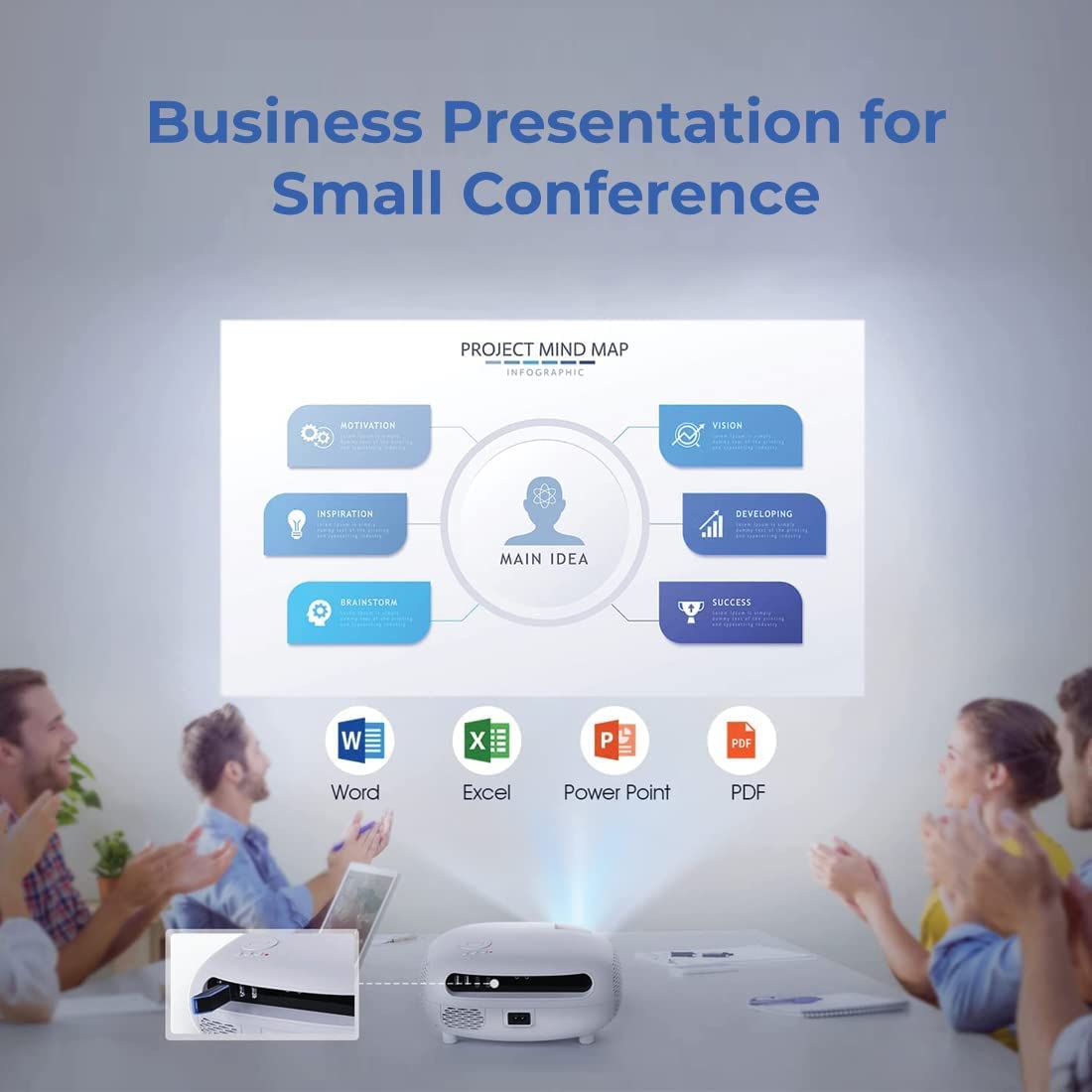
Insert a USB drive into one of the USB ports to play media files, including MP4 and FLV videos, and display documents like PPT, Excel, and Word files.
6. Maintenance
Regular maintenance ensures optimal performance and longevity of your projector.
- Lens Cleaning: Use a soft, lint-free cloth specifically designed for optical lenses to gently wipe the projector lens. Avoid abrasive materials or harsh chemicals.
- Vent Cleaning: Periodically clean the air vents to prevent dust buildup, which can affect cooling and performance. Use a soft brush or compressed air.
- Storage: When not in use for extended periods, store the projector in a cool, dry place, protected from dust and direct sunlight.
7. Troubleshooting
If you encounter issues with your projector, refer to the following common problems and solutions:
| Problem | Possible Cause | Solution |
|---|---|---|
| No Power | Power cable disconnected; Power outlet faulty. | Check power cable connection; Try a different power outlet. |
| No Image | Incorrect input source; Cable not connected properly. | Select correct input source; Reconnect HDMI/AV cable. |
| Blurry Image | Focus not adjusted; Keystone not corrected. | Adjust the focus ring; Perform keystone correction. |
| No Sound | Volume too low; External audio device not connected. | Increase volume; Check Bluetooth connection or 3.5mm audio cable. |
| Remote Not Working | Batteries low/dead; Obstruction between remote and projector. | Replace batteries; Ensure clear line of sight to IR receiver. |
| Wi-Fi/Bluetooth Connectivity Issues | Incorrect settings; Interference. | Check Wi-Fi/Bluetooth settings; Restart projector and device; Reduce interference. |
8. Specifications
Detailed technical specifications for the WZATCO W6 Polar Projector:
| Feature | Specification |
|---|---|
| Brand | WZATCO |
| Model | W6 Polar |
| Display Type | LCD LED |
| Native Resolution | 1920 x 1080 Pixels (Full HD) |
| Max Supported Resolution | 4K |
| Brightness | 6900 Lumens (690 ANSI) |
| Image Contrast Ratio | 5000:1 |
| Aspect Ratio | 16:9 |
| Lamp Life | 50,000 Hours |
| Operating System | Android 9.0 |
| RAM | 1GB |
| ROM | 8GB |
| Connectivity | Wi-Fi (2.4G), Bluetooth 5.0 |
| Hardware Interface | 2 x HDMI, 2 x USB, AV Input, Audio Out (3.5mm) |
| Keystone Correction | 4P & 4D Digital, 2D Manual |
| Digital Zoom | Yes (100%-50%) |
| Built-in Speaker | 5 Watt Hi-Fi enclosed cavity speaker with independent DSP |
| Product Dimensions | 24.89 x 22 x 11.99 cm |
| Item Weight | 2.89 kg |
| Voltage | 220 Volts (AC) |
| Wattage | 170 Watts |
9. Warranty and Support
Your WZATCO W6 Polar Projector comes with a 1-Year warranty from the date of purchase. Product registration is mandatory to avail warranty benefits. WZATCO India provides free home pickup and drop service throughout the warranty period.
Contact Information:
Importer: Zeblaze Solutions LLP
#731, 3rd Floor, 4th phase, Yelahanka, New Town Bangalore - 560064
Customer Care: 9886383229
Email: support@wzatco.com