
1. Introduction
Thank you for choosing the ANCTOR Full Size Bed Frame, Model HK-FBF-016. This bed frame is designed for durability, stability, and convenience, featuring a storage headboard with integrated power outlets and USB ports. This manual provides essential information for safe assembly, proper use, and maintenance of your new bed frame. Please read all instructions carefully before assembly and retain this manual for future reference.

Image 1.1: Fully assembled ANCTOR Full Size Bed Frame with storage headboard, showing a mattress, pillows, and electronic devices charging on the headboard shelf.
2. Safety Information
To ensure safe use of your ANCTOR bed frame, please observe the following safety guidelines:
- Weight Capacity: Do not exceed the maximum weight recommendation of 880 pounds. Exceeding this limit may compromise the structural integrity of the bed frame.
- Electrical Safety: Be cautious around the USB ports and power outlets to prevent electrical hazards. Ensure all devices connected are compatible and in good working condition. Do not overload the outlets.
- Assembly: Follow all assembly instructions carefully to ensure stability and prevent collapse. Incorrect assembly can lead to instability and potential injury.
- Sharp Edges: Be careful around any sharp edges during assembly and use to avoid injury.
- Children: Keep small parts away from children during assembly. This product is not intended for use as a play structure.
3. Setup and Assembly
The ANCTOR Full Size Bed Frame is designed for straightforward assembly. All necessary tools and components are included in a single package. Assembly typically takes approximately 1 to 2 hours with one person, though a second person may assist with certain steps.
3.1 Unpacking and Component Check
- Carefully open the packaging and remove all components.
- Verify that all parts listed in the included parts list are present and undamaged. If any parts are missing or damaged, do not proceed with assembly. Contact customer support for assistance.
- Lay out all components on a clean, soft surface (e.g., a rug or blanket) to prevent scratching.
3.2 Assembly Steps
Refer to the detailed step-by-step instructions provided in the separate assembly guide included in your package. The following images illustrate key aspects of the assembly process:

Image 3.1: Detail showing the simple interlocking mechanism for bed frame slats, indicating ease of assembly.

Image 3.2: Visual representation of the tufted headboard design, the solid and stable metal frame construction, and the quick installation process.
- Ensure all bolts and screws are tightened securely, but do not overtighten to avoid stripping threads.
- Pay close attention to the orientation of parts, especially the headboard components, as indicated in the assembly guide.
- Once assembled, gently shake the frame to ensure all connections are stable and there is no wobbling.
4. Operating Instructions
4.1 Mattress Placement
This bed frame is designed to be used without a box spring. Place your full-size mattress directly onto the assembled slat system.

Image 4.1: Illustration showing a mattress placed directly on the bed frame slats, emphasizing that a box spring is not required. Recommended mattress thickness is 8-12 inches.
For optimal fit and aesthetics, a mattress depth of 8-12 inches is recommended. A full-size mattress measures approximately 54 x 75 inches (or 137 x 190 cm).
4.2 Storage Headboard and Charging Ports
The integrated headboard features a convenient shelf for storing small items and includes built-in power outlets and USB ports for charging electronic devices.

Image 4.2: The headboard shelf displaying a phone and tablet charging via the integrated USB ports and outlets, highlighting its dual function for storage and charging.
- Connect the bed frame's power cord to a standard wall outlet.
- Use the 110V/12A AC outlets for standard electrical devices.
- Use the 5V/2A USB ports for charging compatible USB devices.
- Avoid placing liquids directly on the headboard shelf near the outlets.
5. Maintenance
Regular maintenance helps prolong the life and appearance of your bed frame.
- Cleaning: Wipe down metal and laminated surfaces with a soft, damp cloth. Avoid abrasive cleaners or harsh chemicals that may damage the finish. For the upholstered headboard, use a fabric cleaner suitable for the material, spot cleaning as needed.
- Tightening Connections: Periodically check all bolts and screws to ensure they remain tight. Re-tighten if necessary to maintain the frame's stability and prevent squeaking.
- Power Unit: Ensure the power cord and outlets are free from dust and debris. Do not attempt to disassemble the integrated power unit.
6. Troubleshooting
If you encounter any issues with your ANCTOR bed frame, refer to the following common troubleshooting tips:
- Squeaking Noises: If the bed frame develops squeaking noises, check all assembly bolts and screws. Re-tighten any loose connections. Ensure the mattress is properly seated on the slats.
- Instability/Wobbling: Verify that all frame components are correctly assembled and all fasteners are securely tightened. Ensure the bed frame is on a level surface.
- Power Outlets/USB Ports Not Working: Check if the bed frame's main power cord is securely plugged into a functional wall outlet. Test the wall outlet with another device. Ensure devices are properly connected to the bed frame's ports.
- Mattress Gap at Headboard: If there is a significant gap between your mattress and the headboard, ensure your mattress is the correct full size (54 x 75 inches) and has a recommended depth of 8-12 inches.
If these steps do not resolve the issue, please contact ANCTOR customer support for further assistance.
7. Specifications
Detailed specifications for the ANCTOR Full Size Bed Frame, Model HK-FBF-016:
| Feature | Detail |
|---|---|
| Model Number | HK-FBF-016 |
| Size | Full |
| Product Dimensions (L x W x H) | 81.5" x 55.1" x 40.6" (207cm x 140cm x 103cm) |
| Compatible Mattress Size | Full (54" x 75" or 137cm x 190cm) |
| Recommended Mattress Depth | 8-12 inches |
| Weight Capacity | 880 pounds |
| Under-Bed Clearance | 10.6 inches (27cm) |
| Color | Vintage Brown and Gray |
| Finish Type | Laminated |
| Included Components | Headboard, Slats |
| Special Features | No Box Spring Needed, Squeak Resistant, USB Port, Power Outlets |
| Assembly Required | Yes |
| Item Weight | 57 pounds |
| UPC | 788046970050 |

Image 7.1: Detailed dimensional drawing of the ANCTOR Full Size Bed Frame, including overall length, width, height, and under-bed clearance.

Image 7.2: Visual representation of the 10.6-inch under-bed clearance, suitable for storage containers or luggage.
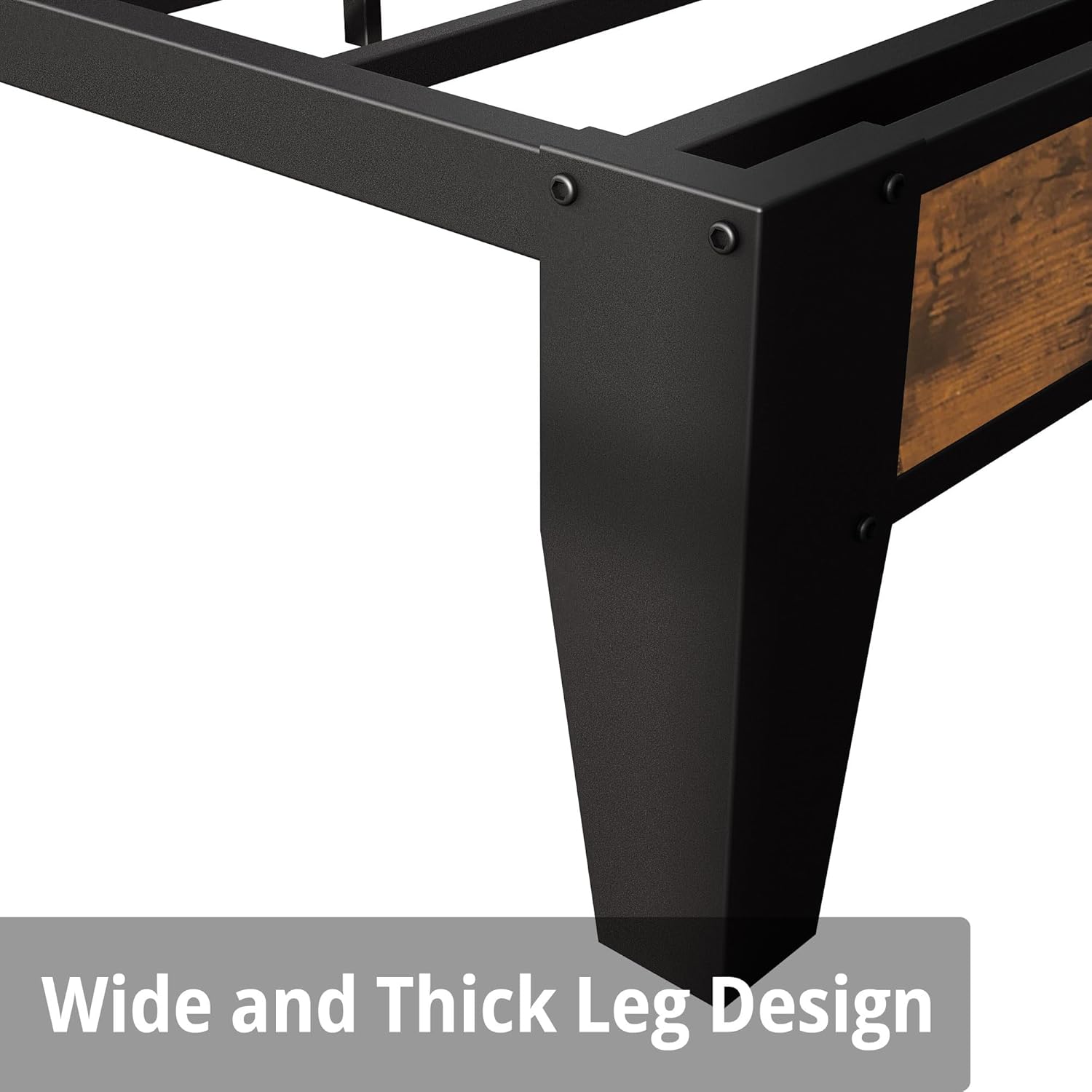
Image 7.3: Detail of the bed frame's wide and thick leg design, contributing to its overall stability and durability.
8. Warranty and Support
8.1 Warranty Information
For specific warranty details regarding your ANCTOR Full Size Bed Frame, please refer to the warranty card included with your purchase or consult your original purchase documentation. Warranty terms typically cover manufacturing defects under normal use.
8.2 Customer Support
If you have any questions, require assistance with assembly, or need to report a missing or damaged part, please contact ANCTOR customer support. Contact information can typically be found on the ANCTOR brand website or on your purchase receipt.
When contacting support, please have your model number (HK-FBF-016) and proof of purchase readily available to expedite the process.
