
1. Introduction
Thank you for choosing the Deli Desktop Effortless Stapler. This manual provides essential information for the safe and efficient use of your new stapler. Please read it thoroughly before operation and retain it for future reference.
This stapler is designed for effortless stapling of up to 25 sheets of paper, making it ideal for office, school, and home use. It supports both 24/6 and 26/6 staples and features an anti-skid base for stable operation.
2. Safety Information
- Keep fingers clear of the stapling mechanism during operation to prevent injury.
- Do not attempt to staple materials thicker than the specified 25-sheet capacity.
- Use only compatible staples (24/6 or 26/6) to ensure proper function and prevent damage.
- Keep the stapler out of reach of small children.
- Avoid dropping the stapler, as this may cause internal damage.
3. Package Contents
Upon opening the package, verify that all items are present and in good condition:
- Deli Desktop Effortless Stapler (Black)
- 1000 Count 26/6 Staples
- Portable Staple Remover

Figure 3.1: Included items - Deli Desktop Effortless Stapler, a box of 1000 staples, and a staple remover.
4. Product Overview
The Deli Desktop Effortless Stapler is designed for ease of use and durability. Key features include:
- Effort-saving Design: Lever action for one-finger stapling, reducing hand fatigue.
- 25 Sheet Capacity: Capable of binding up to 25 sheets of standard paper.
- Anti-skid Base: Non-slip rubber base ensures stability and protects surfaces.
- Quick Loading: Spring-powered button for easy staple refilling.
- Staple Compatibility: Supports both 24/6 and 26/6 staples.
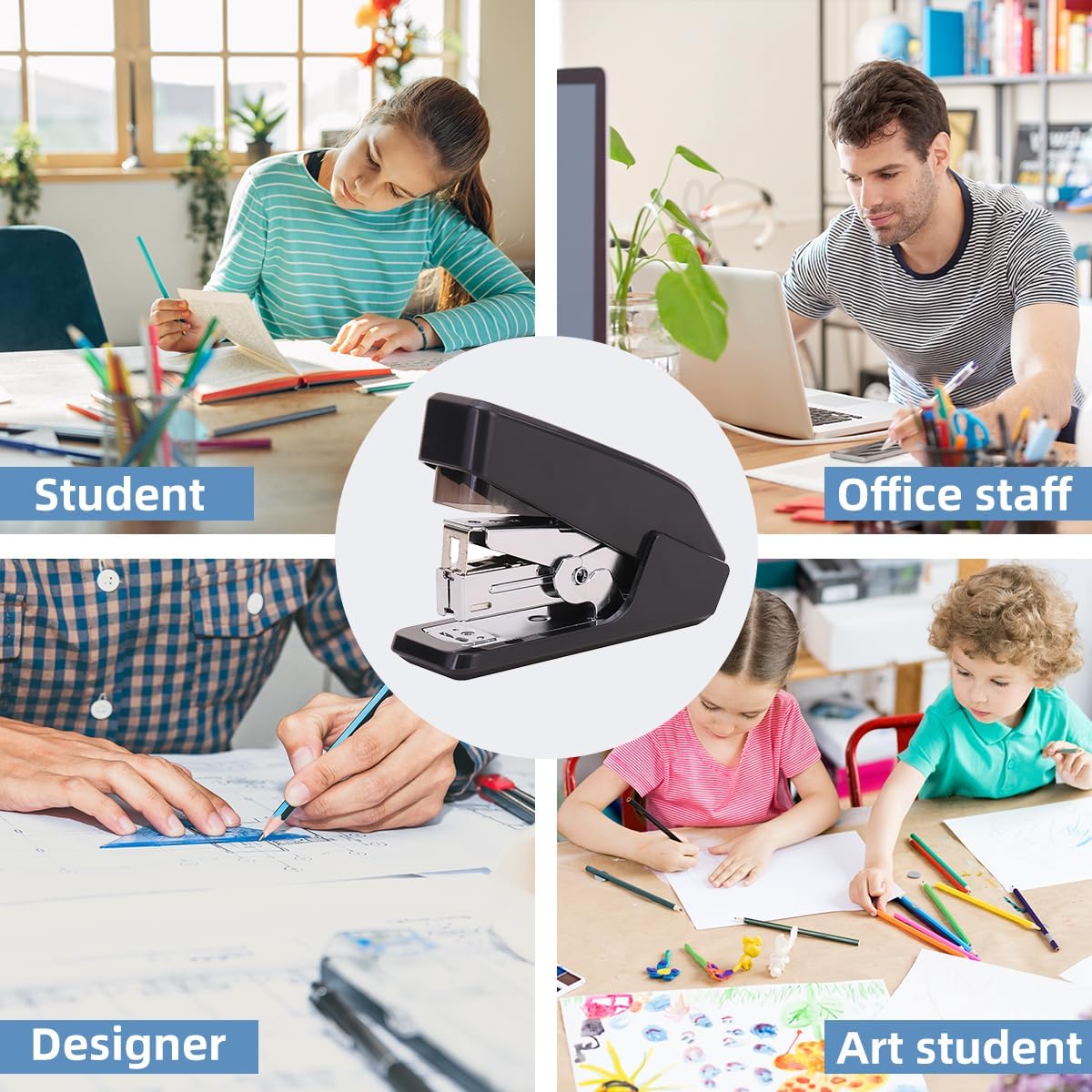
Figure 4.1: Product dimensions for the Deli Desktop Effortless Stapler.

Figure 4.2: The anti-skid and anti-scratch mat on the stapler's base.
5. Setup
5.1 Loading Staples
- Locate the staple loading button, typically at the rear of the stapler.
- Press the button to release the staple tray. The tray will gently pop out.
- Insert a strip of 24/6 or 26/6 staples into the tray with the staple points facing down. Ensure the strip is fully seated.
- Gently push the staple tray back into the stapler until it clicks securely into place.

Figure 5.1: Loading staples into the stapler.

Figure 5.2: The stapler supports both 24/6 and 26/6 staple sizes.
6. Operating Instructions
6.1 Stapling Documents
- Align the papers you wish to staple, ensuring they are neatly stacked and do not exceed the 25-sheet capacity.
- Slide the papers into the stapler's opening until they reach the desired stapling depth.
- Place the stapler on a flat, stable surface.
- Press down firmly on the top of the stapler with one finger or your palm. The lever action will make stapling effortless.
- Release the pressure and remove the stapled document.

Figure 6.1: Effortless one-finger stapling.
6.2 Using the Staple Remover
The included portable staple remover allows for easy removal of staples without damaging documents.
- Slide the metal prongs of the staple remover under one side of the staple.
- Gently squeeze the handles of the remover to lift the staple ends from the paper.
- Once both ends are lifted, pull the staple away from the paper.
7. Maintenance
- Cleaning: Wipe the exterior of the stapler with a soft, dry cloth. Do not use abrasive cleaners or solvents.
- Staple Jams: If a staple jam occurs, carefully open the stapler and remove any bent or stuck staples using pliers or the staple remover. Ensure the staple path is clear before closing and attempting to staple again.
- Storage: Store the stapler in a dry environment, away from extreme temperatures and direct sunlight.
8. Troubleshooting
| Problem | Possible Cause | Solution |
|---|---|---|
| Staples not going through paper. | Too many sheets; incorrect staple size; dull staples. | Reduce sheet count; ensure 24/6 or 26/6 staples are used; replace staples. |
| Stapler jams frequently. | Bent staples; improperly loaded staples; foreign objects in mechanism. | Clear jammed staples; reload staples correctly; inspect and remove debris. |
| Staples are crooked or loose. | Papers not aligned; stapler not on flat surface; worn mechanism. | Align papers properly; use on a stable surface; if persistent, consider replacement. |
| Staple tray does not open. | Button stuck; mechanism obstructed. | Gently wiggle the button; check for obstructions around the tray. |
9. Specifications
- Model: DELI-E0466-B
- Brand: Deli
- Capacity: Up to 25 sheets (standard 80gsm paper)
- Staple Type: 24/6, 26/6
- Material: Plastic, Metal
- Color: Black
- Dimensions (L x W x H): 4.52 x 1.61 x 2.52 inches
- Weight: 11.3 ounces
10. Warranty and Support
For warranty information or technical support, please refer to the contact details provided with your purchase or visit the official Deli website. Keep your purchase receipt as proof of purchase.
Manufacturer: Deli
First Available Date: June 15, 2023
For further assistance, you may contact the seller directly via the Amazon platform.