
1. Introduction
This manual provides comprehensive instructions for the safe and effective operation of your Dragonhawk X8 Wireless Tattoo Pen Machine Gun. Designed with a brushless motor by Mcore, the X8 offers precise speed control ranging from 180 RPM to 9,000 RPM, making it suitable for various tattooing techniques including dot work, lining, and shading.
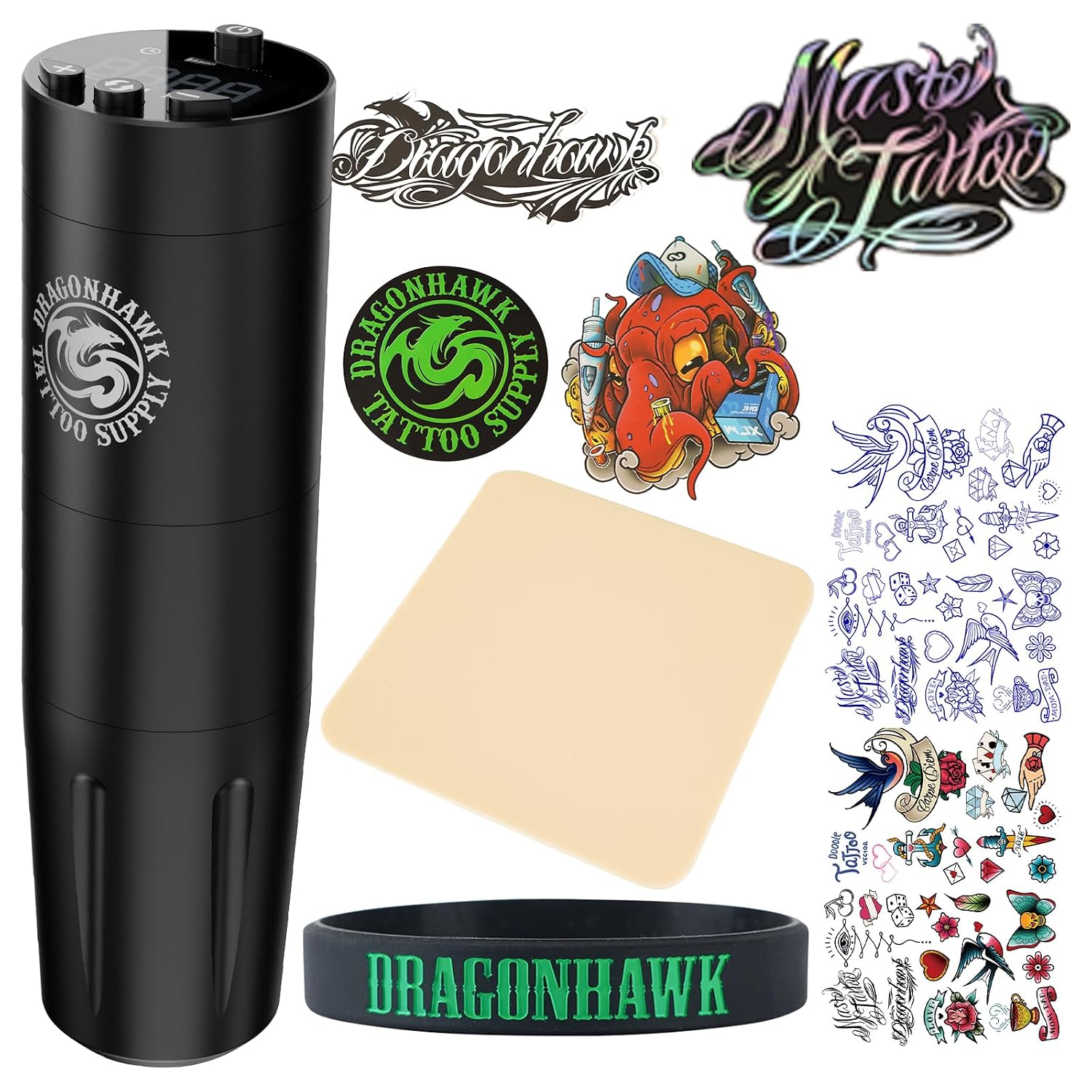
Figure 1: Dragonhawk X8 Wireless Tattoo Pen Machine Gun and included accessories.
2. Setup and Basic Usage
Follow these steps to prepare your Dragonhawk X8 for operation:
- Remove from Packaging: Carefully remove the tattoo machine and all components from its packaging.
- Charge the Machine: Ensure the machine is fully charged before first use. Connect the Type-C charging cable to the machine and a compatible power source. The battery indicator on the display will show charging progress. A full charge typically takes approximately 2 hours.
- Install Cartridge Needle: Securely attach a compatible tattoo cartridge needle to the machine. The X8 is designed to suit most tattoo cartridge needles on the market.
- Power On: To turn on the machine, press and hold the power button (1) for 2 seconds. The screen will display the previous shutdown speed and enter standby mode.
- Adjust Speed Control: Use the (+) and (-) buttons (2/3) to adjust the motor speed. For speeds between 2000-9000 RPM, click the (+) / (-) buttons once to adjust by 175 RPM. For quick speed adjustment, press and hold the (+) / (-) buttons. The display shows the current RPM.
- Memory Voltage: The machine features 5 sets of memory speeds (I, II, III, IV, V) for quick switching between them by pressing the cycle key (5). The memory speed is automatically saved after each adjustment.
- Begin Tattooing: Once the desired speed is set, click the power button (1) once to start working. Press and hold the power button (1) again for 2 seconds to shut down. Always ensure proper technique and hygiene practices are followed during tattooing.

Figure 2: Detailed view of the X8 control panel, showing power, timing, battery, speed, and adjustment buttons.
3. Operating the Machine
The Dragonhawk X8 offers versatile performance for various tattooing needs:
- Speed Control: The X8 wireless tattoo pen features a motor speed display ranging from 180 RPM to 9,000 RPM, allowing for precise control over needle movement.
- Versatile Application: Adapt the X8 machine to your rhythm with easy control across different speeds. You can choose any speed level for lining, shading, and dot work.
- Consistent Power: The machine maintains 12V power at any RPM, ensuring powerful performance even at low speeds.

Figure 3: The X8 machine demonstrating its capability for both dot work and precise lining.

Figure 4: The X8's wide RPM range, from ultra-low 180 times/minute to high 9,000 times/minute, for diverse tattooing methods.
4. Key Features and Technology
- Brushless Motor by Mcore: Equipped with a proprietary Mcore brushless motor, the X8 delivers high speed, low noise, stable operation, and low energy consumption with increased power. It remains cool even during extended use, making it ideal for both lining and shading.
- Optimal Stroke Length: This tattoo machine features a standard 3.5mm stroke length, ensuring accurate and forceful needle propulsion for cartridge needles.
- Ergonomic Design: The 32mm grip size combined with a lightweight 144g (6.0oz) design provides comfortable control and reduces fatigue during long tattooing sessions.
- Advanced Direct Drive System: The professional direct drive system ensures smooth, precise, soft, and quiet operation. It is flexible for every style, gently and smoothly transferring ink to the skin, providing a stable voltage and low noise experience for both artist and client.

Figure 5: Internal view highlighting the powerful Mcore brushless motor, a key component for the X8's performance.
5. Specifications
| Feature | Detail |
|---|---|
| Model Number | XDTY |
| Motor Type | Brushless motor (Mcore) |
| Speed Range | 180 RPM - 9,000 RPM |
| Stroke Length | 3.5mm (standard) |
| Grip Size | 32mm |
| Weight | 144g / 6.0oz |
| Input Voltage | DC5V/1A |
| Battery Capacity | 1500mAh |
| Working Time | 2.5-3 hours (approx.) |
| Charging Method | Type-C |
| Charging Time | 2 hours (approx.) |
| Color | Black |
| Water Resistance Level | Water Resistant |

Figure 6: Visual representation of the X8's key parameters including dimensions and battery life.
6. Safety Information
WARNING:
- Use with caution to avoid hurting oneself.
- Always ensure proper sterilization of equipment and maintain strict hygiene practices to prevent infections.
- Do not operate the machine if it is damaged or malfunctioning.
- Keep out of reach of children.
- Consult with a professional for proper tattooing techniques and safety protocols.
7. Maintenance
Regular maintenance ensures the longevity and optimal performance of your Dragonhawk X8:
- Cleaning: After each use, thoroughly clean the machine. Use appropriate disinfectants for tattoo equipment. Ensure no liquids enter the internal components.
- Lubrication: Periodically apply a small amount of machine oil to moving parts as recommended by professional tattoo equipment maintenance guidelines to ensure smooth operation.
- Storage: Store the machine in a clean, dry place away from direct sunlight and extreme temperatures.
- Battery Care: To prolong battery life, avoid fully discharging the battery frequently. Charge the machine regularly, even if not in use for extended periods.
8. Troubleshooting
If you encounter issues with your Dragonhawk X8, refer to the following common troubleshooting tips:
| Problem | Possible Cause | Solution |
|---|---|---|
| Machine does not turn on. | Low battery or power button not held long enough. | Charge the machine fully. Press and hold the power button for 2 seconds. |
| Inconsistent needle movement. | Loose cartridge needle or incorrect speed setting. | Ensure the cartridge needle is securely attached. Adjust the speed setting as needed. |
| Machine feels hot during operation. | Prolonged continuous use or high voltage setting. | Take short breaks during long sessions. While the brushless motor is designed for low heat, excessive continuous use can still generate warmth. Ensure proper ventilation. |
| Unusual noise from the machine. | Internal component issue or need for lubrication. | Ensure the machine is clean and lubricated. If the noise persists, contact customer support. |
If the problem persists after attempting these solutions, please contact Dragonhawk customer support.
9. Warranty and Support
Dragonhawk products are designed for professional use and come with dedicated support.
- Warranty Coverage: Dragonhawk's coverage is included for peace of mind. For specific warranty terms and conditions, please refer to the product packaging or contact customer support.
- Customer Support: For any inquiries or issues with your order, please reach out through Amazon's messaging system.
- Video Tutorials: For additional guidance, video tutorials, setup guides, and pro tips (from machine maintenance to technique breakdowns) are available on the official Dragonhawk YouTube channel: Youtube.com/@Dragonhawkofficial.


