1. Introduction
This manual provides comprehensive instructions for the safe and effective use of your SXOVO Silicone Vibrating Anal Plug. Please read this manual thoroughly before initial use and retain it for future reference.
The SXOVO Silicone Vibrating Anal Plug is designed for personal use, featuring a soft silicone construction, a luminous base, and multiple vibration modes controllable via a wireless remote or directly on the device. Its waterproof design allows for versatile use and easy cleaning.
2. Safety Information
- Clean the product thoroughly before and after each use with warm water and mild soap or a specialized toy cleaner.
- Always use a water-based lubricant with silicone products to ensure comfort and prevent damage to the material.
- Do not use silicone-based lubricants as they can degrade the silicone material.
- Discontinue use immediately if you experience any discomfort or pain.
- Keep out of reach of children.
- Store in a cool, dry place away from direct sunlight and extreme temperatures.
3. Product Overview
The SXOVO Silicone Vibrating Anal Plug is crafted from body-safe silicone, ensuring a smooth and comfortable experience. It features a unique luminous base that illuminates with various colors corresponding to vibration patterns.

Figure 1: Main product view showing the silicone plug and its wireless remote control.

Figure 2: Product dimensions shown next to a standard beverage can for size reference. Dimensions are approximately 2.83 to 3.54 inches in length and 1.37 inches in width at the widest point.
4. Features
- Luminous Base: The base of the plug features a flashing light that changes frequency with different vibration patterns.
- Wireless Remote Control: Control vibration modes from up to 10 meters away.
- 10 Vibration Modes: Offers a variety of exciting feelings and pleasure patterns.
- Waterproof Design: Can be used in wet environments like bathrooms and is easy to clean.
- USB Charging: Convenient and portable charging via a USB interface.

Figure 3: Visual representation of the 10 distinct vibration patterns available.

Figure 4: The luminous base displaying its colorful light effects during operation.
5. Setup
5.1 Initial Charging
- Locate the charging port on the device, typically a small indentation on the base.
- Connect the provided USB charging cable to the device's charging port.
- Plug the USB end of the cable into a compatible USB power source (e.g., computer, USB wall adapter).
- Allow the device to fully charge before first use. The indicator light will typically show charging status.
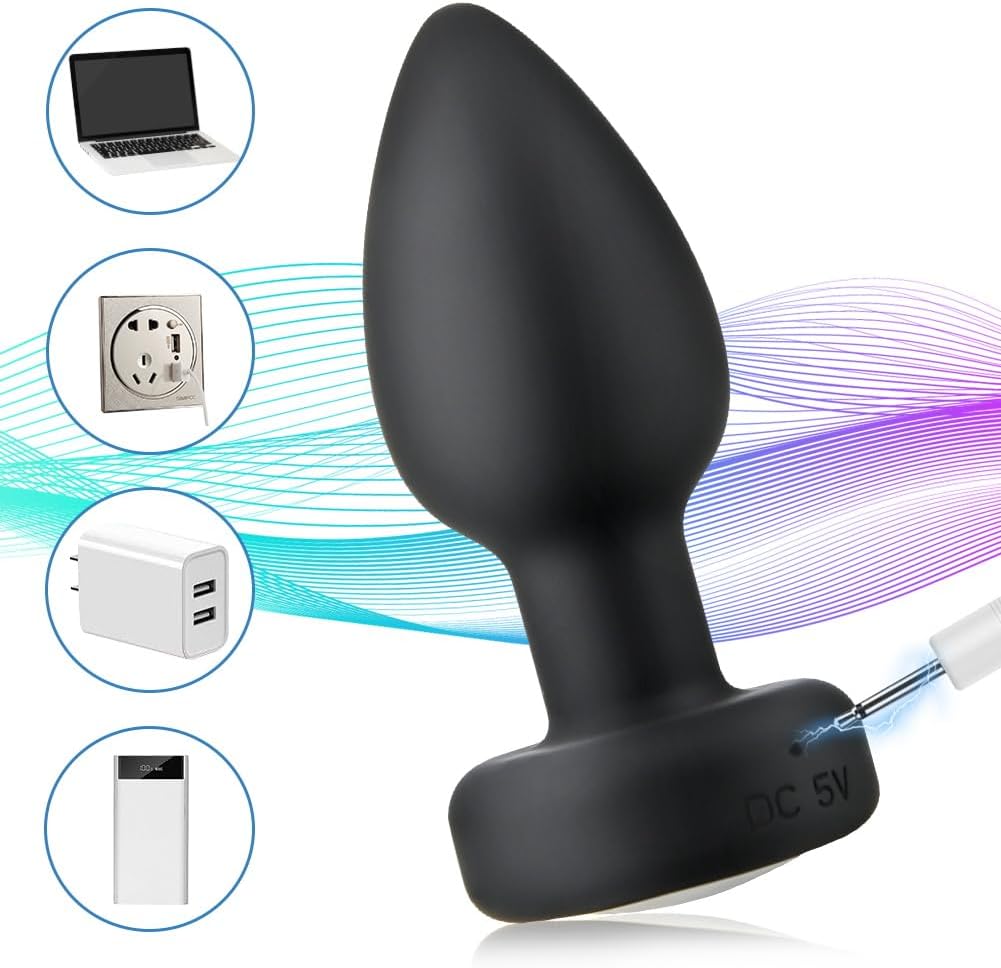
Figure 5: Illustration of connecting the USB charging cable to the device.
6. Operating Instructions
6.1 Device Operation
- Power On: Gently touch and hold the on/off button located at the bottom of the product until the light blinks. Release the button; the blinking light indicates activation.
- Change Vibration Mode: Briefly press the on/off button again to cycle through the 10 vibration modes.
- Power Off: Long press the on/off button until the device turns off.
6.2 Remote Control Operation
- Activate Remote: Press and hold the on/off button on the remote control until its indicator light turns on.
- Change Vibration Mode: Use the designated button on the remote to switch between the 10 vibration modes.
- Power Off: Long press the on/off button on the remote to turn it off. Ensure both the device and remote are powered off after use.
Video 1: Demonstrates the operation of the SXOVO Silicone Vibrator, including power on/off and cycling through vibration modes using the device and remote control. (Source: SXOVO)
Video 2: Shows the glowing feature and various vibration modes of a similar vibrating plug. (Source: JOYHome)
Video 3: Illustrates the remote control functionality and waterproof nature of the product. (Source: TAO645-am)
7. Maintenance
7.1 Cleaning
- Wash the device with warm water and a mild, antibacterial soap or a dedicated toy cleaner before and after each use.
- Rinse thoroughly to remove all soap residue.
- Pat dry with a lint-free cloth or allow to air dry completely before storing.
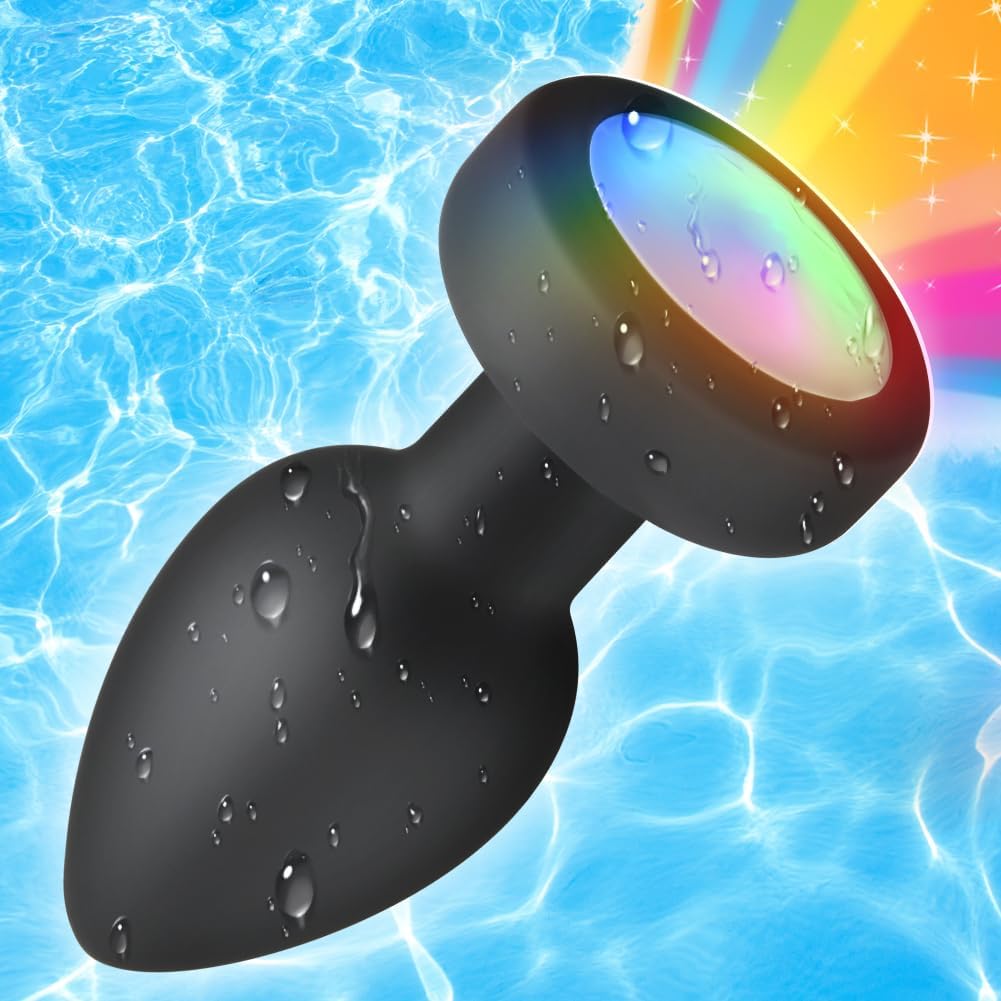
Figure 6: The device shown in water, highlighting its waterproof capability for easy cleaning.
7.2 Storage
- Store the device in a clean, dry place, preferably in its original packaging or a dedicated storage pouch.
- Avoid storing with other toys made of different materials to prevent material degradation.
8. Troubleshooting
| Issue | Possible Cause | Solution |
|---|---|---|
| Device not turning on | Low battery; Not activated correctly | Charge the device fully. Ensure long press on power button for activation. |
| Remote control not working | Remote not activated; Out of range; Low battery | Activate remote with long press. Ensure remote is within 10m range. Check remote battery. |
| Vibration modes change unexpectedly | Button sensitivity | Ensure gentle presses. This may be a characteristic of the device's design. |
| Luminous base not flashing | Light feature disabled; Malfunction | Ensure device is on and cycling through modes. If issue persists, contact support. |
9. Specifications
- Brand: SXOVO
- Model Number: FBAOVOykshanguanggs
- Material: Silicone
- Color: Black
- Water Resistance Level: Waterproof
- Batteries: 2 Lithium Ion batteries (included)
- Package Dimensions: 4.76 x 2.36 x 2.32 inches; 4.23 ounces
10. Warranty & Support
Specific warranty information was not provided with this product. For any issues not covered in this manual, or for further assistance, please contact SXOVO customer support directly through your purchase platform.