
Introduction
Thank you for purchasing the Gear4music VISIONKEY-100 88-Key Digital Piano. This manual provides essential information for the safe and efficient use of your instrument. Please read it thoroughly before use and retain it for future reference.
Safety Information
- Power Supply: Use only the specified power adapter. Ensure the voltage matches your local power supply.
- Water and Moisture: Do not expose the instrument to water or excessive moisture. Avoid placing liquids on or near the piano.
- Heat Sources: Keep the instrument away from heat sources such as radiators, heat registers, stoves, or other heat-producing appliances.
- Ventilation: Do not block any ventilation openings. Ensure proper airflow around the instrument.
- Cleaning: Clean only with a dry cloth. Do not use liquid cleaners or aerosols.
- Servicing: Do not attempt to service this product yourself. Refer all servicing to qualified service personnel.
Package Contents
The VISIONKEY-100 package includes everything needed to start playing immediately. Please check that all items listed below are present:
- VISIONKEY-100 Digital Piano
- Headphones
- Piano Stand
- Piano Bench
- Sustain Pedal
- Music Rest
- USB-C Power Cable

Image: The complete VISIONKEY-100 digital piano bundle, including the piano, stand, bench, headphones, and sustain pedal, ready for immediate use.
Setup
- Assemble the Stand and Bench: Follow the instructions provided with the stand and bench to assemble them securely.
- Place the Piano: Carefully place the VISIONKEY-100 digital piano onto the assembled stand. Ensure it is stable.
- Connect the Sustain Pedal: Plug the sustain pedal into the designated "SUSTAIN" jack on the rear panel of the piano.
- Connect Power: Connect the USB-C power cable to the "DC 5V" port on the piano and then to a suitable power outlet.
- Attach Music Rest: Insert the music rest into the slots on top of the piano.
- Connect Headphones (Optional): For private practice, plug the headphones into the "PHONES" jack.

Image: A close-up view of the VISIONKEY-100's rear panel, highlighting the various connectivity ports including USB-C power, headphone, and sustain pedal inputs.
Controls and Functions
The VISIONKEY-100 features an intuitive control panel for easy access to its various functions.

Image: A detailed view of the VISIONKEY-100's control panel, showing the LED display, power button, function buttons, and volume controls.
Control Panel Overview:
- Power Button: Turns the instrument on/off.
- Volume Control: Adjusts the overall output volume.
- Function Button: Activates secondary functions of keys.
- Tone Selection: Selects from 129 different instrument sounds.
- Rhythm Selection: Chooses from 128 accompaniment rhythms.
- Demo Song: Plays one of the 30 built-in demonstration songs.
- Tempo Control: Adjusts the speed of rhythms and demo songs.
- LED Display: Shows current settings and selections.
Operation
Basic Playback:
- Press the Power Button to turn on the piano.
- Adjust the Volume Control to a comfortable listening level.
- Begin playing the 88 velocity-sensitive keys.
Sound (Tone) Selection:
The VISIONKEY-100 offers 129 different instrument sounds.
- Press the Tone Selection button.
- Use the number keys or arrow buttons to select your desired tone. The LED display will show the current tone number.
- Press the Tone Selection button again to confirm or wait a few seconds for the selection to apply automatically.
Rhythm Selection:
Choose from 128 built-in rhythms to accompany your playing.
- Press the Rhythm Selection button.
- Use the number keys or arrow buttons to select a rhythm. The LED display will show the current rhythm number.
- Press the Start/Stop button (often combined with Rhythm) to begin the rhythm.
- Adjust the tempo using the Tempo Control buttons.
Playing Demo Songs:
The piano includes 30 demonstration songs.
- Press the Demo Song button.
- Use the number keys or arrow buttons to select a demo song.
- The selected song will begin to play. Press the Demo Song button again to stop playback.
Bluetooth Connectivity:
Stream audio wirelessly from your smartphone, tablet, or laptop to the piano's built-in speakers.
- Ensure the piano is powered on.
- Activate Bluetooth on your external device.
- Search for "VISIONKEY-100" in your device's Bluetooth settings and pair.
- Once connected, audio from your device will play through the piano's speakers.
MIDI USB Connectivity:
Connect the VISIONKEY-100 to a computer or other MIDI-compatible device via USB for recording or using music software.
- Connect a USB-C to USB-A (or appropriate) cable from the piano's USB-C port to your computer.
- The piano will be recognized as a MIDI device.
- Open your preferred music software (DAW, learning app, etc.) and select "VISIONKEY-100" as the MIDI input device.
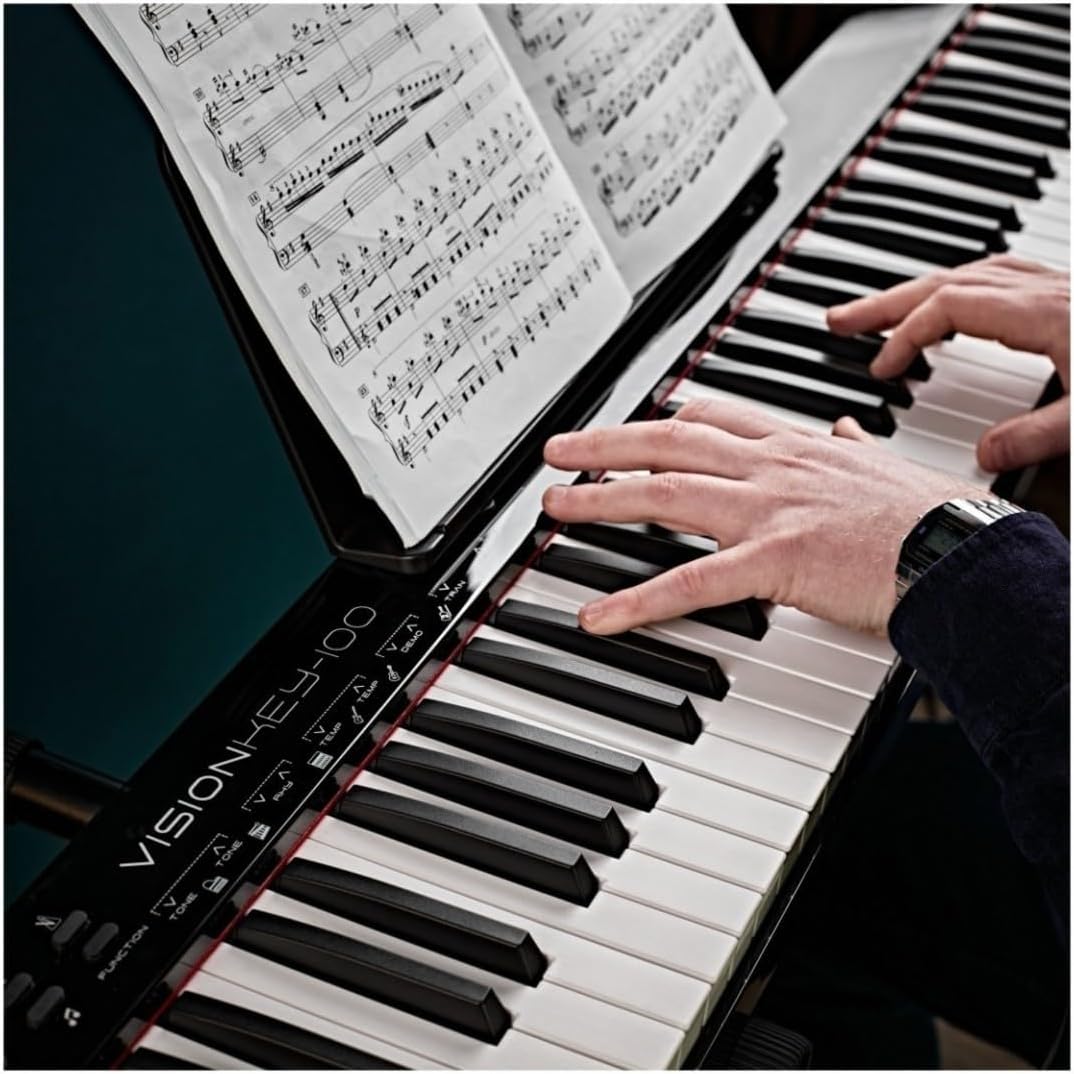
Image: A person playing the VISIONKEY-100 digital piano, demonstrating its authentic piano feel and compatibility with digital sheet music on a tablet.
Maintenance
- Cleaning: Wipe the piano's surface with a soft, dry, lint-free cloth. Do not use abrasive cleaners, waxes, or solvents.
- Storage: When not in use for extended periods, store the piano in a cool, dry place, away from direct sunlight and extreme temperatures.
- Key Care: Avoid pressing keys with excessive force or placing heavy objects on them.
Troubleshooting
| Problem | Possible Cause | Solution |
|---|---|---|
| No sound | Volume too low; headphones connected; power issue. | Increase volume. Disconnect headphones. Check power cable connection. |
| Keys not responding | Instrument not powered on; MIDI mode active without software. | Ensure piano is on. Check if MIDI mode is accidentally engaged (consult full manual if available). |
| Bluetooth not connecting | Bluetooth not enabled on device; piano not in pairing mode; interference. | Ensure Bluetooth is on and visible on your device. Restart both devices. Move closer to the piano. |
| Distorted sound | Volume too high; faulty cable; external interference. | Lower volume. Try a different cable if using external speakers. Move away from other electronic devices. |
Specifications
- Model: VISIONKEY-100
- Keys: 88 Velocity-Sensitive Keys
- Sounds (Tones): 129
- Rhythms: 128
- Demo Songs: 30
- Connectivity: Bluetooth, MIDI USB, Headphone Out (3.5mm Jack), Sustain Pedal Input, Microphone Input
- Power Source: USB-C (DC 5V)
- Dimensions (L x W x H): 123.4 x 21 x 6.7 cm (48.6 x 8.3 x 2.6 inches)
- Weight: 15.12 kg (33.3 lbs)
- Brand: Gear4music
Warranty and Support
The Gear4music VISIONKEY-100 Digital Piano comes with a standard manufacturer's warranty. For specific warranty details, please refer to the documentation included with your purchase or visit the official Gear4music website. For technical support or service inquiries, please contact Gear4music customer service.
Manufacturer: Gear4music
Country of Origin: China


