
Introduction
This manual provides detailed instructions for the setup, operation, and maintenance of your Noorio D110 Wireless Doorbell Camera. Please read thoroughly before use to ensure optimal performance and safety.
What's in the Box
The Noorio D110 Wireless Doorbell Camera package typically includes:
- Noorio D110 Doorbell Camera
- Wireless Chime
- Mounting Bracket
- Mounting Screws and Wall Anchors
- USB-C Charging Cable
- User Manual
- Reset Pin / Release Tool

Setup
1. Initial Charging
Before initial use, fully charge the doorbell camera for at least 2 hours using a 5V 2A power adapter (not included). This ensures optimal battery performance and a smooth setup process.

2. Physical Installation
The D110 offers effortless setup with its wireless design. You can choose between adhesive tape or screws for mounting.
- Mark Positions: Use the mounting bracket to mark the desired drill holes on your wall.
- Drill Holes: Drill two holes at the marked positions.
- Insert Plugs: Insert the expansion plugs into the drilled holes.
- Secure Bracket: Align the doorbell back cover with the holes and drive in the screws to secure it.
- Attach Doorbell: Slide the doorbell camera onto the secured mounting bracket until it clicks into place.

To remove the doorbell from the bracket, insert the provided reset pin into the latch at the bottom of the doorbell and gently pull the doorbell upwards.
3. App Download & Connection
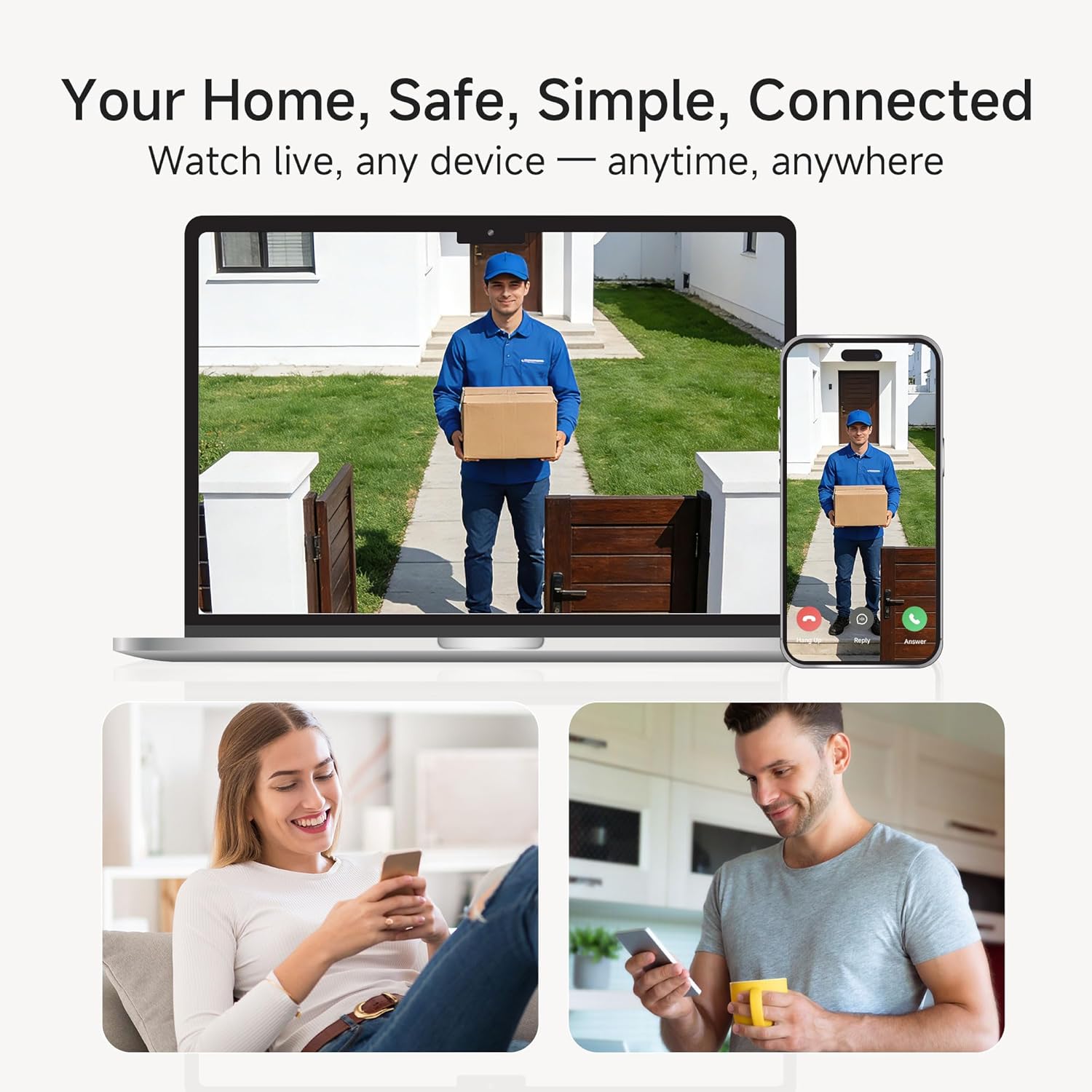
Download the "Noorio" app from your smartphone's app store. Follow the in-app instructions to pair your doorbell camera with your phone.
4. Wi-Fi Setup
The Noorio D110 supports 2.4GHz Wi-Fi networks only. Ensure your smartphone is connected to a 2.4GHz network during the setup process for a stable connection.

Operating the Doorbell Camera
1. Motion Detection
The D110 features dual motion detection (PIR and radar sensors) to reduce false alarms by 95%. It can distinguish between near and far subjects. You will receive instant notifications on your app when motion is detected.

2. Two-Way Talk
Engage in real-time two-way conversations with visitors through the Noorio app. This feature allows you to communicate with anyone at your door from anywhere.

3. Video Recording & Storage
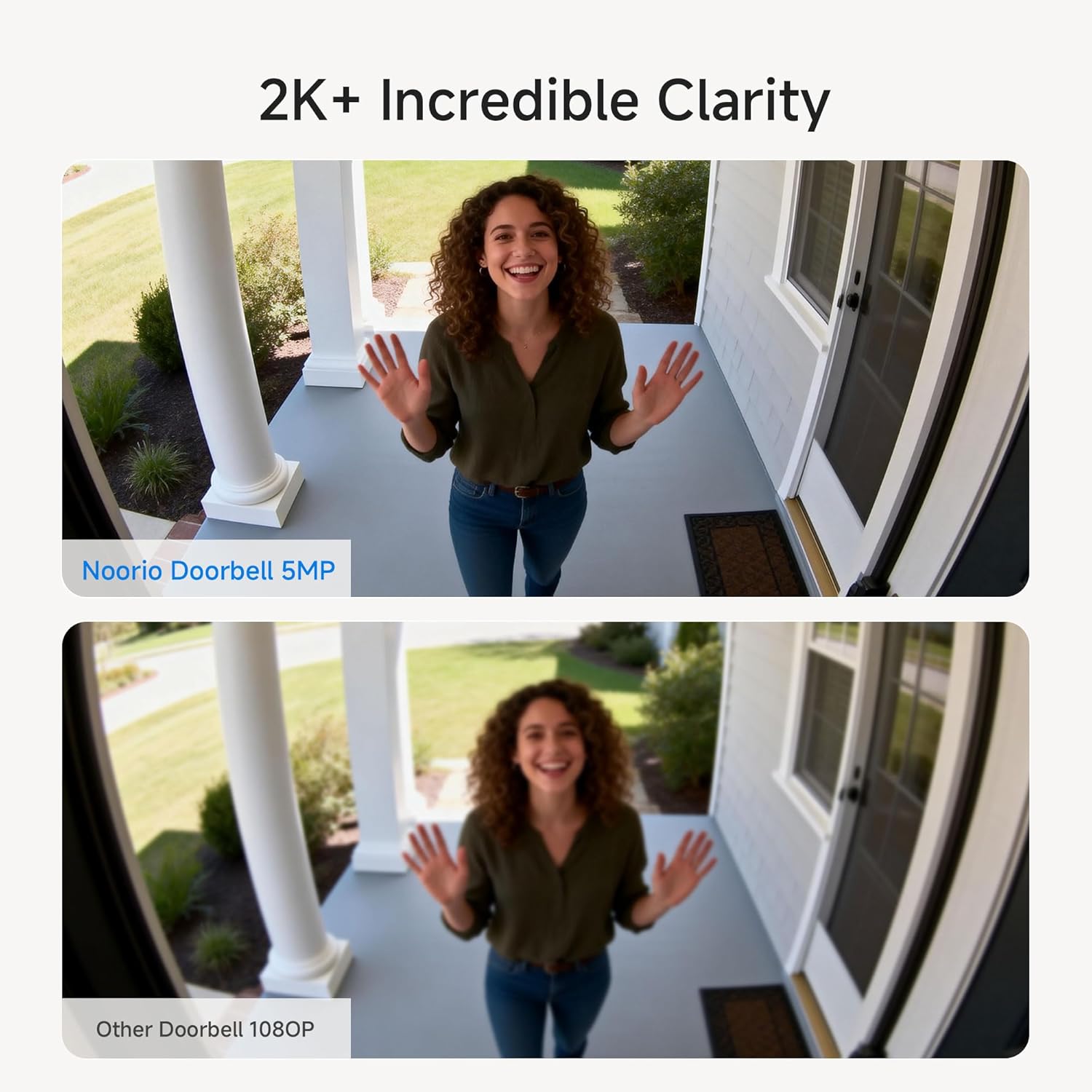
The D110 records in 2K HD with HDR for clear surveillance. It includes 16GB of local storage, capable of storing up to 6,000 video clips without hidden fees. Cloud storage is an optional service.
4. Color Night Vision
Benefit from 2K+ color night vision, ensuring clear and detailed images even in low-light conditions, unlike traditional black and white night vision.

5. Weather Resistance
The D110 is IP65 waterproof, designed to withstand various weather conditions including shine, snow, rain, and dust, making it suitable for outdoor use.
Maintenance
1. Charging
The doorbell camera is battery-powered. Recharge it as needed using the provided USB-C cable. The battery life is designed for extended use, reducing the frequency of charging.
2. Cleaning
Wipe the camera lens and body with a soft, damp cloth to remove dust and debris. Avoid using harsh chemicals or abrasive materials that could damage the device.
Troubleshooting
- No Notifications: Ensure the doorbell is properly paired with the app and your phone's notification settings allow alerts from the Noorio app. Check Wi-Fi connectivity.
- Poor Wi-Fi Signal: The doorbell operates on 2.4GHz Wi-Fi. Ensure your router is within range and provides a strong signal to the installation location.
- Doorbell Not Ringing: Verify the chime is powered on and paired with the doorbell. Check the volume settings on the chime and in the app.
- False Motion Alerts: Adjust the motion detection sensitivity settings within the Noorio app to reduce unwanted alerts.
Specifications
| Feature | Detail |
|---|---|
| Brand | Noorio |
| Model Number | D110 |
| Connectivity Technology | Wireless (2.4G WiFi Only) |
| Power Source | Battery Powered |
| Indoor/Outdoor Usage | Outdoor |
| Special Feature | Waterproof (IP65) |
| Effective Still Resolution | 5 MP |
| Field Of View | 170 Degrees |
| Flash Memory Installed Size | 16 GB |
| Night Vision | Color Night |
| Compatible Devices | Noorio App, Amazon Alexa |
| Item Dimensions | 15 x 5.4 x 3 Centimetres |
Warranty
Noorio offers a 1-year warranty for return and replacement due to quality issues, along with lifetime technical support. Replies to inquiries are typically provided within minutes to 24 hours.
Support
For technical assistance or customer service, please contact Noorio support:
- Phone: 800 642 5905 (9 AM - 6 PM ET, Business Day)
- Email: Support@nooriolife.com


