
1. Introduction
This manual provides essential information for the proper setup, operation, and maintenance of your wisecoco 7.8 inch Flexible AMOLED Display. Please read these instructions carefully before use to ensure optimal performance and longevity of the product. This display is designed for DIY prototype and demo applications, offering a unique bendable screen experience.
2. Product Features
- Super Specs: Type: 7.8" AMOLED, Resolution: 1440x1920, PPI: 308, Aspect Ratio: 4:3, Brightness: 300cd/m², Contrast Ratio: 100,000:1, NTSC: 100%, Colors: 16.7M, Response Time: ≤2ms, Full viewing angle, Portrait by default, Interface: MIPI, Bend Angle: 180° (Avoid improper bending!).
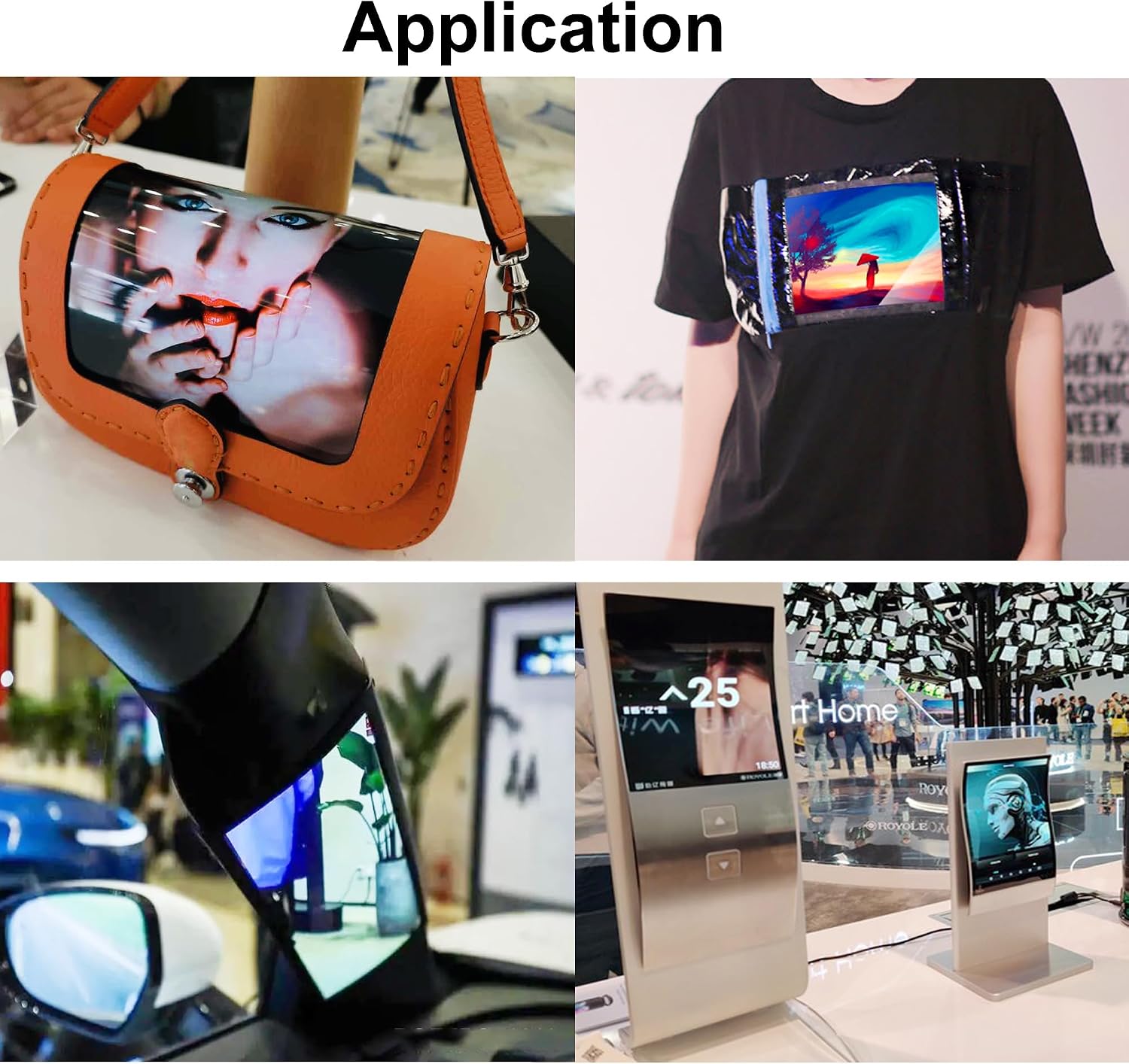
- Flexible Display Technology: This technology offers bendability and adaptability, enabling novel device types.
- OLED Innovation: OLED's self-emissive nature ensures energy efficiency. No backlight, ultra-light 5g, 1mm thin. Enables curved, rollable designs.
- Enhanced Visuals: OLED provides true blacks, 100% NTSC, 100,000:1 contrast, full view angles, IPS, FHD resolution, vivid and lifelike images. Swift OLED pixel switching suits videos and games.
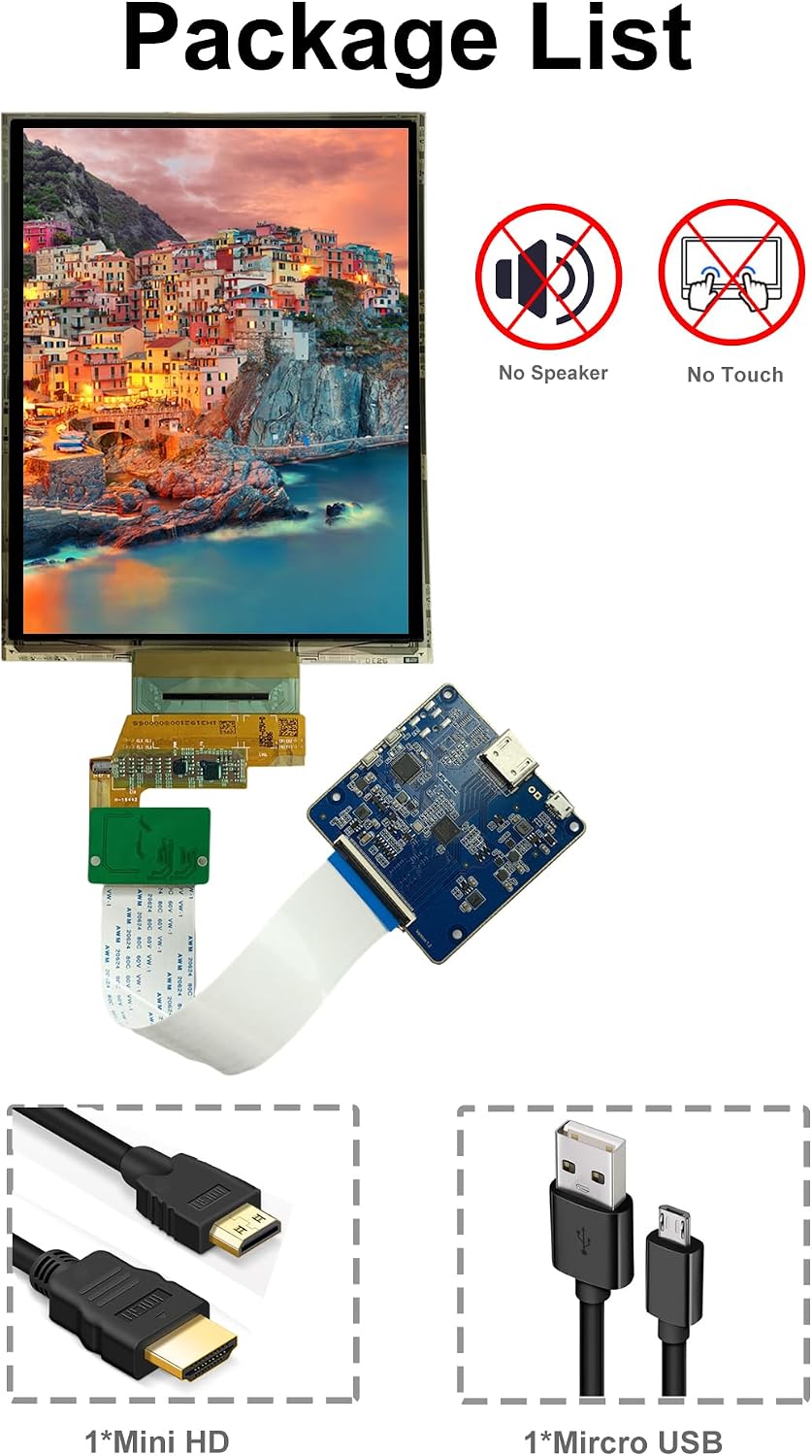
- Pre-Purchase Information: Handle with care due to fragile display. Follow user manual. Kit lacks housing/enclosure, touch, and speakers. Portrait Display Mode By Default. Requires HDMI-connected device for image and video display.
3. Package Contents
The standard kit includes the following components:
- 7.8 inch Flexible AMOLED Display
- HDMI Driver Board
- FPC Connector Cable
- 1x Mini HD to HD-MI Cable
- 1x USB to Type-C Cable
4. Product Dimensions


The display measures approximately 5.28 inches (134mm) in width and 6.30 inches (160mm) in height. The driver board has dimensions of 2.48 inches (63mm) by 2.48 inches (63mm).
5. Setup Instructions
Follow these steps to correctly connect your flexible display:
- Connect the FPC cable to the small adapter board, ensuring proper orientation.
- Connect the other end of the FPC cable from the adapter board to the HDMI driver board.
- Connect the flexible display's ribbon cable to the small adapter board.
- Connect the Mini HD to HD-MI cable from your source device (e.g., laptop) to the HDMI driver board.
- Connect the USB to Type-C cable to the Micro-USB port on the driver board for power (2A, 5V).

6. Operating Instructions
Once connected, the display will power on. The display operates in portrait mode by default.
6.1 Adjusting Display Orientation and Brightness
The control board features buttons to adjust the display orientation and brightness. Refer to the setup video for a demonstration:
- Press the designated button on the control board to rotate the display orientation (e.g., 90°, 180°).
- Use the brightness control buttons to increase or decrease the display brightness.
6.2 Handling the Flexible Display
The OLED flexible screen is designed to bend, but it requires careful handling:
- Hold the left and right sides of the screen carefully.
- Bend the screen slowly and gently, starting from a small angle and gradually increasing it.
- Avoid improper bending, sharp creases, or excessive force, as this can damage the display.
7. Important Usage Notes
- This kit does not include a housing or enclosure. The display and driver board are exposed and should be handled with care.
- The display does not feature touch functionality.
- The display does not have built-in speakers. Audio must be managed through your source device.
- The display operates in portrait mode by default. Adjustments to orientation can be made via the control board buttons.
- An HDMI-connected device is required for image and video display.
8. Specifications
| Feature | Specification |
|---|---|
| Screen Size | 7.8 Inches |
| Resolution | 1440 x 1920 Pixels |
| Aspect Ratio | 4:3 |
| Image Brightness | 300 cd/m² |
| Contrast Ratio | 100,000:1 |
| NTSC Color Gamut | 100% |
| Response Time | ≤2ms (Ton+Toff) |
| Display Type | AMOLED |
| Viewing Angle | Full viewing angle (IPS) |
| Interface | MIPI (internal), HDMI (external driver board) |
| Bend Angle | Up to 180° |
| Item Weight | 10.5 ounces |
| Product Dimensions | 0.01 x 5.2 x 6.6 inches (display only) |
| Model Number | R078F01 |
9. Troubleshooting
- No Display: Ensure all cables (FPC, HDMI, USB power) are securely connected. Verify the source device is outputting a signal. Check power supply to the driver board.
- Incorrect Orientation: Use the control board buttons to cycle through display orientations until the desired view is achieved.
- Dim Display: Use the brightness control buttons on the driver board to increase brightness. Ensure the power supply is sufficient (2A, 5V).
- Image Distortion: Check the resolution settings on your source device to ensure it matches the display's native resolution (1440x1920).
- Physical Damage: If the screen shows physical damage (cracks, lines, dead pixels) after improper handling, it may be permanently damaged. Handle with extreme care.
10. Warranty and Support
Your wisecoco Flexible AMOLED Display comes with the following:
- 12-Month Warranty: Covers manufacturing defects.
- 24-Hour Support: Technical assistance available.
- 30-Day Money Back Guarantee: For returns within 30 days of purchase.
For further assistance or warranty claims, please contact wisecoco customer support.


