
Introduction
This manual provides instructions for the proper setup, operation, and maintenance of your Armitron Men's Day-Date Function Expansion Band Watch, Model 20-4591. Please read these instructions carefully to ensure optimal performance and longevity of your timepiece.
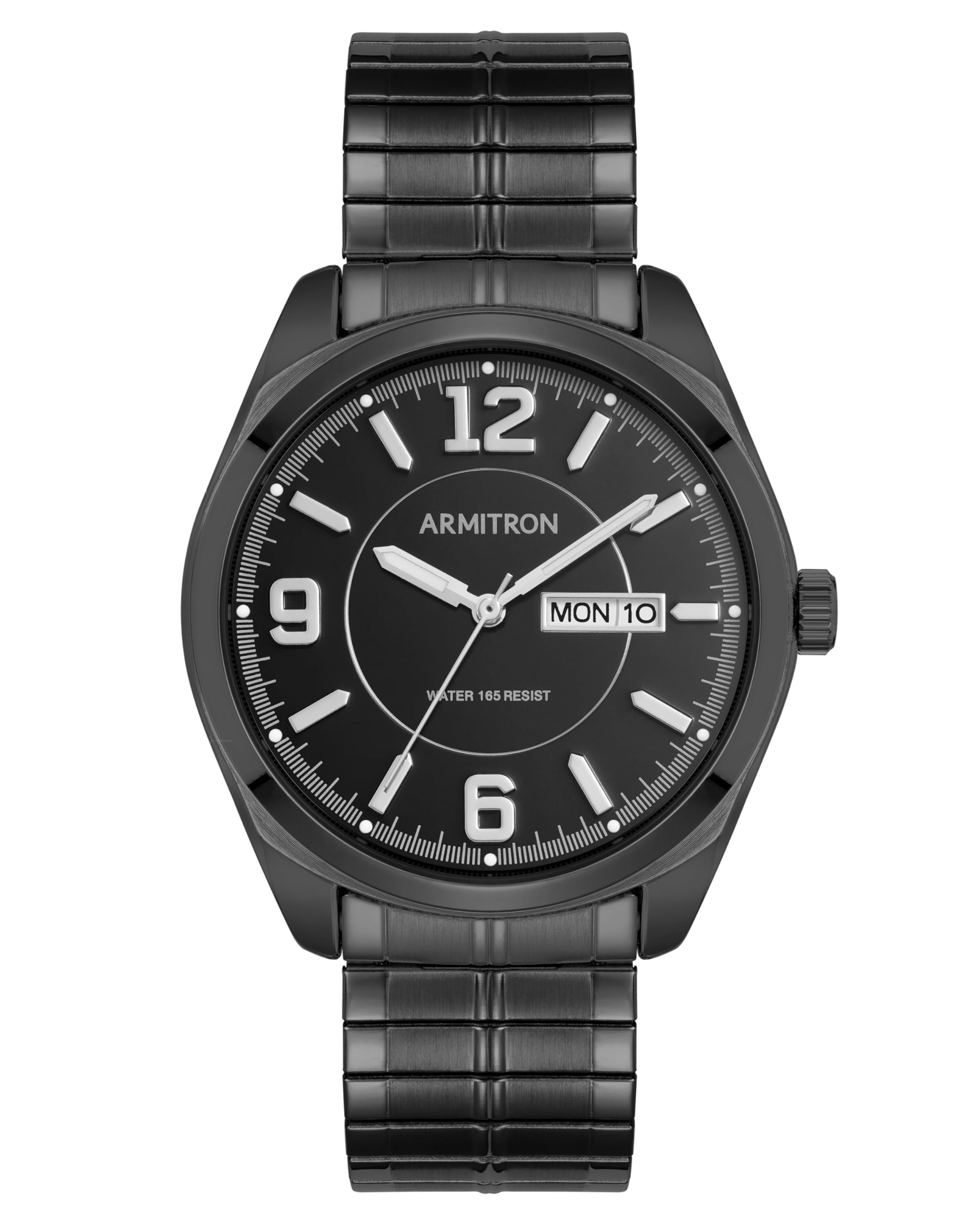
Figure 1: Front view of the Armitron Men's Day-Date Function Expansion Band Watch.
Setup
Setting the Time
- Locate the crown on the right side of the watch case.
- Gently pull the crown out to position 2. The watch hands will stop moving.
- Turn the crown clockwise or counter-clockwise to set the desired time. Ensure the AM/PM is correctly set, especially when setting the date.
- Once the time is set, push the crown back into position 0 (normal operating position). The watch hands will resume movement.

Figure 2: Side view of the watch, highlighting the crown for time and date adjustments.
Setting the Day and Date
- Pull the crown out to position 1 (intermediate position).
- Turn the crown clockwise to adjust the date.
- Turn the crown counter-clockwise to adjust the day.
- Adjust the day and date to the day before the current day.
- Pull the crown out to position 2. Turn the crown clockwise to advance the time until the correct day and date appear. Continue turning to set the current time, ensuring AM/PM is correct.
- Push the crown back into position 0.
Operating Instructions
Wearing the Watch
The watch features an expansion band designed for comfortable wear. Simply slide the watch onto your wrist. The band will expand to fit and then contract for a secure fit.
Water Resistance
This watch is water resistant to 165 feet (50 meters). This means it is suitable for short periods of recreational swimming, but not for diving or snorkeling. Avoid operating the crown while the watch is wet or submerged to prevent water intrusion.
Maintenance
Cleaning
To clean your watch, wipe it gently with a soft, dry cloth. For stubborn dirt, a slightly damp cloth can be used, followed by a dry cloth. Avoid using harsh chemicals or abrasive materials, as these can damage the watch finish and crystal.
Battery Replacement
The watch is powered by a Japanese Quartz movement and requires a battery. When the watch stops running, it indicates the battery needs replacement. Battery replacement should be performed by a qualified watch technician to ensure the water resistance seal is maintained and to prevent damage to the internal components.

Figure 3: Back view of the watch, showing the case back where battery access is located.
Troubleshooting
- Watch Not Running: Check if the crown is fully pushed into position 0. If it is, the battery may need replacement.
- Incorrect Time/Date: Refer to the "Setting the Time" and "Setting the Day and Date" sections to re-adjust.
- Condensation Inside Crystal: This may indicate a breach in the water resistance seal. Avoid further exposure to water and seek professional service immediately.
Specifications
| Model Number | 20/4591BKTI |
| Display Type | Analog |
| Movement Type | Japanese Quartz |
| Power Source | Battery Powered |
| Water Resistance Depth | 165 feet (50 meters) |
| Crystal Material | Mineral Glass |
| Case Material | Metal |
| Band Material | Stainless Steel (Expansion) |
| Case Diameter | 39.5 millimeters |
| Case Thickness | 9.5 millimeters |
| Band Width | 19 millimeters |
| Band Length | 6.75 inches |
| Dial Color | Black |
| Band Color | Black |
Warranty Information
This Armitron watch comes with a limited warranty. For detailed information regarding the terms, conditions, and duration of your warranty, please refer to the warranty card included with your purchase or visit the official Armitron website.
Customer Support
Should you require further assistance, have questions not covered in this manual, or need service for your watch, please contact Armitron customer support. You can find contact information and frequently asked questions on the official Armitron website: www.armitron.com.


