Product Overview
The Lezyne Macro Drive 1400+ Headlight and Strip Drive Pro 400+ Taillight set provides comprehensive illumination for cycling, enhancing visibility and safety. The front light offers powerful output and long endurance, while the rear light ensures wide-angle visibility with a bright flash mode. Both lights feature durable construction and convenient USB-C charging.
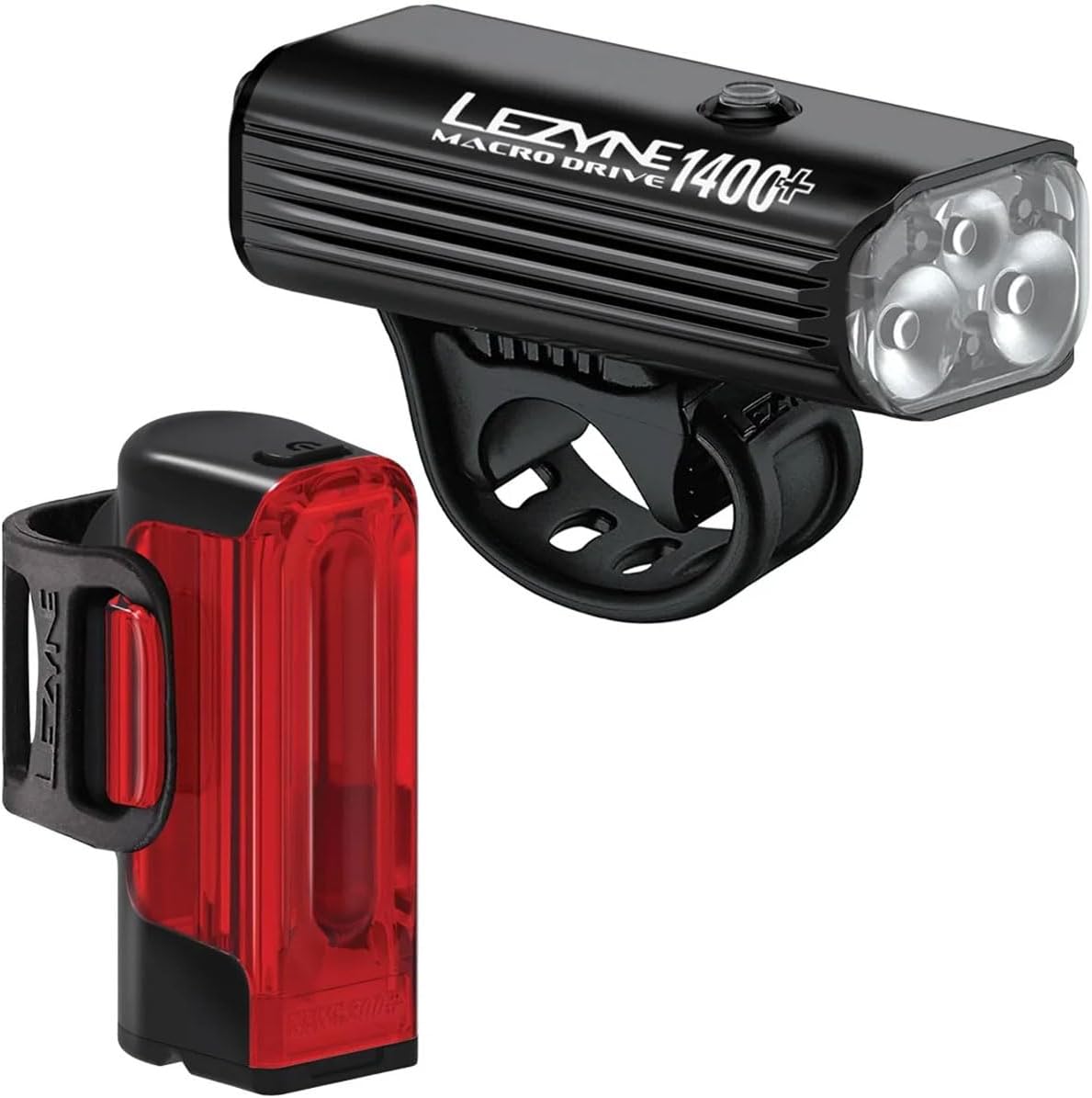
Image: The Lezyne Macro Drive 1400+ Headlight (top) and Strip Drive Pro 400+ Taillight (bottom) shown together. The headlight is black with three clear lenses, and the taillight is black with a red translucent body.
Key Features:
- Macro Drive 1400+ Headlight: Peak 1400 Lumens, 300-Hour Endurance in Eco Mode, Tri-Focus Optics for brighter and wider beam.
- Strip Drive Pro 400+ Taillight: Peak 400 Lumens, 80-Hour Runtime in Lowest Mode, Daytime Flash Mode, Wide-Angle Optics for 270° visibility.
- Charging: Water-Resistant USB-C Port with Charge Indicator, Rapid 2Amp Charging.
- Durability: Durable Aluminum Body with Cooling Fins (Headlight), IPX7 Waterproof Rating.
- Battery: 5200 mAh Battery Capacity (Headlight).
Setup and Installation
Headlight Installation:
- Mounting Location: Identify a suitable location on your bicycle's handlebar. Ensure the light beam will not be obstructed and can be aimed correctly.
- Secure the Strap: Wrap the integrated rubber strap around the handlebar.
- Hook the Strap: Pull the strap firmly and hook it onto the plastic clip on the opposite side of the light mount. Ensure the light is securely fastened and does not wobble.
- Adjust Angle: Adjust the angle of the headlight so that the beam is directed forward and slightly downward, illuminating the path ahead without blinding oncoming traffic.

Image: A close-up of the Lezyne Macro Drive 1400+ Headlight, showing its black aluminum body, three lenses, and integrated rubber strap for handlebar mounting.
Taillight Installation:
- Mounting Location: Choose a vertical section of your bicycle's seatpost. Ensure the taillight is visible from the rear.
- Secure the Strap: Wrap the integrated rubber strap around the seatpost.
- Hook the Strap: Pull the strap firmly and hook it onto the plastic clip on the opposite side of the light mount. Verify the taillight is stable and facing directly backward.
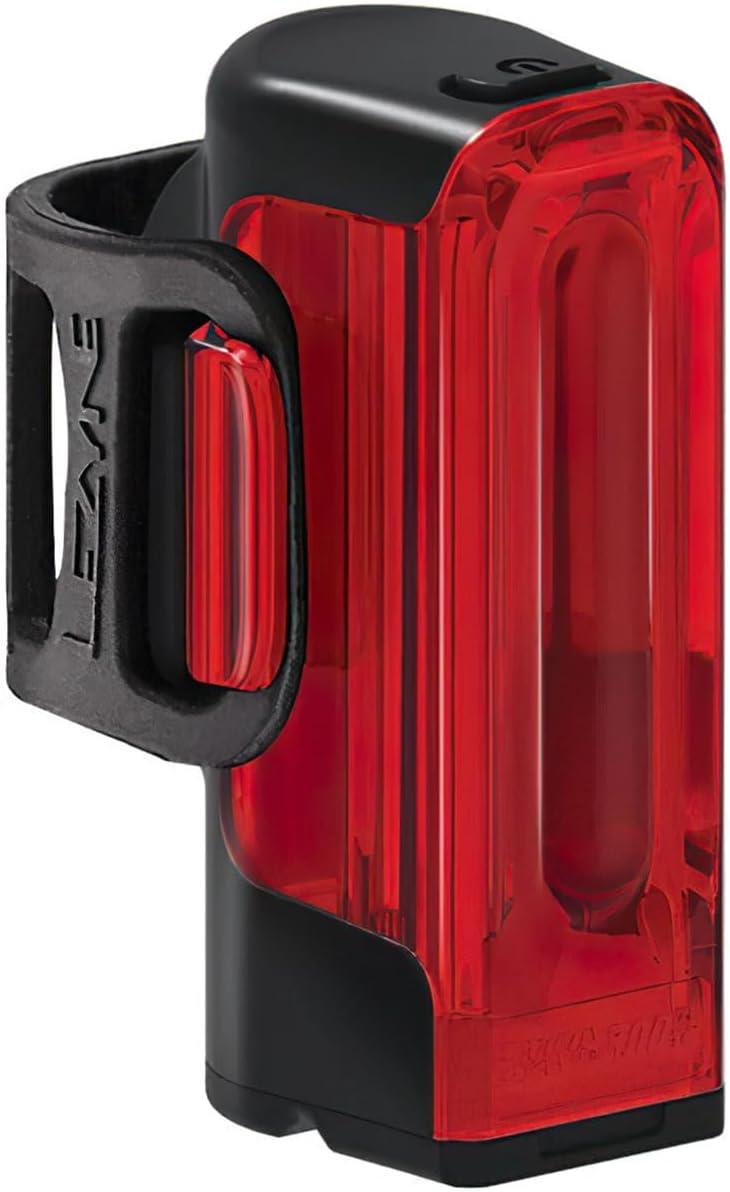
Image: A close-up of the Lezyne Strip Drive Pro 400+ Taillight, highlighting its red translucent body and black mounting strap designed for seatpost attachment.
Operating Instructions
Power On/Off:
- To turn on, press and hold the power button located on the top of the light for approximately 2 seconds.
- To turn off, press and hold the power button for approximately 2 seconds.
Changing Modes:
- While the light is on, short press the power button to cycle through the available lighting modes (e.g., Overdrive, Enduro, Economy, Flash modes).
- Refer to the specific light's packaging or Lezyne's official website for a detailed list of modes and their respective lumen outputs and runtimes.

Image: The Lezyne Macro Drive 1400+ Headlight securely mounted on bicycle handlebars, demonstrating its compact profile and placement.

Image: Three Lezyne taillights illuminated, showcasing their wide-angle optics designed for 270-degree visibility, enhancing safety from multiple angles.
Battery Indicator:
The power button also functions as a battery indicator. Its color changes to indicate the current battery level:
- Green: Full to high charge.
- Yellow: Medium charge.
- Red: Low charge, recharge soon.
- Flashing Red: Critically low charge, recharge immediately.
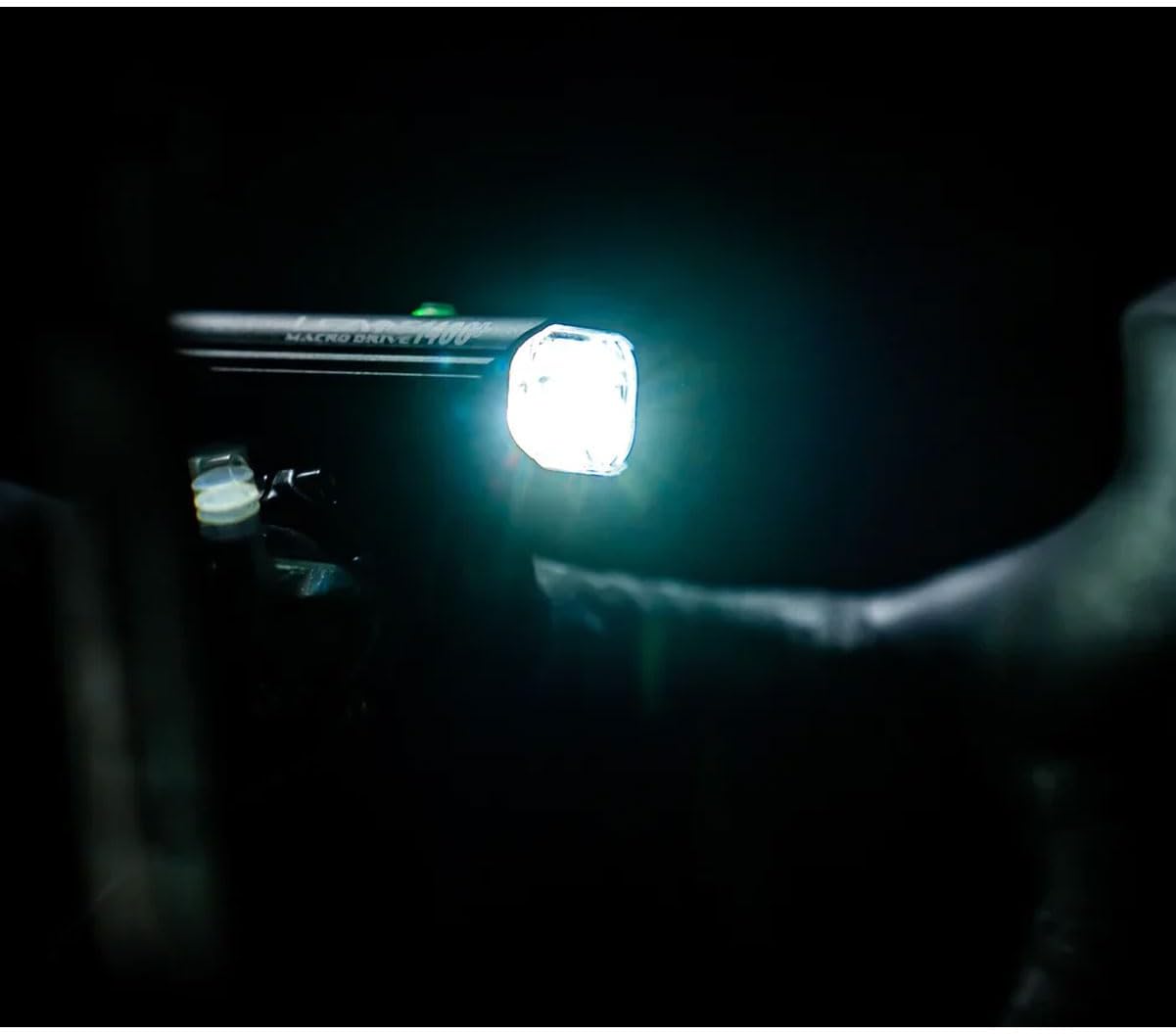
Image: The Lezyne Macro Drive 1400+ Headlight illuminating a dark path from a bicycle's handlebars, demonstrating its powerful beam.
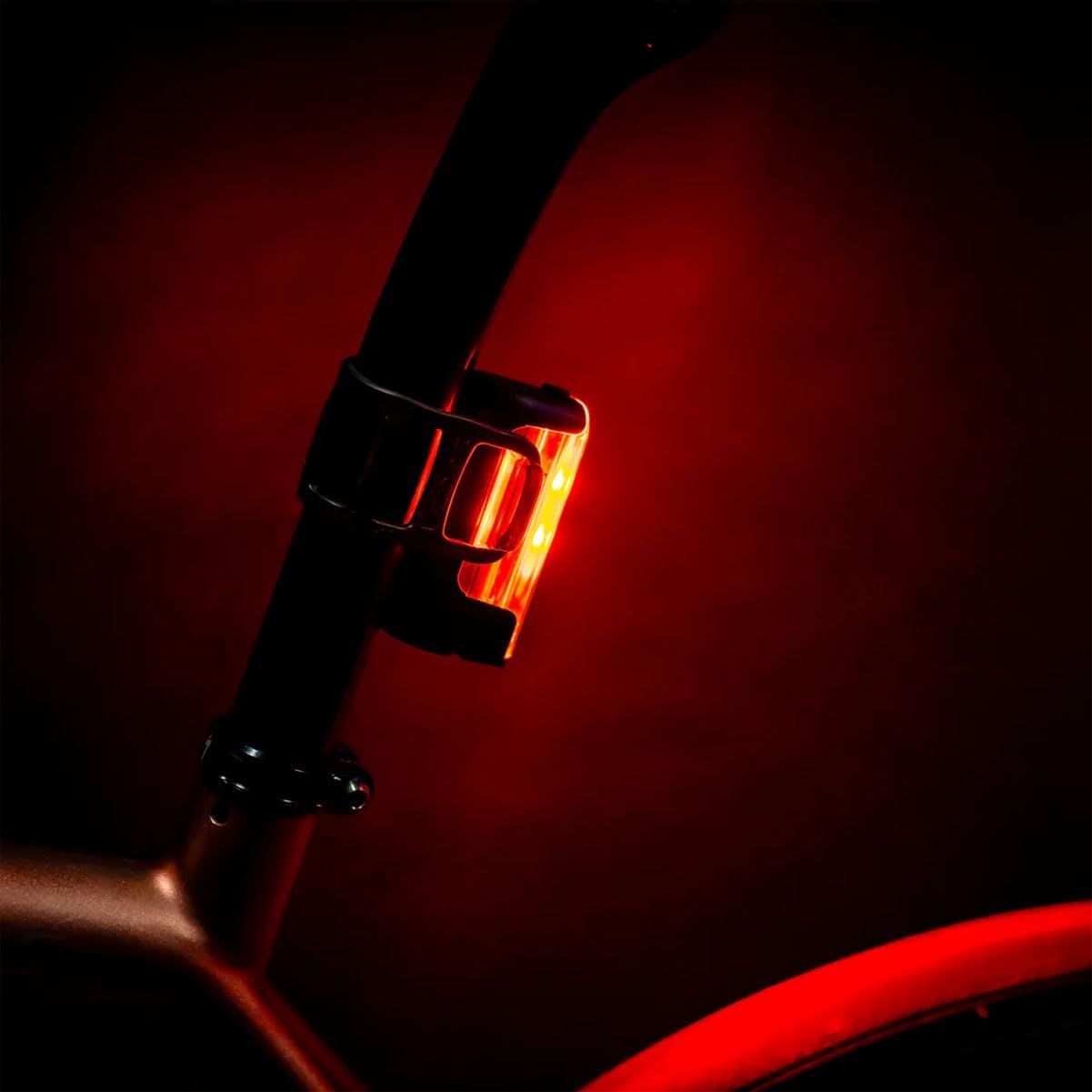
Image: The Lezyne Strip Drive Pro 400+ Taillight mounted on a bicycle's seatpost, emitting a bright red light for rear visibility in low-light conditions.
Maintenance and Charging
Charging the Lights:
- Locate the USB-C charging port on the light. This port is typically covered by a rubber plug to ensure water resistance.
- Carefully open the rubber plug to expose the USB-C port.
- Connect a standard USB-C cable to the light's port and the other end to a USB power source (e.g., computer, wall adapter).
- The charge indicator on the light will illuminate to show charging status. It will typically turn green or off when fully charged.
- Once charging is complete, disconnect the cable and firmly close the rubber plug to maintain water resistance.

Image: A close-up view of a Lezyne light's USB-C charging port, with water droplets on the surface, emphasizing its water-resistant design. The rubber cover is shown open.
Cleaning and Storage:
- Wipe the lights with a damp cloth to remove dirt and debris. Avoid using harsh chemicals or abrasive cleaners.
- Ensure the USB-C port cover is securely closed when not charging to prevent water and dust ingress.
- Store the lights in a cool, dry place when not in use, especially during long periods of inactivity.
- For optimal battery life, charge the lights fully before long-term storage and recharge every few months.
Troubleshooting
| Problem | Possible Cause | Solution |
|---|---|---|
| Light does not turn on. | Battery is depleted. | Charge the light using the provided USB-C cable. |
| Light turns on but quickly turns off. | Low battery charge. | Recharge the battery fully. |
| Light modes are not changing. | Button not pressed correctly or internal issue. | Ensure a firm, short press of the power button. If issue persists, contact customer support. |
| Light is not charging. | Faulty cable, power source, or charging port. | Try a different USB-C cable and power source. Ensure the charging port is clean and free of debris. |
| Water inside the light. | USB-C port cover not properly sealed. | Immediately turn off the light and allow it to dry completely. Ensure the USB-C port cover is always securely closed. Contact customer support if damage is suspected. |
Specifications
| Feature | Detail |
|---|---|
| Model Name | 1-LED-4P-V1737 |
| Brand | LEZYNE |
| Headlight Brightness (Max) | 1400 Lumens |
| Taillight Brightness (Max) | 400 Lumens |
| Headlight Battery Capacity | 5200 mAh |
| Power Source | Battery Powered |
| Charging Port | USB-C |
| Material | Aluminum (Headlight) |
| Water Resistance Rating | IPX7 Waterproof |
| Mounting Type | Handlebar Mount (Headlight), Seatpost Mount (Taillight) |
| Item Package Dimensions | 7.2 x 5.55 x 2.95 inches |
| Package Weight | 0.37 Kilograms |
Warranty and Support
For warranty information and customer support, please refer to the official Lezyne website or contact their customer service directly. Keep your proof of purchase for warranty claims.
Lezyne Official Website: www.lezyne.com
For additional assistance, you may also refer to the LEZYNE Store on Amazon.


