
1. Introduction
The FEELWORLD F5 PROX is a 5.5-inch 1600nit high-bright camera field monitor designed to enhance your filmmaking experience. It features a native 1920x1080 resolution, REC-709 color calibration, and a responsive touchscreen for intuitive operation. This monitor is daylight viewable, ensuring a clear image even under bright sunlight. It includes a plethora of professional assist features to help you achieve accurate exposure and focus, making it an essential tool for any videographer.
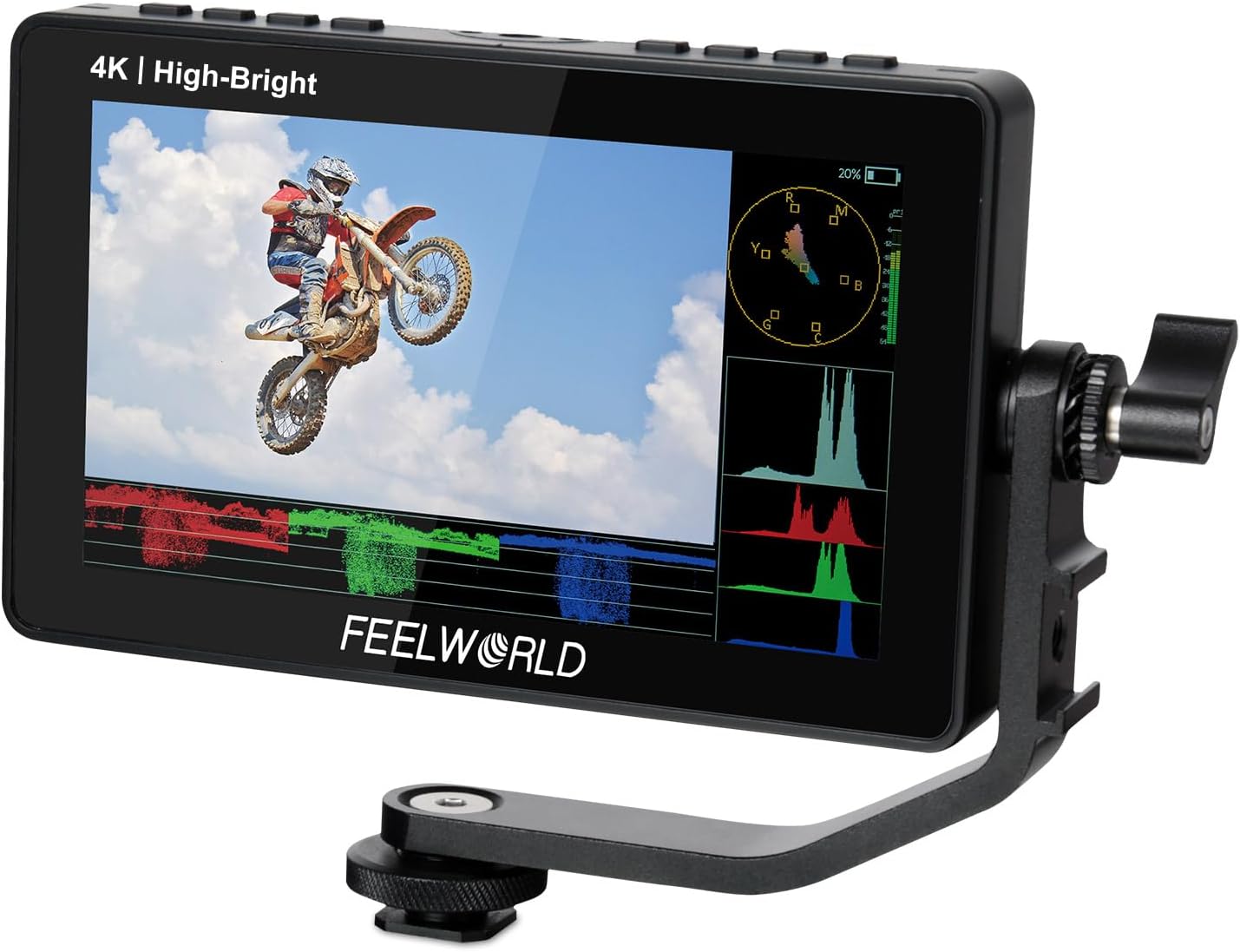
Figure 1: FEELWORLD F5 PROX 5.5-inch Field Monitor
2. Setup
2.1 Physical Installation
The F5 PROX monitor is designed for easy integration into your camera rig. It comes with a tilt arm for flexible mounting on your camera's hot shoe or cage. The F970 external kit allows for the installation and power supply of additional equipment like wireless transmitters or LED lights, reducing overall rig weight and complexity.

Figure 2: F970 External Kit Installation

Figure 3: Monitor Mounted on a DSLR Camera
2.2 Power Supply
The F5 PROX offers flexible power options to suit various shooting scenarios. It supports NP-F series batteries (F970, F960, F950, F770, F750, F730, F570, F550, F530), 8.4V DC input, and Type-C input. This versatility ensures continuous operation during long shoots.

Figure 4: Flexible Power Supply Options
2.3 Connectivity
Equipped with 4K HDMI input and loop-out interfaces, the F5 PROX allows you to not only display live signals but also send them to other monitors simultaneously. This is crucial for collaborative work or multi-monitor setups.

Figure 5: 4K HDMI Input & Output
3. Operating
3.1 Touchscreen Interface
The F5 PROX features a full touchscreen design, providing easy and sensitive operation. This allows for quick adjustments and navigation through menus, making your shooting workflow more efficient.

Figure 6: Touchscreen Interface
3.2 Professional Monitoring Features
The F5 PROX includes a comprehensive suite of assist tools to ensure accurate exposure and focus:
- Histogram: Displays the tonal distribution of your image, helping to prevent clipping in highlights and shadows.
- False Color: Uses a spectrum of colors to represent different exposure levels, allowing for quick and precise exposure adjustments.
- Focus Assist (Peaking): Highlights in-focus areas with a colored overlay, making it easier to achieve sharp focus, especially with manual lenses.
- Embedded Audio: Monitors audio levels directly on the screen.
- Pixel to Pixel: Allows for a 1:1 pixel mapping, providing a magnified view for critical focus.
- Frame Guides & Nine Grid: Assists with composition and framing, ensuring your shots are well-balanced.
- Waveform: Provides a detailed graphical representation of the video signal, showing luminance and chrominance levels.

Figure 7: Professional Monitoring Features Overview
3.3 Custom 3D LUTs
The monitor supports loading up to 32 custom 3D LUTs (Look Up Tables). This feature allows you to preview your filming look in real-time during field shooting, significantly streamlining your post-production workflow. LUTs can be imported via the Type-C interface using a USB flash drive.

Figure 8: Custom 3D LUT Functionality
3.4 Official Product Videos
Explore the capabilities of your FEELWORLD F5 PROX monitor with these official instructional videos:
Visible in Sunlight, What You See is What you Get
This video demonstrates the monitor's 1600nit high brightness, showcasing its visibility and accurate color representation even in direct sunlight. It highlights the
Ask a question about this manual
Ask about setup, troubleshooting, compatibility, parts, safety, or missing instructions. Manuals+ will review the question and use this page’s manual context to help answer it.