
Zlolen B0C7H1F1Z2
Zlolen Bark Collar User Manual
Model: B0C7H1F1Z2
Product Overview
The Zlolen Bark Collar is designed to help manage excessive barking in dogs through humane and adjustable training modes. It features a sleek, durable design and is suitable for a range of dog sizes.
- Modes: Beep, Vibration, and Static Shock (optional)
- Adjustability: 7 adjustable sensitivity and intensity levels
- Waterproof Rating: IPX5 (splash, rain, snow resistant)
- Battery: Rechargeable, up to 10 days of use on a 2-hour charge
- Target Audience: Adult and Senior Medium to Large Dogs (7-150 lbs)
- Key Feature: Intelligent anti-false triggering to prevent accidental corrections from other noises.

Figure 1: Zlolen Pink Bark Collar, showcasing its compact design and pink strap.
Package Contents
Before you begin, ensure all components are present in the package:
- 1 x Zlolen Bark Collar Unit (Pink)
- 1 x Adjustable Nylon Collar Strap
- 2 x Short Contact Points
- 2 x Long Contact Points
- 4 x Silicone Conductive Caps (2 short, 2 long)
- 1 x USB Type-C Charging Cable
- 1 x User Manual

Figure 2: Detailed view of the bark collar components, including the main unit, strap, contact points, and charging port.
Setup and Installation
- Charge the Collar:
Connect the provided USB Type-C charging cable to the collar's charging port and a power source (e.g., wall adapter, laptop, power bank). A full charge takes approximately 2 hours and provides up to 10 days of use.

Figure 3: The collar being charged via its USB Type-C port, compatible with various power sources.
- Attach Contact Points:
Select the appropriate length of contact points (short or long) based on your dog's coat thickness. Screw them firmly into the designated holes on the collar unit. For added comfort and skin protection, place the silicone conductive caps over the metal contact points.

Figure 4: Illustration showing how to attach the contact points and apply the protective silicone caps.
- Fit the Collar:
Adjust the nylon strap to ensure a snug but comfortable fit around your dog's neck. The contact points should touch your dog's skin. You should be able to fit one or two fingers comfortably between the collar and your dog's neck. Excess strap can be trimmed if necessary.
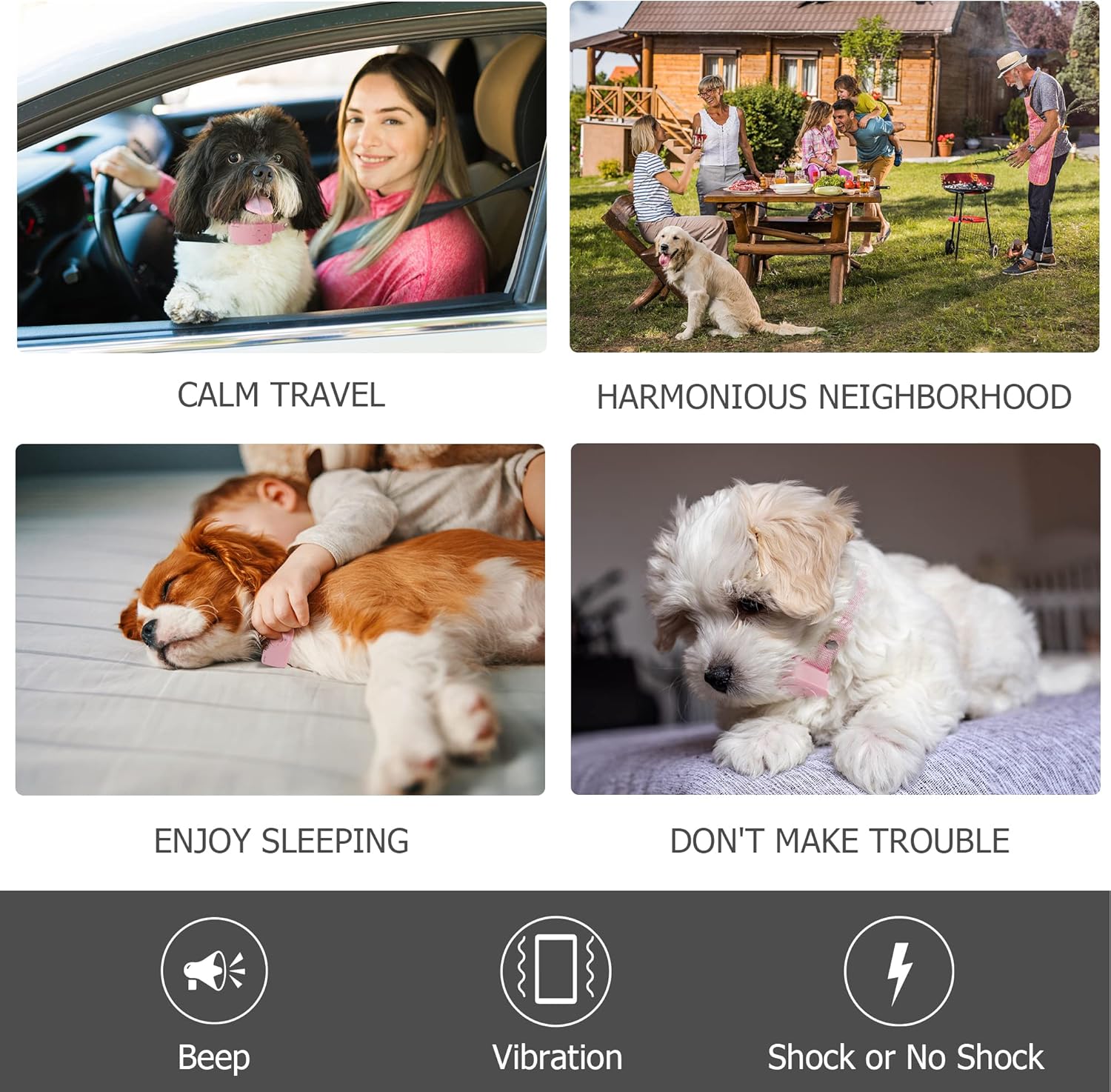
Figure 5: Visual guide for adjusting the collar strap to ensure a correct and comfortable fit for your dog.
- Initial Power On:
Press and hold the power button (usually indicated by a circle with a vertical line) on the collar unit until the LED display illuminates. The collar will typically start in Automatic mode (indicated by 'A').
Video 1: A demonstration of unboxing, attaching components, and fitting the Zlolen Bark Collar on a dog. This video provides a visual guide for initial setup.
Operating Modes and Settings
The Zlolen Bark Collar offers three distinct training modes and adjustable sensitivity/intensity levels to suit your dog's needs.

Figure 6: Visual representation of the Custom, No Shock, and Automatic operating modes and their progression.
Changing Modes:
Press the 'M' (Mode) button to cycle through the available modes: Automatic, No Shock, and Custom. The LED display will show the current mode (A for Automatic, 0 for No Shock, C for Custom).
Adjusting Sensitivity and Intensity:
Use the '+' and '-' buttons to adjust the sensitivity (how easily the collar detects barking) and the intensity of the correction (for Custom mode). There are 7 levels of sensitivity and intensity.
- Automatic Mode (A): The collar automatically adjusts the correction level (beep, then vibration, then increasing shock levels) based on the dog's barking frequency and intensity. After 6 barks, it enters a 30-second protective lock.
- No Shock Mode (0): Provides only Beep and Vibration corrections. Ideal for sensitive dogs or initial training.
- Custom Mode (C): Allows you to manually set the desired intensity level for the static shock. The collar will still progress through beep and vibration before applying the set shock level.
The collar is designed with intelligent anti-false triggering technology, ensuring it only activates in response to your dog's specific bark, ignoring other sounds like other dogs barking, human voices, or general noise.

Figure 7: The collar's intelligent chip and sensor prevent false triggers from external sounds, ensuring accurate bark detection.
Maintenance
- Cleaning: Regularly clean the collar unit and contact points with a damp cloth. Ensure the contact points are free of dirt or debris to maintain proper function.
- Water Resistance: The IPX5 rating means the collar is resistant to splashes, rain, and snow. However, it is not designed for prolonged submersion. Remove the collar before swimming or bathing your dog.
- Battery Care: Charge the collar when the battery indicator is low. Avoid overcharging for extended periods.
- Skin Health: Periodically check your dog's neck for any signs of irritation or redness from the contact points. If irritation occurs, discontinue use and consult a veterinarian. Ensure the silicone caps are always used.
Troubleshooting
- Collar Not Activating:
- Ensure the collar is fully charged.
- Check that the contact points are securely attached and making proper contact with your dog's skin.
- Adjust the sensitivity level using the '+' button.
- False Triggers:
- Lower the sensitivity level using the '-' button.
- Ensure the collar is fitted snugly to prevent movement that might trigger it.
- Buttons Unresponsive:
- Some users have found that plugging the collar in, then unplugging it and quickly pressing the buttons can help reset responsiveness.
- Ineffective Correction:
- Increase the intensity level (in Custom mode) or ensure it's in Automatic mode for progressive correction.
- Verify the contact points are making good contact with the skin, especially for dogs with thick coats. Consider using longer contact points if available.
Specifications
| Feature | Detail |
|---|---|
| Model Number | B0C7H1F1Z2 |
| Dimensions (L x W x H) | 2.36 x 1.38 x 0.98 inches |
| Weight | 6.7 ounces |
| Material | Silicone |
| Color | Pink |
| Battery Type | 1 Lithium Ion (included) |
| Charging Time | Approx. 2 hours |
| Battery Life | Up to 10 days (typical use) |
| Waterproof Rating | IPX5 |
| Recommended Dog Weight | 7 - 150 lbs |
Warranty and Support
For any product-related issues, questions, or support, please contact Zlolen customer service directly.
- Email: support@zlolen.com
- Phone: 1-855-888-9922

Figure 8: Zlolen customer support contact details for assistance.
Ask a question about this manual
Ask about setup, troubleshooting, compatibility, parts, safety, or missing instructions. Manuals+ will review the question and use this page’s manual context to help answer it.