
Introduction
Welcome to the user manual for your new ASHATA S29 10-inch Android Tablet. This guide provides essential information on setting up, operating, maintaining, and troubleshooting your device. Please read this manual carefully to ensure optimal performance and longevity of your tablet.
Product Overview
The ASHATA S29 tablet is designed for versatile use, featuring a large display, powerful processor, and comprehensive connectivity options. Below are some key features and components:

Figure 1: Front and back view of the ASHATA S29 10-inch Android Tablet, showcasing its sleek design and camera module.
Key Features:
- Powerful Performance: Equipped with an efficient 2.0 GHz Octa Core processor, 4GB RAM, and 64GB ROM for fast and responsive operation.
- Vibrant Display: Features a 10-inch IPS display with a resolution of 1280x800 pixels, providing clear visuals for reading and video playback.
- Dual Camera System: Includes a 5MP front camera and an 8MP rear camera for capturing photos and video calls.
- Extended Battery Life: A large 5000mAh battery offers extended usage and standby time, supported by fast charging via a USB Type-C port.
- Advanced Connectivity: Supports 2.4G and 5G dual-band Wi-Fi, 3G network for calling, Bluetooth, and GPS/Glonass for navigation.
- Eye Protection Mode: Features a night reading mode to reduce eye strain, making it suitable for prolonged reading.
- Stereo Sound: Integrated powerful stereo speakers provide clear audio for an immersive experience.

Figure 2: The 10-inch HD IPS display, ideal for reading e-books and watching videos, with a night reading mode for eye comfort.

Figure 3: The tablet runs on Android 12, leveraging AI for a smarter, more efficient, and convenient user experience.
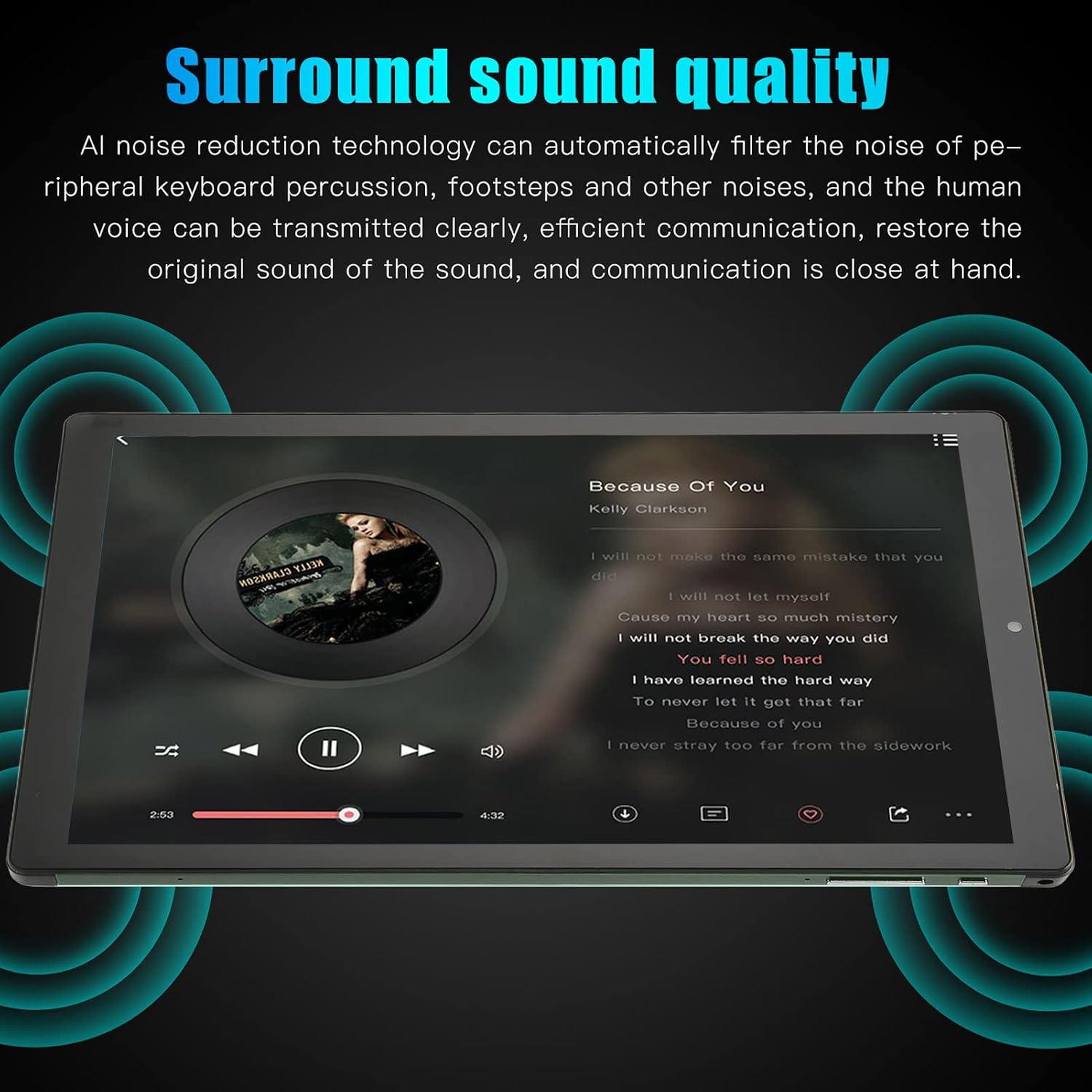
Figure 4: Illustrates the tablet's sound quality, featuring AI noise reduction technology for clear audio transmission.

Figure 5: The 5MP front camera, equipped with dual-core sensor and AI artificial intelligence for enhanced photo quality.

Figure 6: The 8MP rear camera, featuring dual-core sensor and AI technology for professional imaging.
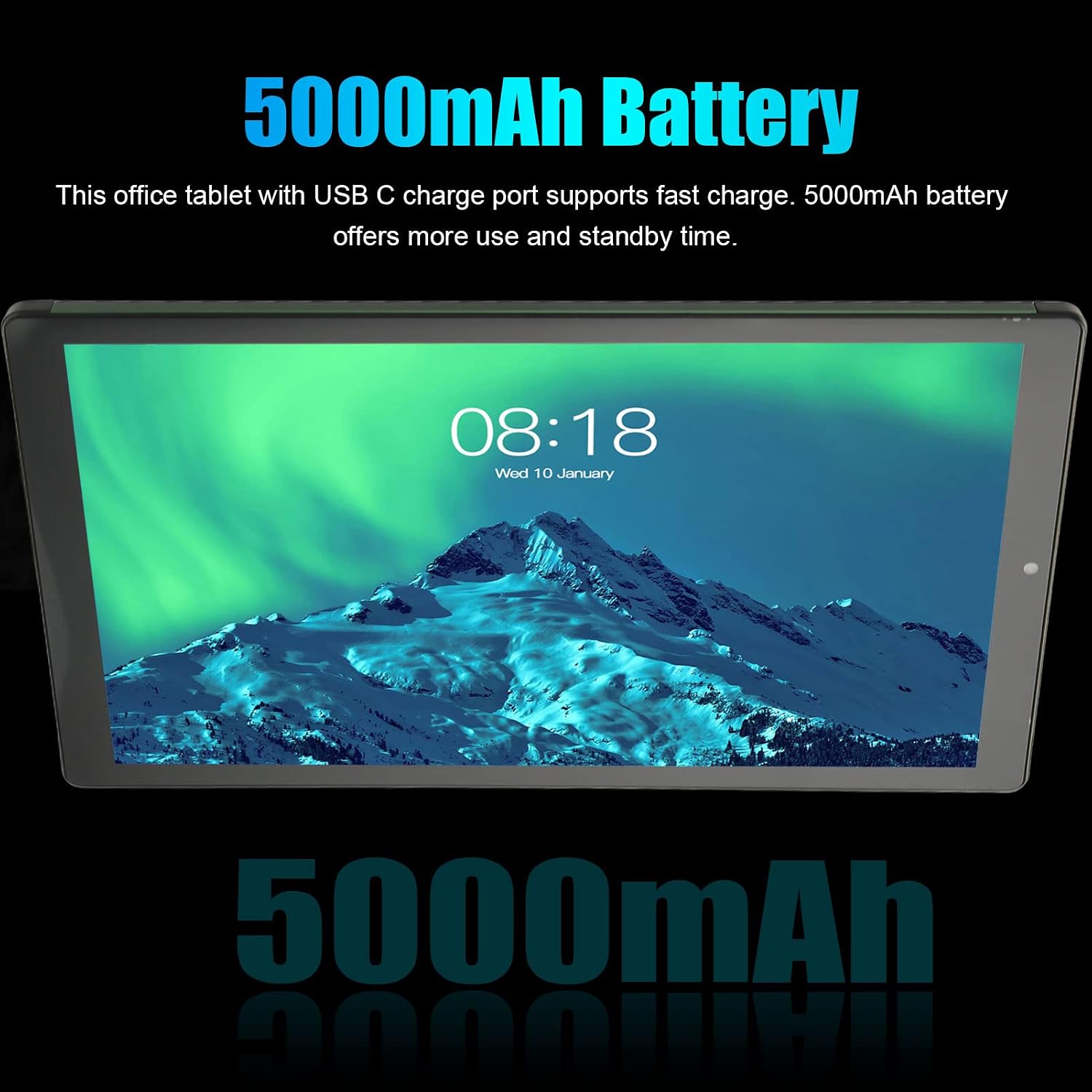
Figure 7: The tablet's 5000mAh battery, providing extended usage and standby time, with support for fast charging.
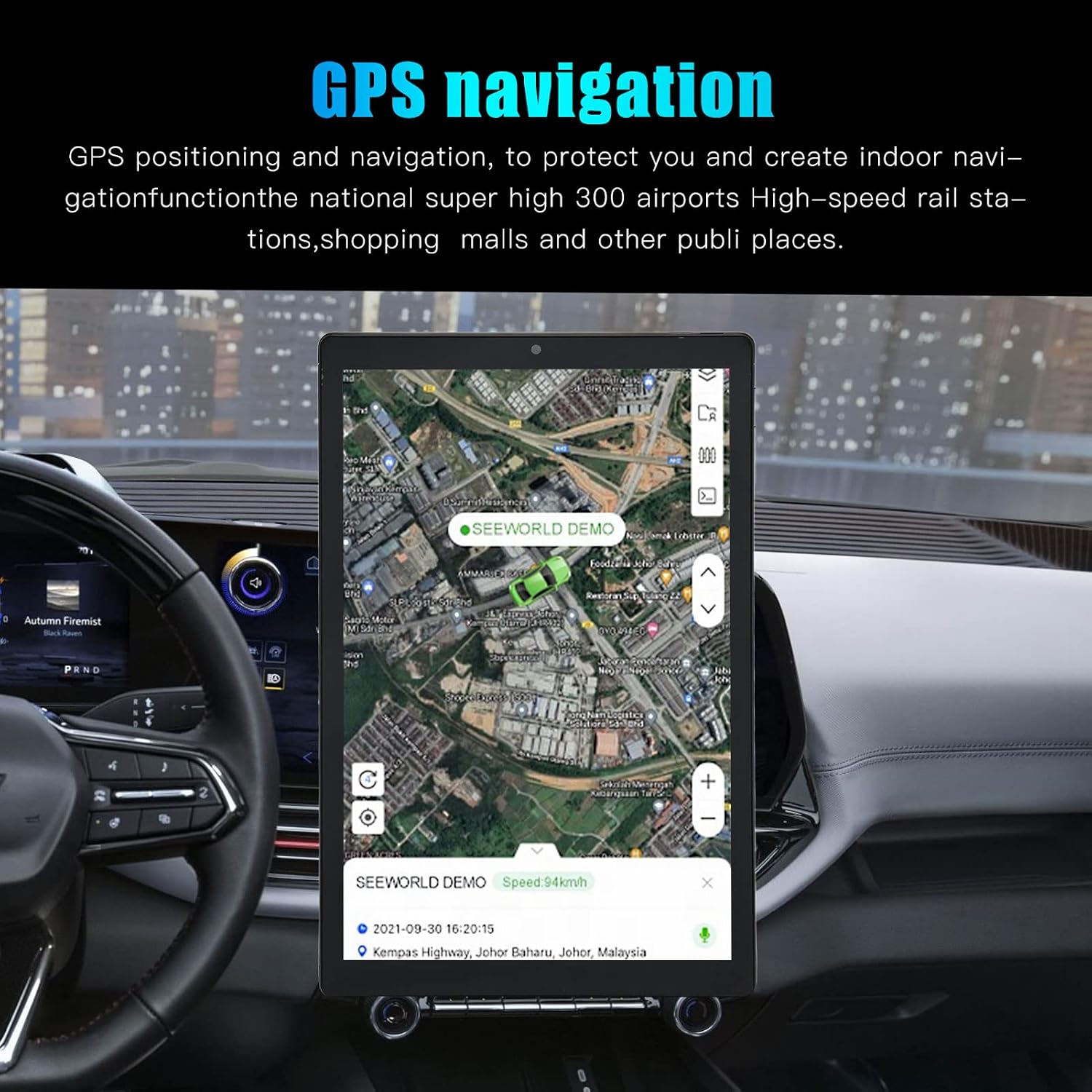
Figure 8: The tablet supports GPS and Glonass for accurate positioning and navigation.

Figure 9: The ASHATA S29 tablet shown with its included accessories: OTG line, adapter, and data line.
Setup
- Unboxing: Carefully remove the tablet and all accessories from the packaging. The package includes: 1 x Tablet PC (with built-in battery), 1 x OTG line, 1 x Adapter, 1 x Data line, 1 x User Manual.
- Initial Charge: Before first use, fully charge the tablet using the provided adapter and data line. Connect the USB Type-C cable to the tablet's charging port and the adapter to a power outlet. The charging indicator will show the charging status.
- Power On: Press and hold the power button (usually located on the side or top edge) until the screen lights up and the ASHATA logo appears.
- Initial Setup Wizard: Follow the on-screen instructions to complete the initial setup. This typically includes selecting your language (English by default, multi-language support available), connecting to a Wi-Fi network, setting up your Google account, and configuring basic settings.
- SIM Card & Memory Card Installation (Optional): The tablet supports three card slots, allowing for two SIM cards and one memory card simultaneously. Locate the card tray on the side of the tablet. Use the provided SIM ejector tool (if included) or a small paperclip to open the tray. Insert your SIM cards (GSM: 850/900/1800/1900, WCDMA: 850/2100) and/or a memory card (up to 128GB, not included) into the respective slots, ensuring correct orientation. Close the tray securely.
Operating Instructions
Basic Navigation:
- Touch Screen: The tablet features a 5-point multi-touch screen. Use gestures like tap, swipe, pinch-to-zoom, and long-press to interact with the interface.
- Home Screen: The main screen where you can access apps, widgets, and shortcuts.
- Notifications Panel: Swipe down from the top of the screen to access notifications and quick settings.
- App Drawer: Swipe up from the bottom of the screen (or tap the app drawer icon) to view all installed applications.
Connectivity:
- Wi-Fi: Go to Settings > Network & internet > Wi-Fi. Turn on Wi-Fi and select your desired network. Enter the password if prompted. Supports 2.4G and 5G dual-band Wi-Fi.
- Mobile Data (3G Calling): If a SIM card is installed, enable mobile data in Settings > Network & internet > Mobile network. You can make and receive calls using the phone application.
- Bluetooth: Go to Settings > Connected devices > Bluetooth. Turn on Bluetooth to pair with other devices like headphones or speakers.
- GPS: GPS and Glonass are supported for location services. Ensure location services are enabled in Settings > Location for navigation apps.
Camera Usage:
- Open the Camera app from the home screen or app drawer.
- Switch between the 5MP front camera and 8MP rear camera using the camera switch icon.
- Tap the shutter button to take photos or the video icon to record videos.
- Explore various modes and settings within the camera app for optimal results.
Multimedia:
- Audio: Use the powerful stereo speakers for audio playback. A 3.5mm headphone jack is available for private listening.
- Video: Play videos using the default video player or download third-party apps from the Google Play Store.
- E-books: Utilize the night reading mode for comfortable e-book reading, reducing eye strain.
Maintenance
- Cleaning: Use a soft, lint-free cloth to clean the screen and body of the tablet. Avoid using harsh chemicals or abrasive materials.
- Battery Care: To prolong battery life, avoid extreme temperatures. Do not let the battery completely drain frequently. Use the original charger for optimal charging.
- Software Updates: Regularly check for system updates in Settings > System > System update to ensure your tablet has the latest features and security patches.
- Storage Management: Periodically clear unnecessary files and apps to free up storage space and maintain performance. You can use a memory card for additional storage.
- Protection: Consider using a screen protector and a protective case to guard against scratches and accidental drops.
- Environmental Conditions: Avoid exposing the tablet to direct sunlight, high humidity, dust, or extreme temperatures.
Troubleshooting
| Problem | Possible Solution |
|---|---|
| Tablet does not turn on. | Ensure the battery is charged. Connect the charger and wait a few minutes before attempting to power on again. If it still doesn't turn on, try a forced restart by holding the power button for 10-15 seconds. |
| Wi-Fi connection issues. | Check if Wi-Fi is enabled in settings. Restart your Wi-Fi router. Forget the network and reconnect. Ensure you are within range of the Wi-Fi signal. |
| Tablet is slow or unresponsive. | Close unused applications. Clear cache from apps. Restart the tablet. Check for available storage space and free up if necessary. Perform a factory reset as a last resort (back up data first). |
| Apps are crashing. | Clear the cache and data of the problematic app in Settings > Apps. Update the app to its latest version. If the issue persists, uninstall and reinstall the app. |
| Battery drains quickly. | Reduce screen brightness. Turn off Wi-Fi, Bluetooth, and GPS when not in use. Close background apps. Limit push notifications. Check battery usage in settings to identify power-hungry apps. |
Specifications
| Feature | Detail |
|---|---|
| Brand | ASHATA |
| Model Number | ASHATA9g0qpwut83-12 |
| Operating System | Android |
| CPU | MediaTek MT6592 Octa Core, 2.0 GHz |
| RAM | 4 GB |
| ROM | 64 GB |
| Expandable Storage | Up to 128 GB via memory card (not included) |
| Display Size | 10 Inches |
| Display Type | IPS Touch Screen (5-point) |
| Display Resolution | 1280x800 pixels |
| Front Camera | 5 MP |
| Rear Camera | 8 MP |
| Battery Capacity | 5000 mAh (Lithium battery) |
| Charging Port | USB Type-C |
| Wi-Fi | Dual Band 2.4G / 5G |
| Network System | GSM: 850/900/1800/1900; WCDMA: 850/2100 (Dual SIM, Dual Standby) |
| Bluetooth | Supported |
| GPS | Supported (GPS, Glonass) |
| Gravity Sensor | Supported |
| Audio Port | 1 x 3.5mm Headphone Jack |
| Speakers | Powerful Stereo Speaker |
| Microphone | Built-in Microphone |
| Color | Green |
Warranty and Support
For warranty information and technical support, please refer to the documentation provided with your purchase or contact ASHATA customer service. Specific warranty terms may vary by region and retailer.
For further assistance, you may visit the official ASHATA website or contact their support channels. Please have your model number (ASHATA9g0qpwut83-12) and purchase details ready when seeking support.