
Dynavin DS-7005
Dynavin DS-7005 Universal 2 DIN Car Radio User Manual
Model: DS-7005
Introduction
Thank you for choosing the Dynavin DS-7005 Universal 2 DIN Car Radio. This advanced car radio system is designed to enhance your driving experience with its comprehensive features, including a high-resolution 7-inch display, wireless Apple CarPlay, Android Auto, and integrated audio processing. This manual provides essential information for the proper installation, operation, and maintenance of your device.
The DS-7005 features a Linux-based system, a 7-inch anti-glare screen with a resolution of 1024 x 600 pixels, and supports steering wheel controls. It offers seamless integration with smartphones via Wireless CarPlay and Android Auto, along with screen mirroring. Enjoy crystal-clear calls with the integrated Bluetooth hands-free function and its unique noise-reduction digital dual microphone. The built-in audio DSP with a 16-band equalizer and time correction ensures superior sound quality. Additionally, the Dynavin Connect app provides real-time alerts for speed cameras, road hazards, and traffic jams.

Front view of the Dynavin DS-7005 universal 2 DIN car radio, showcasing its 7-inch touchscreen display.

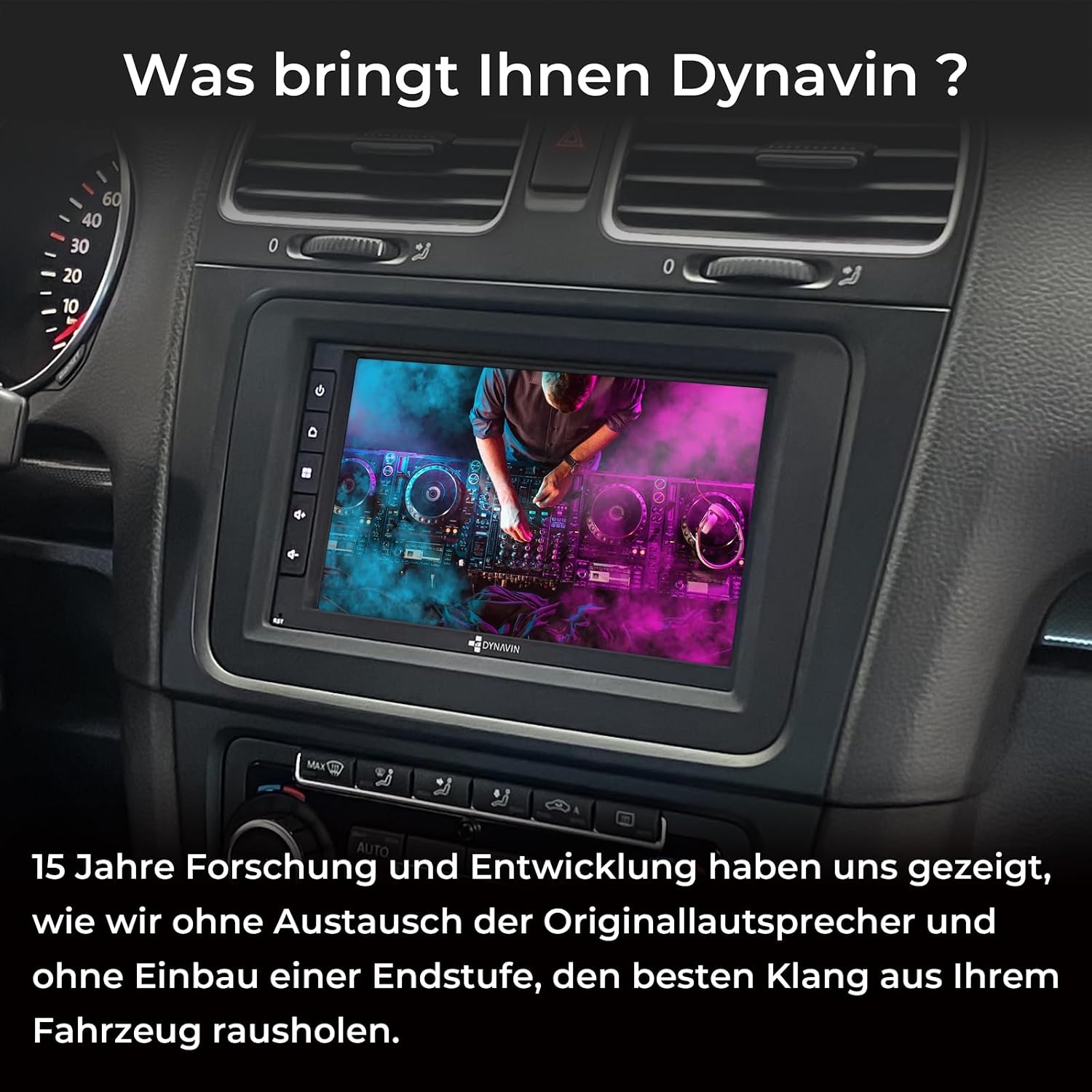
An image explaining Dynavin's commitment to car audio, emphasizing 15 years of design experience and German research, development, and customer service.
Setup and Installation
The Dynavin DS-7005 is a universal 2 DIN car radio designed for broad compatibility. Professional installation is recommended to ensure correct wiring and functionality.
Package Contents:
Verify that all components are present in the package before beginning installation. The package typically includes the main unit, power cables, USB extension cable, RCA cables, steering wheel control cable, and the digital dual microphone.

The Dynavin DS-7005 car radio unit displayed alongside its essential accessories, including various connection cables and adapters for installation.
Wiring and Connections:
- Power Connection: Connect the main power harness according to your vehicle's wiring diagram. Ensure proper grounding.
- Speaker Connections: Connect your vehicle's speakers to the corresponding outputs on the radio. The unit supports 5.1 surround sound configuration.
- USB Port: Use the provided USB extension cable for media playback and smartphone connectivity.
- Steering Wheel Control: The radio supports analog steering wheel controls. If your vehicle uses digital steering wheel signals (CAN-Bus), an additional CAN-Bus decoder may be required (sold separately).
- Digital Dual Microphone: Install the compact digital dual microphone in a suitable location, typically near the dashboard or steering column, for optimal voice pickup during calls.
- Optional DAB/DAB+ Module: For digital radio reception, the optional DS-DAB module (ASIN B0HJH3YTDP) is required. Connect it as per its separate instructions.
- Optional Installation Kit: Depending on your vehicle, an optional metal frame installation kit (MFK-H: ASIN B0C7G5S8SK or MFK-S: ASIN B0C7G74HLM) may be needed for a flush fit.
- Rear View Camera: Connect a compatible rear view camera to the dedicated RCA input for automatic display when reversing.

The rear panel of the Dynavin DS-7005 car radio, illustrating the array of connection ports for power, speakers, antennas, and auxiliary inputs.

A close-up of the compact Dynavin digital dual microphone, discreetly installed near the vehicle's dashboard, designed for clear hands-free communication.
Operating Instructions
Basic Operation:
- Power On/Off: Press and hold the power button (usually on the front panel) to turn the unit on or off.
- Touchscreen Interface: Navigate through menus and functions by tapping or swiping on the 7-inch touchscreen.
- Volume Control: Adjust the volume using the dedicated buttons or on-screen controls.
The main menu of the Dynavin DS-7005, providing quick access to key functions like Z-Link (CarPlay/Android Auto), Radio, Media, Phone, and Dynavin Connect.
Smartphone Integration (CarPlay & Android Auto):
The DS-7005 supports both wireless and wired Apple CarPlay and Android Auto. Connect your smartphone via Bluetooth and Wi-Fi for wireless connection, or use a USB cable for a wired connection. This allows you to access navigation, music, messages, and other compatible apps directly on the radio's screen.

The Dynavin DS-7005 car radio displaying the Apple CarPlay interface, featuring icons for phone, music, maps, and other compatible applications.
Bluetooth Hands-Free Calling:
Pair your smartphone via Bluetooth to make and receive calls hands-free. The digital dual microphone with noise reduction ensures clear communication. Access your phonebook and call history directly from the radio's screen.

The hands-free calling interface on the Dynavin DS-7005, featuring a numeric keypad for dialing and options for managing calls via Bluetooth.
Audio DSP and Equalizer:
Utilize the integrated audio DSP (Digital Signal Processor) to fine-tune your sound. The 16-band equalizer allows for precise frequency adjustments, while fader, balance, and time correction settings optimize the sound stage within your vehicle.

The audio equalizer interface on the Dynavin DS-7005, allowing precise adjustment of sound frequencies with a 16-band graphic equalizer.

The audio settings screen of the Dynavin DS-7005, providing controls for fader, balance, and time correction to optimize sound staging within the vehicle.

The source adjustment interface on the Dynavin DS-7005, enabling users to fine-tune the volume levels of different audio inputs like radio, media, and auxiliary sources.
Dynavin Connect App:
Install the Dynavin Connect app on your smartphone to receive real-time Blitzer.de PRO alerts for mobile and fixed speed cameras, dangerous zones, and traffic jams directly on your radio's display. A 31-day trial is included, after which an activation code can be purchased.

The Dynavin DS-7005 screen displaying the Dynavin Connect application, which provides real-time traffic notifications, speed camera, and road hazard alerts.
DAB/DAB+ Digital Radio (Optional):
If the optional DS-DAB module is installed, you can enjoy crystal-clear digital radio. Features include seamless blending (automatic switching between DAB and FM), Service Following, SLS (Slideshow), and Radio VIS (Visuals).

The digital radio interface on the Dynavin DS-7005, showing available DAB/DAB+ stations and controls for selection and tuning.
Steering Wheel Controls:
Once configured, use your vehicle's steering wheel buttons to control basic radio functions such as volume, track skipping, and mode selection, enhancing driving safety and convenience.

The car radio's screen displaying the interface for configuring steering wheel controls, allowing users to map functions to their vehicle's existing buttons.
Rear View Camera Function:
When a compatible rear view camera is connected, the display will automatically switch to the camera feed when the vehicle is put into reverse, providing visual assistance for parking and maneuvering.

The screen displaying a rear view camera feed with dynamic parking guidelines, assisting with safe maneuvering.
Maintenance
- Cleaning the Screen: Use a soft, lint-free cloth to gently wipe the touchscreen. For stubborn smudges, slightly dampen the cloth with water or a screen-cleaning solution. Avoid harsh chemicals or abrasive materials.
- General Cleaning: Keep the unit and surrounding area free from dust and debris. Use a soft brush or compressed air to clean vents and button crevices.
- Software Updates: Periodically check the Dynavin website or contact support for available software updates. Keeping your unit updated ensures optimal performance and access to new features.
- Avoid Extreme Temperatures: Do not expose the unit to extreme heat or cold for prolonged periods, as this can affect its performance and lifespan.
Troubleshooting
| Problem | Possible Cause | Solution |
|---|---|---|
| No Power | Loose power connection; Blown fuse; Vehicle battery issue. | Check power cables and connections. Inspect and replace fuses if necessary. Verify vehicle battery charge. |
| No Sound | Volume too low; Mute activated; Loose speaker connections; Incorrect audio source. | Increase volume. Deactivate mute. Check speaker wiring. Select correct audio source. |
| CarPlay/Android Auto not connecting | Bluetooth/Wi-Fi off on phone; Incorrect pairing; USB cable issue; Phone software issue. | Ensure Bluetooth/Wi-Fi is on. Re-pair device. Try a different USB cable. Restart phone and radio. |
| Poor Radio Reception | Antenna not connected; Damaged antenna; Weak signal area. | Check antenna connection. Replace antenna if damaged. Try scanning for stations in a different location. |
| Steering Wheel Controls not working | Incorrect wiring; Not configured; CAN-Bus decoder needed. | Verify wiring. Configure controls in settings. Install CAN-Bus decoder if required by vehicle. |
If you encounter issues not listed here or if the suggested solutions do not resolve the problem, please contact Dynavin customer support.
Specifications

Side view of the Dynavin DS-7005 car radio, illustrating its compact design and heat sink for efficient cooling.
| Feature | Detail |
|---|---|
| Brand | Dynavin |
| Model Number | DS-7005 |
| Display | 7-inch Anti-glare Touchscreen, 1024 x 600 pixels resolution |
| Connectivity Technology | Bluetooth, Wi-Fi, USB, RCA |
| Controller Type | Manual Control, Touch Control |
| Special Feature | Touchscreen |
| Compatible Devices | Smartphone |
| Audio Output Mode | Stereo, 5.1 Surround Sound |
| Video Encoding | MOV |
| Output Power | 100 Watts |
| Number of Channels | 6 |
| Internet Application | Apple CarPlay, Android Auto |
| Item Weight | 3 Kilograms |
Warranty Information
Specific warranty details for the Dynavin DS-7005 are not explicitly provided in the product information. Please refer to the warranty card included with your product or contact Dynavin customer support for detailed warranty terms and conditions. Generally, electronic products come with a manufacturer's warranty against defects in materials and workmanship for a specified period from the date of purchase.
For returns, the product has a 14-day return policy for refund or replacement, as per the seller's terms.
Customer Support
For technical assistance, troubleshooting, or inquiries regarding your Dynavin DS-7005 car radio, please contact Dynavin customer support. You can typically find contact information on the official Dynavin website or through the seller, "Dynavin Shop", on Amazon.
- Online Resources: Visit the official Dynavin website for FAQs, software updates, and additional support materials.
- Seller Contact: For purchase-related queries, you may contact the seller, Dynavin Shop, directly through your Amazon order history.
Related documentsDS-7005


Ask a question about this manual
Ask about setup, troubleshooting, compatibility, parts, safety, or missing instructions. Manuals+ will review the question and use this page’s manual context to help answer it.