
Picun ANC-05 MAX
Picun Active Noise Cancelling Headphones User Manual
Model: ANC-05L / ANC-05 MAX
Brand: Picun
1. Introduction
Thank you for choosing Picun Active Noise Cancelling Headphones. These headphones are designed to provide an immersive audio experience with advanced noise cancellation, extended battery life, and superior comfort. This manual will guide you through the setup, operation, and maintenance of your new headphones.
2. What's in the Box
- Wireless Headphones
- USB-C Cable
- 3.5mm Aux Cable
- User Manual
3. Product Overview
The Picun ANC-05L headphones feature a sleek, ergonomic design for maximum comfort during extended use. They are equipped with intuitive controls and robust features to enhance your listening experience.

Figure 1: Picun ANC-05L Headphones (Grey)
3.1 Design and Comfort
The headphones are designed with soft over-ear pillows featuring advanced ventilation and memory foam earcups that gently mold around your ears. The 100° swiveling ear cups and self-adjustable, flexible headband ensure a fatigue-free listening experience, providing maximum comfort and a secure seal.
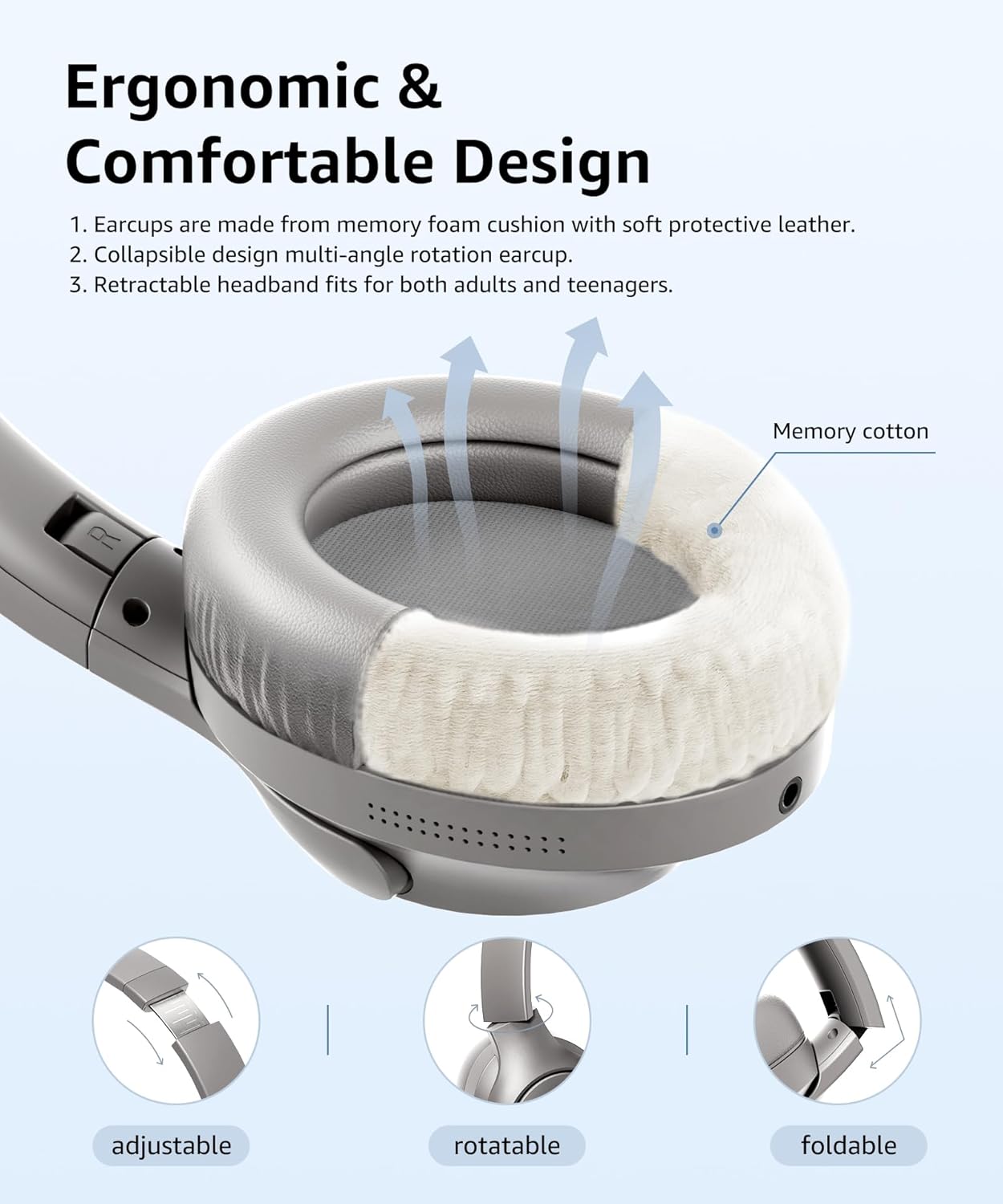
Figure 2: Ergonomic and Comfortable Design
3.2 Controls and Ports
All control buttons are conveniently located on the left earcup. This includes the power button, volume up/down buttons, and the Active Noise Cancelling (ANC) button. A USB-C port is available for charging, and a 3.5mm aux jack allows for wired connection.
3.3 Battery Life
Enjoy up to 100 hours of playing time on a single full charge. The USB-C fast charging technology allows for a full recharge within 3 hours. A quick 10-minute charge provides up to 4 hours of listening, making them ideal for travel.

Figure 3: Extended Battery Life
4. Setup
4.1 Bluetooth Pairing
- Ensure the headphones are fully charged.
- Press and hold the power button on the left earcup until the LED indicator blinks blue and red, indicating pairing mode.
- On your device (smartphone, tablet, computer), enable Bluetooth and search for available devices.
- Select "Picun ANC-05L" (or similar name) from the list of devices.
- Once connected, the LED indicator will turn solid blue or off, depending on the model.
The latest Bluetooth 5.4 chip ensures fast and stable connections, compatible with most mobile devices.
5. Operating Instructions
5.1 Active Noise Cancelling (ANC)
The industry-leading Active Noise Cancelling technology effectively reduces noise by up to 95% in various noisy environments such as aviation, subways, cars, and crowded places. Press the dedicated ANC button on the left earcup to activate or deactivate noise cancellation, allowing you to focus on your audio.
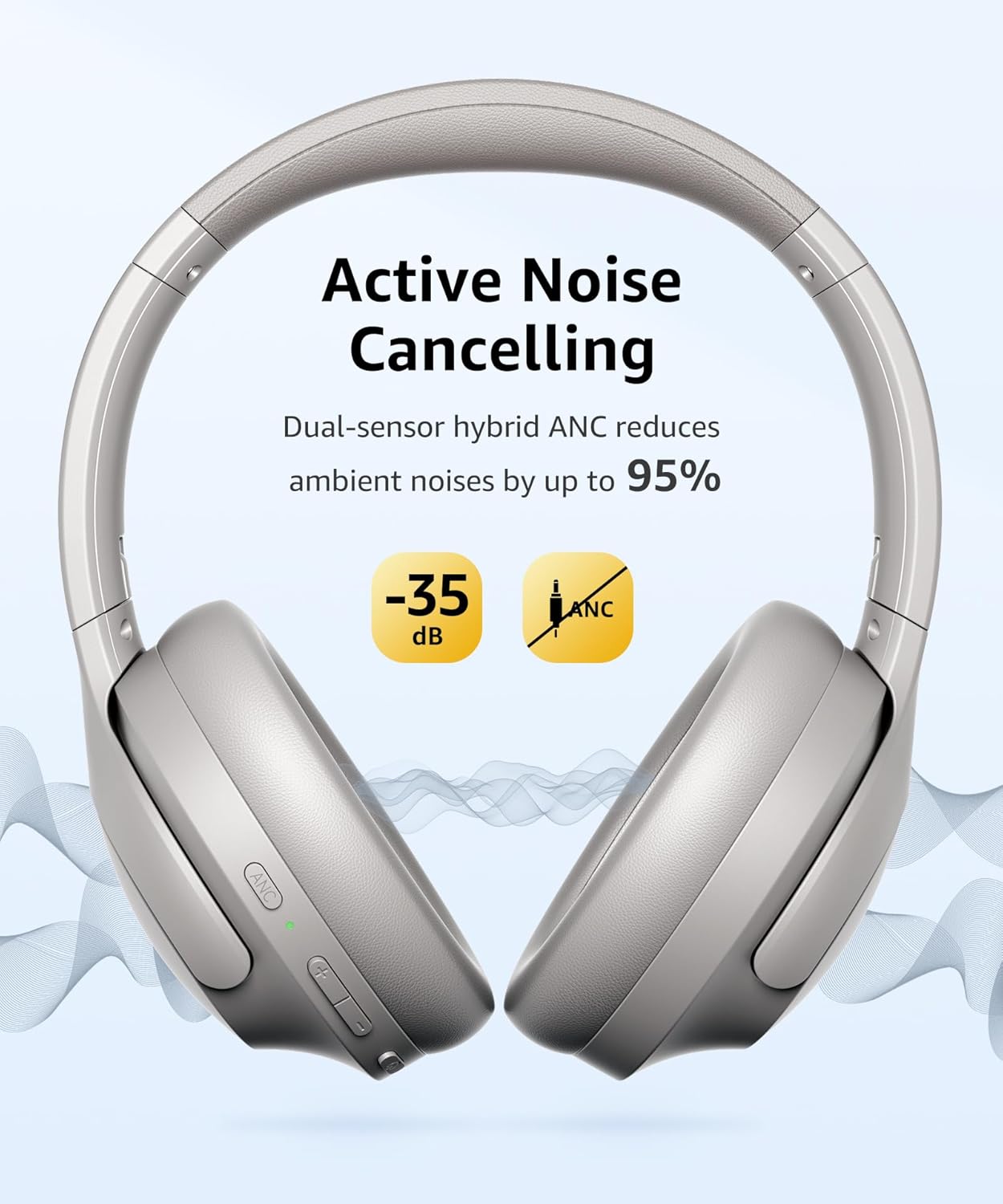
Figure 4: Active Noise Cancelling in action
5.2 Media Controls
- Play/Pause: Single press the power button.
- Volume Up/Down: Single press the '+' or '-' buttons.
- Next Track: Press and hold the '+' button.
- Previous Track: Press and hold the '-' button.
5.3 Calls (AI ENC)
The built-in microphone with automatic AI ENC (Environmental Noise Cancellation) technology ensures clear hands-free calls by shielding ambient noise. The microphone enhances voice pick-up for crystal clear communication. Note: The microphone only works in Bluetooth mode, not with the aux cord.
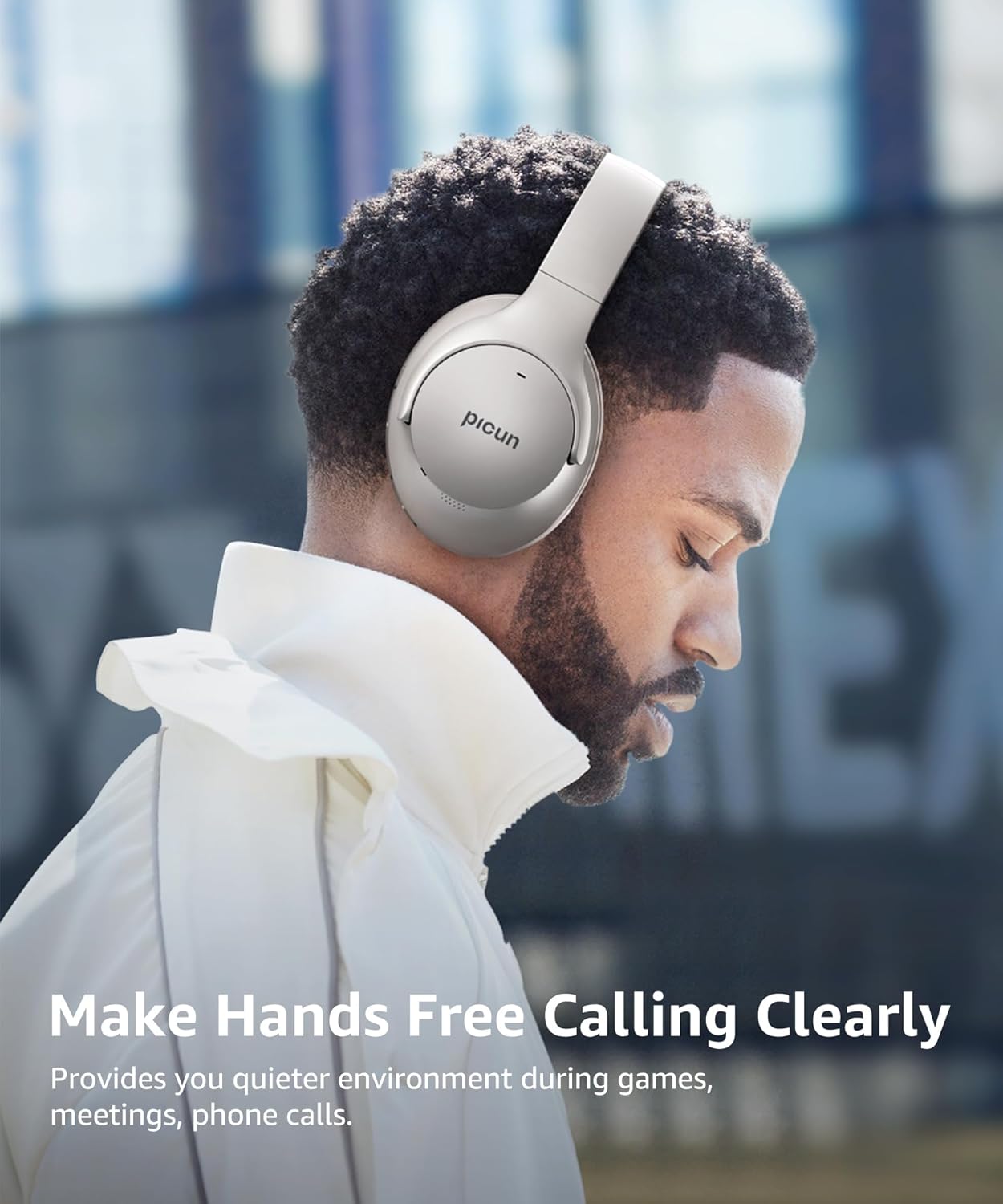
Figure 5: Clear Hands-Free Calling with AI ENC
5.4 Audio Quality
Exclusive 40mm dynamic drivers with Hi-Res tech deliver clear sound with rich details, reproducing high frequencies up to 20 kHz, high fidelity deep bass, and clear treble. Experience deep, accurate bass response for an exceptional audio experience.
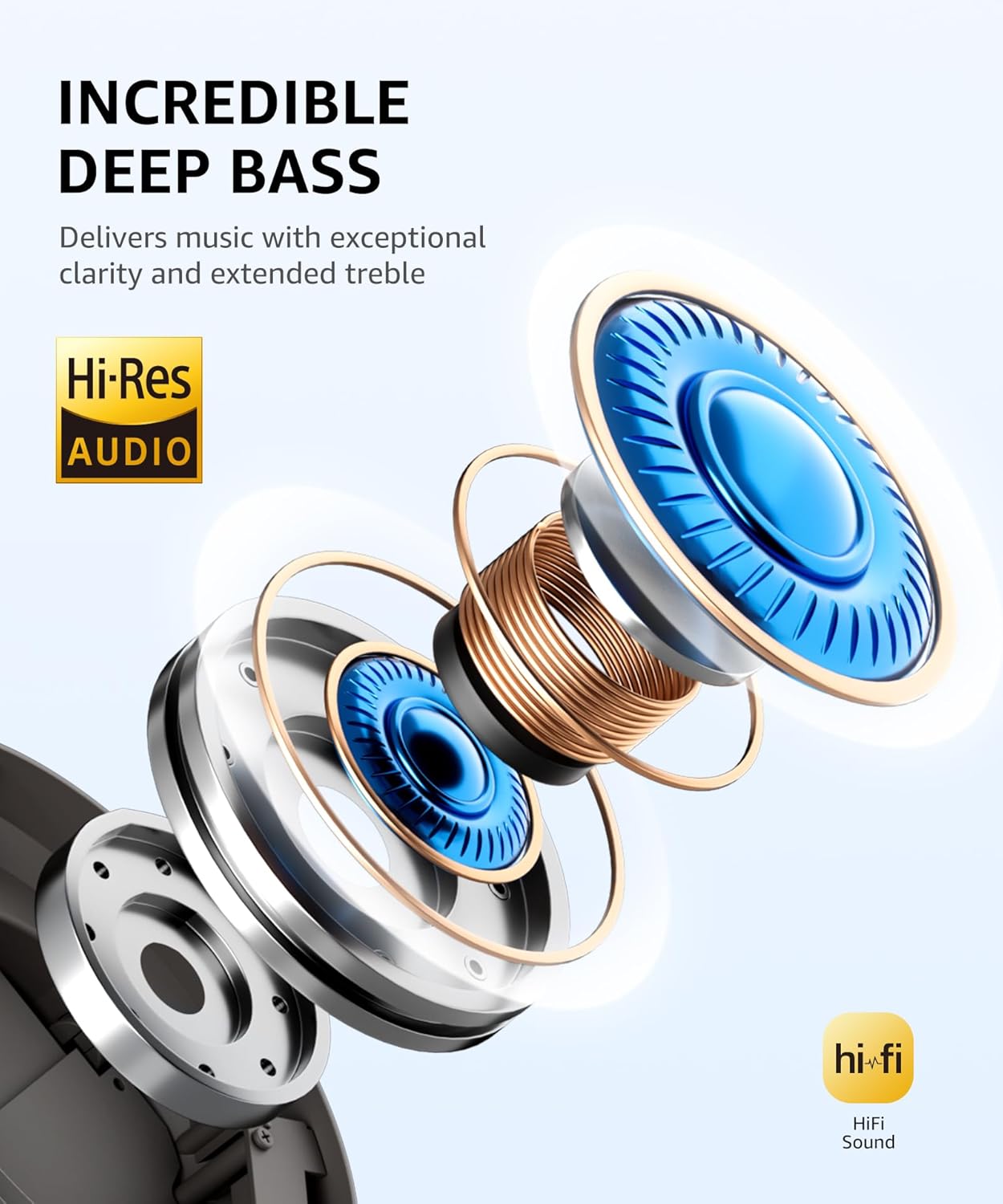
Figure 6: Hi-Res Audio and Incredible Deep Bass
5.5 Official Product Video
Video 1: Active Noise Cancelling Headphones 100 Hours Playing. This video demonstrates the features and benefits of the headphones, including active noise cancellation and long battery life.
6. Maintenance
- Clean the earcups and headband regularly with a soft, dry cloth.
- Avoid exposing the headphones to extreme temperatures, humidity, or liquids.
- Store the headphones in a cool, dry place when not in use.
- Do not attempt to disassemble or repair the headphones yourself.
7. Troubleshooting
- No Power: Ensure the headphones are fully charged.
- Cannot Pair: Make sure the headphones are in pairing mode (blinking blue/red LED). Turn off and on your device's Bluetooth, then try again. Ensure no other devices are connected to the headphones.
- No Sound: Check volume levels on both the headphones and your connected device. Ensure the headphones are properly paired. If using the aux cable, ensure it is fully inserted.
- Poor Sound Quality: Ensure the headphones are within Bluetooth range of your device. Check for interference from other wireless devices.
- ANC Not Working: Press the ANC button to activate. Ensure the headphones are properly seated on your ears for optimal noise cancellation.
8. Specifications
| Feature | Detail |
|---|---|
| Model Name | ANC-05L |
| Connectivity Technology | Wireless, Wired, Bluetooth 5.4 |
| Wireless Communication Technology | Bluetooth 5.4 |
| Noise Control | Active Noise Cancellation |
| Audio Driver Size | 40 Millimeters |
| Charging Time | 3 Hours |
| Battery Life | 100 Hours (approx.) |
| Headphones Jack | 3.5 mm Jack |
| Material | Acrylonitrile Butadiene Styrene (ABS) |
| Item Weight | 7.1 ounces (200 Grams) |
| Color | Grey |
| Frequency Response | 20000 Hz |
| Sensitivity | 35 dB |
9. Warranty and Support
Picun products come with a standard manufacturer's warranty. For detailed warranty information, technical support, or customer service inquiries, please refer to the contact information provided on the product packaging or visit the official Picun website. Please retain your proof of purchase for warranty claims.
Ask a question about this manual
Ask about setup, troubleshooting, compatibility, parts, safety, or missing instructions. Manuals+ will review the question and use this page’s manual context to help answer it.