
AVI-8 AV-4052-05
Contents
AVI-8 Hawker Hunter Retrograde Chronograph Watch User Manual
Model: AV-4052-05
Introduction
Thank you for choosing the AVI-8 Hawker Hunter Retrograde Chronograph watch. This timepiece is designed with precision and inspired by the iconic Hawker Hunter jet, bringing a blend of aviation heritage and modern functionality to your wrist. This manual provides essential information for the setup, operation, maintenance, and care of your watch to ensure its longevity and optimal performance.

Figure 1: AVI-8 Hawker Hunter Retrograde Chronograph Watch (Black/Blue)
Setup
Initial Setup
Upon receiving your watch, it may be in a stopped state to conserve battery life. To activate and set your watch:
- Unboxing: Carefully remove the watch from its packaging. Inspect for any visible damage.
- Crown Position: The watch crown (the knob on the side) has multiple positions. Gently pull the crown out to the first or second click position as needed for setting.
- Time Setting: Pull the crown out to the second click position. Rotate the crown to set the hour and minute hands to the correct time. Push the crown back in to the normal position to start the watch.
- Date Setting: Pull the crown out to the first click position. Rotate the crown to adjust the date. Avoid setting the date between 9 PM and 3 AM, as this can interfere with the automatic date change mechanism. Push the crown back in to the normal position.

Figure 2: Watch Crown and Pushers
Operating Instructions
Chronograph Function
Your AVI-8 Hawker Hunter watch features a Japanese Quartz Chronograph movement with a 10-minute retrograde counter and a 24-hour sub-dial. The chronograph allows for precise timing of events.
- Starting the Chronograph: Press the upper pusher (button A) to start the chronograph. The central second hand will begin to move, and the minute counter sub-dial will track elapsed minutes.
- Stopping the Chronograph: Press the upper pusher (button A) again to stop the chronograph. The elapsed time will be displayed.
- Resetting the Chronograph: While the chronograph is stopped, press the lower pusher (button B) to reset all chronograph hands to their zero positions.
- Retrograde Minute Counter: The sub-dial typically located at the 10 o'clock position is the 10-minute retrograde counter. When it reaches 10 minutes, the hand will instantly snap back to zero and begin counting again.
- 24-Hour Sub-dial: The sub-dial, often at the 2 o'clock position, displays time in a 24-hour format, synchronized with the main time display. This is useful for distinguishing AM/PM.

Figure 3: Chronograph Sub-dials
Product Overview Video
Video 1: Official product video showcasing the AVI-8 Hawker Hunter Retrograde Chronograph watch, highlighting its design and features.
Maintenance
Water Resistance
Your watch has a water resistance rating of 50 meters (5 ATM). This means it is suitable for short periods of recreational swimming, but not for diving or prolonged water immersion. Avoid operating the crown or pushers when the watch is wet or submerged, as this can compromise the water resistance.
Cleaning and Care
- To clean the watch case and crystal, use a soft, damp cloth. Avoid using harsh chemicals or abrasive materials.
- For leather straps, avoid prolonged exposure to water, direct sunlight, and extreme temperatures, as this can cause drying, cracking, or discoloration. Clean with a dry, soft cloth.
- For stainless steel or rubber straps, they can be cleaned with mild soap and water, then thoroughly dried.
- Store your watch in a cool, dry place away from direct sunlight and strong magnetic fields when not in use.
Battery Replacement
The watch is powered by a product-specific battery. When the battery runs low, the watch may stop or the second hand may jump in irregular intervals. Battery replacement should be performed by a qualified watchmaker or service center to ensure proper sealing and water resistance integrity.
Troubleshooting
If you encounter any issues with your AVI-8 Hawker Hunter watch, please refer to the following common problems and solutions:
| Problem | Possible Cause / Solution |
|---|---|
| Watch has stopped | Battery may be depleted. Replace battery at an authorized service center. |
| Date changes at noon | The AM/PM setting is incorrect. Advance the time by 12 hours. |
| Chronograph hands do not reset to zero | This may require a chronograph hand alignment procedure. Consult the full technical manual or an authorized service center. |
| Condensation inside the crystal | Indicates a breach in water resistance. Avoid further water exposure and seek immediate professional service. |
For issues not listed above or if solutions do not resolve the problem, please contact AVI-8 customer support or an authorized service center.
Specifications
- Model: AV-4052-05
- Movement: Japanese Quartz Chronograph
- Case Diameter: 45mm
- Case Material: Stainless Steel
- Strap Material: Genuine Leather, Rubber, or Stainless Steel (depending on variant)
- Strap Width: 22mm
- Lens: Mineral with Anti-Reflective Coating
- Water Resistance: 50m (5 ATM)
- Functions: Time (Hours, Minutes, Seconds), Date, 10-Minute Retrograde Chronograph, 24-Hour Sub-dial
- Battery: 1 Product Specific battery (included)
- Product Dimensions: 4.72 x 4.72 x 4.72 inches; 3.53 ounces
Warranty
Your AVI-8 watch is warranted against any manufacturing defect for a period of twenty-four (24) months from the date of purchase. This warranty covers material and manufacturing defects. It does not cover damage resulting from improper handling, accidents, normal wear and tear, or unauthorized repairs. Please retain your proof of purchase for warranty claims.
Support
For further assistance, service, or inquiries regarding your AVI-8 watch, please visit the official AVI-8 website or contact their customer support. You can also visit the AVI-8 Store on Amazon for more information and product details.
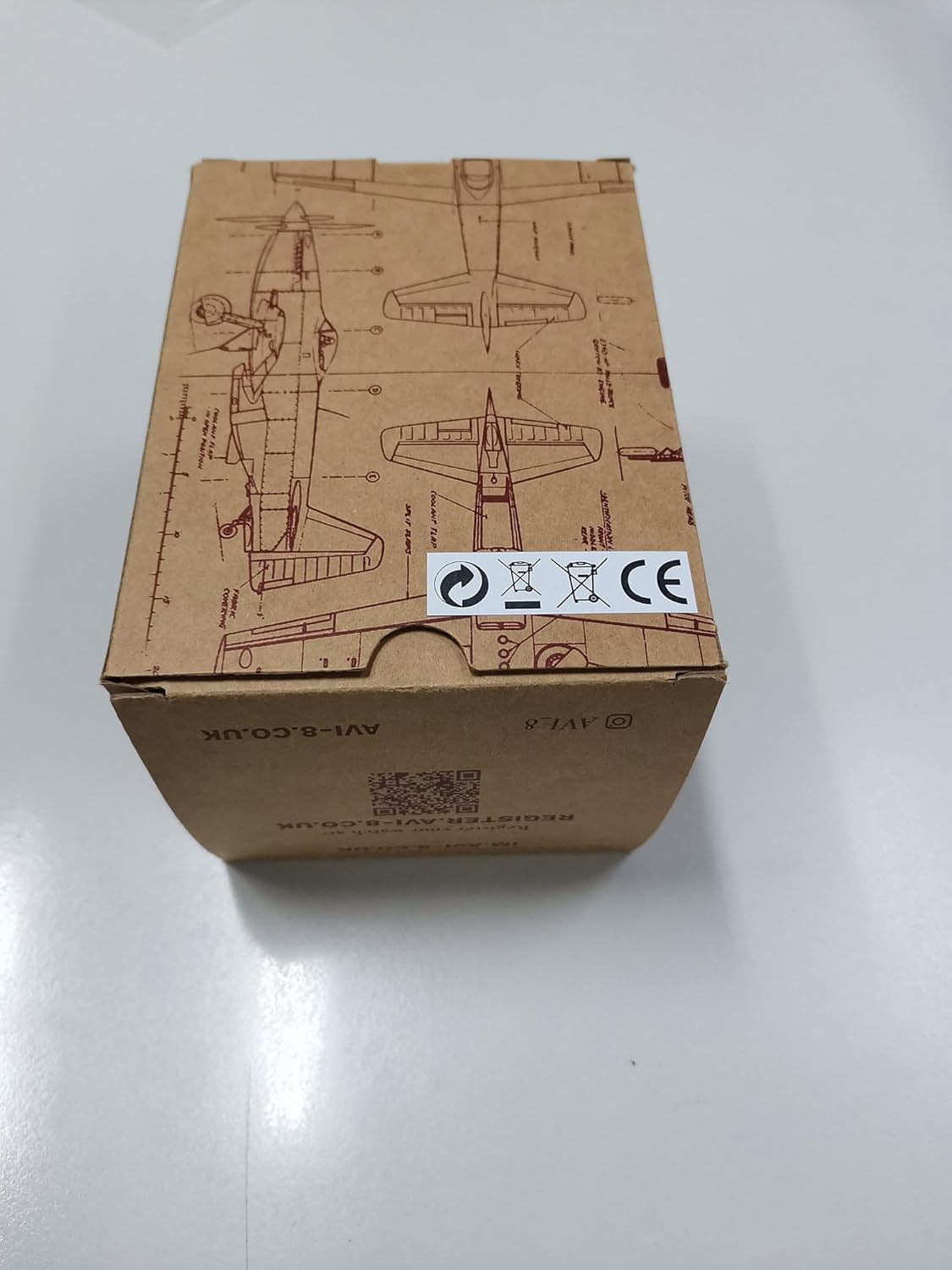
Figure 4: AVI-8 Product Packaging
Ask a question about this manual
Ask about setup, troubleshooting, compatibility, parts, safety, or missing instructions. Manuals+ will review the question and use this page’s manual context to help answer it.