
1. Introduction
Thank you for choosing the itel IEB54 Pro Bluetooth in-ear earphones. These earphones are designed to provide a superior audio experience with features like AI Environmental Noise Cancellation (ENC), extended playback time, powerful bass, and fast charging. This manual will guide you through the proper use and care of your new earphones.

Image: itel IEB54 Pro Bluetooth Earphones in blue, showcasing the neckband design and magnetic earbuds.
2. What's in the Box
Please check the package contents to ensure all items are present:
- itel IEB54 Pro Bluetooth Earphones
- Charging Cable (USB)
- Eartips (various sizes)
- User Manual
3. Setup
3.1. Charging Your Earphones
Before first use, fully charge your earphones. The itel IEB54 Pro supports fast charging, providing 4 hours of playback with just a 10-minute charge.
- Connect the charging cable to the charging port on the earphones.
- Connect the other end of the cable to a USB power source (e.g., computer USB port, wall adapter).
- The LED indicator will show charging status (refer to the LED indicator section for details).
- Once fully charged, disconnect the cable.

Image: Illustration of the fast charging capability, highlighting 10 minutes of charge for 4 hours of playback.
3.2. Bluetooth Pairing
The earphones use Bluetooth v5.3 for stable and efficient wireless connectivity. They also support dual pairing.
- Power On: Press and hold the multi-function button until the LED indicator flashes blue and red, indicating pairing mode.
- Activate Bluetooth: On your device (smartphone, tablet, laptop), enable Bluetooth.
- Select Device: In your device's Bluetooth settings, search for "itel IEB54 Pro" and select it to connect.
- Confirmation: The LED indicator on the earphones will turn solid blue (or flash slowly) once successfully paired, and you may hear an audio prompt.
Dual Pairing: To connect to a second device, disconnect from the first device (or put the earphones back into pairing mode if they support it automatically after disconnection). Pair with the second device. The earphones will remember both devices and can switch between them effortlessly when both are in range and Bluetooth is active.

Image: itel IEB54 Pro earphones shown with a laptop and smartphone, illustrating dual pairing capability.
4. Operating Instructions
4.1. Controls
The itel IEB54 Pro features intuitive touch controls for easy management of your audio and calls.
| Function | Action |
|---|---|
| Power On/Off | Press and hold multi-function button |
| Play/Pause Music | Single tap multi-function button |
| Next Track | Press and hold Volume + button |
| Previous Track | Press and hold Volume - button |
| Volume Up | Single tap Volume + button |
| Volume Down | Single tap Volume - button |
| Answer/End Call | Single tap multi-function button |
| Reject Call | Press and hold multi-function button |
| Activate Voice Assistant | Double tap multi-function button |
4.2. AI Environmental Noise Cancellation (ENC)
The AI ENC technology reduces background noise during calls, ensuring clear communication. This feature is automatically active during phone calls.

Image: Visual representation of Environmental Noise Cancellation (ENC) with sound waves.
4.3. Extended Playback Time
Enjoy up to 35 hours of continuous audio playback on a single full charge. Actual battery life may vary based on volume level and audio content.
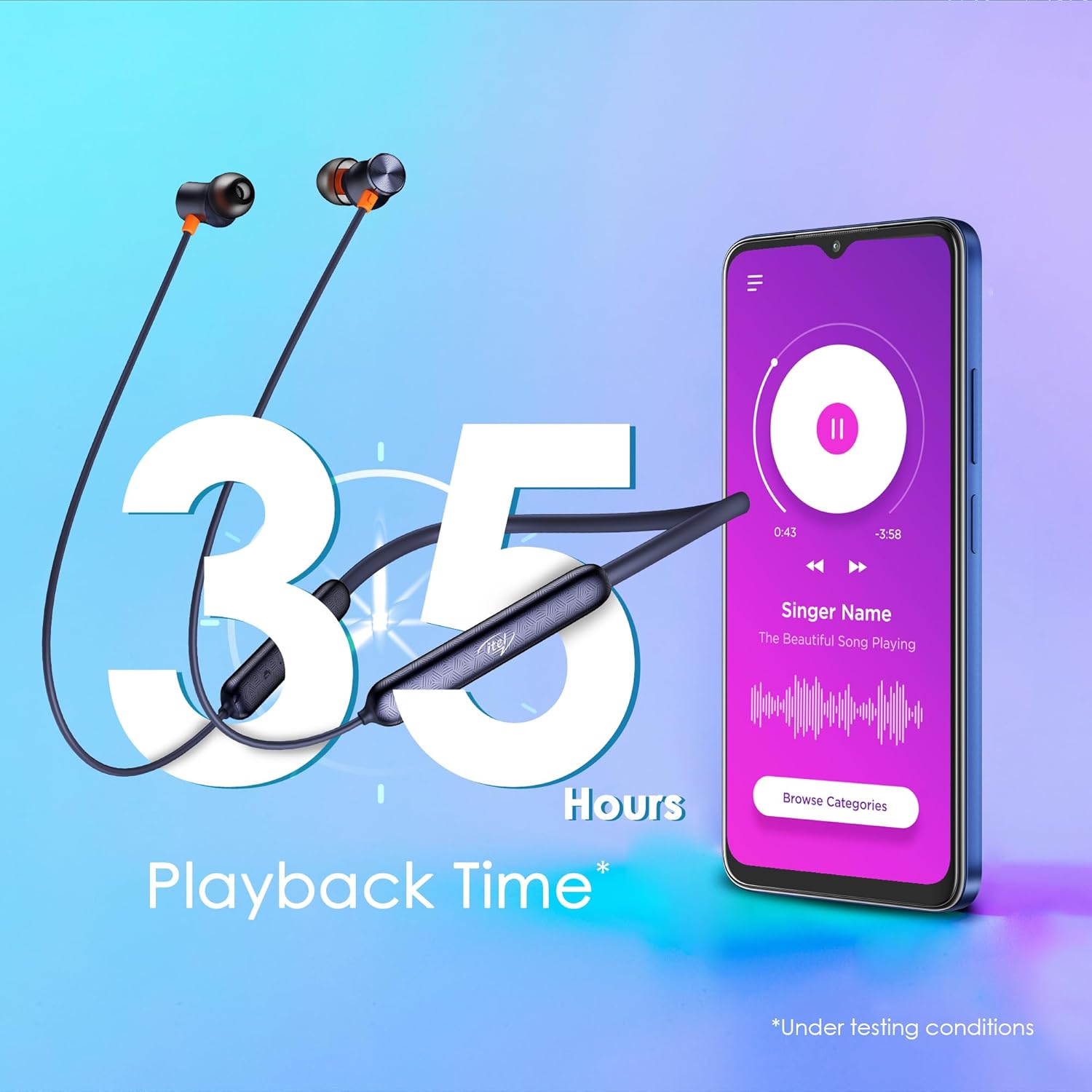
Image: Graphic illustrating 35 hours of playback time with the earphones and a smartphone playing music.
4.4. Magnetic Earbuds
The earbuds feature a magnetic design, allowing them to securely snap together when not in use. This prevents tangles and makes them convenient to carry around your neck.

Image: Close-up of the magnetic earbuds snapping together, preventing tangles.
5. Maintenance
5.1. Cleaning
To maintain optimal performance and hygiene, regularly clean your earphones:
- Use a soft, dry, lint-free cloth to wipe the surface of the earphones.
- Gently remove any earwax or debris from the eartips and speaker mesh using a small, soft brush or cotton swab.
- Do not use harsh chemicals, cleaning solvents, or strong detergents.
5.2. Water Resistance (IPX5)
The itel IEB54 Pro earphones are rated IPX5 water resistant, meaning they can withstand sweat and light splashes of water. They are suitable for workouts and outdoor activities. However, they are not designed for submersion in water or exposure to pressurized water jets.
- Do not intentionally submerge the earphones in water.
- If they get wet, wipe them dry thoroughly before charging or storing.

Image: Illustration showing the earphones with water splashing, indicating IPX5 water resistance.
6. Troubleshooting
If you encounter any issues with your itel IEB54 Pro earphones, please refer to the following common solutions:
- Earphones not turning on: Ensure the earphones are fully charged. Connect them to a power source and try again.
- Cannot pair with device:
- Make sure Bluetooth is enabled on your device and the earphones are in pairing mode (flashing blue and red LED).
- Ensure the earphones are within the 10-meter Bluetooth range of your device.
- Forget "itel IEB54 Pro" from your device's Bluetooth list and try pairing again.
- Restart both your device and the earphones.
- No sound or low volume:
- Check the volume levels on both your earphones and your connected device.
- Ensure the earphones are properly connected to your device.
- Try playing different audio files or from different applications.
- Clean any debris from the eartips and speaker mesh.
- Charging issues:
- Ensure the charging cable is securely connected to both the earphones and the power source.
- Try a different USB port or power adapter.
- Ensure the charging port on the earphones is clean and free of debris.
If the issue persists, please contact customer support.
7. Specifications
| Feature | Detail |
|---|---|
| Model Name | IEB 54 Pro |
| Connectivity Technology | Wireless (Bluetooth v5.3) |
| Audio Driver Size | 10mm Dynamic Drivers |
| Noise Control | AI Environmental Noise Cancellation (ENC) |
| Playback Time | Up to 35 Hours |
| Fast Charging | 10 mins charge = 4 hours playback |
| Water Resistance | IPX5 |
| Control Type | Touch Control |
| Compatible Devices | Laptops, Smartphones, Tablets |
| Item Weight | 30 Grams |
| Product Dimensions | 18.5 x 13 x 1.3 cm |
| Manufacturer | IMMORTECH PRIVATE LIMITED |
| Country of Origin | India |

Image: A comprehensive collage highlighting key features of the itel IEB54 Pro earphones.
8. Warranty and Support
Your itel IEB54 Pro earphones come with a standard manufacturer's warranty. For specific warranty terms and conditions, please refer to the warranty card included in your product packaging or visit the official Itel website.
For technical support, troubleshooting assistance, or warranty claims, please contact Itel customer service. Contact details can typically be found on the product packaging or the official Itel support website.
Manufacturer: IMMORTECH PRIVATE LIMITED
