
Introduction
Thank you for choosing the Anker Nano Power Bank A1653. This portable charger is designed to provide efficient and reliable power for your mobile devices on the go. Please read this manual carefully to ensure proper use and maintenance of your device.
Product Overview
Key Features:
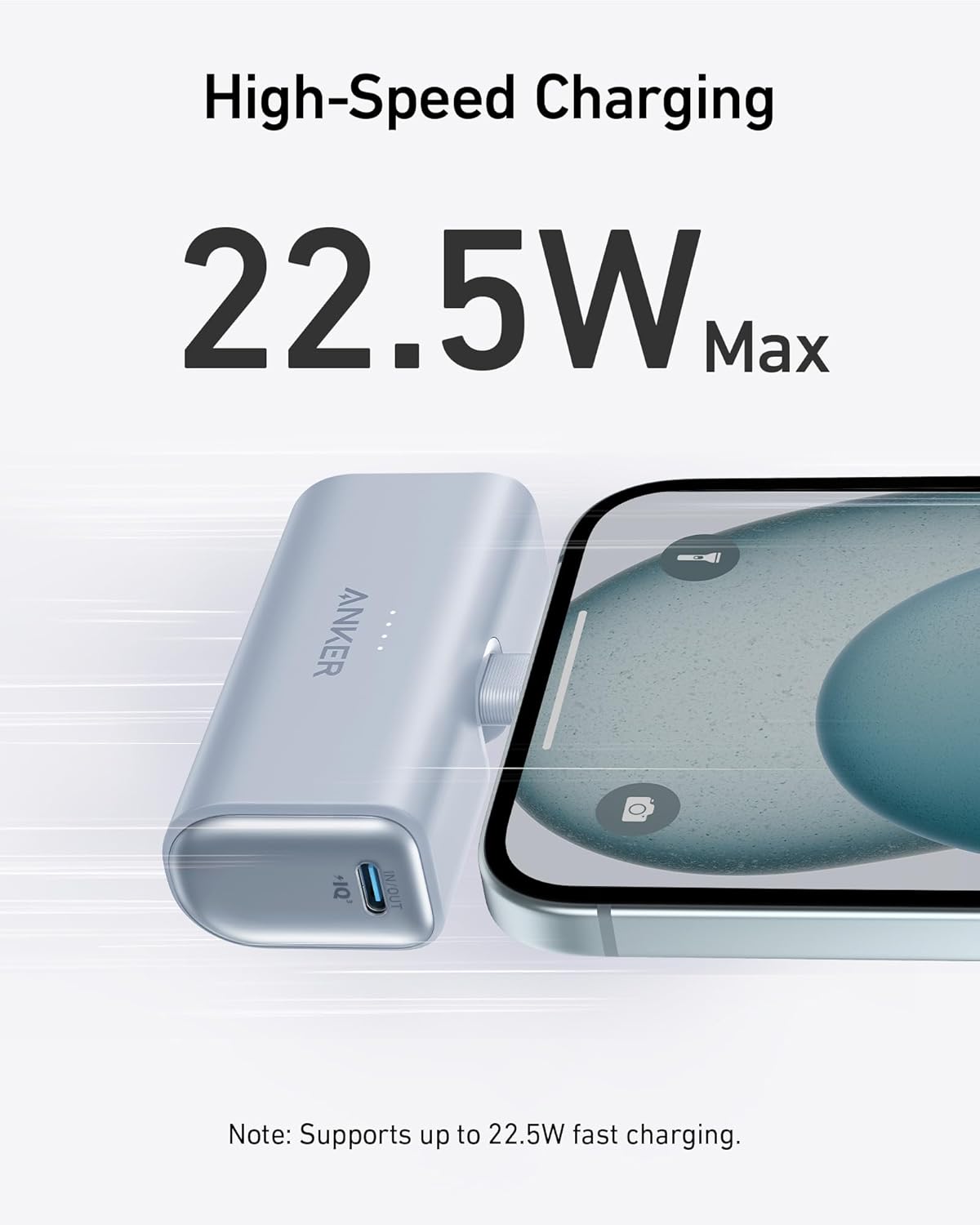
- Rapid Device Charging: Dual USB-C ports with PowerIQ 3.0 technology and 22.5W output for swift charging.
- Foldable USB-C Connector: Integrated, foldable USB-C connector for convenience and cable-free charging.
- High Capacity: 5,000mAh battery capacity to keep devices powered throughout the day.
- Compact and Portable: Sleek, lightweight design for easy carrying in pockets or purses.
- Eco-Friendly Design: Made with 73% post-consumer recycled plastic in the exterior casing.
What's Included:
- Anker Nano Power Bank (22.5W, Built-In USB-C Connector)
- 2 ft / 0.6 m USB-C to USB-C cable
- Welcome Guide
- User Manual
- 24-month worry-free warranty
- Friendly customer service

Setup
Charging the Power Bank:
- Connect the provided USB-C to USB-C cable to the power bank's USB-C input port.
- Plug the other end of the cable into a compatible USB wall charger (not included).
- The LED indicators on the power bank will illuminate to show the charging status. A full charge is indicated when all LEDs are solid.

Connecting to Devices:
The Anker Nano Power Bank features a built-in foldable USB-C connector for direct charging and an additional USB-C port for cable charging.
- Direct Charging: Gently unfold the integrated USB-C connector and plug it directly into your compatible device's USB-C port.
- Cable Charging: Use the provided USB-C to USB-C cable (or a USB-C to Lightning cable for older iPhones, sold separately) to connect your device to the power bank's additional USB-C port.

Operating Instructions
Charging Your Device:
- Connect your device to the power bank using either the built-in foldable USB-C connector or a compatible charging cable via the USB-C port.
- The power bank will automatically begin charging your device.
- Monitor the LED indicators on the power bank to check its remaining charge level.
LED Indicator Guide:
The LED lights on the power bank indicate the remaining battery capacity:
- 4 LEDs: 75% - 100% charged
- 3 LEDs: 50% - 75% charged
- 2 LEDs: 25% - 50% charged
- 1 LED: 0% - 25% charged (recharge soon)
The power bank supports two-way safe charging, featuring a dynamic temperature sensor for enhanced safety.
Specifications
| Model Number | A1653 |
| Battery Capacity | 5000 Milliamp Hours (mAh) |
| Output Power | 22.5W Max |
| Connector Type | USB Type C (Built-in & Port) |
| Product Dimensions | 3.03 x 1.45 x 0.98 inches |
| Item Weight | 3.5 ounces |
| Special Features | Built-in Foldable USB-C Connector, Dynamic Temperature Sensor |
Maintenance
- Store the power bank in a cool, dry place away from direct sunlight and extreme temperatures.
- Avoid dropping or subjecting the power bank to strong impacts.
- Clean the device with a soft, dry cloth. Do not use harsh chemicals or abrasive materials.
- Recharge the power bank at least once every 3 months to maintain battery health, even if not in regular use.
Troubleshooting
Power Bank Not Charging:
- Ensure the charging cable is securely connected to both the power bank and the wall charger.
- Verify that the wall charger is functioning correctly and the power outlet is active.
- Try using a different USB-C cable or wall charger.
Device Not Charging from Power Bank:
- Check if the power bank has sufficient charge (refer to LED indicators).
- Ensure your device is compatible with USB-C charging.
- For direct charging, ensure the foldable USB-C connector is fully inserted into your device.
- For cable charging, ensure the cable is securely connected to both the power bank and your device. Try a different cable if necessary.
- If using a phone case, ensure it is not thicker than 0.19 inches (4.9 mm) to allow proper connection with the built-in connector.
Safety Information
- Do not expose the power bank to liquids, extreme temperatures, or fire.
- Do not disassemble, crush, or puncture the power bank.
- Keep out of reach of children.
- Avoid using the power bank in environments with high humidity or dust.
- If the power bank shows signs of swelling, leakage, or unusual heat, discontinue use immediately.
Warranty and Support
The Anker Nano Power Bank comes with a 24-month worry-free warranty. For any product-related inquiries or support, please contact our friendly customer service team.
Please refer to the welcome guide for detailed contact information.


