
CANYON PB-109
CANYON Powerbank PB-109 User Manual
Model: PB-109
1. Introduction
Thank you for choosing the CANYON PB-109 Powerbank. This device is designed to provide portable power for your electronic devices, ensuring you stay connected on the go. With a high capacity of 10,000 mAh and multiple charging ports, it offers versatile and reliable power delivery. Please read this manual carefully before using the product to ensure proper operation and to maximize its lifespan.
2. Safety Information
To ensure safe operation and prevent damage to the device or injury to yourself, please observe the following safety precautions:
- Do not expose the power bank to extreme temperatures, direct sunlight, or fire.
- Do not immerse the power bank in water or other liquids.
- Avoid dropping, hitting, or disassembling the device.
- Keep out of reach of children.
- Use only certified cables and chargers compatible with the power bank.
- Do not use the power bank if it is damaged or shows signs of swelling.
- Dispose of the power bank responsibly according to local regulations.
3. Package Contents
Please check the package for the following items:
- CANYON PB-109 Powerbank
- USB Charging Cable
- User Manual (this document)
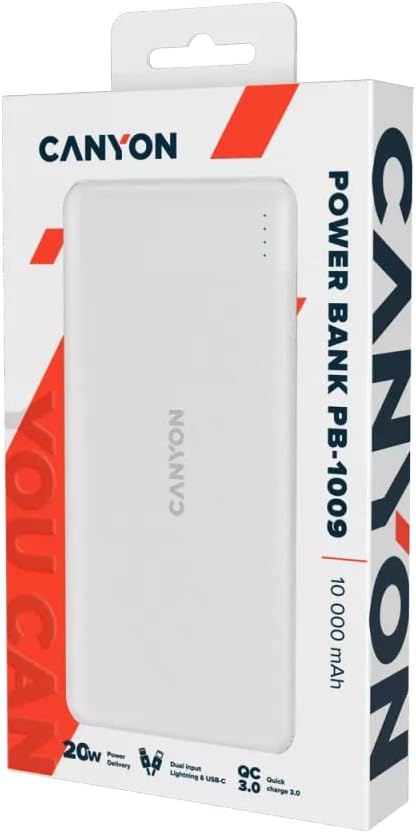
Image: The CANYON PB-109 Powerbank shown within its retail packaging, indicating the typical contents.
4. Product Overview
Familiarize yourself with the components of your CANYON PB-109 Powerbank:

Image: Front view of the white CANYON PB-109 Powerbank, showing the brand logo and LED indicators.
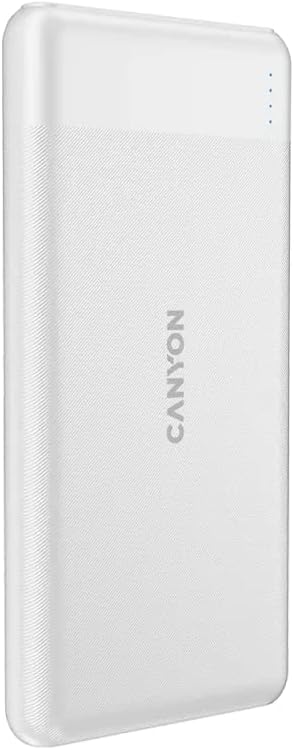
Image: Angled view of the CANYON PB-109 Powerbank, highlighting its slim profile.
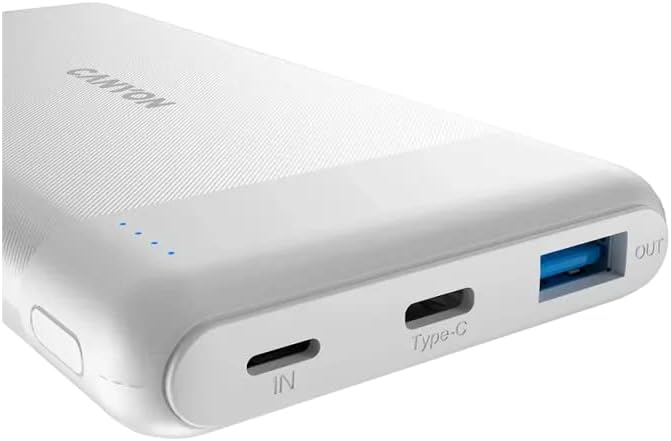
Image: Close-up view of the top edge of the power bank, showing the Lightning input, USB-C input/output, and USB-A output ports.
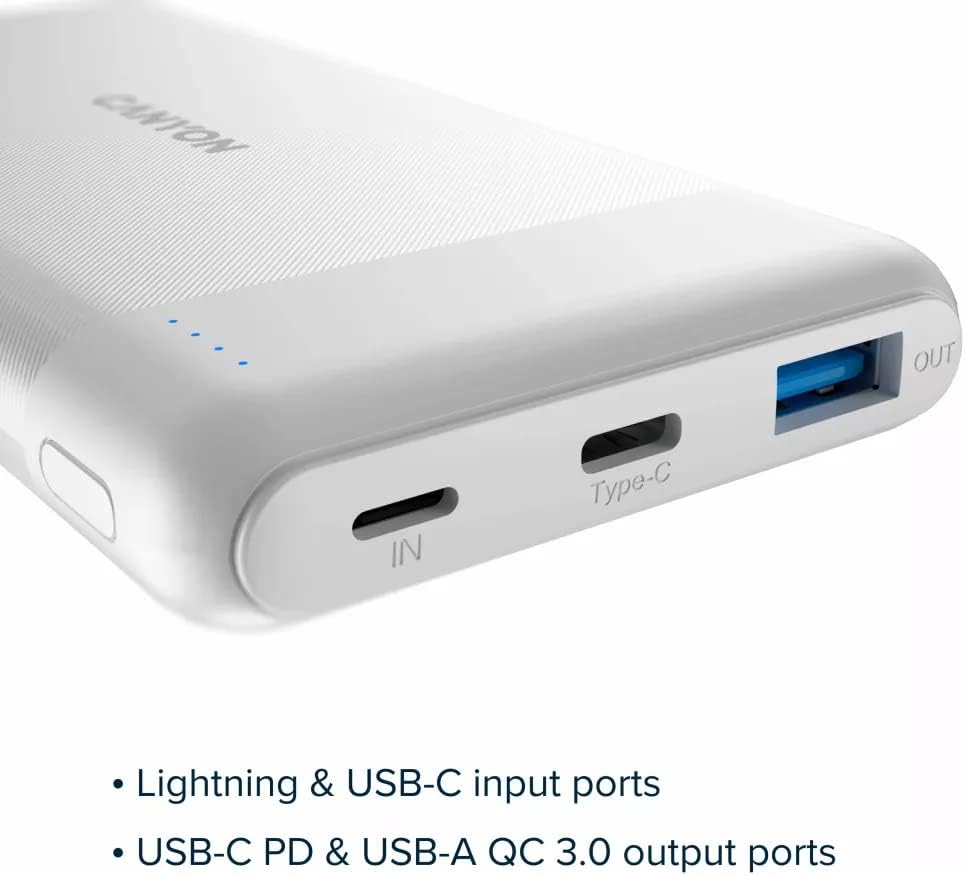
Image: A diagram illustrating the different input and output ports: Lightning and USB-C for input, and USB-C PD and USB-A QC 3.0 for output.
Key Features:
- Capacity: 10,000 mAh for extended power.
- Input Ports: 1 x Lightning, 1 x USB Type-C for versatile charging of the power bank.
- Output Ports: 1 x USB-C 20W Power Delivery (PD), 1 x USB-A Quick Charge (QC) 3.0 for fast charging of your devices.
- Compatibility: Designed to be compatible with a wide range of devices, including Apple devices.
- Protection: Features 6 types of protection mechanisms to ensure safe charging.
5. Setup
5.1 Initial Charging of the Powerbank
Before first use, it is recommended to fully charge your CANYON PB-109 Powerbank.
- Connect the provided USB charging cable to the USB-C input port (marked "IN") or the Lightning input port on the power bank.
- Connect the other end of the cable to a USB wall charger (not included) or a computer's USB port.
- The LED indicators on the power bank will light up to show the charging status. When all LEDs are solid, the power bank is fully charged.
A full charge may take several hours depending on the power source.
6. Operating Instructions
6.1 Charging Your Devices
The CANYON PB-109 Powerbank can charge various devices, including smartphones, tablets, and other USB-powered gadgets.
- Identify the correct charging cable for your device.
- Connect one end of your device's charging cable to either the USB-A output port (marked "OUT") or the USB-C output port on the power bank.
- Connect the other end of the cable to your device.
- The power bank will automatically begin charging your device. The LED indicators will show the remaining battery level of the power bank.
For optimal charging speed, use the USB-C PD port for compatible devices or the USB-A QC 3.0 port for Quick Charge compatible devices.
6.2 Checking Battery Level
The power bank features LED indicators to show its remaining battery capacity:
- 4 LEDs: 75% - 100% charged
- 3 LEDs: 50% - 75% charged
- 2 LEDs: 25% - 50% charged
- 1 LED: 0% - 25% charged (recharge soon)
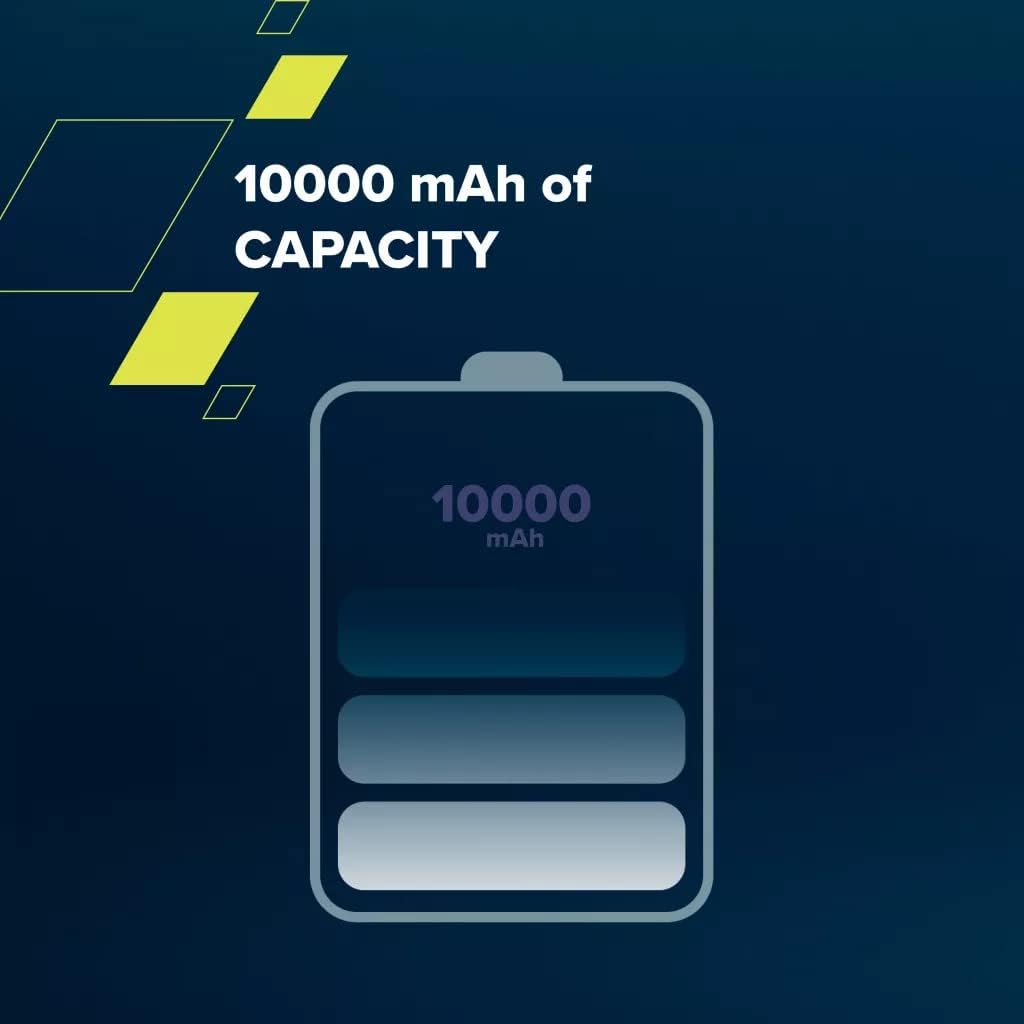
Image: A visual representation of the 10,000 mAh capacity, showing a battery icon with four charge levels.

Image: A graphic indicating compatibility with Apple devices, specifically showing an iPhone and an iPad.
7. Maintenance
Proper care will extend the life of your power bank:
- Clean the power bank with a soft, dry cloth. Do not use abrasive cleaners or solvents.
- Store the power bank in a cool, dry place away from direct sunlight and extreme temperatures.
- If not used for extended periods, charge the power bank at least once every three months to maintain battery health.
8. Troubleshooting
If you encounter issues with your CANYON PB-109 Powerbank, refer to the following common problems and solutions:
| Problem | Possible Cause | Solution |
|---|---|---|
| Power bank not charging | Cable not connected properly; Faulty cable/charger; Power bank battery depleted. | Ensure cables are securely connected. Try a different cable or charger. Allow power bank to charge for a longer period. |
| Device not charging from power bank | Power bank battery depleted; Incorrect cable; Device not compatible; Power bank in standby. | Recharge the power bank. Use the correct charging cable for your device. Ensure your device is compatible. Briefly disconnect and reconnect the device. |
| Slow charging | Using a non-fast charging port; Cable quality; Device charging limits. | Use the USB-C PD or USB-A QC 3.0 port for faster charging. Use a high-quality cable. Some devices have charging limits. |
If the problem persists after trying these solutions, please contact customer support.
9. Specifications
| Feature | Detail |
|---|---|
| Brand | CANYON |
| Model | PB-109 |
| Battery Capacity | 10,000 mAh |
| Battery Composition | Lithium-ion |
| Input Ports | Lightning, USB Type-C |
| Output Ports | USB-C (20W PD), USB-A (QC 3.0) |
| Voltage | 5 Volts |
| Color | White |
| Special Feature | Lightweight |
| Recommended Use | Phone |
| Power Source | Electric Cable |
10. Warranty and Support
CANYON products are built to high-quality standards. For information regarding warranty terms and conditions, please refer to the warranty card included with your product or visit the official CANYON website. For technical support or service inquiries, please contact your local dealer or CANYON customer service.
Website: https://canyon.eu/
Related documentsPB-109


Ask a question about this manual
Ask about setup, troubleshooting, compatibility, parts, safety, or missing instructions. Manuals+ will review the question and use this page’s manual context to help answer it.