
1. Introduction
The Lemorele 8-in-1 USB C Hub is a versatile multiport adapter designed to expand the connectivity of your laptop, tablet, or smartphone. Crafted from aerospace-grade aluminum alloy, this elegant and compact device offers a comprehensive solution for your peripheral needs without requiring external power. It is ideal for both office use and business travel, providing essential ports for enhanced productivity and entertainment.

Image: The Lemorele 8-in-1 USB C Hub, showcasing its compact design and multiple ports, including USB-A, HDMI, and card slots, connected to various external devices.
2. Key Features
- 8-in-1 Connectivity: Features 3 USB-A 3.0 ports for fast data transfer and peripheral connection, a 4K HDMI port for video output, a 100W Power Delivery (PD) port for charging, a USB-C data transfer port, and dedicated SD/TF card slots.
- Plug and Play: No drivers, programs, or software are required for operation. Simply connect the hub to your device.
- Efficient Cooling and Protection: Equipped with an intelligent microchip and multiple protection systems to prevent over-current, over-voltage, short circuits, and high temperatures, ensuring safe data transmission and storage.
- High-Speed Data Transfer: USB 3.0 ports offer speeds up to 5Gbps, significantly faster than USB 2.0. SD/TF card slots support speeds up to 104 MB/s.
- Wide Compatibility: Compatible with all systems and devices featuring USB-C ports that support video output, including Mac OS, Windows, Chrome OS, Android, iOS, and Linux. Supports devices like MacBook Pro/Air M1, iMac, iPad Pro/Air M1, Dell XPS, ASUS Zenbook, Huawei, HP, Lenovo, Microsoft Surface, Google PixelBook, Xiaomi, Honor, and Razor.
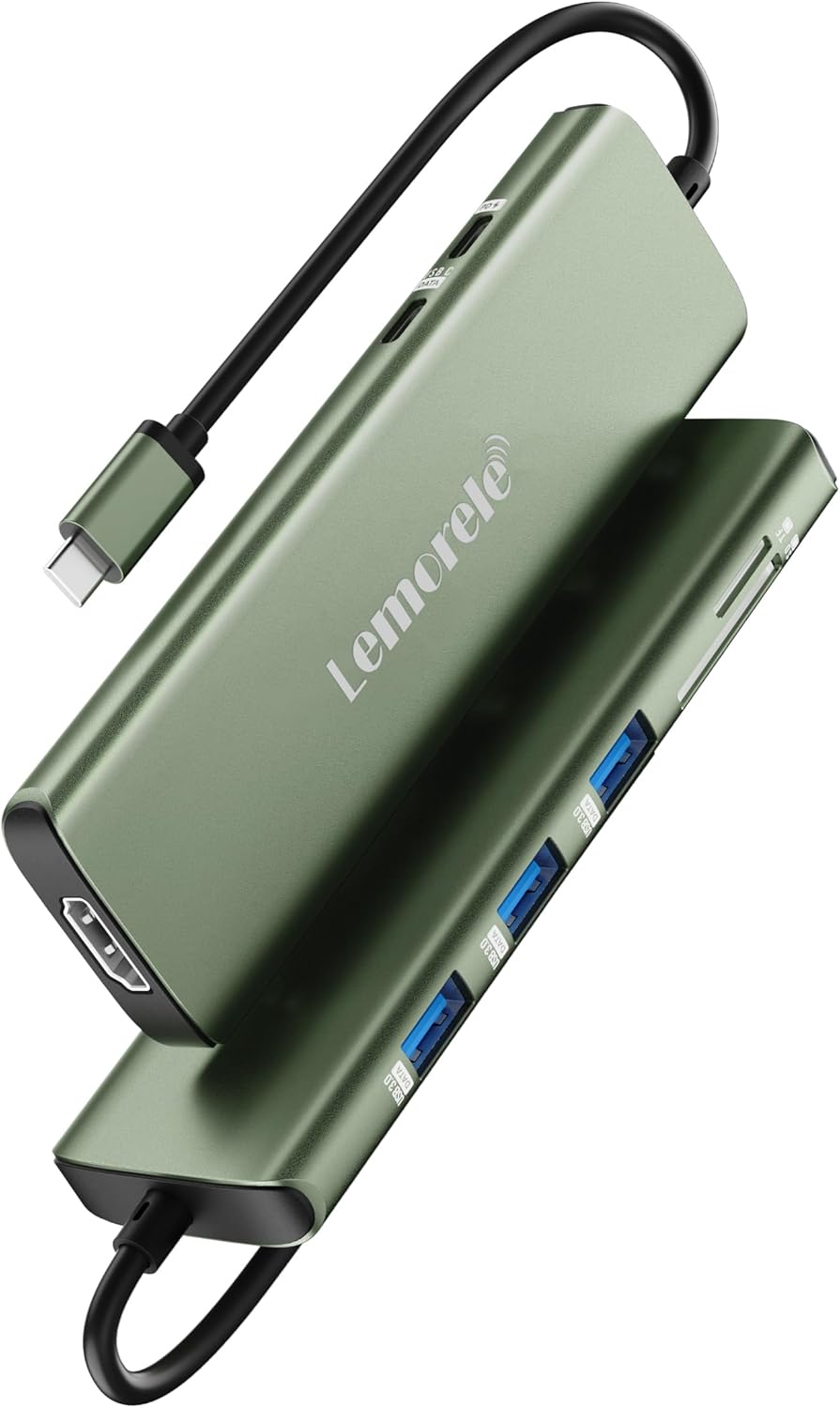
Image: An angled view of the Lemorele 8-in-1 USB C Hub, emphasizing its compact and durable aluminum design.
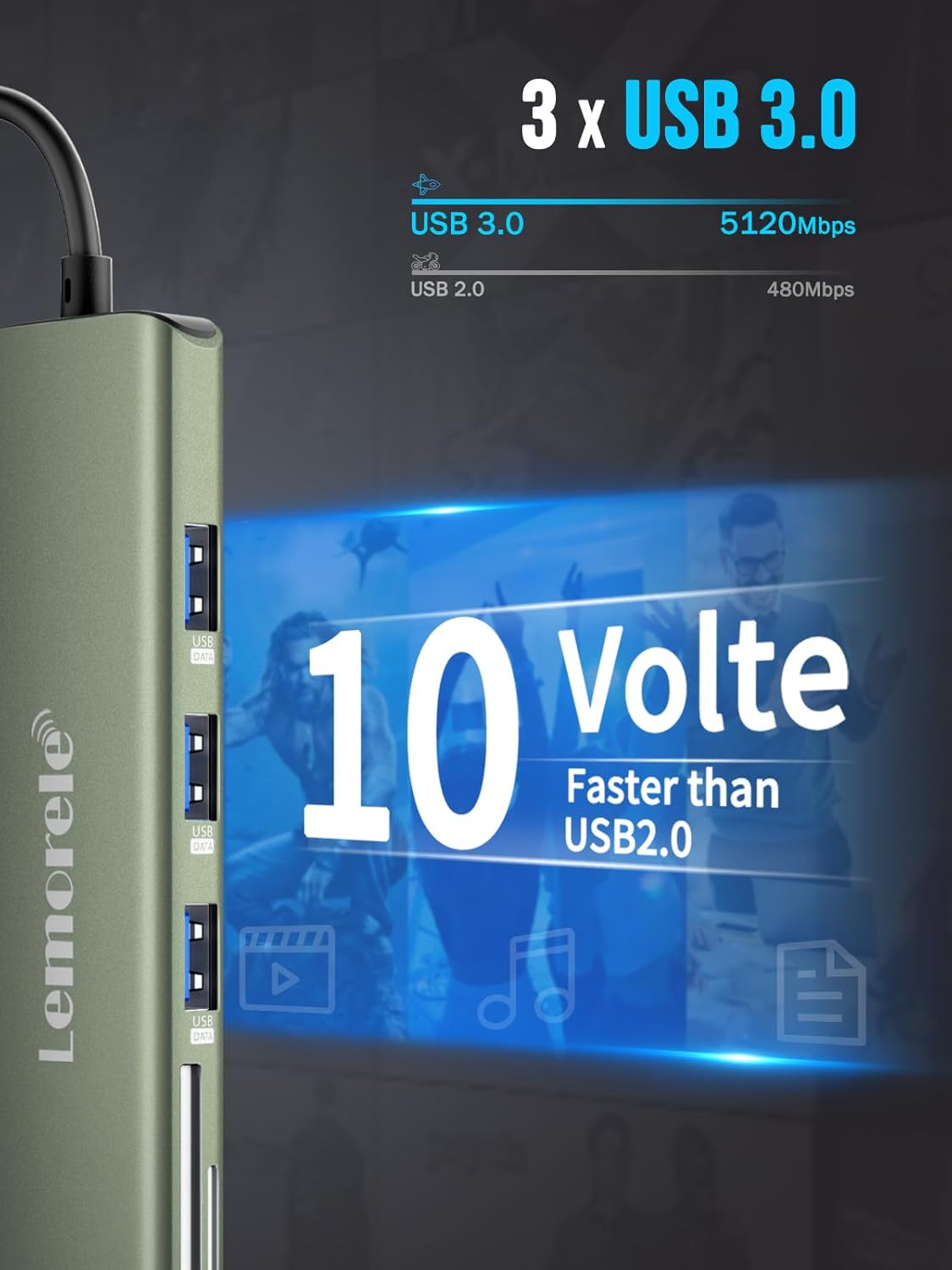
Image: A detailed view of the hub's three USB 3.0 ports, illustrating their significantly faster data transfer capabilities compared to USB 2.0.

Image: The hub connected to a laptop, illustrating its Power Delivery (PD) and USB-C data transfer capabilities, with power input and output specifications.
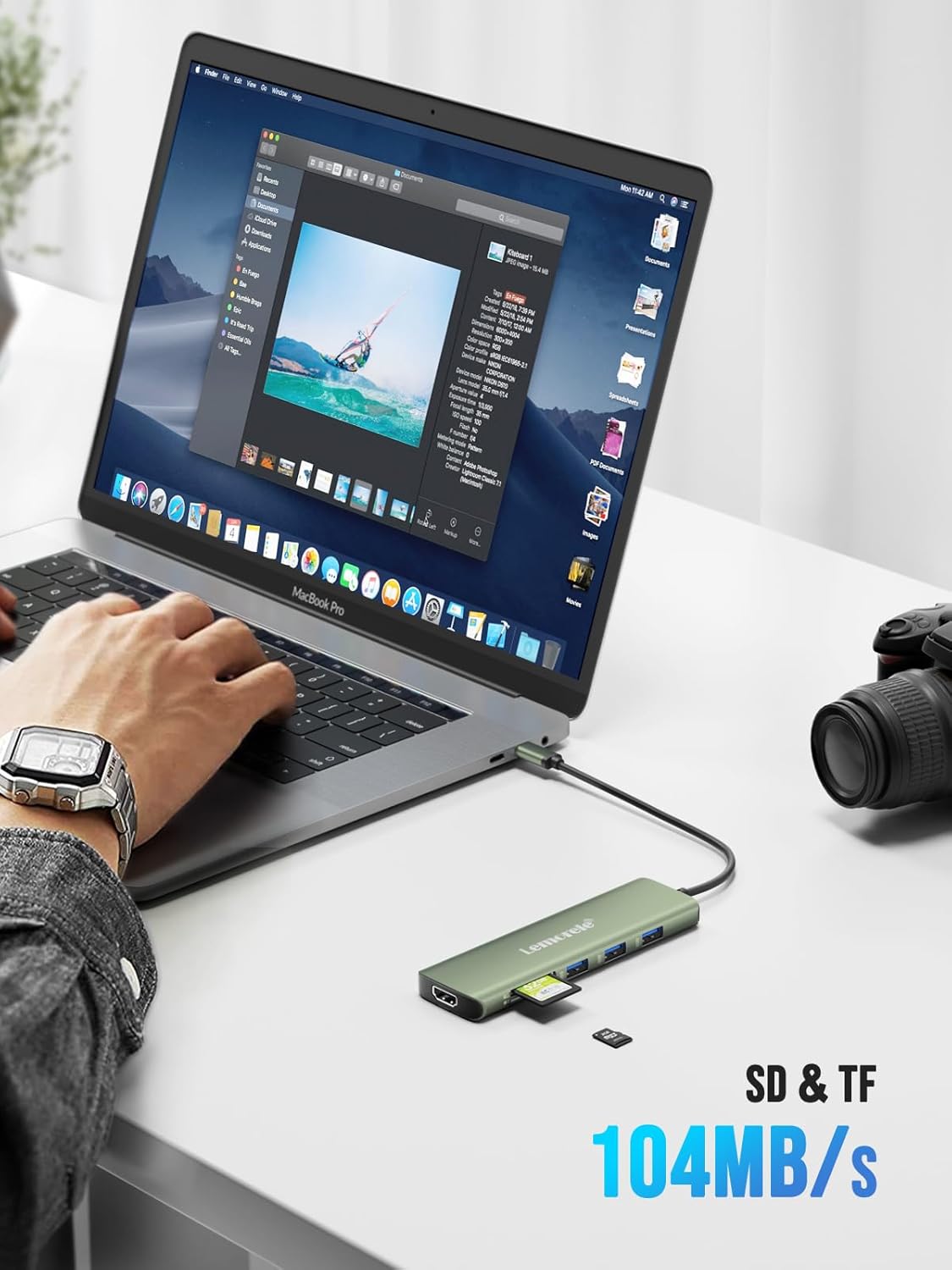
Image: The hub in use with a laptop, demonstrating the functionality of its SD and TF card slots and their high-speed data transfer rate.
3. Setup Guide
Follow these steps to set up your Lemorele 8-in-1 USB C Hub:
- Connect the Hub: Plug the USB-C connector of the hub into a compatible USB-C port on your laptop, tablet, or smartphone. Ensure your device's USB-C port supports Thunderbolt 3 or DisplayPort Alt Mode for full functionality, especially for HDMI output.
- Connect Power (Optional but Recommended): For stable operation and to charge your host device, connect a USB-C Power Delivery (PD) charger (minimum 40W recommended) to the hub's 100W PD port. This ensures sufficient power for all connected peripherals.
- Connect Peripherals: Plug your desired devices into the corresponding ports on the hub:
- USB-A Devices: Connect mice, keyboards, USB drives, printers, etc., to the three USB 3.0 ports.
- HDMI Display: Connect an HDMI cable from the hub to your monitor, TV, or projector for video output.
- SD/TF Cards: Insert your SD or TF memory cards into the dedicated slots for data access.
- USB-C Data Device: Use the USB-C data transfer port for additional USB-C peripherals (note: this port does not support HDMI output or charging).
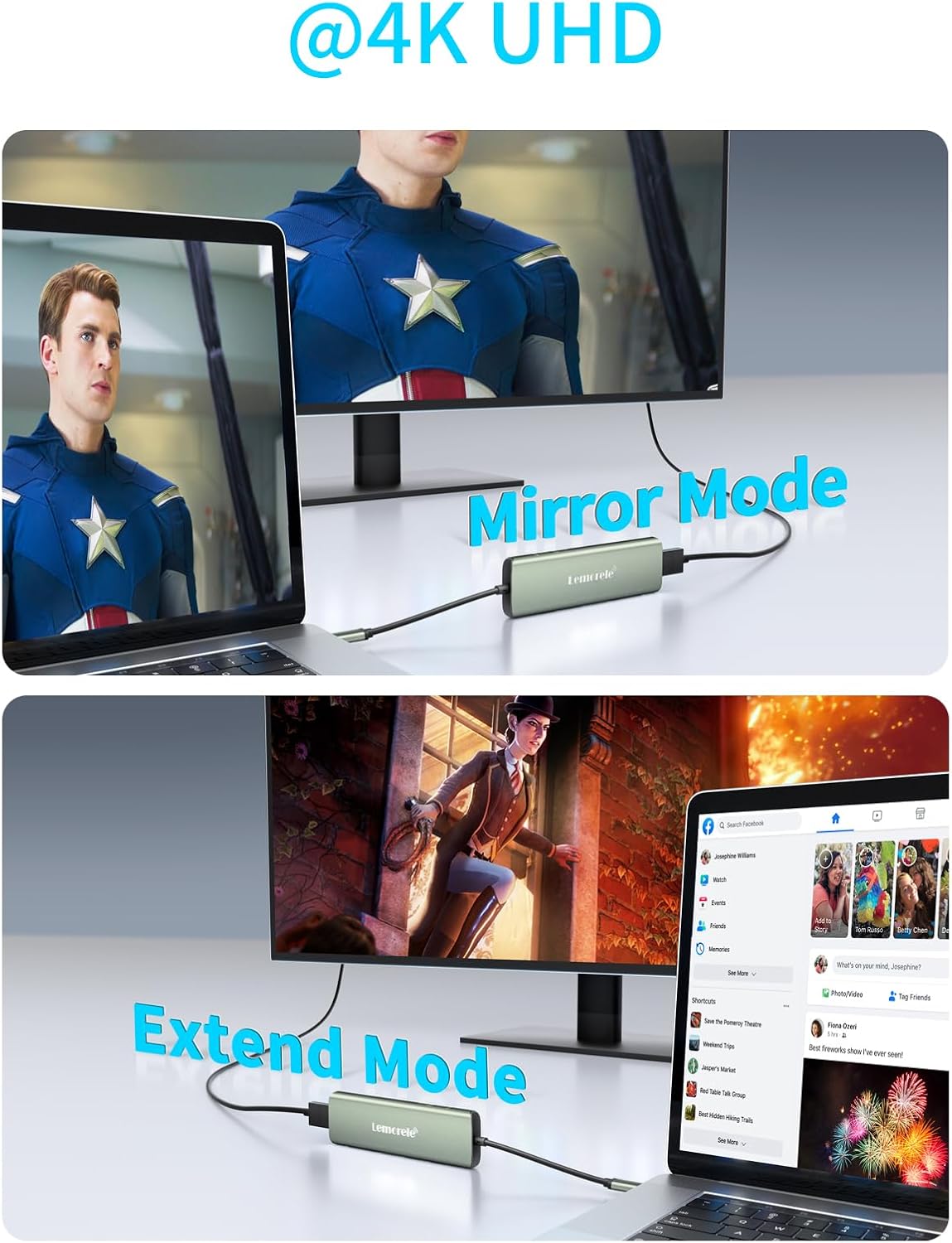
Image: A visual representation of the hub connected to a laptop, with an external monitor and a USB mouse, demonstrating a typical setup.
4. Operating Instructions
4.1. HDMI Display Modes (4K @ 30Hz)
The HDMI port supports both Mirror Mode and Extend Mode for external displays.
- MacOS:
- Mirror Mode: Go to Apple Menu > System Preferences > Displays > Arrangement > Check "Mirror Displays".
- Extend Mode: Go to Apple Menu > System Preferences > Displays > Arrangement > Uncheck "Mirror Displays".
- Windows:
- Mirror Mode: Go to Settings > System > Display > Multiple displays (or press Win + P > Project > Duplicate).
- Extend Mode: Go to Settings > System > Display > Multiple displays (or press Win + P > Project > Extend).
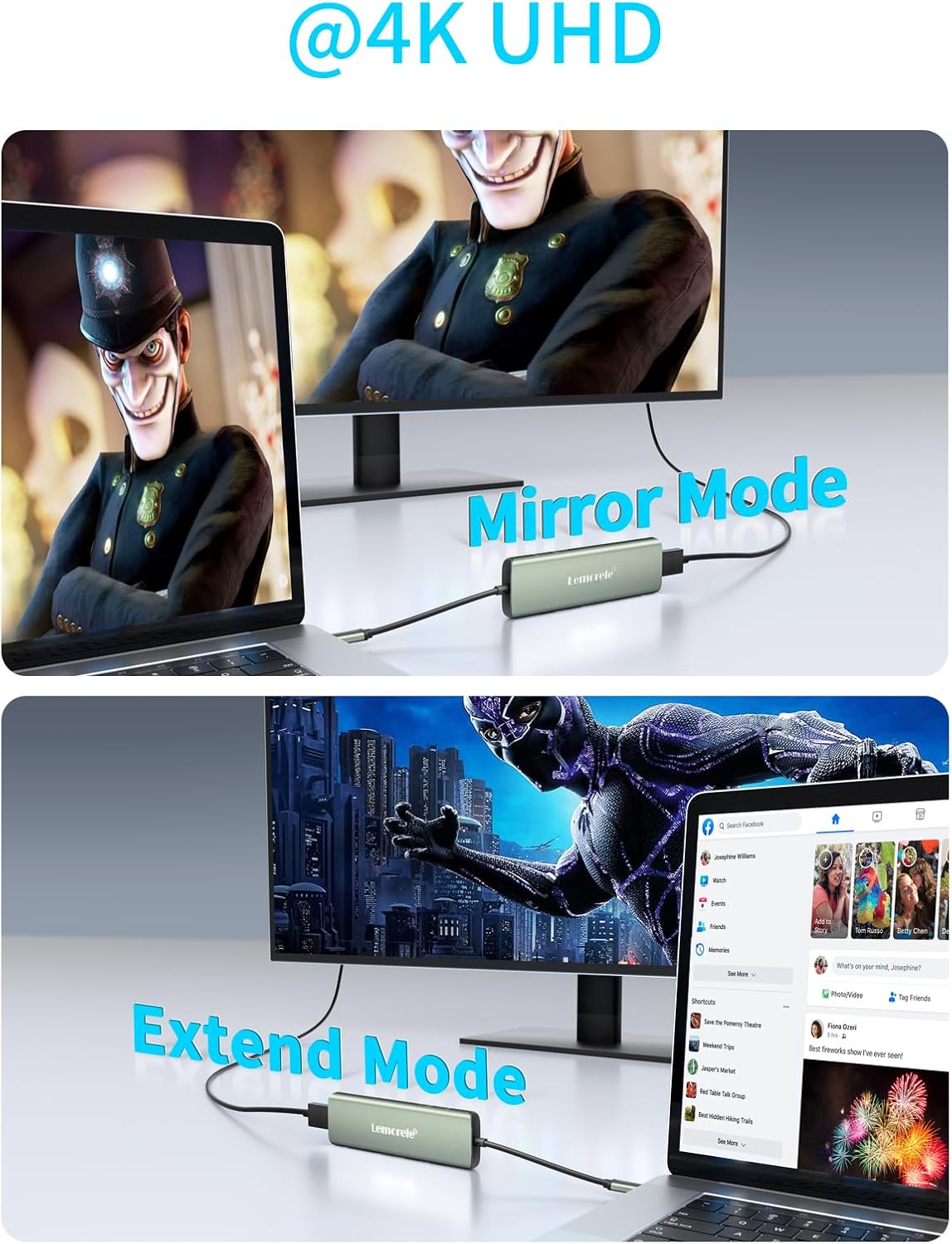
Image: Visual examples of a laptop screen being mirrored and extended to an external monitor using the hub's HDMI output.
4.2. Data Transfer
The 3 USB 3.0 ports and the USB-C data transfer port allow for high-speed connection of various peripherals and external storage devices. The SD and TF card slots enable quick access and transfer of data from memory cards.
4.3. Power Delivery (PD 100W)
The dedicated PD port allows you to charge your host device (laptop, tablet) while using the hub. It supports up to 100W power input, with an output of up to 85W to the host device, ensuring your device remains powered during use.
5. Troubleshooting
- HDMI Output Issues: Ensure your laptop's USB-C source port is Thunderbolt 3 compatible or supports DisplayPort Alt Mode. Without this, HDMI functionality will not work.
- Power Limitations:
- Individual USB ports support a maximum of 7.5W (5V/1.5A). USB devices requiring more than 7.5W are not supported.
- It is highly recommended to charge your computer via the USB-C PD port before connecting other devices to ensure sufficient power for all peripherals.
- The connected PD adapter's power should be greater than 40W; otherwise, some devices may not charge through the hub.
- It is not recommended to connect more than one hard drive simultaneously due to limited power output.
- Hub Heating: The hub's casing may become warm to dissipate heat and protect the internal circuit board. This is normal for temperatures below 52°C.
- Incompatibility: The hub is not compatible with Apple USB SuperDrive or Nintendo Switch.
- Windows 11 Issues: If you experience issues with the hub on Windows 11, please contact customer support for assistance.

Image: A guide to checking your PC's USB-C port compatibility with the hub, distinguishing between full-function ports and those that only support data transfer or charging.
6. Technical Specifications
| Specification | Detail |
|---|---|
| Brand | Lemorele |
| Model Number | TC38 |
| Color | Green |
| Operating System Compatibility | Linux, MacOS, Windows, iOS, Android |
| Special Features | Fast Data Transfer |
| Total USB Ports | 3 (USB 3.0) |
| Compatible Devices | Mice, Monitors, Card Readers, Keyboards, Printers, USB Drives |
| Total HDMI Ports | 1 (4K @ 30Hz) |
| Power Delivery | Up to 100 Watts |
| Item Weight | 49 Grams |
7. Warranty and Support
Lemorele is committed to providing high-quality products and excellent customer service. We offer a lifetime money-back guarantee, lifetime return, and exchange policy for our products. Our dedicated customer service team is available 24 hours online to assist you with any inquiries or issues.
For further support or to explore more Lemorele products, please visit our official store: