
1. Introduction
The Sortfle AM15 RF Battery Motor is designed to automate your roller blinds, providing convenient remote control operation. This motor eliminates the need for manual adjustments, making it ideal for various indoor settings including homes, living rooms, bedrooms, offices, and for blinds in hard-to-reach locations. This manual provides essential information for safe installation, operation, and maintenance of your motor.
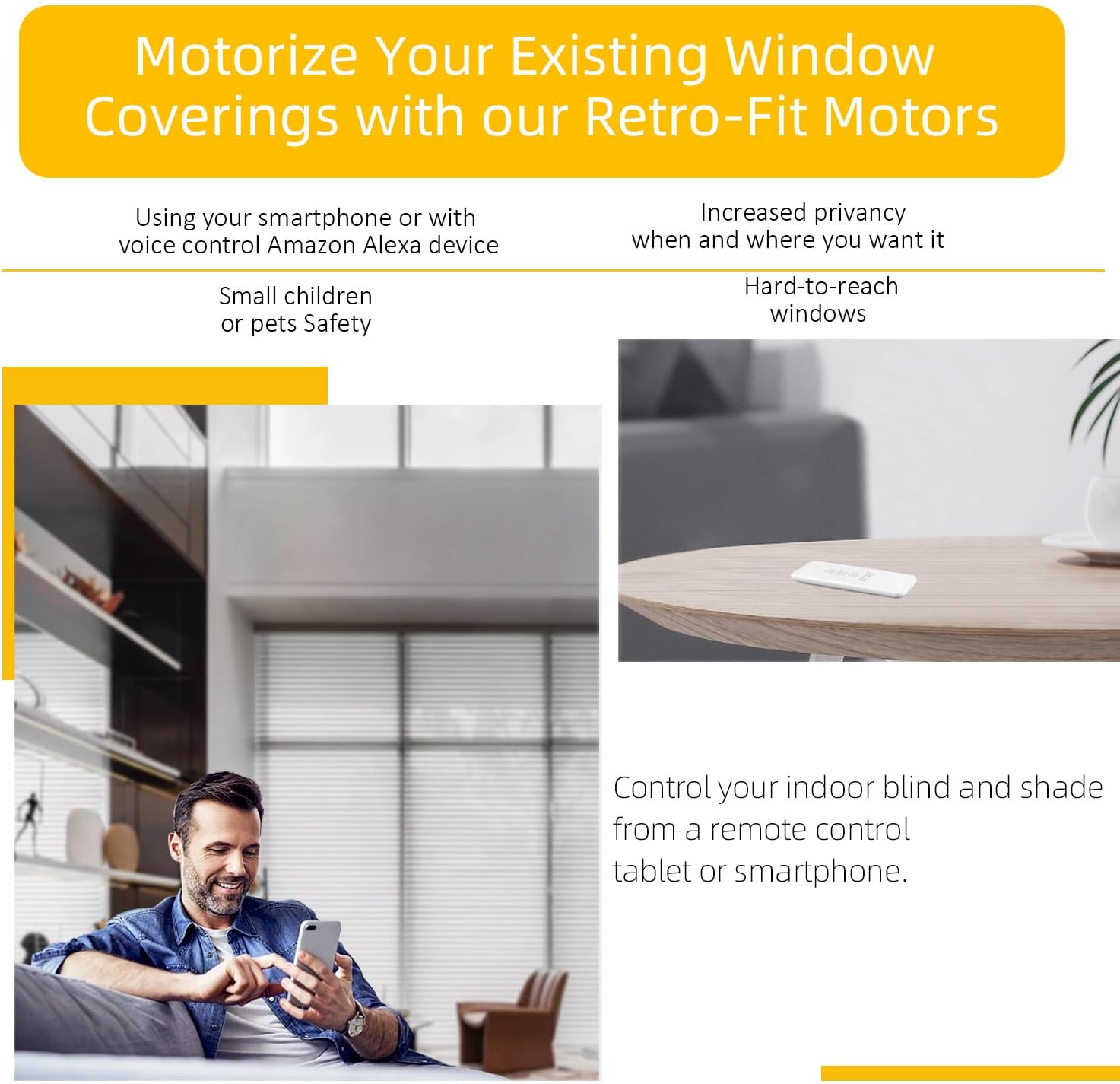
Image: Motorized window coverings in a modern living room setting, demonstrating the convenience of automated blinds.
2. Safety Information
- Read all instructions carefully before installation and operation.
- Keep the motor and remote control out of reach of children.
- Ensure the motor is installed securely within the roller blind tube.
- Do not expose the motor to water or excessive moisture. This product is not water-resistant.
- Use only the specified Type-C 5V/2A charger for recharging the built-in lithium battery.
- Do not attempt to open or repair the motor yourself. Contact customer service for assistance.
- Ensure the curtain weight does not exceed the motor's lift capacity (approximately 6 lb).
3. Package Contents
Verify that all items are present in your package:
- AM15 RF Battery Motor
- Single-channel Remote Controller
- USB Type-C Charging Cable (5V/1A)
- Mounting Brackets (compatible with 25mm tubes)
- Drive Head Adapters (for 0.67"/17mm and 1"/25mm tubes)
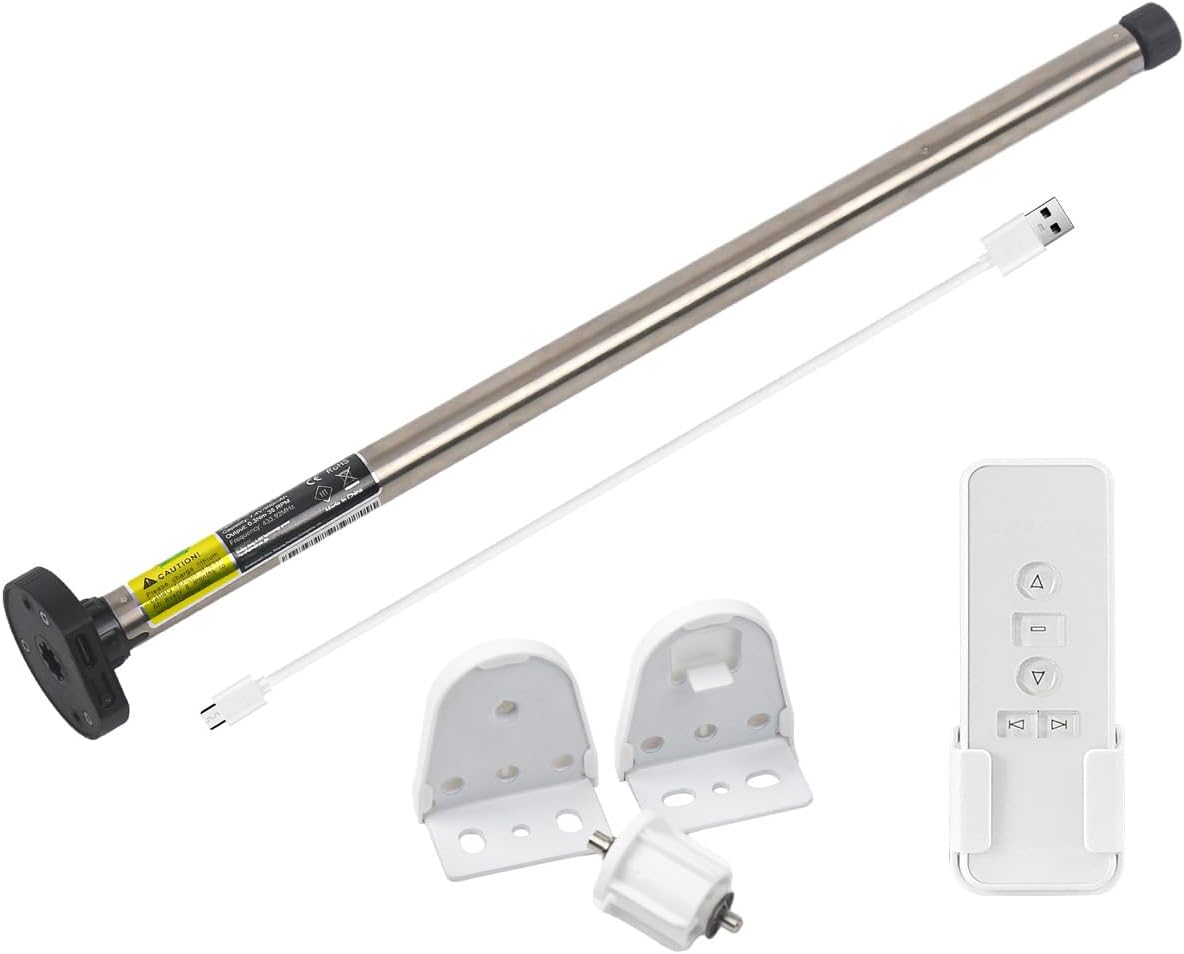
Image: The Sortfle AM15 RF Battery Motor, remote control, charging cable, and mounting brackets included in the package.

Image: A closer look at the hardware included, featuring the motor, remote, USB-C charging cable, and 25mm blind brackets.
4. Specifications
Detailed specifications for the Sortfle AM15 RF Battery Motor:
| Feature | Specification |
|---|---|
| Model Number | AM15-1/35-ES |
| Material | Metal + Plastic |
| Product Dimensions | 13.9"L x 0.6"W (353mm x 15mm) |
| Compatible Tube Diameters | 0.67"/17mm and 1"/25mm |
| Rated Torque | 0.3Nm |
| Rated RPM | 35rpm |
| Motor Diameter | 15mm |
| Input Voltage | 5V-2A |
| Battery Capacity | 7.4V-800mAh Lithium Ion (included) |
| Frequency | 433.92MHz |
| IP Class | IP44 |
| Lift Capacity | Approximately 6 lb (2kg) |
| Noise Level | Less than 35dB |
| Operation Mode | Automatic |
| Control Type | Motorized (RF Remote) |
| Recommended Use | Indoor Window Treatments |
| Mounting Type | Outside Mount |
| Item Weight | 4.8 ounces (0.3 Pounds) |

Image: A diagram illustrating the motor's dimensions and a table of its technical parameters.

Image: Visual representation of the motor's compatibility with 0.67 inch (17mm) and 1 inch (25mm) diameter roller blind tubes.
5. Installation (Retrofit Motorized Blinds)
Follow these steps to install the AM15 RF Battery Motor into your existing roller blind tube:
- Prepare the Blind Tube: Ensure your roller blind tube is clean and free of obstructions. Select the appropriate drive head adapter (0.67"/17mm or 1"/25mm) that matches your tube's inner diameter.
- Insert the Motor: Gently slide the motor into one end of the roller blind tube. Ensure the motor's drive head is fully seated and secure within the tube.
- Attach the Idler End: On the opposite end of the roller blind tube, attach the idler end mechanism. This typically involves a pin or cap that fits into the tube and then into the mounting bracket.
- Mount the Brackets: Securely mount the provided brackets to your window frame or wall according to your desired outside mount configuration.
- Install the Blind: Place the motor end into its bracket, then secure the idler end into its corresponding bracket. Ensure the blind rotates freely.

Image: A visual guide demonstrating the four main steps to retrofit a roller blind with the AM15 motor.
6. Operation
The AM15 motor is controlled via a 433MHz RF remote controller. It offers long-distance control up to 109 yards in open spaces and 43 yards indoors, with wall-penetrating capabilities.
Remote Control Functions:
- Up Arrow: Raises the blind.
- Down Arrow: Lowers the blind.
- Stop Button (Square): Stops the blind at its current position.
- Limit Setting Buttons (Left/Right Arrows): Used for setting upper and lower travel limits (refer to programming section).

Image: The 433MHz RF remote control, shown mounted on a wall and being used to operate a roller blind.
Multiple Control Modes:
In addition to the included remote, the motor can support other control methods when paired with compatible smart home hubs (sold separately):
- Voice Control: Compatible with Amazon Alexa and Google Assistant (requires a smart hub).
- Time Control: Schedule blind movements (requires a smart hub or compatible timer).
- APP Control: Control via a smartphone application (requires a smart hub).

Image: A smartphone displaying an app interface for blind control, alongside icons for voice control (Alexa, Google Assistant), time control, and remote control, illustrating the motor's versatile control options.
7. Charging
The AM15 motor features a built-in lithium battery. A single charge can provide approximately 6 months of use (based on two shade movements per day).
- Charging Interface: Use the included Type-C USB cable with a 5V/2A power adapter (not included).
- Charging Time: Approximately 5 hours for a full charge.
- Charging Indicator: Refer to the motor's LED indicator for charging status (specific behavior not detailed, typically red for charging, green for full).
- Optional Solar Panel: An optional solar panel accessory is available for continuous charging, eliminating the need for manual recharging.

Image: A diagram showing the two power options: an optional solar panel connection and the included Type-C 5V/1A charging cable.

Image: The AM15 motor shown connected to an optional solar panel for continuous power.
8. Remote Control Pairing and Programming
This section outlines the general steps for pairing your remote and setting travel limits. Specific programming steps may vary slightly; refer to the detailed instructions provided with your remote control if available.
Pairing the Remote:
- Ensure the motor is powered on.
- Press and hold the programming button on the motor (usually a small button near the charging port) until the motor jogs slightly.
- Within a few seconds, press the 'Up' button on your remote control. The motor should jog again, indicating successful pairing.
Setting Upper and Lower Limits:
Setting the upper and lower limits prevents the blind from over-rolling and ensures consistent positioning.
- Set Upper Limit: Use the 'Up' button to move the blind to your desired uppermost position. Press and hold the 'Stop' button and the 'Up' arrow button simultaneously until the motor jogs. This sets the upper limit.
- Set Lower Limit: Use the 'Down' button to move the blind to your desired lowermost position. Press and hold the 'Stop' button and the 'Down' arrow button simultaneously until the motor jogs. This sets the lower limit.
- Test Limits: Operate the blind using the 'Up' and 'Down' buttons to confirm the limits are set correctly.
9. Maintenance
- Cleaning: The motor and remote control can be cleaned with a soft, dry cloth. Do not use abrasive cleaners or immerse in water.
- Battery Care: Recharge the motor when the battery is low to ensure optimal performance and longevity. Avoid fully depleting the battery frequently.
- Inspection: Periodically check the motor and blind for any signs of wear or damage. Ensure the blind moves smoothly without obstruction.
10. Troubleshooting
| Problem | Possible Cause | Solution |
|---|---|---|
| Motor does not respond to remote. | Low battery in motor or remote; remote not paired; signal interference. | Charge the motor. Ensure remote battery is functional. Re-pair the remote. Move closer to the motor. |
| Blind does not move to desired position. | Travel limits not set or incorrectly set. | Refer to Section 8 to set or reset the upper and lower travel limits. |
| Motor makes unusual noise or struggles to move blind. | Blind is too heavy; obstruction in the tube or path; motor malfunction. | Ensure blind weight is within specifications (max 6 lb). Check for obstructions. Contact customer service if problem persists. |
| Motor not charging. | Charging cable or adapter faulty; motor charging port damaged. | Try a different Type-C cable and 5V/2A adapter. Ensure cable is fully inserted. Contact customer service. |
11. Warranty and Support
Sortfle products are built with reliable quality. We provide 24-hour after-sales service to assist you with any inquiries or concerns regarding your AM15 RF Battery Motor.
For technical support, troubleshooting assistance, or warranty claims, please contact Sortfle customer service through the platform where you purchased the product. Please have your model number (AM15-1/35-ES) and purchase details ready when contacting support.