
1. Introduction
This manual provides detailed instructions for the installation, operation, and maintenance of your Cuifati HD6770 Gaming Graphics Card. Please read this manual thoroughly before installation and use to ensure optimal performance and longevity of your product. The Cuifati HD6770 is designed to enhance your computing experience with its dedicated graphics processing capabilities.

Figure 1: Overview of the Cuifati HD6770 Gaming Graphics Card.
2. Setup and Installation
2.1 System Requirements
- PCI Express 2.0 x16 slot on motherboard.
- Compatible operating system (Windows, Linux).
- Sufficient power supply unit (PSU).
- Monitor with HDMI, VGA, or DVI input.
2.2 Physical Installation
- Power Off and Disconnect: Ensure your computer is completely powered off and unplugged from the wall outlet.
- Open Computer Case: Remove the side panel of your computer case to access the motherboard.
- Locate PCIe Slot: Identify an available PCI Express 2.0 x16 slot on your motherboard. This is typically the longest slot.
- Remove Slot Cover: Carefully remove the metal slot cover from the back of your computer case corresponding to the chosen PCIe slot.
- Insert Graphics Card: Align the graphics card with the PCIe slot and press down firmly and evenly until it is securely seated. You should hear a click as the retention clip engages.
- Secure Card: Use a screw to secure the graphics card bracket to the computer case.
- Close Case: Replace the side panel of your computer case.
- Connect Power (if applicable): This model typically draws power directly from the PCIe slot. If your specific variant includes an auxiliary power connector, connect the appropriate power cable from your PSU.
- Connect Monitor: Connect your monitor to one of the output ports (HDMI, VGA, or DVI) on the graphics card.

Figure 2: Available display output ports on the graphics card (HDMI, VGA, DVI).
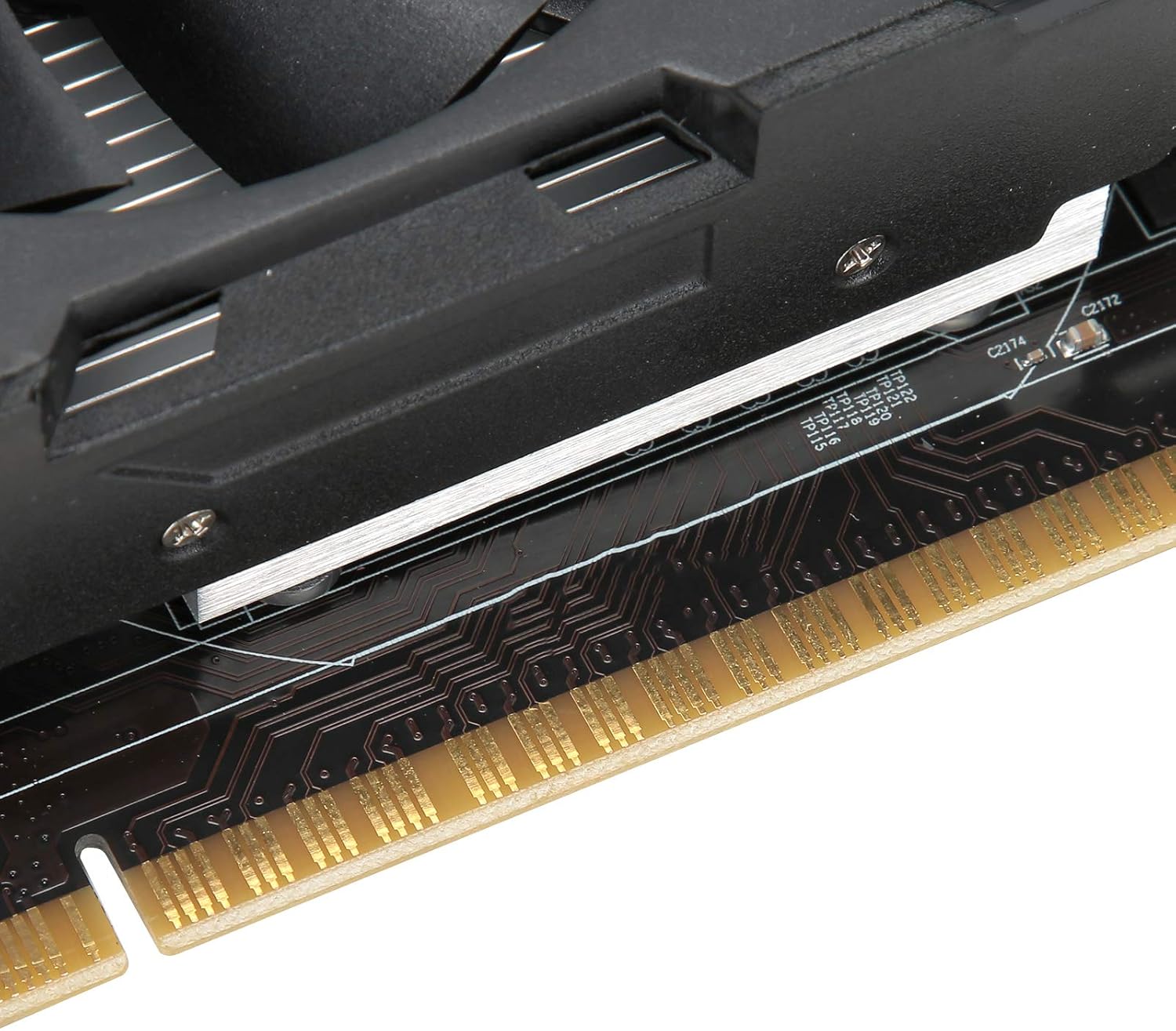
Figure 3: Close-up of the PCI Express connector for motherboard installation.
2.3 Driver Installation
After physical installation, you will need to install the appropriate drivers for the graphics card. Drivers are essential for the operating system to communicate effectively with the hardware and utilize its full capabilities.
- Power On: Plug in your computer and power it on.
- Initial Display: Your computer may boot with a basic display driver.
- Install from CD (if provided): If a driver CD was included, insert it into your optical drive and follow the on-screen instructions.
- Download Latest Drivers: For optimal performance and compatibility, it is recommended to download the latest drivers directly from the AMD official website (as the card uses an AMD Radeon HD 6770 coprocessor). Search for "AMD Radeon HD 6770 drivers" and select your operating system.
- Follow Installation Prompts: Run the downloaded driver installer and follow the instructions. This may require a system restart.
3. Operation
Once installed and drivers are updated, your Cuifati HD6770 graphics card will automatically handle graphics processing for your system. You can verify its operation through your operating system's device manager or graphics control panel.
- Display Settings: Adjust resolution, refresh rate, and multiple monitor configurations through your operating system's display settings or the AMD Radeon Software.
- Gaming and Applications: The card is designed to provide improved performance for gaming and graphically intensive applications. Ensure your games and software are configured to use the dedicated graphics card.
- Low Noise Operation: The card features a cooling system designed for low noise operation, contributing to a quieter computing environment.

Figure 4: Key operational features of the graphics card.
4. Maintenance
Proper maintenance ensures the longevity and optimal performance of your graphics card.
- Dust Removal: Periodically clean dust from the fan and heatsink using compressed air. Ensure the computer is powered off and unplugged before cleaning.
- Ventilation: Ensure your computer case has adequate airflow to prevent overheating. Avoid blocking air vents.
- Driver Updates: Regularly check for and install the latest graphics drivers from the AMD website to benefit from performance improvements and bug fixes.
- Temperature Monitoring: Use system monitoring software to keep an eye on the graphics card's temperature, especially during heavy load.

Figure 5: The cooling fan, which should be kept clear of dust.
5. Troubleshooting
If you encounter issues with your graphics card, refer to the following common problems and solutions:
| Problem | Possible Cause | Solution |
|---|---|---|
| No display on monitor |
|
|
| System instability or crashes |
|
|
| Poor performance in games/applications |
|
|
6. Specifications
Key technical specifications for the Cuifati HD6770 Gaming Graphics Card:
- Graphics Coprocessor: AMD Radeon HD 6770
- Video Memory Capacity: 4GB DDR5
- Core Bit Width: 128bit
- Core Frequency: 650 MHz
- Video Memory Frequency: 1000 MHz
- Video Output Interface: PCI Express 2.0
- 3D API Support: DirectX 12
- Output Ports: HDMI, VGA, DVI
- Item Weight: Approximately 15.8 ounces (448 grams)
- Package Dimensions: Approximately 8.66 x 5.91 x 2.36 inches
7. Warranty and Support
For warranty information and technical support, please refer to the documentation included with your purchase or visit the official Cuifati website. Keep your proof of purchase for warranty claims.
Contact Support:
- Manufacturer: CUIFATI
- Website: Cuifati Store on Amazon (for general product information)
- Refer to your product packaging or included documentation for specific warranty terms and direct support contact details.