
DICKIE TOYS 203767001
Dickie Toys Beat Hero Car Instruction Manual
Model: 203767001
Introduction
Welcome to the world of Dickie Toys Beat Hero! This innovative vehicle combines the excitement of a car with the creativity of a music console. Designed for children aged 3 years and up, the Beat Hero allows users to play, record, listen, and mix sounds, transforming them into a real DJ. With 22 unique sounds, LED lights, and three engaging game modes, the Beat Hero provides hours of interactive musical fun.

Image: The Dickie Toys Beat Hero car, showcasing its vibrant design and illuminated DJ console on top.
Safety Information
WARNING:
- This product contains a toy. Adult supervision is recommended during play.
- Keep small parts away from young children to prevent choking hazards.
- Do not expose the toy to extreme temperatures or direct sunlight for prolonged periods.
- Ensure batteries are inserted correctly with the correct polarity.
- Do not mix old and new batteries, or different types of batteries.
- Remove batteries if the toy will not be used for an extended period.
Package Contents
Upon opening the package, please ensure all components are present and undamaged:
- 1 x Dickie Toys Beat Hero Car
- 3 x 1.5V-R6 (AA) Batteries (pre-installed or included separately)

Image: The Beat Hero car displayed within its original packaging, highlighting the DJ pad controls and light & sound features.
Setup
Battery Installation
The Beat Hero car requires 3 x 1.5V AA batteries. These are typically included. If replacement is needed:
- Locate the battery compartment on the underside of the car.
- Using a small Phillips head screwdriver, unscrew the battery compartment cover.
- Insert 3 new 1.5V AA batteries, ensuring the correct polarity (+/-) as indicated inside the compartment.
- Replace the cover and secure it with the screw.
Note: Always use fresh batteries for optimal performance. Dispose of used batteries responsibly.
Operating Instructions
The Beat Hero car features an intuitive DJ console on its roof, allowing for various musical interactions.
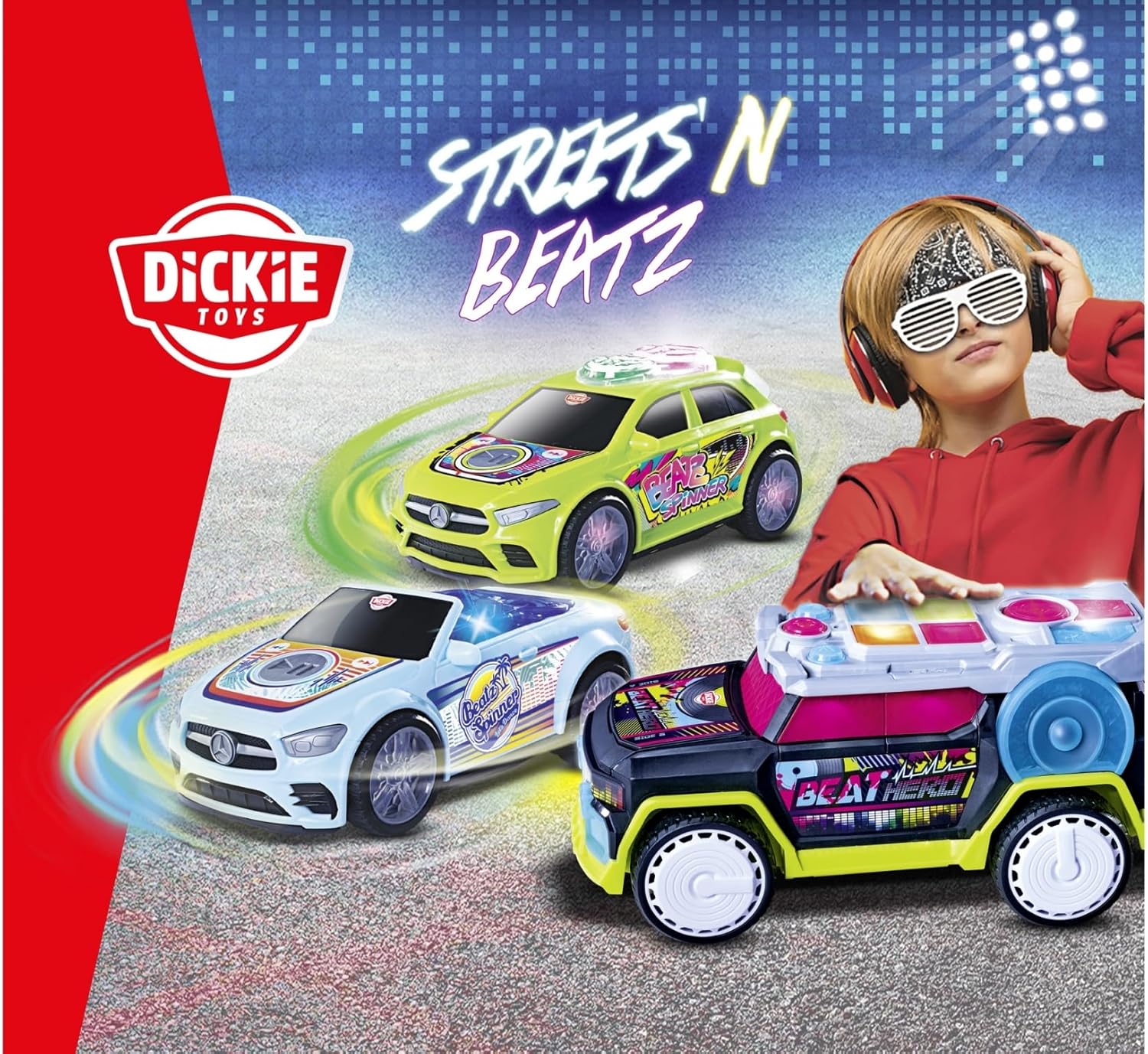
Image: A detailed top-down view of the Beat Hero's DJ console, with labels indicating the functions of various buttons for sound effects, tempo, volume, and game modes.
- Power On/Off: Locate the power switch, usually on the underside or side of the car.
- DJ Pad Controls: The large colored buttons on the roof are the DJ pads. Press them to activate 22 different sounds and sound effects (SFX).
- Music Styles: Select from 3 different music styles (e.g., Hip Hop, EDM, Pop) using the dedicated buttons.
- Tempo Levels: Adjust the speed of the beats with 3 tempo levels.
- Volume Control: The car features 4 volume levels. Use the volume buttons to adjust the sound output.
- LED Lights: The colorful car lights and liverwheel system illuminate and flash to the beat of the music, creating a dynamic light show that lasts for 30 seconds.
- Headphone Jack: A headphone jack is provided for private listening. Plug in standard 3.5mm headphones (not included) to enjoy the music without disturbing others.
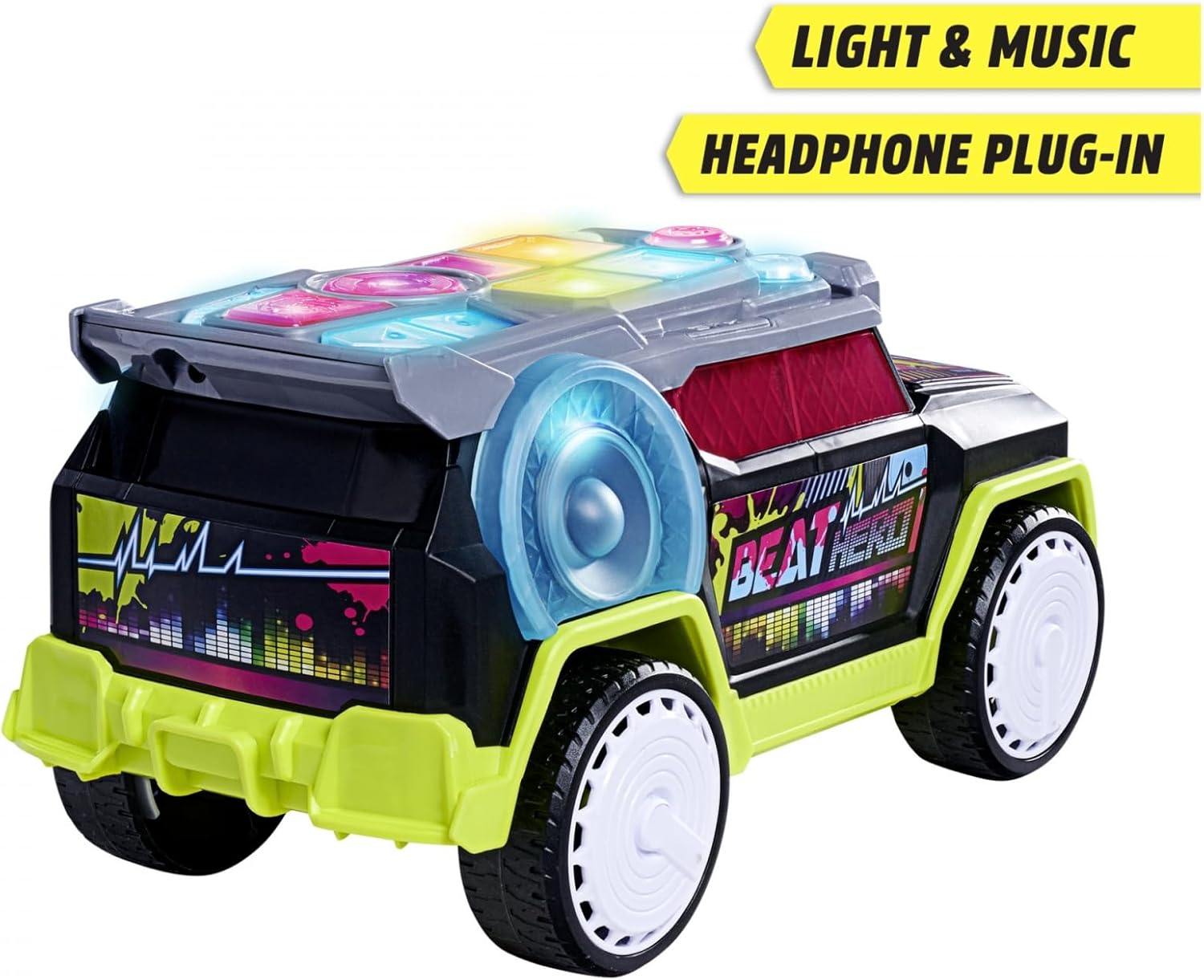
Image: Rear view of the Beat Hero car, highlighting the headphone plug-in port for private audio experience.
Game Modes
The Beat Hero offers three exciting game modes to enhance play:
- Freestyle Mode: In this mode, you can freely press any of the DJ pad buttons to create your own unique beats and sound combinations. Experiment with different sounds and styles.
- Record and Produce Mode: This mode allows you to record your own sequences of sounds. Press the "Record Your Beat" button, play your desired sequence, and then press "Replay" to listen to your creation.
- Challenge Mode: Test your memory and rhythm! The car will play a sequence of sounds, and your task is to repeat it correctly. The sequences will become longer and more complex as you progress.

Image: A child sitting on the floor, actively engaging with the Beat Hero car, demonstrating its interactive play potential.
Maintenance
To ensure the longevity and optimal performance of your Beat Hero car, follow these simple maintenance guidelines:
- Cleaning: Wipe the car with a soft, dry cloth. For stubborn dirt, a slightly damp cloth can be used, but ensure no water enters the electronic components. Do not use harsh chemicals or abrasive cleaners.
- Storage: Store the car in a cool, dry place away from direct sunlight and extreme temperatures.
- Battery Care: Remove batteries if the toy will not be used for an extended period to prevent leakage and damage.
Troubleshooting
| Problem | Possible Cause | Solution |
|---|---|---|
| Car does not turn on / No sound or lights |
|
|
| Sound is distorted or too low |
|
|
| Lights are not flashing |
|
|
Specifications
- Model Number: 203767001
- Product Dimensions: 16.73 x 9.45 x 9.65 inches
- Item Weight: 2.2 pounds
- Recommended Age: 3 years and up
- Batteries: 3 x 1.5V AA batteries (included)
- Sounds: 22 different sounds
- Music Styles: 3
- Tempo Levels: 3
- Volume Levels: 4
- Features: LED Lights, Headphone Jack
Warranty and Support
Dickie Toys products are manufactured to high-quality standards. For any issues or inquiries regarding your Beat Hero car, please contact the retailer where the product was purchased or visit the official Dickie Toys website for customer support information.
Please retain your proof of purchase for any warranty claims. Specific warranty terms may vary by region and retailer.
For more information, you may visit the DICKIE TOYS Store on Amazon.
Related documents203767001

Ask a question about this manual
Ask about setup, troubleshooting, compatibility, parts, safety, or missing instructions. Manuals+ will review the question and use this page’s manual context to help answer it.