
1. Introduction
Welcome to your Skullcandy Ounce Wireless Bluetooth Speaker. This manual provides essential information for setting up, operating, and maintaining your speaker. The Skullcandy Ounce is designed for portability and durability, featuring IPX7 waterproofing and a long-lasting battery.
What's in the Box
- Skullcandy Ounce Wireless Speaker
- USB-C Charging Cable
- Quick Start Guide
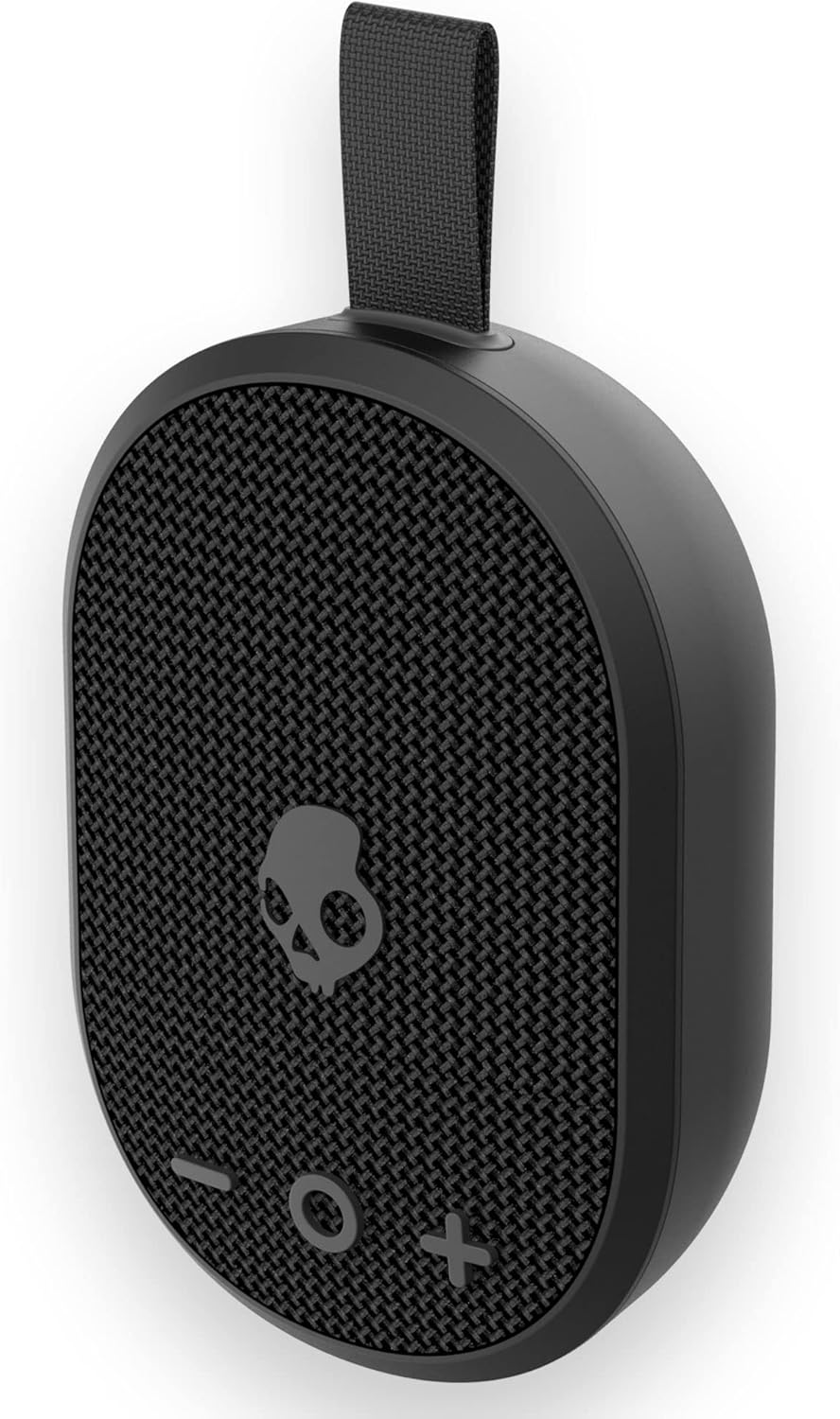
This image displays the Skullcandy Ounce speaker in black, highlighting its compact design and integrated carry strap. The front grille features the Skullcandy logo and control buttons.
2. Setup
2.1 Charging the Speaker
Before first use, fully charge your Skullcandy Ounce speaker. Connect the provided USB-C charging cable to the speaker's charging port and the other end to a USB power source (e.g., wall adapter, computer USB port). The LED indicator will show charging status.

A detailed view of the speaker's USB-C charging port and the adjacent LED indicator light, which shows charging status.
2.2 Powering On/Off
- To power on: Press and hold the central button (Skullcandy logo) for approximately 2 seconds until you hear an audible tone.
- To power off: Press and hold the central button for approximately 2 seconds until you hear an audible tone.
2.3 Bluetooth Pairing
The Skullcandy Ounce speaker will automatically enter pairing mode when powered on for the first time or if it's not connected to a previously paired device.
- Ensure the speaker is powered on. The LED indicator will flash, indicating pairing mode.
- On your device (smartphone, tablet), enable Bluetooth and search for available devices.
- Select "Skullcandy Ounce" from the list of available devices.
- Once connected, the speaker will provide an audible confirmation, and the LED indicator will change to a solid color.
The speaker will automatically reconnect to the last paired device when powered on, if that device is within range and has Bluetooth enabled.
3. Operating the Speaker
3.1 Basic Controls
| Function | Action |
|---|---|
| Play/Pause | Press the central button (Skullcandy logo) once. |
| Volume Up | Press the '+' button. |
| Volume Down | Press the '-' button. |
| Next Track | Press and hold the '+' button for 2 seconds. |
| Previous Track | Press and hold the '-' button for 2 seconds. |
3.2 Call Management
- Answer Call: Press the central button once.
- End Call: Press the central button once during a call.
- Reject Call: Press and hold the central button for 2 seconds.
3.3 Waterproof Usage (IPX7)
The Skullcandy Ounce speaker is IPX7 waterproof, meaning it can be submerged in up to 1 meter of water for up to 30 minutes. Ensure the charging port cover is securely closed before exposing the speaker to water.
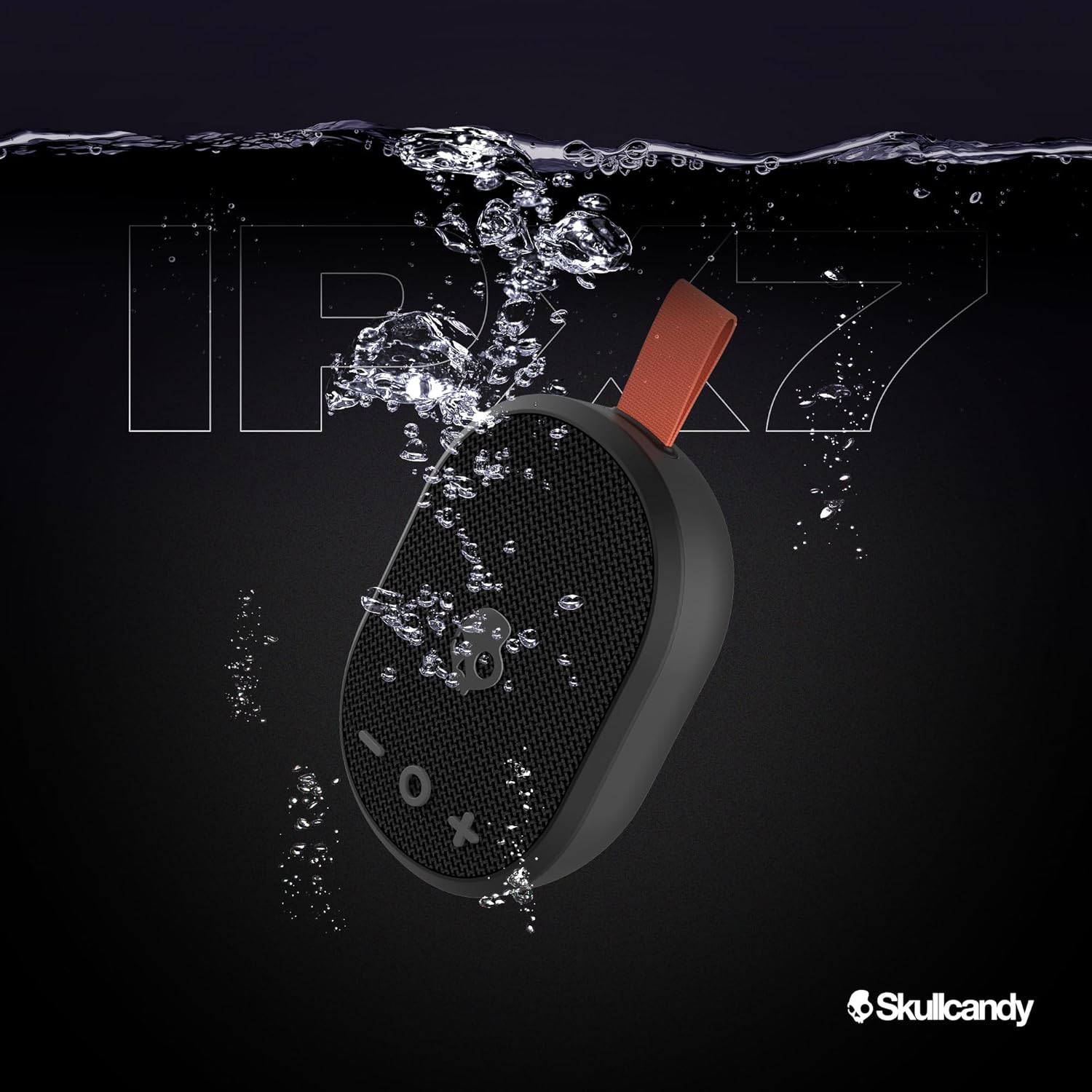
The Skullcandy Ounce speaker is shown partially submerged in water, emphasizing its IPX7 waterproof design, which allows for submersion up to 1 meter for 30 minutes.
3.4 Using the Carry Strap
The integrated ballistic nylon carry strap allows for easy portability. Attach it to a backpack, bike, or other gear for convenient transport.

A red Skullcandy Ounce speaker is shown clipped to a person's climbing harness, illustrating its portability and the utility of the built-in carry strap for active use.
4. Maintenance
4.1 Cleaning
To clean your speaker, use a soft, damp cloth. Avoid using harsh chemicals or abrasive cleaners, as these can damage the speaker's finish or waterproof seals. Ensure the charging port is dry before charging.
4.2 Storage
Store the speaker in a cool, dry place away from extreme temperatures. If storing for an extended period, charge the battery to approximately 50% to help prolong its lifespan.
4.3 Battery Care
The Skullcandy Ounce features a built-in rechargeable Lithium-Ion battery. For optimal battery life:
- Avoid fully discharging the battery frequently.
- Do not expose the speaker to temperatures above 45°C (113°F) or below -10°C (14°F).
- Use only the provided USB-C cable or a certified equivalent for charging.
5. Troubleshooting
If you encounter issues with your Skullcandy Ounce speaker, refer to the following common solutions:
| Problem | Solution |
|---|---|
| Speaker won't turn on. | Ensure the battery is charged. Connect to a power source and try again. |
| Cannot pair with device. | Make sure the speaker is in pairing mode (flashing LED). Turn off and on your device's Bluetooth. Move speaker closer to device. Forget "Skullcandy Ounce" from your device's Bluetooth list and re-pair. |
| No sound or low volume. | Increase volume on both the speaker and your connected device. Ensure the speaker is properly paired. Check if the audio source is playing. |
| Sound is distorted. | Reduce volume on both the speaker and your device. Move closer to the connected device to avoid interference. |
| Speaker not charging. | Check the USB-C cable and power source. Ensure the cable is fully inserted. Try a different cable or power adapter. |
6. Specifications
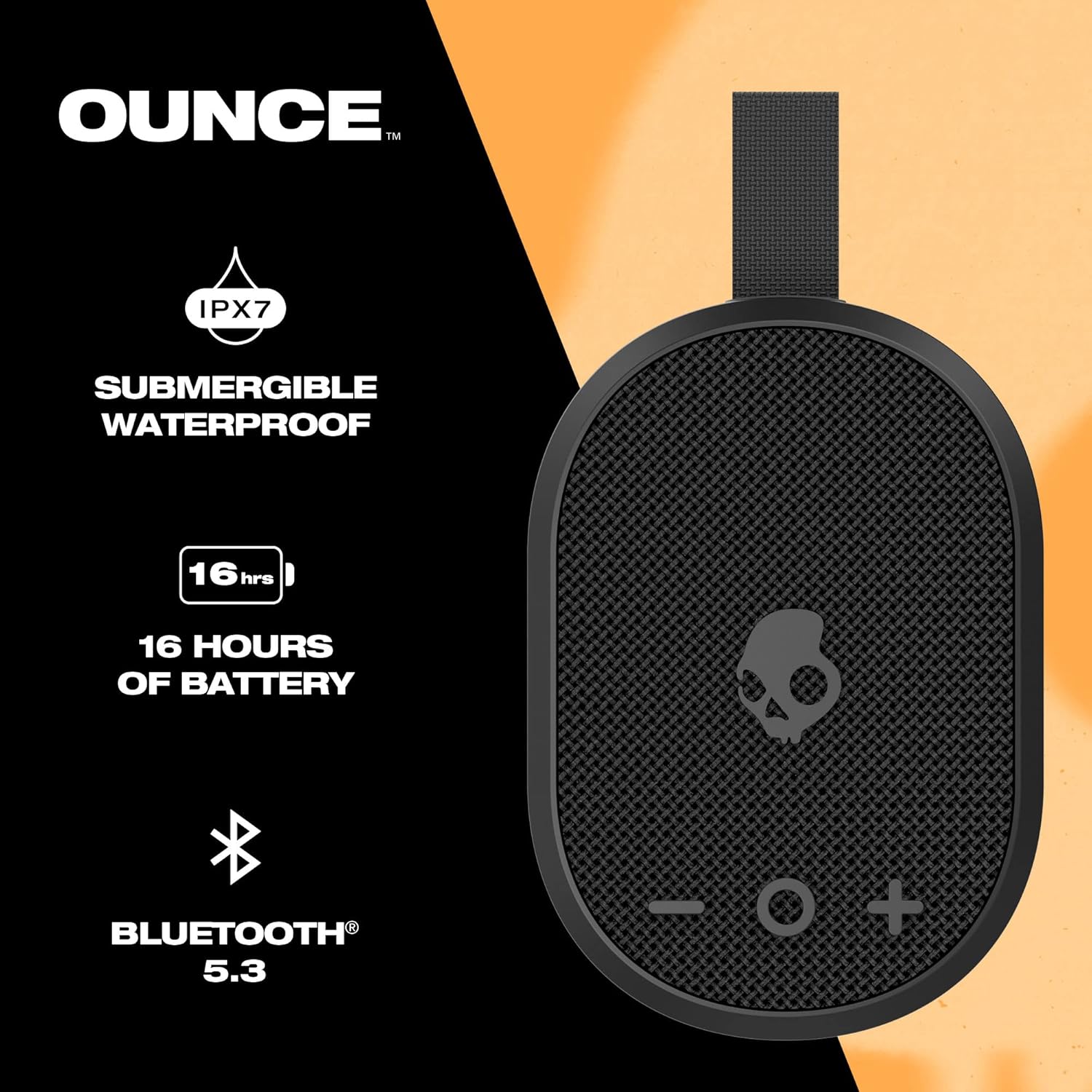
An informational graphic illustrating key features of the Skullcandy Ounce speaker: IPX7 waterproof rating, up to 16 hours of battery life, and Bluetooth 5.3 connectivity.
| Feature | Detail |
|---|---|
| Model Name | Skullcandy Ounce |
| Model Number | 2SKSK1844 |
| Connectivity | Bluetooth 5.3, USB-C |
| Wireless Range | Up to 10 meters (33 feet) |
| Water Resistance | IPX7 (Submersible up to 1 meter for 30 minutes) |
| Battery Life | Up to 16 hours playtime |
| Power Source | Battery Powered (1 Lithium Ion battery included) |
| Speaker Output Power | 3 Watts |
| Frequency Response | 30 Hz |
| Impedance | 4 Ohm |
| Product Dimensions | 2"D x 3"W x 4.4"H |
| Item Weight | 13 ounces |
| Control Method | Voice, Button |
7. Warranty Information
Skullcandy products are backed by a limited warranty. For specific warranty terms and conditions, including duration and coverage, please refer to the official Skullcandy website or the warranty card included with your product. Proof of purchase is typically required for warranty claims.
8. Support
For further assistance, product registration, or to access frequently asked questions, please visit the official Skullcandy support website:
You may also contact Skullcandy customer service directly through the contact information provided on their website.