
1. Introduction
Thank you for choosing the Walimex Pro Campaigner 600 HS Studio Flash. This high-performance studio flash is designed for semi-professional photographers requiring advanced features and reliable operation. This manual provides essential information for safe and effective use, including setup, operation, maintenance, and troubleshooting.
2. Safety Instructions
- Read all instructions before use.
- Do not expose the unit to rain or moisture.
- Ensure the power supply matches the unit's requirements.
- Do not attempt to disassemble or repair the unit yourself. Refer to qualified service personnel.
- Keep out of reach of children.
- Avoid direct eye exposure to the flash light.
- Ensure proper ventilation to prevent overheating.
3. Package Contents
Verify that all items listed below are included in your package:
- 1x Walimex Pro Campaigner 600 HS Studio Flash
- 1x Standard Reflector
- 1x Power Cable
- 1x Sync Cable
- 1x Protective Cap
- 1x Instruction Manual

Figure 3.1: Included components in the Walimex Pro Campaigner 600 HS Studio Flash package. This image shows the flash unit, a standard reflector, a softbox, a light stand, and a wireless trigger.
4. Product Overview
The Walimex Pro Campaigner 600 HS is a powerful studio flash unit featuring a robust aluminum finish and advanced functionalities.
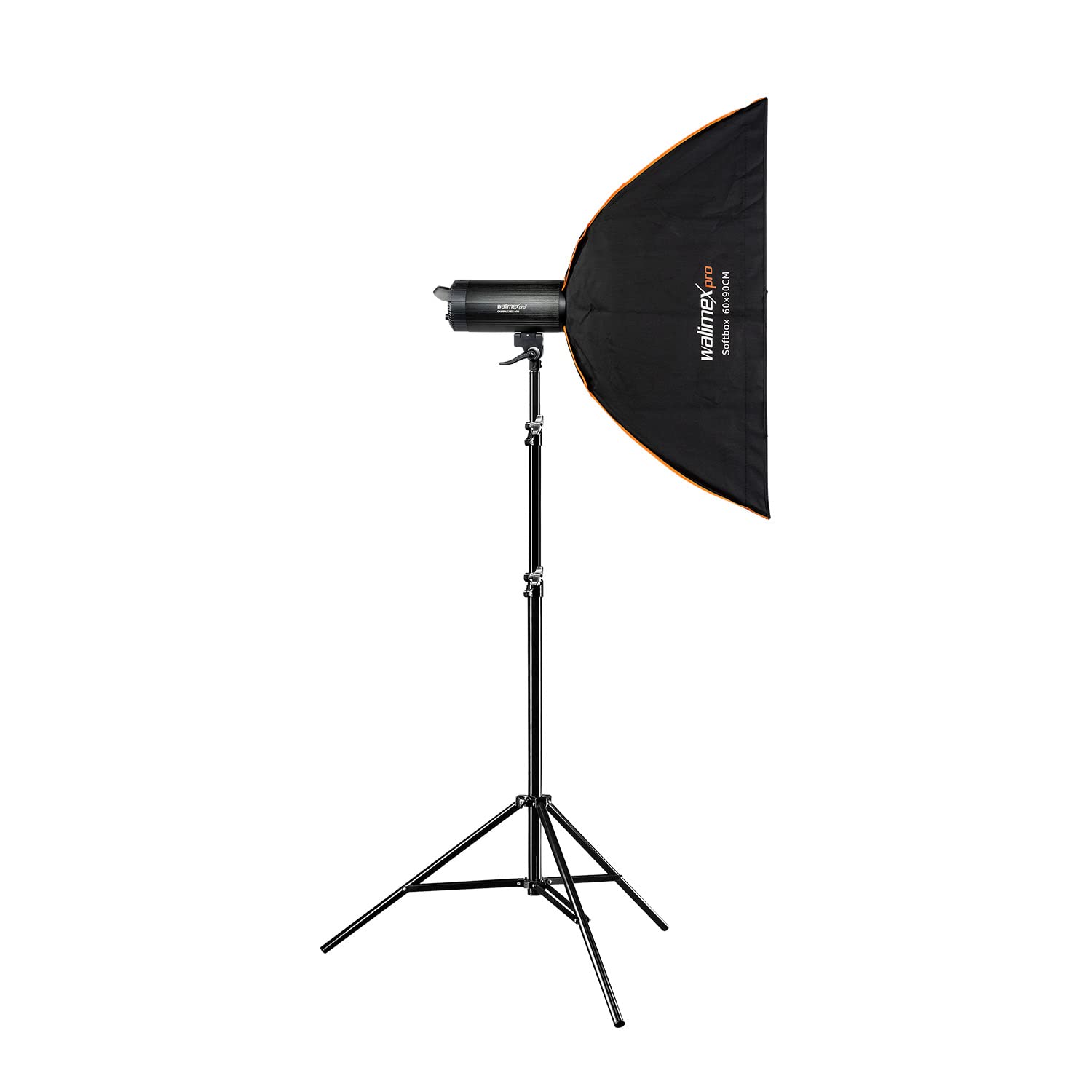
Figure 4.1: Front view of the Walimex Pro Campaigner 600 HS Studio Flash with reflector attached.

Figure 4.2: Rear view showing the control panel, power input, and fan vents of the Walimex Pro Campaigner 600 HS Studio Flash.
Key Features:
- High-Speed Sync (HS) Mode: Allows freezing fast motion and shooting with wide apertures in bright conditions.
- Integrated 2.4 GHz Receiver: Supports 16 channels and 5 groups for wireless control with an optional radio trigger.
- 600Ws Flash Output: Continuously adjustable from 1/1 to 1/32.
- Fast Recycle Time: Less than 0.3 seconds.
- 25W LED Modeling Light: Provides continuous illumination for previewing lighting effects.
- Bowens Mount: Compatible with a wide range of light modifiers.
- Quiet Fan Cooling: Ensures stable operation and extends unit lifespan.
5. Setup
5.1 Attaching the Reflector/Light Modifier
- Align the Bowens mount of the reflector or light modifier with the flash unit's mount.
- Insert the modifier and rotate it clockwise until it locks securely into place.
- To remove, press the release button on the flash unit and rotate the modifier counter-clockwise.
5.2 Mounting on a Light Stand
- Loosen the locking knob on the flash unit's mounting bracket.
- Place the flash unit onto the light stand spigot.
- Tighten the locking knob to secure the flash unit.
- Adjust the tilt angle of the flash unit as needed and tighten the tilt locking knob.
5.3 Power Connection
- Ensure the flash unit is switched OFF.
- Connect the power cable to the power input on the rear of the flash unit.
- Plug the other end of the power cable into a suitable power outlet.
6. Operating Instructions
6.1 Power On/Off
Press the POWER switch on the rear panel to turn the unit ON or OFF. The display will illuminate upon power-on.
6.2 Adjusting Flash Output
Rotate the POWER ADJUSTMENT DIAL to set the desired flash output. The output can be adjusted continuously from 1/1 (full power) to 1/32. The current setting is displayed on the LCD screen.
6.3 High-Speed Sync (HS) Mode
The HS mode allows for shutter speeds faster than your camera's native flash sync speed, enabling you to freeze fast-moving subjects or use wider apertures in bright ambient light. To activate HS mode, press the HS button on the control panel. Ensure your camera and wireless trigger (if used) also support High-Speed Sync.
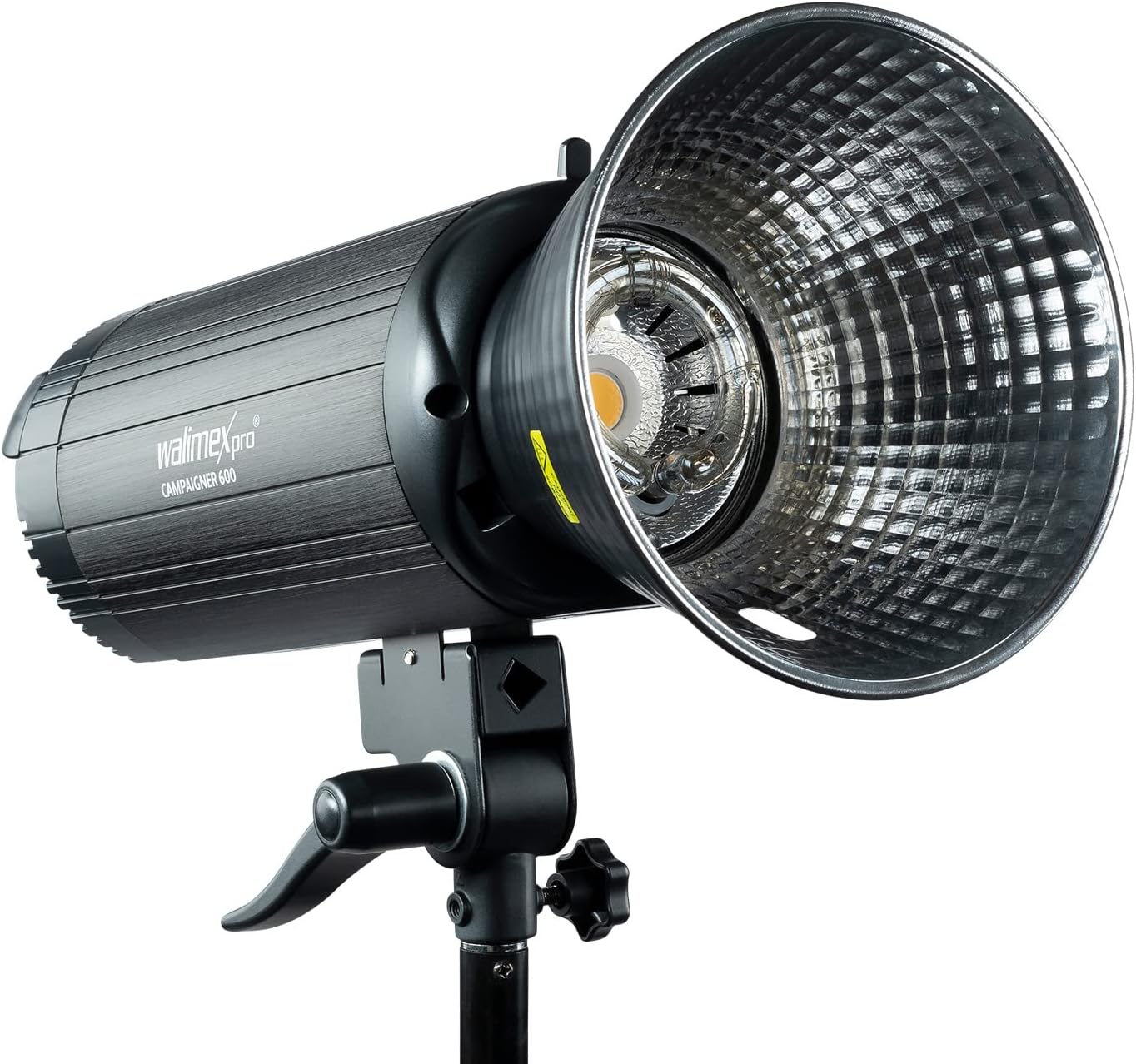
Figure 6.1: Visual demonstration of the High-Speed Sync (HS) mode's ability to freeze motion compared to standard flash synchronization.
6.4 Wireless Control (2.4 GHz Receiver)
The integrated 2.4 GHz receiver allows for wireless control of the flash unit using a compatible Walimex Pro radio trigger (sold separately).
- Ensure the flash unit's wireless function is enabled (refer to the display for the wireless icon).
- Set the desired channel and group on both the flash unit and the radio trigger. The flash supports 16 channels and 5 groups.
- Test the connection by pressing the test button on the trigger.
6.5 Modeling Light
The 25W LED modeling light can be turned ON or OFF using the MODEL button on the control panel. This light helps in previewing the lighting effect before firing the flash.
7. Maintenance
- Cleaning: Use a soft, dry cloth to clean the exterior of the flash unit. Do not use liquid cleaners or solvents.
- Storage: Store the unit in a cool, dry place away from direct sunlight and extreme temperatures.
- Bulb Replacement: The flash tube and modeling lamp are user-replaceable components. Consult a qualified technician or the manufacturer's support for replacement procedures if needed.
- Ventilation: Ensure the cooling fan vents are clear of obstructions to maintain proper airflow.
8. Troubleshooting
| Problem | Possible Cause | Solution |
|---|---|---|
| Flash does not fire. | No power, trigger not connected/paired, flash in sleep mode, camera settings incorrect. | Check power connection. Ensure trigger is correctly paired and functional. Wake flash by pressing test button. Verify camera flash settings. |
| Flash output is inconsistent. | Low power setting, overheating, faulty flash tube. | Increase flash output. Allow unit to cool down. Contact service for flash tube replacement. |
| Wireless trigger not working. | Incorrect channel/group, trigger battery low, interference. | Verify channel and group settings. Replace trigger battery. Move away from sources of interference. |
| Modeling light not working. | Modeling light switched off, faulty LED. | Press the MODEL button to turn it on. Contact service if LED is faulty. |
9. Specifications
| Feature | Detail |
|---|---|
| Model Number | 23383 |
| Flash Output | 600 Ws |
| Flash Output Adjustment | 1/1 to 1/32 (continuous) |
| Recycle Time | < 0.3 seconds |
| Modeling Light | 25W LED |
| Wireless Receiver | Integrated 2.4 GHz (16 channels, 5 groups) |
| Mount Type | Bowens Assembly |
| Color | Black |
| Dimensions (Shipping) | 118 x 48.6 x 44.05 cm |
| Weight (Shipping) | 11.43 kg |
| Manufacturer | Walser GmbH |
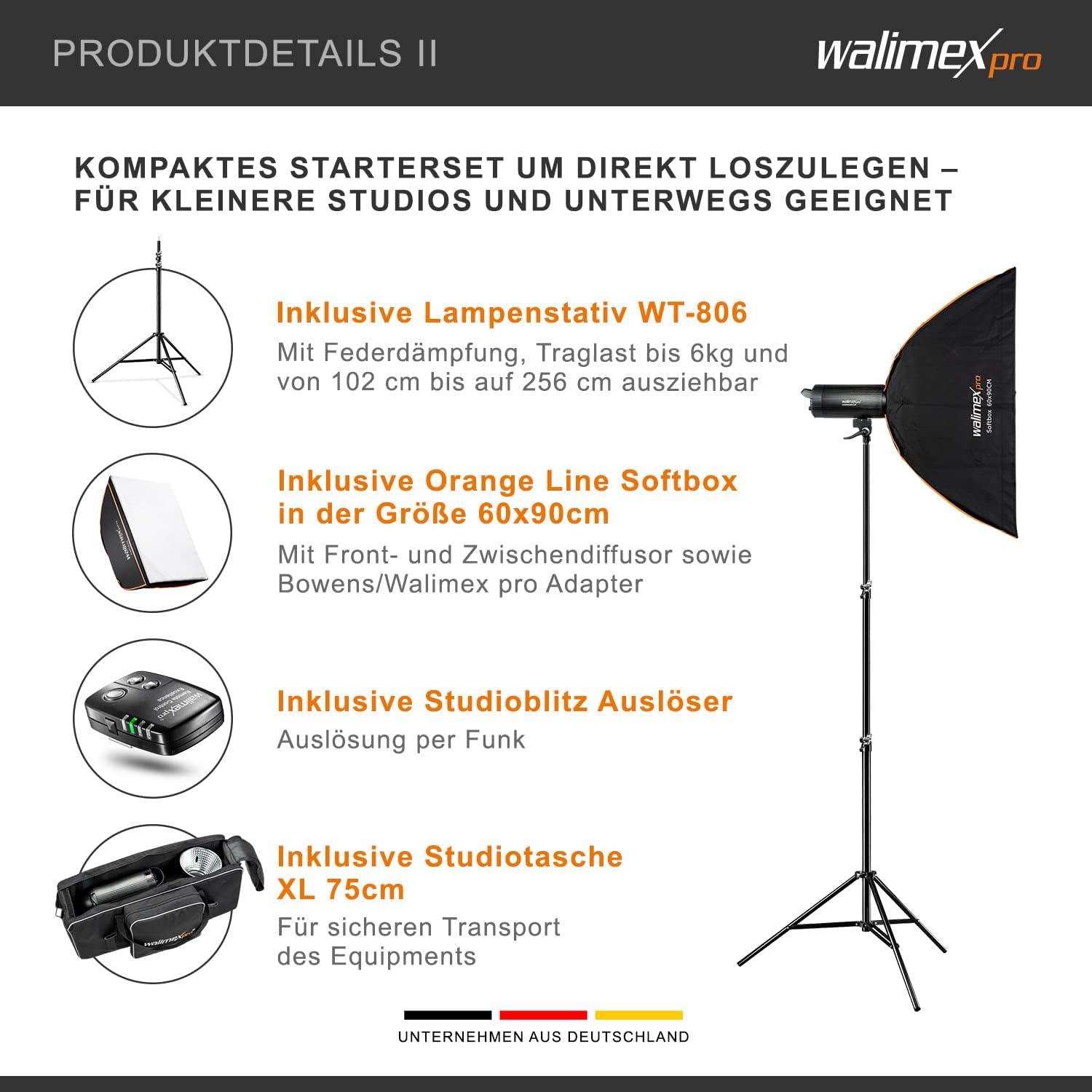
Figure 9.1: Physical dimensions of the Walimex Pro Campaigner 600 HS Studio Flash.
10. Warranty and Support
This product comes with a standard manufacturer's warranty. For detailed warranty information, technical support, or service inquiries, please contact Walser GmbH directly or refer to their official website. Keep your proof of purchase for warranty claims.
Manufacturer: Walser GmbH


