
1. Introduction
This manual provides essential instructions for the safe and effective use of your BAOFENG UV-S9 Plus 2800mAh Li-ion battery. This battery is designed to provide reliable power for compatible BAOFENG two-way radios, including the UV-S9, UV-S9X3, UV-10R, and UV-5R+ Plus models. Please read this manual thoroughly before use.
2. Product Overview
The BAOFENG UV-S9 Plus battery is a high-capacity 2800mAh Li-ion power source for your two-way radio. It features robust construction and includes built-in protection mechanisms to ensure safe operation.
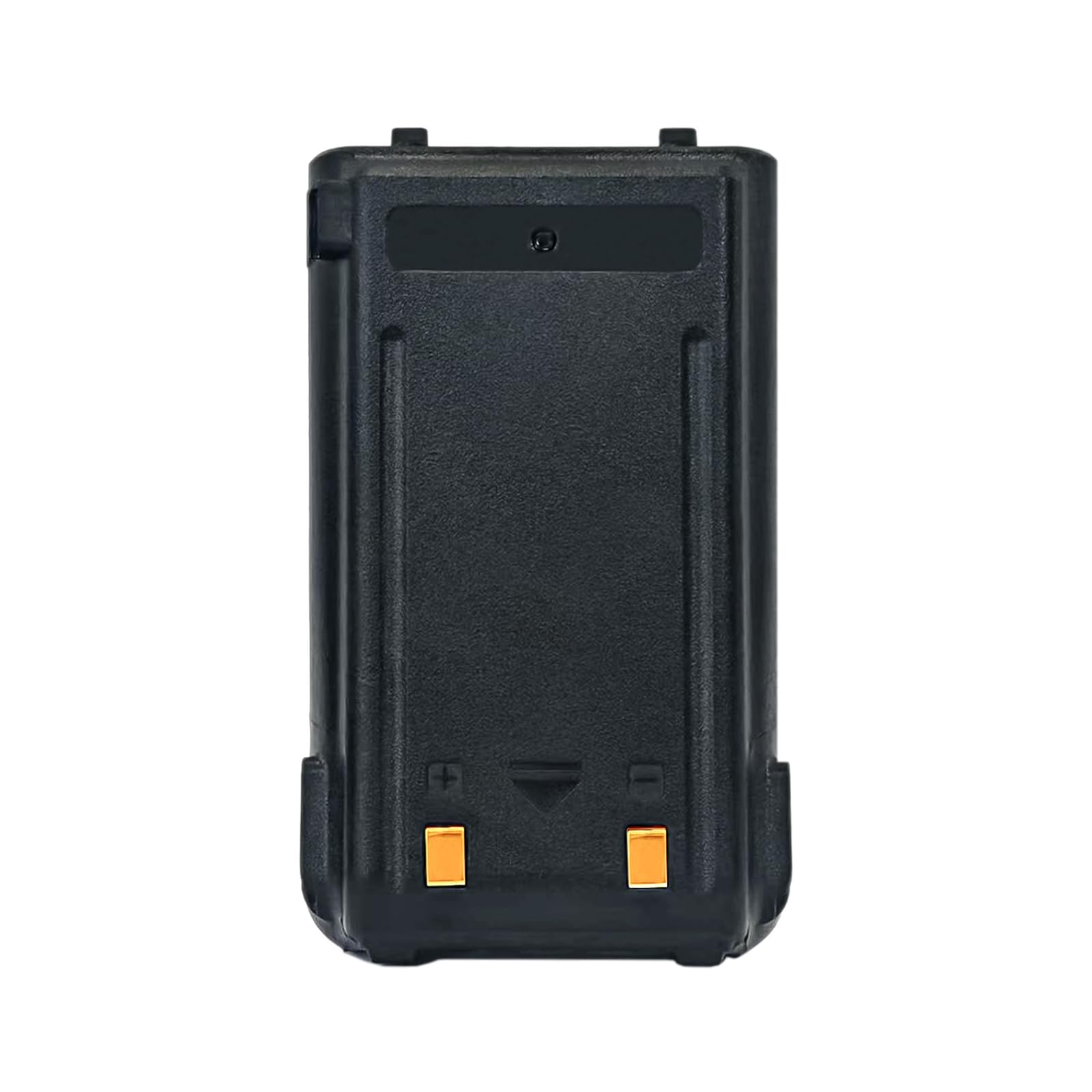
Image: BAOFENG UV-S9 Plus Li-ion Battery, showing its general appearance.
Key Features:
- Capacity: 2800mAh for extended operation.
- Voltage: DC 7.4V.
- Chemistry: Li-ion (Lithium-ion).
- Safety: Equipped with current overload protection and leakage protection.
- Charging: Supports charging via both a dedicated charger dock and a USB fast charger cable.

Image: Visual representation of the 2800mAh capacity and Li-ion chemistry of the battery.
3. Setup and Installation
3.1 Initial Charge
Before first use, fully charge the battery. Refer to the "Charging the Battery" section for detailed instructions.
3.2 Installing the Battery
- Ensure your two-way radio is powered off.
- Align the battery with the battery compartment on the back of your compatible BAOFENG radio (e.g., UV-S9 Plus, UV-S9X3, UV-S9, UV-10R, UV-5R+ Plus).
- Slide the battery into place until it clicks securely. Ensure there is no gap between the battery and the radio body.
- To remove, locate the battery release latch (if present on your radio model), press it, and slide the battery out.

Image: Illustrates compatibility with various BAOFENG radio models including UV-S9X3, UV-S9, UV-10R, UV-5R+ Plus, and UV-S9 Plus.
4. Operating Instructions
4.1 Charging the Battery
The UV-S9 Plus battery can be charged using two methods:
- Using a Charger Dock: Place the battery (or the radio with the battery installed) into a compatible BAOFENG charger dock.
- Using a USB Fast Charger Cable: Connect the USB fast charger cable directly to the battery's charging port.
Indicator Light: The direct charger cable features an indicator light:
- Red light: Indicates the battery is currently charging.
- Green light: Indicates the battery is fully charged.

Image: Depicts various charging methods for the battery, including a charger dock and USB cable connected to different power sources like a wall adapter, laptop, or power bank. The image also shows the red (charging) and green (fully charged) indicator lights.
4.2 Battery Life
The 2800mAh capacity provides extended operating time for your two-way radio. Actual battery life will vary depending on usage patterns, transmit power, and environmental conditions.
5. Maintenance and Safety
5.1 General Maintenance
- Keep the battery contacts clean and dry. Use a clean, dry cloth to wipe them if necessary.
- Avoid exposing the battery to extreme temperatures (hot or cold) or direct sunlight for prolonged periods.
- Store the battery in a cool, dry place when not in use.
5.2 Safety Precautions
WARNING: To prevent personal injury or property damage, observe the following safety guidelines:
- DO NOT disassemble, open, or shred the battery.
- DO NOT dispose of the battery in fire.
- DO NOT change or charge the battery in a hazardous location.
- DO NOT short-circuit the terminals.
- Avoid dropping or subjecting the battery to severe impact.
- Keep the battery away from children.
- If the battery shows signs of damage, swelling, or leakage, discontinue use immediately and dispose of it properly according to local regulations.
- Only use chargers and accessories approved by BAOFENG for this battery.
The battery is designed with current overload protection and leakage protection for enhanced safety during normal operation.
6. Troubleshooting
6.1 Battery Not Charging
- Ensure the charger dock or USB cable is properly connected to a power source and the battery.
- Check if the indicator light on the USB cable is red (charging). If not, try a different power outlet or USB port.
- Verify that the battery contacts are clean and free of debris.
- Ensure the charger dock or cable is compatible with the UV-S9 Plus battery.
6.2 Radio Not Powering On with Battery
- Confirm the battery is fully charged (green indicator light).
- Ensure the battery is correctly installed and securely latched into the radio.
- Try removing and re-inserting the battery.
- If possible, test the radio with another known-good battery or test the battery with another compatible radio to isolate the issue.
7. Specifications
| Feature | Specification |
|---|---|
| Model Number | UV-S9 Plus Li-ion Battery |
| Battery Type | Li-ion (Lithium-ion) |
| Capacity | 2800mAh |
| Voltage | DC 7.4V |
| Product Dimensions (L x W x H) | 2.06 x 0.58 x 3.3 inches (5.23 x 1.47 x 8.38 cm) |
| Item Weight | 2.75 ounces (77.96 grams) |
| Manufacturer | Shiqun Electronics Co., Ltd |

Image: Detailed dimensions of the BAOFENG UV-S9 Plus battery, showing length, width, and height measurements.
8. Warranty and Support
8.1 Warranty Information
This product comes with a 3-month warranty. This warranty is provided exclusively through "Shiqun Electronics Co., Ltd". Please retain your proof of purchase for warranty claims.
8.2 Customer Support
For technical assistance, warranty claims, or further inquiries, please contact Shiqun Electronics Co., Ltd. through their official channels or the retailer from whom you purchased the product. Refer to your purchase documentation for specific contact details.