
1. Introduction
The Dnniakm X6 Bone Conduction Swimming Headphones are designed to provide a unique audio experience for various activities, including swimming, running, and cycling. Utilizing bone conduction technology, these headphones deliver sound through your cheekbones, leaving your ears open to ambient sounds. They feature IPX8 waterproofing, a built-in 32GB memory for MP3 playback, and Bluetooth 5.3 connectivity.

Image 1.1: Dnniakm X6 Bone Conduction Swimming Headphones and included accessories.
2. Product Features
- Bone Conduction Technology: Delivers audio through cheekbones, allowing awareness of surroundings.
- IPX8 Waterproof Rating: Fully submersible, suitable for swimming and water sports.
- Built-in 32GB Memory: Store up to 10,000 songs for MP3 playback without needing a Bluetooth connection.
- Bluetooth 5.3 Connectivity: Stable and efficient wireless connection for land-based activities.
- Open-Ear Design: Ensures comfort and safety by keeping ears open.
- Magnetic Charging: Secure and convenient charging.
- Flexible and Lightweight: Designed for a secure and comfortable fit during various sports.

Image 2.1: The headphones feature 32GB of built-in MP3 storage.
Video 2.1: An overview of the Dnniakm X6 Bone Conduction Swimming Headphones, highlighting key features and design.
3. Package Contents
Please check the package for the following items:
- Dnniakm X6 Bone Conduction Headphones
- Magnetic Charging Cable
- Adjustable Headband Strap
- Swimming Earplugs (silicone)
- Standard Earplugs (foam)
- Storage Pouch
- User Manual (this document)
4. Setup
4.1 Charging the Headphones
Before first use, fully charge the headphones. Connect the magnetic charging cable to the charging port on the headphones and plug the USB end into a compatible power source (e.g., computer USB port, USB wall adapter). The LED indicator will show charging status.

Image 4.1: Connecting the magnetic charging cable to the headphones.
4.2 Bluetooth Pairing
- Ensure the headphones are powered off.
- Press and hold the Power/Multi-function button for approximately 3-5 seconds until the LED indicator flashes blue and red, indicating pairing mode.
- On your device (smartphone, tablet, etc.), enable Bluetooth and search for available devices.
- Select "Dnniakm X6" (or similar name) from the list of devices.
- Once connected, the LED indicator will flash blue slowly, and a voice prompt will confirm the connection.
4.3 MP3 Mode & Music Transfer
The headphones have a built-in 32GB memory for storing music files. This mode is essential for underwater use as Bluetooth signals do not transmit effectively through water.
- Connect the headphones to your computer using the magnetic charging cable. The computer should recognize the headphones as a removable disk (e.g., "Untitled").
- Drag and drop your desired music files (WAV, FLAC, WMA, AAC, MP3, APE, M4A formats are supported) into the headphone's storage folder.
- Safely eject the headphones from your computer once the transfer is complete.
- To switch to MP3 mode, double-click the Power/Multi-function button. The headphones will announce the mode change.

Image 4.2: Transferring music files to the headphones' internal 32GB storage for MP3 playback.
5. Operating Instructions
5.1 Button Functions

Image 5.1: Overview of headphone button controls.
| Button/Action | Function |
|---|---|
| Power/Multi-function Button (Hold) | Power On/Off |
| Power/Multi-function Button (Double Click) | Switch between Bluetooth Mode / MP3 Mode |
| "+" Button (x1) | Volume Up |
| "+" Button (Hold) | Next Song |
| "-" Button (x1) | Volume Down |
| "-" Button (Hold) | Previous Song |
| Play/Pause Button (x1) | Play/Pause Music |
| Play/Pause Button (x1) | Answer/Hang Up Call |
| Play/Pause Button (Hold) | Refuse to Answer Call |
5.2 Wearing the Headphones
Place the headphones over your ears with the transducers resting on your cheekbones, just in front of your ears. The band should wrap around the back of your head. For a more secure fit, especially during intense activities or if the headphones feel loose, attach the adjustable headband strap. This strap can be threaded through the loops on the headphone band to customize the fit.

Image 5.2: Proper wearing of the headphones for open-ear comfort.

Image 5.3: Using the adjustable strap to achieve a perfect, secure fit.
5.3 Usage in Water
When using the headphones for swimming or other underwater activities, it is crucial to switch to MP3 mode. Bluetooth connectivity is not reliable underwater. Insert the provided swimming earplugs to enhance sound clarity and prevent water from entering your ears. The IPX8 rating ensures the headphones are fully protected during submersion.
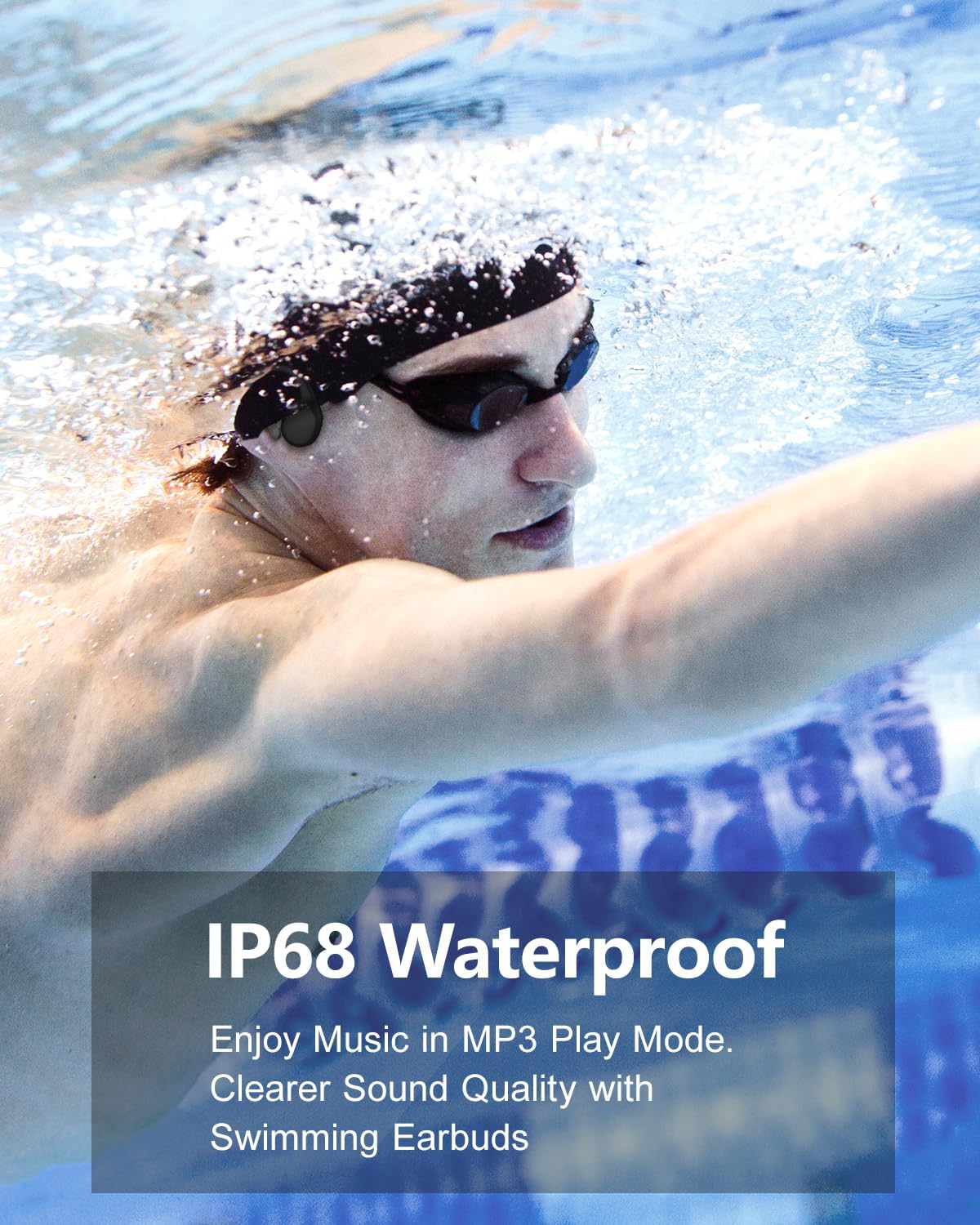
Image 5.4: The headphones are IPX8 waterproof, ideal for enjoying music during swimming.
6. Maintenance
- Cleaning: After each use, especially after swimming, rinse the headphones with fresh water to remove chlorine or salt. Wipe them dry with a soft cloth.
- Storage: Store the headphones in the provided pouch in a cool, dry place away from direct sunlight and extreme temperatures.
- Charging Port: Ensure the magnetic charging contacts are clean and dry before charging to prevent corrosion.
- Avoid Impact: Do not drop or expose the headphones to strong impacts, as this may damage internal components.
7. Troubleshooting
| Problem | Solution |
|---|---|
| Headphones do not power on. | Ensure the headphones are fully charged. Press and hold the Power/Multi-function button for 3-5 seconds. |
| Cannot pair via Bluetooth. | Ensure headphones are in pairing mode (flashing blue/red). Turn off and on Bluetooth on your device. Move closer to your device. |
| No sound in MP3 mode. | Ensure music files are correctly transferred to the internal 32GB memory. Check volume levels. |
| Poor sound quality underwater. | Ensure you are in MP3 mode. Use the provided swimming earplugs for optimal sound clarity. Adjust headphone position on cheekbones. |
| Headphones disconnect frequently. | For Bluetooth mode, ensure your device is within range (approx. 10 meters) and there are no major obstructions. Avoid using Bluetooth underwater. |
| Cannot transfer music files. | Ensure the headphones are properly connected to the computer and recognized as a storage device. Check file formats for compatibility. |
8. Specifications
| Feature | Detail |
|---|---|
| Model Name | X6 |
| Connectivity Technology | Bluetooth 5.3, Wireless |
| Water Resistance Level | IPX8 Waterproof |
| Built-in Memory | 32GB |
| Audio Driver Type | Bone Conduction Driver |
| Ear Placement | Open Ear |
| Control Type | Media Control |
| Item Weight | 7 ounces (0.2 Kilograms) |
| Product Dimensions | 6.93 x 6.93 x 11.06 inches |
| Battery | 1 Lithium Ion battery (included) |
| Charging Time | Approx. 1.5 - 2 hours |
| Supported Music Formats | WAV, FLAC, WMA, AAC, MP3, APE, M4A |
9. Warranty and Support
For warranty information, technical support, or customer service inquiries, please refer to the contact details provided with your purchase or visit the official Dnniakm website. Keep your proof of purchase for warranty claims.