
1. Introduction
The Spigen Ultra Hybrid MagFit Case is designed to provide robust protection and enhanced functionality for your iPhone 15, iPhone 14, or iPhone 13. This case combines a clear design to showcase your phone's aesthetics with advanced protective features like Air Cushion Technology and MagSafe compatibility. Constructed from a hybrid of durable polycarbonate and flexible thermoplastic polyurethane (TPU), it offers a slim profile without compromising on safety.
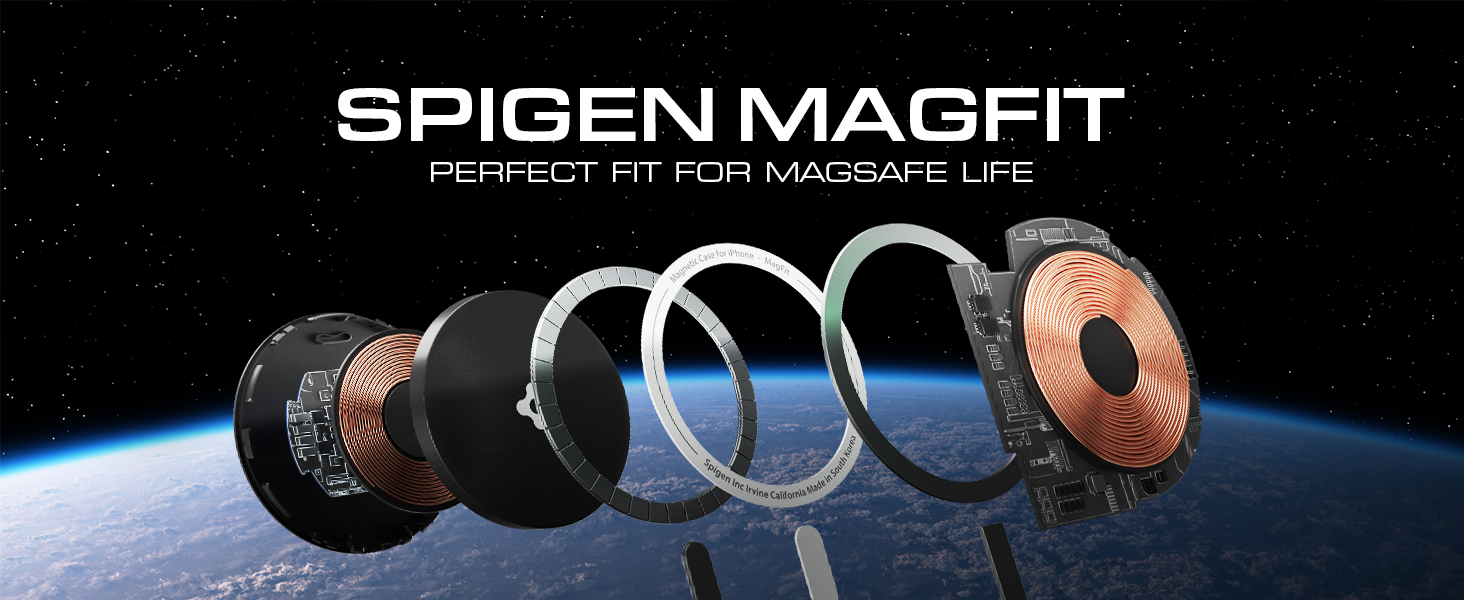
Image: The Spigen Ultra Hybrid MagFit Case, highlighting its clear design and MagSafe compatibility for iPhone 15, 14, and 13.
2. Setup and Installation
Installing your Spigen Ultra Hybrid MagFit Case is a straightforward process, ensuring a precise and secure fit for your device.
2.1. Preparing Your Device
- Ensure your iPhone 15, 14, or 13 is clean and free of dust or debris. Use a soft, lint-free cloth to wipe down the front and back surfaces.
- Remove any existing screen protectors or cases that might interfere with the new case's fit.
2.2. Installing the Case
- Hold your iPhone with the screen facing up.
- Align the top edge of your iPhone with the top edge of the case.
- Gently push the iPhone into the case, starting from the top corners, then working your way down to ensure all edges and corners are securely seated. The flexible TPU bumper will allow for easy installation.
- Verify that all buttons (power, volume) and ports (charging, speakers) are properly aligned with the case's cutouts and function correctly.
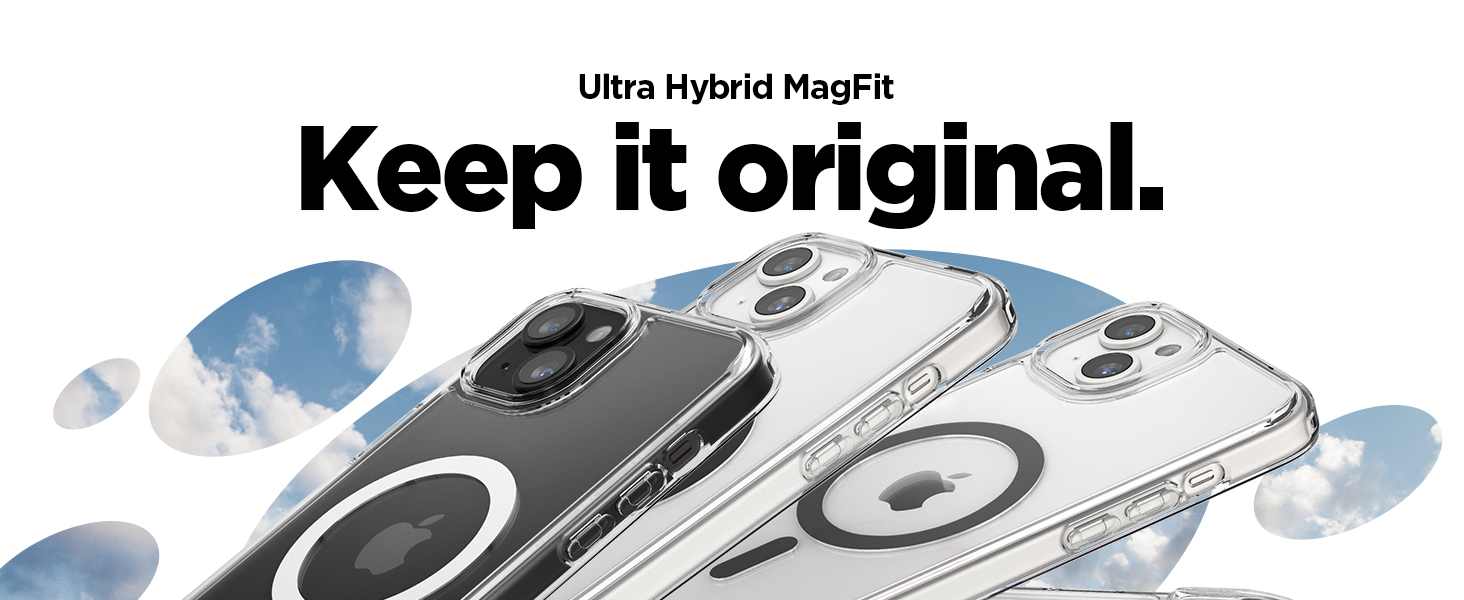
Image: A close-up demonstrating the precise fit of the Spigen Ultra Hybrid MagFit case on an iPhone, emphasizing its clear design.
3. Operating Instructions
The Spigen Ultra Hybrid MagFit Case is designed for seamless daily use, integrating protective features with convenient access to your iPhone's functionalities.
3.1. Button and Port Access
- The case features precise cutouts for the charging port, speakers, and mute switch, ensuring full accessibility without obstruction.
- Tactile button covers for the power and volume buttons provide responsive feedback, maintaining the original feel of your iPhone's controls.
3.2. MagSafe Compatibility
The integrated magnet array within the case ensures full compatibility with MagSafe accessories.
- Wireless Charging: Simply place your iPhone, with the case on, onto any MagSafe-compatible wireless charger. The built-in magnets will align your device perfectly for efficient charging.
- MagSafe Accessories: Attach MagSafe wallets, car mounts, or other accessories directly to the back of the case. The strong magnetic connection provides a secure hold.

Image: An iPhone in the Spigen MagFit case demonstrating seamless wireless charging with a MagSafe charger.

Image: An array of MagFit accessories, including wallets and chargers, showcasing compatibility with the Spigen case.
4. Maintenance and Care
Proper care will help maintain the clarity and protective qualities of your Spigen Ultra Hybrid MagFit Case.
4.1. Cleaning Instructions
- Regular Cleaning: For daily cleaning, wipe the case with a soft, damp, lint-free cloth.
- Deep Cleaning: For more stubborn dirt or smudges, use a small amount of mild soap (like dish soap) diluted in water. Apply with a soft cloth, gently wipe the case, and then rinse thoroughly with clean water. Ensure the case is completely dry before reattaching it to your iPhone.
- Avoid Harsh Chemicals: Do not use abrasive cleaners, alcohol, or strong chemical solvents, as these can damage the case material and affect its clarity.
4.2. Preventing Discoloration
While the Spigen Ultra Hybrid MagFit case is designed with a blue resin to resist yellowing, prolonged exposure to UV light and certain chemicals can still affect clear cases over time.
- Minimize prolonged direct sunlight exposure.
- Avoid contact with harsh dyes, makeup, or chemicals that could stain the case.
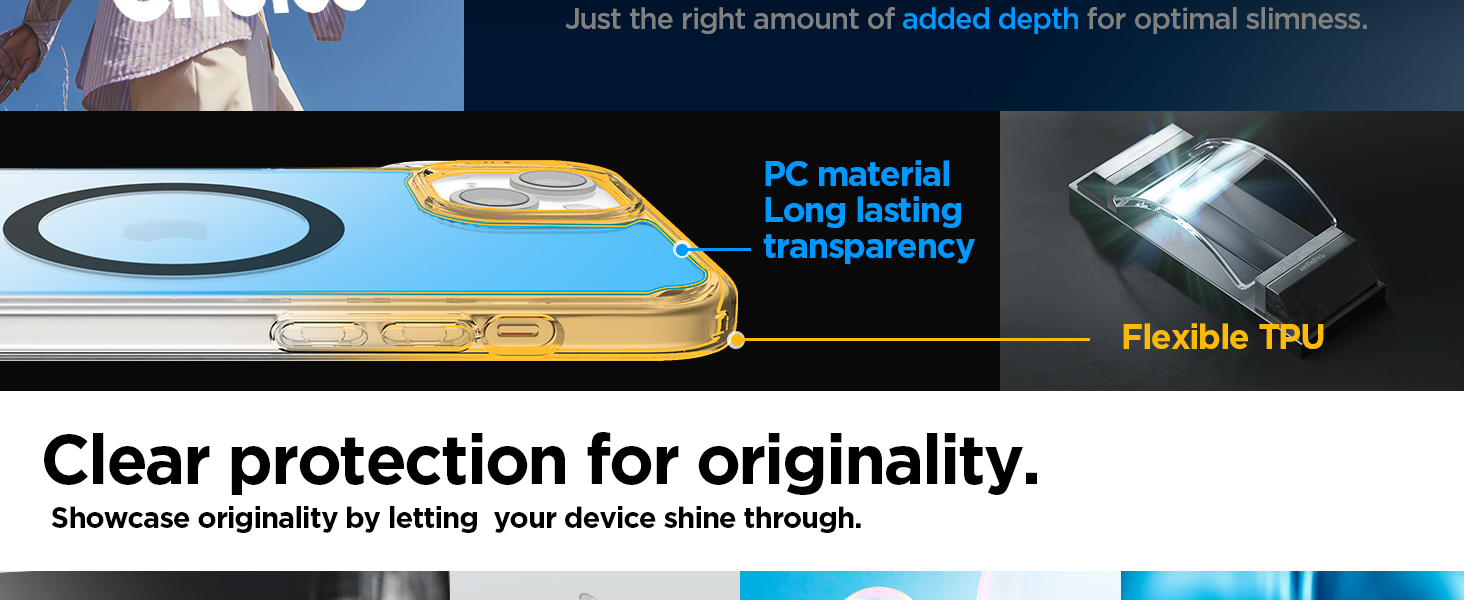
Image: An illustration detailing the hybrid construction of the case, featuring flexible TPU and durable PC for sustained clarity.
5. Troubleshooting
If you encounter any issues with your Spigen Ultra Hybrid MagFit Case, refer to the following common solutions.
5.1. Case Does Not Fit Properly
- Check Compatibility: Ensure you have the correct case model for your iPhone 15, iPhone 14, or iPhone 13. This case is specifically designed for these models and is not compatible with Plus, Pro, or Pro Max versions.
- Reinstallation: Remove the case and re-install it carefully, ensuring all corners and edges snap into place.
5.2. MagSafe Accessories Not Attaching Securely
- Clean Surfaces: Ensure both the back of the case and the MagSafe accessory are clean and free of dust or debris that could interfere with the magnetic connection.
- Proper Alignment: Confirm the MagSafe accessory is centered and properly aligned with the magnetic ring on the case.
5.3. Case Appears Discolored or Yellowed
- While the case is designed with anti-yellowing properties (blue resin), clear cases can show signs of discoloration over extended periods due to environmental factors like UV exposure. Regular cleaning and minimizing direct sunlight can help prolong its clarity.
6. Specifications
| Feature | Detail |
|---|---|
| Brand | Spigen |
| Model Name | Ultra Hybrid MagFit |
| Model Number | ACS06802 |
| Compatible Phone Models | iPhone 15, iPhone 14, iPhone 13 |
| Color | White (Clear with White Bumper) |
| Material | Polycarbonate, Thermoplastic Polyurethane (TPU) |
| Product Features | Air-cushion technology, Magnetic (MagFit), Shock-Absorbent, Slim Fit, Wireless Charging Compatible |
| Item Dimensions | 7.6 x 1 x 15.2 Centimeters |
| Item Weight | 36.5 Grams |
| Country of Origin | China |
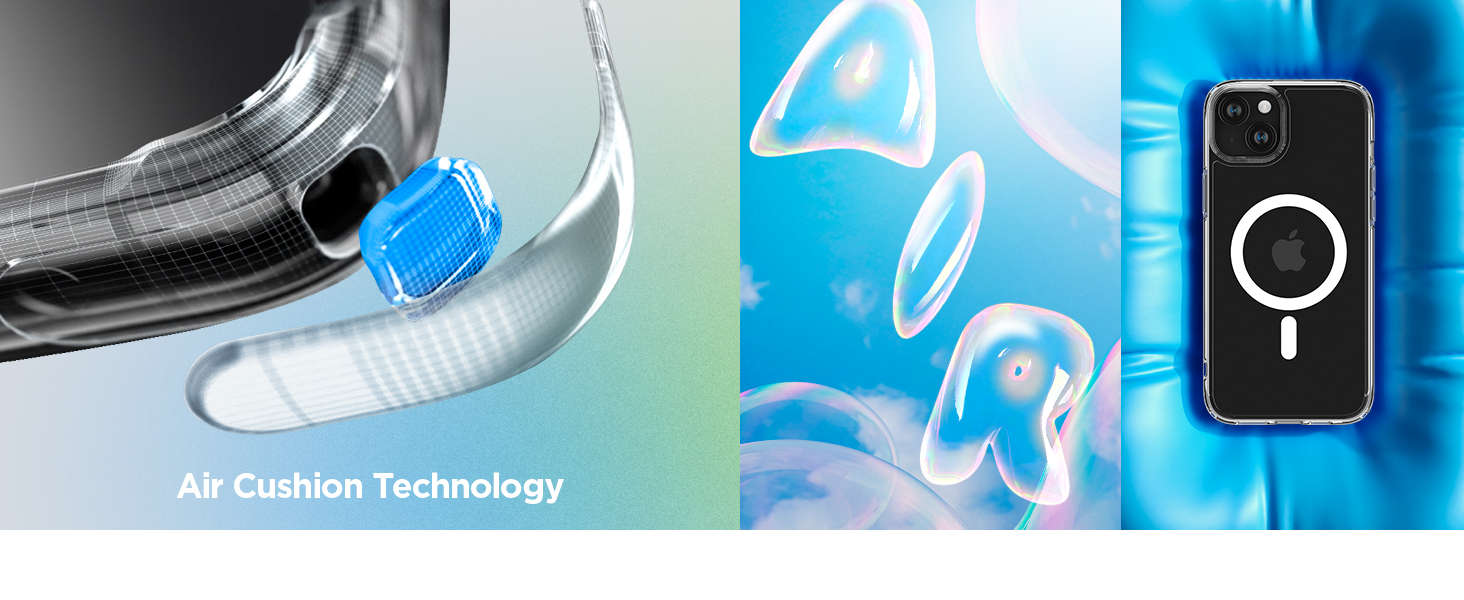
Image: A visual representation of Spigen's Air Cushion Technology, highlighting its role in shock absorption.
7. Warranty Information
The Spigen Ultra Hybrid MagFit Case comes with a 1-year warranty against manufacturing defects. This warranty covers defects in materials and workmanship under normal use. It does not cover damage caused by misuse, accidents, unauthorized modifications, or normal wear and tear.
For warranty claims, please retain your proof of purchase and contact Spigen customer support.

Image: A visual confirming the Spigen MagFit case meets Apple's official MagSafe guidelines, ensuring reliable performance.
8. Support and Contact Information
For further assistance, technical support, or warranty inquiries, please contact Spigen customer service using the information below:
Manufacturer Contact:
Spigen Korea Co., Ltd.SpigenHQ, 446, Bongeunsa-ro,
Gangnam-gu, Seoul,
Republic of Korea
Importer Contact (India):
Spigen India Private LimitedNO.295 - 296, Ecotech-1, Extension,
Greater Noida, Uttar Pradesh 201310,
India
You may also visit the official Spigen website for additional resources and support.
