Introduction
The Native Union Fast GaN Charger PD 30W is an ultra-compact power adapter designed for efficient charging of various USB-C compatible devices. Utilizing advanced Gallium Nitride (GaN) technology, this charger offers high power output in a small form factor. Its housing is constructed from 90% post-consumer recycled plastic, reflecting a commitment to sustainable materials. This manual provides essential information for the safe and effective use of your charger.

Image: Front view of the Native Union Fast GaN Charger PD 30W.
Safety Information
- Do not expose the charger to liquids, moisture, or extreme temperatures.
- Do not disassemble, modify, or attempt to repair the charger.
- Use only with compatible USB-C cables and devices.
- Ensure proper ventilation when in use to prevent overheating.
- Keep out of reach of children.

Image: The charger features built-in overcurrent, overvoltage, and overheating protection for device safety.
Setup
- Unpack the Charger: Carefully remove the Native Union Fast GaN Charger from its packaging.
- Inspect for Damage: Before first use, visually inspect the charger for any signs of damage. Do not use if damaged.
- Connect to Power Outlet: Plug the charger into a standard wall power outlet.
- Connect USB-C Cable: Insert a compatible USB-C charging cable (not included) into the USB-C port on the charger.
- Connect to Device: Connect the other end of the USB-C cable to your device (e.g., smartphone, tablet, laptop).
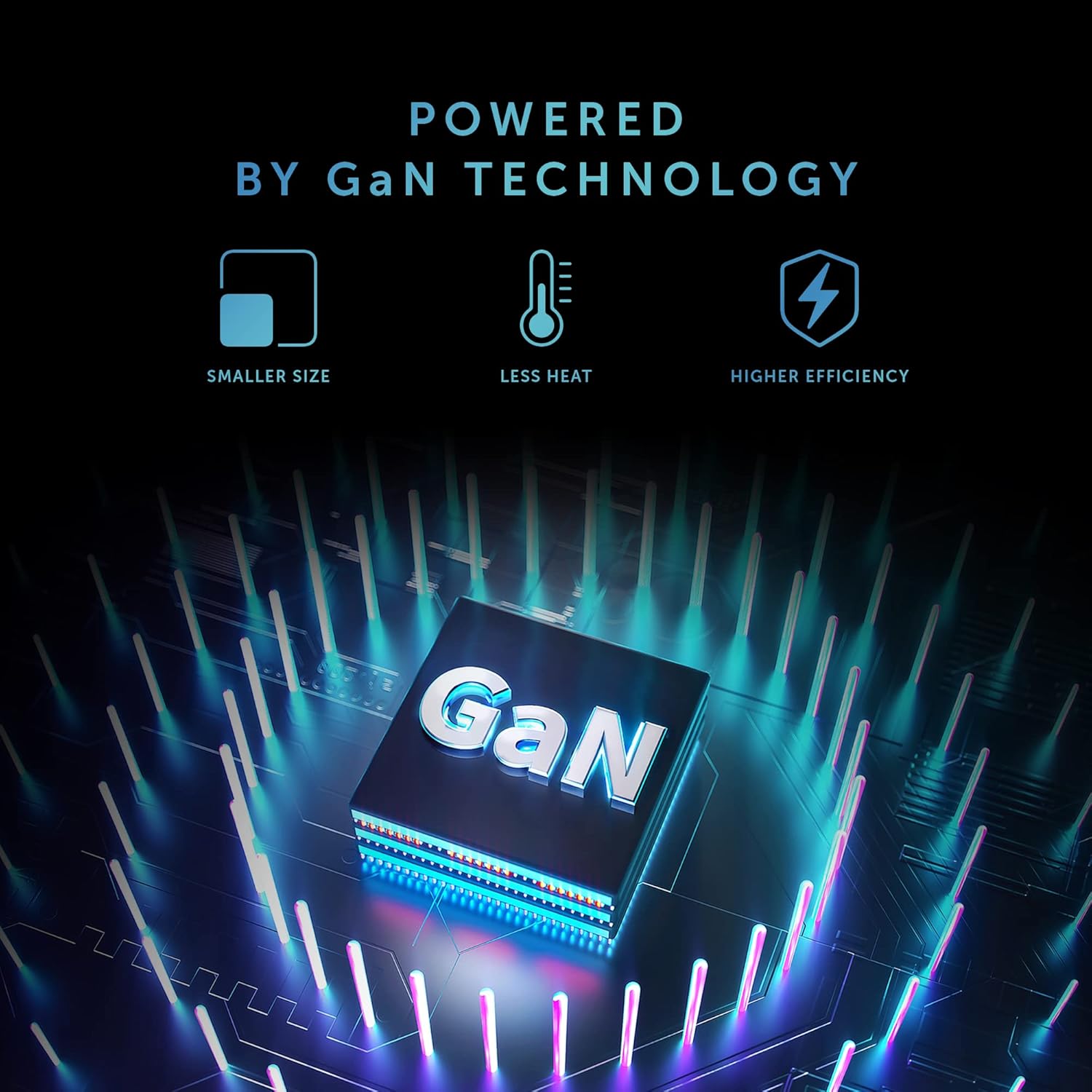
Image: The charger connected to a power outlet and an iPhone via a USB-C cable, demonstrating charging in progress.
Operating Instructions
The Native Union Fast GaN Charger PD 30W automatically detects the connected device and delivers the optimal charging power up to 30W using Power Delivery (PD) technology.
- Fast Charging: This charger supports fast charging for compatible devices such as iPhones (50% in under 30 minutes for recent models), iPads, MacBook Air, Samsung Galaxy phones, Google Pixel phones, and other Type-C devices that support Power Delivery.
- Single Port: The charger features a single USB-C output port. Only one device can be charged at a time.
- Optimal Performance: For best charging performance, use high-quality USB-C to USB-C or USB-C to Lightning cables that are compatible with Power Delivery.
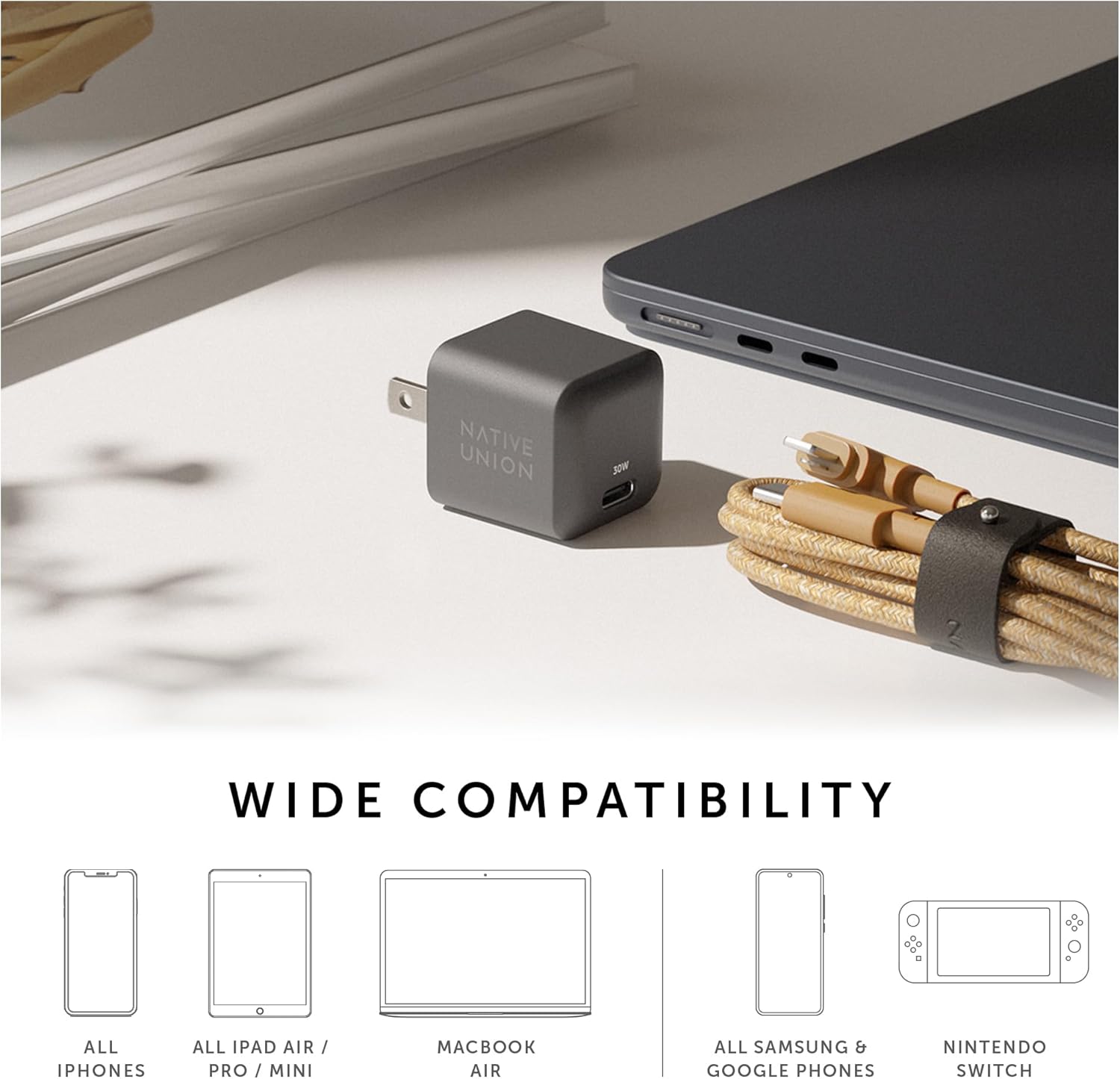
Image: The charger is compatible with a wide range of devices, including iPhones, iPads, MacBook Air, Samsung and Google phones, and Nintendo Switch.
Maintenance
- Cleaning: Disconnect the charger from the power outlet before cleaning. Use a soft, dry cloth to wipe the surface. Do not use liquid cleaners or aerosols.
- Storage: Store the charger in a cool, dry place away from direct sunlight and extreme temperatures when not in use.
- Handling: Avoid dropping or subjecting the charger to strong impacts.
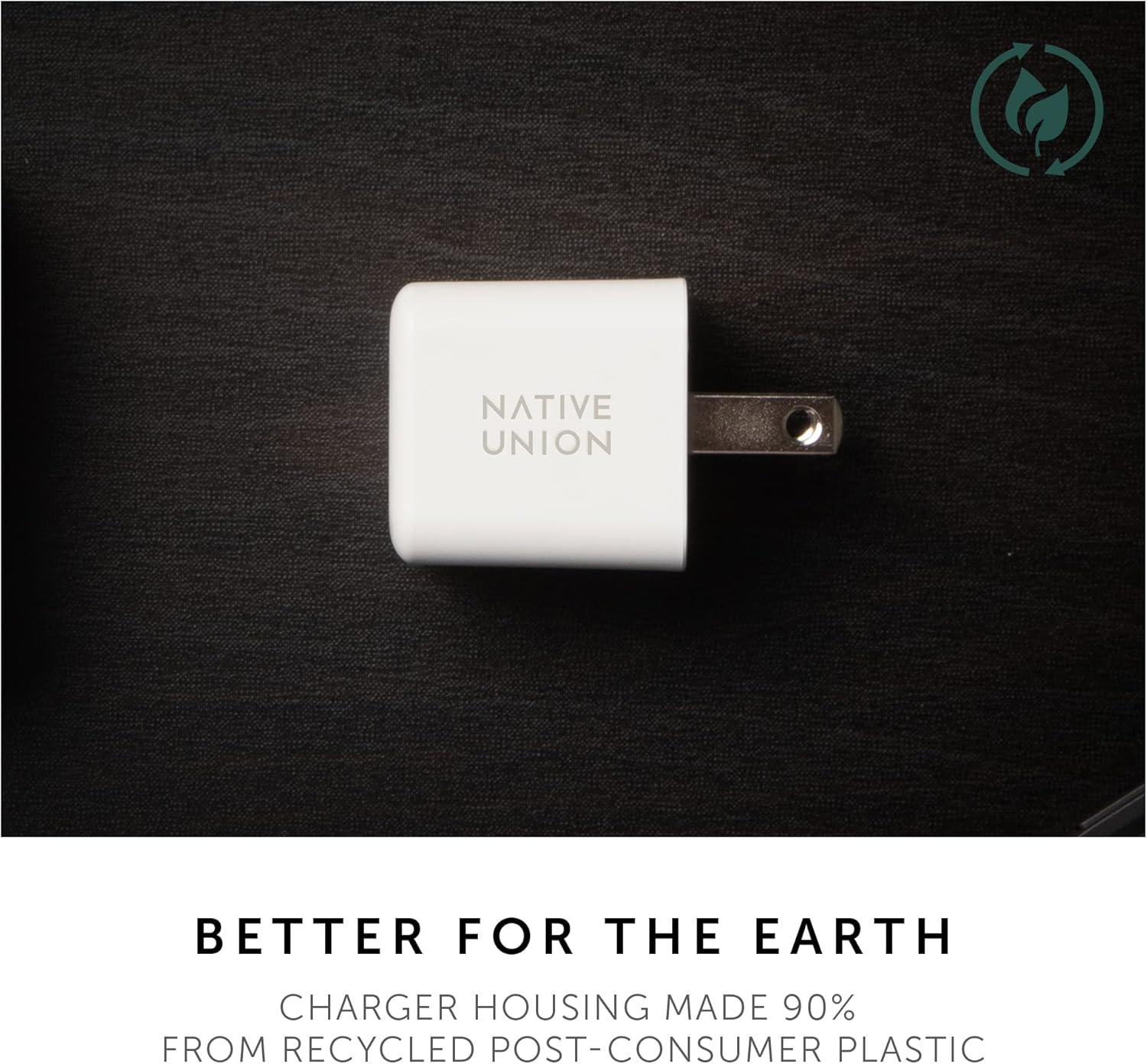
Image: The charger's housing is made from 90% post-consumer recycled plastic.
Troubleshooting
- Charger is not charging my device.
- Ensure the charger is securely plugged into a working wall outlet.
- Verify that the USB-C cable is properly connected to both the charger and your device.
- Try using a different USB-C cable to rule out cable issues.
- Test the charger with a different compatible device to confirm charger functionality.
- Ensure your device is compatible with USB-C Power Delivery charging.
- Device is charging slowly.
- Confirm that your device supports fast charging via USB Power Delivery.
- Ensure you are using a high-quality USB-C cable designed for fast charging.
- Check if your device's battery is extremely low, as charging speed can vary.
- Close unnecessary applications on your device to reduce power consumption during charging.
- Charger feels warm during use.
It is normal for the charger to become warm during operation, especially during fast charging or when charging high-power devices. The GaN technology helps manage heat efficiently. However, if the charger becomes excessively hot to touch or emits smoke/odor, immediately unplug it from the power outlet and discontinue use.
Specifications
| Model Number | TB-G-C30-1-US |
| Input | 100-240V ~ 50/60Hz, 0.8A |
| Output (USB-C PD) |
|
| Max Power Output | 30W |
| Connector Type | USB Type-C |
| Dimensions (Package) | 4.33 x 2.6 x 1.54 inches |
| Item Weight | 2.46 ounces |
| Material | Housing made from 90% post-consumer recycled plastic |
| Color | White (for this specific variant) |

Image: A detailed view of the charger, highlighting its compact design and USB-C port.
Warranty and Support
Native Union products are designed for quality and durability. For information regarding warranty coverage, product registration, or technical support, please visit the official Native Union website or contact their customer service.
Official Website: www.nativeunion.com