
SCSETC S-8X
SCSETC S-8X Motorcycle Bluetooth Intercom User Manual
Model: S-8X | Brand: SCSETC
Introduction
The SCSETC S-8X Motorcycle Bluetooth Intercom is designed to enhance your riding experience by providing seamless communication, entertainment, and navigation capabilities. This device allows for long-distance communication with other riders, hands-free calls, stereo music streaming, and FM radio access, all while ensuring clear audio quality even at high speeds. Its robust, waterproof design makes it suitable for various outdoor activities.
Product Features
- Long-Distance Communication: Supports communication with 2-6 riders up to 1000 meters, ideal for group rides.
- Wireless Connectivity: Features Bluetooth 5.1 technology for stable connections, hands-free calls, and music streaming.
- Crystal Clear Sound: Utilizes high-quality sound membrane technology and CSR's CVC technology for ambient noise suppression, echo minimization, and background noise reduction.
- Extended Battery Life: Equipped with a 650mAh battery, offering up to 10 hours of talk time and music streaming, or approximately 200 songs on a single charge. Supports on-the-go charging via power bank.
- Noise Reduction & Weather-Proof: Built-in CSR chip reduces wind and engine noise. IP67 water-resistant and dustproof rating ensures durability in harsh weather.
- Integrated FM Radio: Enjoy your favorite FM channels directly through the intercom.
- Universal Compatibility: Designed to be compatible with more than 99% of helmets, including full face, half, flip-up, off-road, and vintage helmets.

Figure 1: Illustrates the 1000m intercom range for two riders.

Figure 2: Depicts the triple intelligent noise reduction technology (CVC+DSP+Microphone) for clear audio.
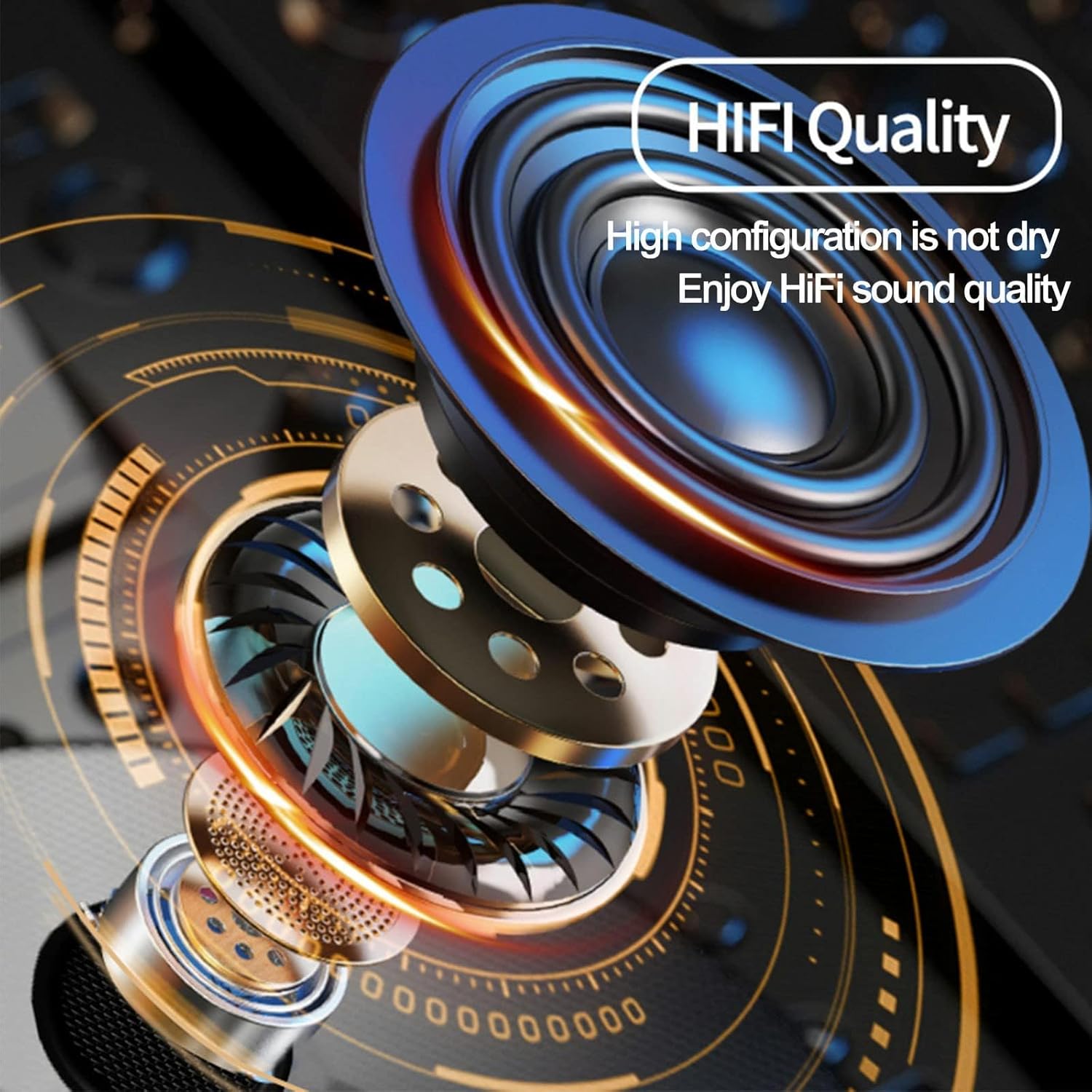
Figure 3: Highlights the HiFi sound quality of the speakers.
Package Contents
Your SCSETC S-8X package includes the following items:
- S-8X Bluetooth Intercom Unit
- Ear Cushions (Speakers)
- Microphone (Soft and Hard options)
- Mounting Brackets (Clip and Adhesive)
- USB Charging Cable
- User Manual

Figure 4: All components included in the SCSETC S-8X package.
Setup and Installation
Proper installation ensures optimal performance and comfort. The S-8X is designed for easy integration with most helmet types.
1. Choosing Your Microphone
- Soft Mic: Recommended for full-face helmets, as it can be tucked inside the helmet padding.
- Hard Mic: Ideal for open-face or modular helmets, as it extends on a boom arm.
2. Mounting the Intercom Unit
You have two options for mounting the main unit to your helmet:
- Clip Mount: Slide the clip between the helmet shell and the inner padding. Secure the intercom unit to the clip.
- Adhesive Mount: Clean the desired surface on your helmet. Peel off the protective film from the adhesive mount and firmly press it onto the helmet. Attach the intercom unit to the adhesive base.
3. Speaker Installation
Place the speakers inside the helmet's ear pockets. Ensure they are positioned directly over your ears for the best audio experience. Use the provided Velcro pads if needed to secure them.
4. Connecting Microphone and Speakers
Connect the microphone and speaker wires to the corresponding ports on the main intercom unit. Route the cables neatly within the helmet padding to avoid discomfort or interference.

Figure 5: The S-8X intercom is compatible with a wide range of helmet types.
Operating Instructions
Familiarize yourself with the controls for seamless operation during your rides.

Figure 6: Main control unit of the S-8X intercom.
Power On/Off
- Power On: Press and hold the Power Button (large circular button) for approximately 3 seconds until you hear a voice prompt.
- Power Off: Press and hold the Power Button for approximately 3 seconds until you hear a voice prompt.
Bluetooth Pairing (for Phone/GPS)
- Ensure the S-8X is powered off.
- Press and hold the Power Button for about 5-7 seconds until the LED indicator flashes red and blue alternately, indicating pairing mode.
- On your phone or GPS device, enable Bluetooth and search for "S-8X".
- Select "S-8X" to connect. Once paired, the LED will flash blue slowly.
Intercom Pairing (Rider-to-Rider)
- Ensure both S-8X units are powered on.
- On one unit, press and hold the M Button (smaller circular button) for 5 seconds until the LED flashes red and blue alternately.
- On the second unit, press and hold the M Button for 5 seconds until the LED flashes red and blue alternately.
- The units will automatically search and pair. Once connected, the LED on both units will flash blue slowly.
- To initiate intercom communication, briefly press the M Button on either unit.
Music Playback
- Play/Pause: Briefly press the Power Button.
- Next Track: Rotate the knob clockwise.
- Previous Track: Rotate the knob counter-clockwise.
Call Management
- Answer Call: Briefly press the Power Button.
- End Call: Briefly press the Power Button.
- Reject Call: Press and hold the Power Button for 2 seconds.
- Redial Last Number: Double-press the Power Button.
FM Radio
- Turn On/Off FM: Double-press the M Button.
- Scan Channels: Briefly press the Power Button while FM is active.
- Adjust Volume: Use the volume +/- buttons.
Volume Control
- Increase Volume: Press the + Button.
- Decrease Volume: Press the - Button.
Official Product Video: Motorcycle Bluetooth Intercom
Video 1: An overview of the SCSETC S-8X Motorcycle Bluetooth Intercom's features and use cases, including its design, Bluetooth 5.0, 800M range, 800mAh battery, and built-in FM radio. Shows riders using the intercom in various outdoor settings.
Maintenance
To ensure the longevity and optimal performance of your S-8X intercom, follow these maintenance guidelines:
- Cleaning: Wipe the unit with a soft, damp cloth. Do not use harsh chemicals or abrasive cleaners.
- Charging: Charge the unit fully before first use and after each long ride. Use the provided USB cable. Avoid overcharging.
- Storage: Store the intercom in a cool, dry place when not in use. If storing for extended periods, charge the battery every 3-6 months to prevent deep discharge.
- Water Resistance: While rated IP67 water-resistant, avoid submerging the unit in water for prolonged periods. Ensure all ports are securely closed before exposure to water.
Troubleshooting
If you encounter issues with your S-8X intercom, try the following solutions:
No Power / Unit Not Turning On
- Ensure the battery is fully charged. Connect to a power source and check the charging indicator.
- Try resetting the unit by holding the Power button for a longer duration (e.g., 10 seconds) or by disconnecting and reconnecting the battery (if accessible and safe).
Cannot Pair with Phone/Intercom
- Ensure the S-8X is in pairing mode (LED flashing red and blue).
- Make sure Bluetooth is enabled on your phone/device and it's discoverable.
- Clear previous Bluetooth connections on both the S-8X and your device, then try pairing again.
- Ensure both intercom units are within range and in pairing mode for rider-to-rider connection.
Poor Audio Quality / Wind Noise
- Check microphone placement. Ensure it's close to your mouth and not obstructed.
- Verify speaker placement. They should be directly over your ears.
- Ensure your helmet's wind-noise reduction features are effective.
- The S-8X has built-in noise reduction; however, extreme wind conditions can still affect clarity.
Intermittent Connection
- Ensure there are no major obstructions between intercom units (for rider-to-rider).
- Check for strong electromagnetic interference from other devices.
- Ensure the battery level is sufficient. Low battery can affect connection stability.
Specifications
| Feature | Specification |
|---|---|
| Model Name | S-8X |
| Connectivity Technology | Wireless (Bluetooth) |
| Wireless Communication Technology | Bluetooth 5.1 |
| Bluetooth Range | Up to 100 meters (328 feet) |
| Intercom Range | Up to 1000 meters (3280 feet) |
| Battery Capacity | 650mAh Lithium Polymer |
| Battery Life (Talk/Music) | Up to 10 Hours |
| Noise Control | Sound Isolation (CVC Technology) |
| Water Resistance Level | IP67 (Water Resistant) |
| Control Type | Knob, Touch |
| Frequency Range | 2.402 GHz to 2.480 GHz |
| Item Weight | 0.33 Kilograms (11.7 ounces) |
| Material | Silica gel |
| Manufacturer | SCSETC |
Warranty and Support
For warranty information and technical support, please refer to the warranty card included in your product packaging or visit the official SCSETC website. Keep your purchase receipt as proof of purchase for any warranty claims.
For further assistance, you may contact SCSETC customer service through the contact information provided on their official website or through the retailer where you purchased the product.
Ask a question about this manual
Ask about setup, troubleshooting, compatibility, parts, safety, or missing instructions. Manuals+ will review the question and use this page’s manual context to help answer it.