
1. Overview
The DOOGEE T30 PRO is an advanced tablet designed for both productivity and entertainment. It features an 11-inch 2.5K display, a powerful MediaTek Helio G99 Octa-Core processor, ample memory and storage, and a long-lasting battery. This manual provides essential information for setting up, operating, maintaining, and troubleshooting your device.
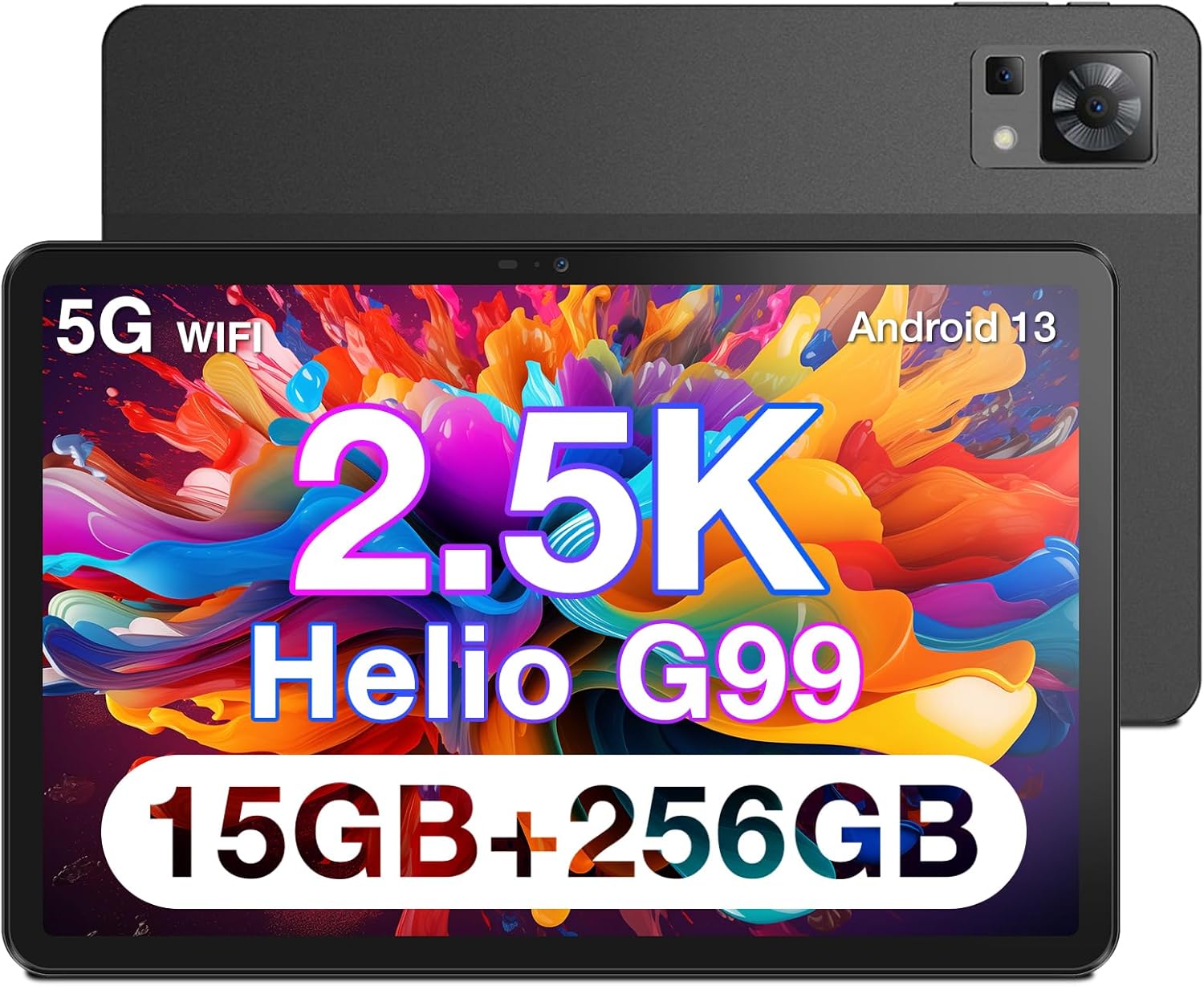
Figure 1.1: Front and rear view of the DOOGEE T30 PRO Tablet, highlighting its sleek design.

Figure 1.2: Visual representation of the tablet's 2.5K resolution, 374 Pixel Density, 85% Screen to Body Ratio, and 4 Hi-Res Speakers for an enhanced audiovisual experience.

Figure 1.3: The tablet demonstrating split-screen functionality, powered by an Octa-Core 2.2GHz processor, 15GB+256GB storage, and Android 13 system.

Figure 1.4: The DOOGEE T30 PRO Tablet is TÜV SÜD Eye Safety Certified, indicating reduced blue light emission for eye protection.

Figure 1.5: The tablet's camera capabilities, featuring a 20MP Main Camera and an 8MP Front Camera, ideal for video calls and photography.

Figure 1.6: The tablet supports 4G Dual LTE and 2.4G/5G Dual Band Wi-Fi for reliable and fast connectivity.

Figure 1.7: The ultra-thin metal unibody design of the tablet, weighing 470g and measuring 7.9mm slim. Note: Stylus is optional and not included.
2. Setup
2.1 Initial Charging
Before first use, fully charge your DOOGEE T30 PRO Tablet. Connect the provided USB-C cable to the tablet's charging port and the other end to a compatible power adapter. The tablet supports 33W fast charging.
Video 2.1: Official product video demonstrating the features of the DOOGEE T30 PRO, including its charging capabilities and overall design. (Source: Seller)
2.2 Powering On/Off
- To Power On: Press and hold the Power button located on the side of the tablet until the DOOGEE logo appears on the screen.
- To Power Off: Press and hold the Power button until the power options menu appears. Select "Power off" and confirm.
- To Restart: From the power options menu, select "Restart" and confirm.
2.3 Initial Setup Wizard
Upon first power-on, the tablet will guide you through an initial setup wizard. Follow the on-screen prompts to:
- Select your language.
- Connect to a Wi-Fi network.
- Sign in with your Google account (optional, but recommended for app downloads and services).
- Set up screen lock (PIN, pattern, password, or fingerprint).
- Review and accept terms and conditions.
3. Operating
3.1 Display and Visuals
The 11-inch 2.5K (2560x1600) display offers crisp and vibrant visuals. Adjust brightness and display settings in the 'Settings' app under 'Display'. The tablet features hardware-level blue light filter technology, certified by TÜV SÜD, to reduce eye strain during prolonged use.
3.2 Audio Experience
Equipped with Hi-Res quad speakers, the tablet delivers an immersive audio experience. It also supports Widevine L1, allowing you to stream high-definition content from popular platforms like Disney+, Hulu, HBO Max, and Amazon Prime Video.
3.3 Camera Functionality
Capture moments with the 20MP main camera and take clear selfies or video calls with the 8MP front camera. Access the camera app from the home screen or app drawer.
3.4 Performance and Storage
Powered by the MediaTek Helio G99 Octa-Core chipset, the tablet ensures smooth multitasking and gaming. With 15GB (8GB physical + 7GB virtual) RAM and 256GB internal storage, expandable up to 2TB via TF card, you have ample space for all your applications and media.
3.5 Connectivity
The tablet supports 4G Dual LTE for cellular data connectivity and 2.4G/5G Dual Band Wi-Fi for high-speed internet access. Bluetooth is also available for connecting wireless accessories.
3.6 Android 13 Features
Running on Android 13, the tablet offers an enhanced user experience with improved security and performance. Utilize features like split-screen multitasking to boost productivity, allowing you to run two apps side-by-side.
4. Maintenance
4.1 Battery Care
The 8580mAh battery provides extended usage. To maximize battery lifespan:
- Avoid extreme temperatures.
- Do not let the battery drain completely before recharging regularly.
- Use the original charger and cable for optimal charging speed and safety.
4.2 Cleaning Your Tablet
Use a soft, lint-free cloth to clean the screen and body of the tablet. For stubborn smudges, slightly dampen the cloth with water or a screen cleaner. Avoid using harsh chemicals or abrasive materials.
4.3 Software Updates
Regularly check for and install software updates to ensure your tablet has the latest features, security patches, and performance improvements. Go to 'Settings' > 'System' > 'System update' to check for updates.
5. Troubleshooting
5.1 Common Issues and Solutions
- Tablet not turning on: Ensure the battery is charged. Connect to the charger and wait a few minutes before attempting to power on again.
- Screen frozen or unresponsive: Press and hold the Power button for about 10-15 seconds to force a restart.
- Wi-Fi connection issues: Try restarting your Wi-Fi router. On the tablet, go to 'Settings' > 'Network & internet' > 'Internet', then forget the network and reconnect.
- Apps crashing: Clear the cache for the problematic app in 'Settings' > 'Apps' > [App Name] > 'Storage & cache' > 'Clear cache'. If the issue persists, try reinstalling the app.
- Slow performance: Close unnecessary background apps. Clear cache and temporary files. Consider performing a factory reset if performance issues persist after other troubleshooting steps (back up your data first).
6. Specifications
| Feature | Specification |
|---|---|
| Standing screen display size | 11 Inches |
| Screen Resolution | 2560*1600 |
| Max Screen Resolution | 166*2560 |
| Processor | 2.2 GHz |
| Card Description | Integrated |
| Wireless Type | 802.11g |
| Brand | DOOGEE |
| Series | T30PRO |
| Item model number | T30PRO |
| Operating System | Android 13 |
| Item Weight | 2.9 pounds |
| Package Dimensions | 11.3 x 7.95 x 2.52 inches |
| Color | Black |
| Rear Webcam Resolution | 20 MP |
| Processor Brand | Helio G99 |
| Flash Memory Size | 256 GB |
| Batteries | 1 Lithium Polymer batteries required. (included) |
| ASIN | B0C5LMNX24 |
| Date First Available | September 22, 2023 |
| Model Name | T30PRO |
| Memory Storage Capacity | 256 GB |
| Screen Size | 11 Inches |
| Display Resolution Maximum | 166*2560 |
7. Warranty and Support
7.1 Warranty Information
Your DOOGEE T30 PRO Tablet comes with a 2-Year Limited Warranty. This warranty covers manufacturing defects and ensures your product functions as intended under normal use. Please retain your proof of purchase for warranty claims.
7.2 Return Policy
Enjoy a 30-Day Money Back Guarantee and Free Return from the date of purchase. Refer to the retailer's return policy for specific conditions and procedures.
7.3 Customer Support
For any technical assistance or inquiries, 24/7 Online Support 1-on-1 is available. Please visit the official DOOGEE website or contact their customer service channels for detailed support options.


