GHome 4 in 1 Smart Fingerprint Door Knob User Manual
Model: K02APRO | Brand: GHome Smart
Introduction
Thank you for choosing the GHome 4 in 1 Smart Fingerprint Door Knob. This advanced door knob offers multiple secure access methods including fingerprint, keypad, mobile app control, and traditional mechanical keys. Designed for convenience and security, it is suitable for various indoor applications such as bedrooms, offices, and apartments. This manual provides comprehensive instructions for installation, setup, operation, and maintenance to ensure optimal performance and longevity of your smart door knob.
Safety Guidelines
- Use only 4 AAA ALKALINE batteries (not included). Do not mix old and new batteries, or different types of batteries.
- This product is designed for indoor use. Avoid exposure to direct water or extreme weather conditions.
- Ensure proper installation as per the instructions to prevent malfunction and ensure security.
- Keep mechanical keys in a safe place outside the property in case of emergency or battery depletion.
- Do not attempt to disassemble or repair the lock yourself. Contact customer support for assistance.
Package Contents
- GHome Smart Fingerprint Door Knob (Exterior and Interior Assemblies)
- Latch Mechanism
- Strike Plate
- Mounting Screws
- Mechanical Keys (2)
- User Manual (this document)
Product Overview
The GHome Smart Door Knob integrates multiple access technologies into a sleek design. The exterior knob features a fingerprint sensor and a numeric keypad, while the interior knob houses the battery compartment and manual override. The design ensures both security and ease of use for daily access.

Image: GHome 4 in 1 Smart Fingerprint Door Knob with keypad and keys.

Image: Diagram illustrating the four unlock methods: fingerprint, password, app, and mechanical key.

Image: A hand holding a smartphone displaying the GHome Smart app interface next to the smart door knob.
Installation Guide
Before beginning installation, ensure your door meets the following specifications:
- Door thickness: 1 3/8" ~ 2 1/8" (35mm-55mm)
- Door hole diameter: 2 1/8" (55mm)
- Hole diameter in door edge: 1" (25mm)
- Backset: 2 3/4" or 2 3/8" (60mm or 70mm)

Image: Diagram showing door hole diameter, door thickness, and backset measurements for compatibility.
Step-by-Step Installation
- Prepare the Door: Verify door dimensions and drill holes if necessary according to the provided template (if applicable).
- Install the Latch: Insert the latch mechanism into the door edge. Ensure the latch bolt faces the correct direction for your door swing. Secure with screws.
- Install the Exterior Assembly: Route the cable from the exterior knob through the door hole. Align the exterior knob with the latch and secure it.
- Install the Interior Assembly: Connect the cable from the exterior assembly to the interior assembly. Align the interior knob with the mounting posts and secure it with the provided screws.
- Install Batteries: Open the battery cover on the interior assembly and insert 4 AAA ALKALINE batteries, observing polarity.
- Test Operation: Test the mechanical key and ensure the knob turns smoothly.
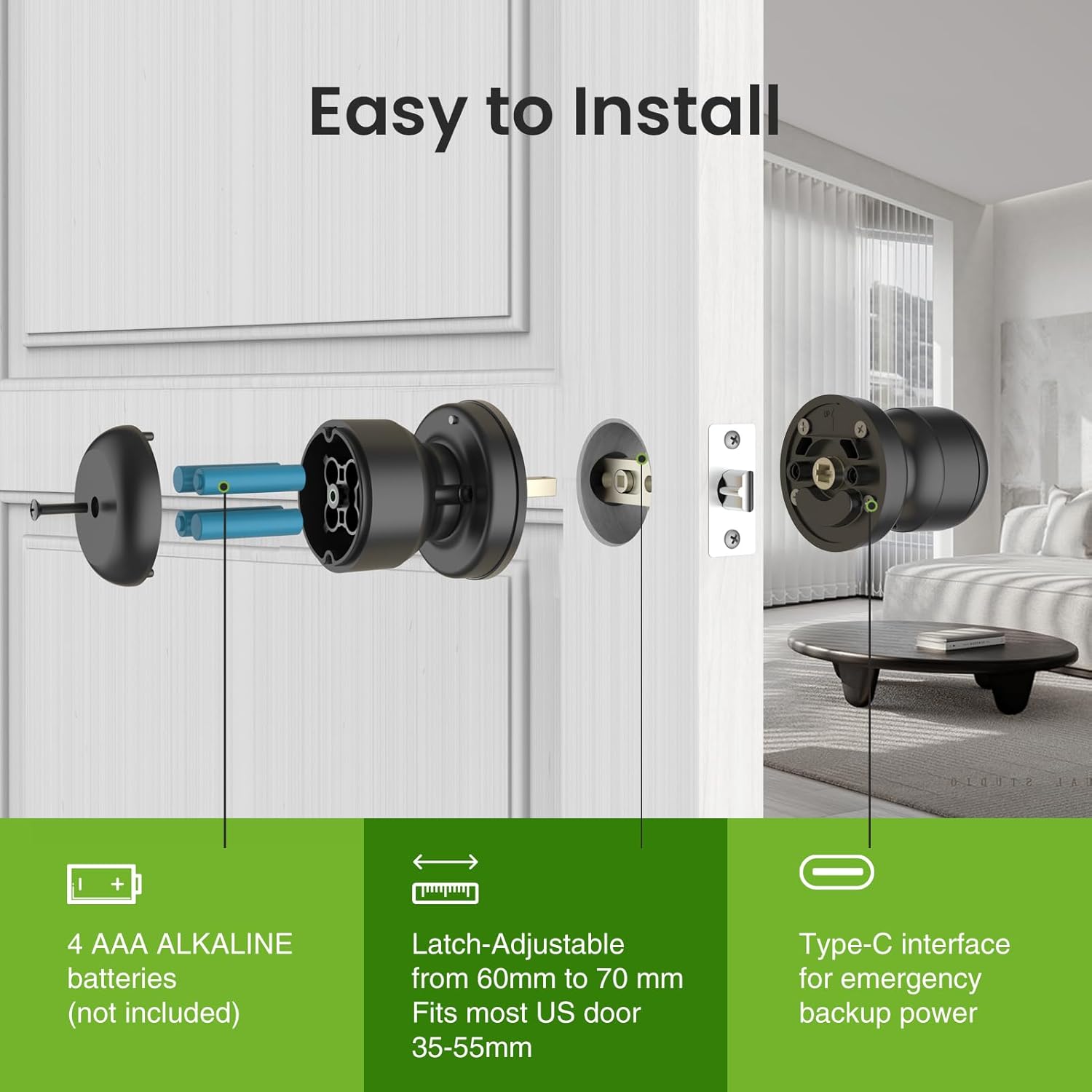
Image: Exploded view of the smart door knob components and their assembly on a door.
Setup and Configuration
App Connection (Smart Life/Tuya App)
The smart lock is controlled via the Smart Life or Tuya App. Download the app from your device's app store.
- Ensure Bluetooth is enabled on your smartphone.
- Open the Smart Life/Tuya App and register or log in.
- Tap '+' to add a device. The app should automatically discover the door knob if it's in pairing mode (usually indicated by a flashing light on the knob).
- Follow the in-app instructions to complete the pairing process.
Video: K02APRO APP Connection Guideline. This video provides a step-by-step guide on how to connect the GHome Smart Door Knob to the mobile application, covering initial pairing and basic app functionalities.
Fingerprint Enrollment
You can store up to 18 fingerprints for quick access.
- In the app, navigate to the 'Member Management' or 'Fingerprint' section.
- Select 'Add Fingerprint' and follow the on-screen prompts.
- Place your finger on the sensor multiple times as instructed by the app to ensure accurate registration.

Image: A finger touching the fingerprint sensor on the door knob.
Passcode Management
The lock supports up to 20 access codes.
- In the app, go to the 'Passcode' or 'Access Code' section.
- Choose to generate a permanent, timed, or one-time passcode.
- Enter the desired code and confirm. Share the code with authorized users.
Video: K02APRO Smart Door Knob-Note. This video highlights important notes and tips for using the K02APRO Smart Door Knob, including specific operational details or common considerations.
Operating Instructions
Unlocking the Door
- Fingerprint Unlock: Place your registered finger on the fingerprint sensor. The lock will unlock in approximately 0.1 seconds if recognized.
- Passcode Unlock: Enter your valid passcode on the keypad, then press the checkmark (✓) button.
- App Unlock: Open the Smart Life/Tuya App, ensure you are within Bluetooth range, and tap the unlock icon on the main screen.
- Mechanical Key Unlock: Insert the mechanical key into the keyhole on the exterior knob and turn to unlock.
Locking the Door
- Automatic Locking: The K02APRO Smart Door Knob features an auto-lock function. After unlocking, the door will automatically lock after a set period (default is 5 seconds) once the door is closed. This setting can be adjusted in the app.
- Manual Locking: From the interior, simply turn the knob to the locked position. From the exterior, if auto-lock is disabled, you may need to press a button (e.g., the checkmark button) to manually lock.
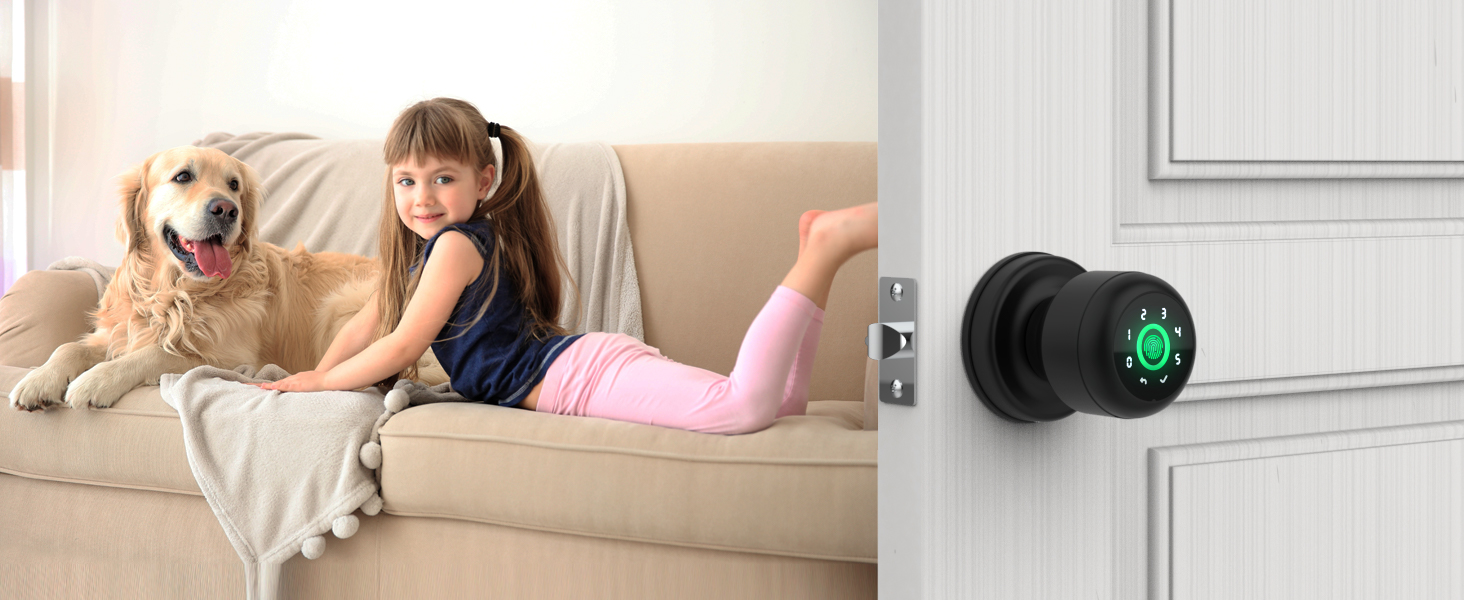
Image: The smart door knob's auto-locking feature, showing a 5-second auto-lock timer.
Passage Mode and Privacy Mode
- Passage Mode: This mode keeps the door unlocked for continuous access. It can be enabled or disabled via the app, useful for high-traffic periods.
- Privacy Mode: When activated from the interior, this mode prevents unlocking from the exterior via fingerprint or passcode, enhancing privacy.
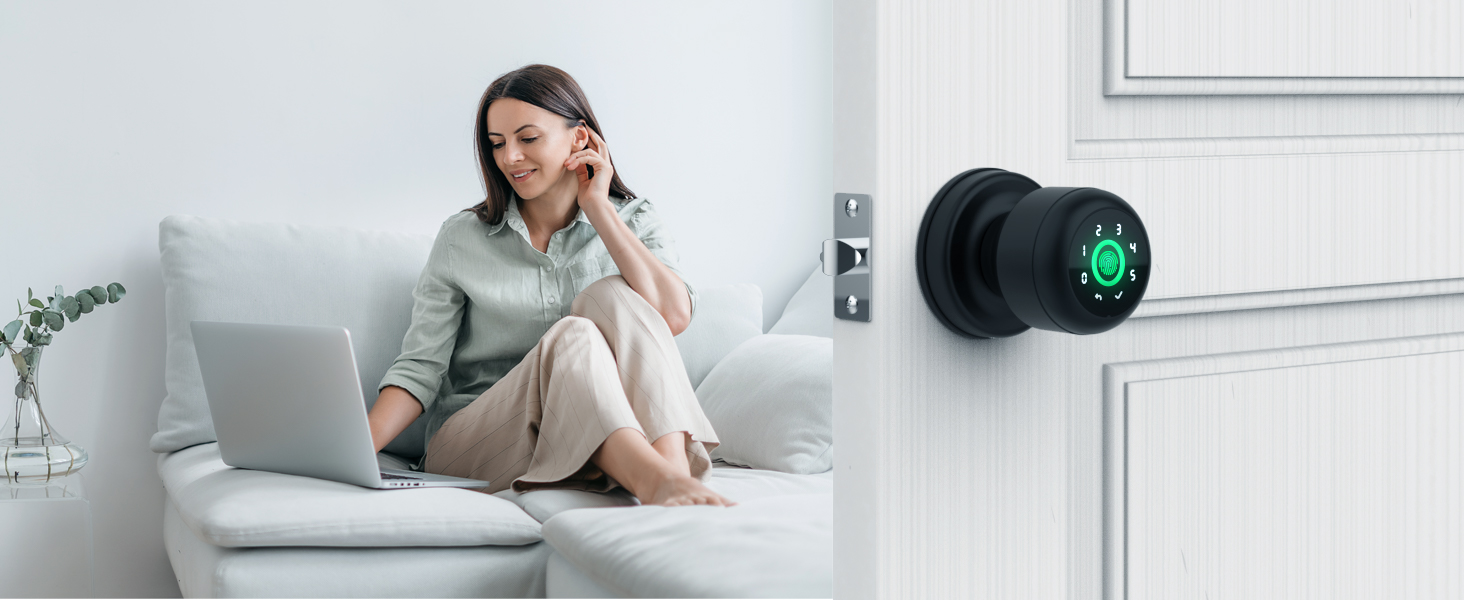
Image: Managing users and checking unlock records through the app.
Maintenance
Battery Replacement
The smart door knob is powered by 4 AAA ALKALINE batteries. When the battery level is low, the app will provide a low battery alarm. Replace all four batteries simultaneously with new alkaline batteries.

Image: Recommendation to use Alkaline batteries for longer life and safety.
In case of complete battery depletion, the lock features a Type-C port for emergency power. Connect a power bank or a Type-C cable to temporarily power the lock and gain access.
Cleaning
Wipe the door knob with a soft, dry cloth. Avoid using abrasive cleaners, solvents, or harsh chemicals, as these can damage the finish and electronic components.
Troubleshooting
| Problem | Possible Cause | Solution |
|---|---|---|
| Lock does not respond. | Batteries are dead or incorrectly installed. | Replace batteries with new AAA alkaline batteries. Check polarity. Use emergency Type-C power if needed. |
| Fingerprint not recognized. | Finger is dirty, wet, or not placed correctly. Fingerprint not properly enrolled. | Ensure finger is clean and dry. Place finger firmly on the sensor, covering the entire area. Re-enroll fingerprint if issues persist. |
| Keypad not responding. | Incorrect passcode entered. Keypad malfunction. | Verify the passcode. Try using the app or mechanical key. Contact support if keypad remains unresponsive. |
| App cannot connect to the lock. | Bluetooth is off. Out of Bluetooth range. Lock is offline. | Ensure Bluetooth is on. Move closer to the lock. If the lock is offline, revoke it with fingerprint first and then reconnect in the app. |
| Auto-lock not working. | Auto-lock feature is disabled in the app. Door sensor issue. | Check auto-lock settings in the Smart Life/Tuya App. Ensure the door closes completely and the sensor detects closure. |
Technical Specifications
| Feature | Detail |
|---|---|
| Model Name | K02APRO |
| Unlock Ways | Fingerprint, Passcode, App Control, Mechanical Key |
| Fingerprint Capacity | Up to 18 fingerprints |
| Passcode Capacity | Up to 20 passcodes |
| Power Source | 4 x AAA ALKALINE batteries (not included) |
| Emergency Power | Type-C USB port |
| Material | Aluminum |
| Finish Type | Matt Black |
| Dimensions (L x W x H) | 2.24 x 0.98 x 3.35 inches |
| Item Weight | 1.39 Pounds |
| Connectivity | Bluetooth |
| Operating Temperature | Refer to product packaging for specific range |
Warranty and Customer Support
Warranty Information
GHome Smart products typically come with a manufacturer's warranty covering defects in materials and workmanship. Please refer to the product packaging or the official GHome Smart website for specific warranty terms and duration.
Customer Support
For any questions, technical assistance, or warranty claims, please contact GHome Smart customer service. You can usually find contact information (email or phone) on the product packaging, the official GHome Smart website, or through your purchase platform. Please have your model number (K02APRO) and purchase details ready when contacting support.


