
1. Introduction
This manual provides detailed instructions for the installation, operation, and maintenance of your Ingenuity The Stairway 42W Series Safety Pet and Baby Gate. This gate is designed to help contain children and pets within designated areas of your home, specifically for openings between 28 and 42 inches wide and 28 inches tall. Please read all instructions carefully before assembly and use to ensure proper function and safety.

Figure 1: Ingenuity The Stairway 42W Series Safety Pet and Baby Gate, shown in white metal.

Figure 2: The safety gate is suitable for both children and pets, demonstrating its versatility.
2. Important Safety Information
Failure to follow these warnings and instructions could result in serious injury or death.
- WARNING: Never use with a child able to climb over or dislodge the gate.
- WARNING: Never leave child unattended.
- This product is intended for use with children from 6 months to 24 months of age.
- This gate is designed for use at the top or bottom of stairs, or in doorways and hallways.
- Always ensure the gate is securely latched before leaving a child or pet unattended.
- Regularly check all hardware and mounting components to ensure they are tight and secure.
- Do not use this gate if any parts are missing or damaged. Contact customer support for replacement parts.
- Keep small parts away from children during assembly.
3. Package Contents
Verify that all components are present before beginning installation.
- Safety Gate Assembly
- Hardware Mounting Kit (includes screws, wall anchors, mounting brackets)
- Precision Fit Template
- Instruction Manual
Tools Required (Not Included): Drill, Phillips-head screwdriver, Pencil.
4. Setup and Installation
This gate requires hardware installation for secure mounting. It is suitable for openings 28 to 42 inches wide and is 28 inches tall. Always measure your opening prior to purchase and installation to ensure proper fit.
4.1. Preparation
- Unpack all components and ensure no parts are missing or damaged.
- Identify the location for installation. This gate is designed for top-of-stairs, doorways, or hallways.
- Ensure the mounting surface is structurally sound and capable of supporting the gate.
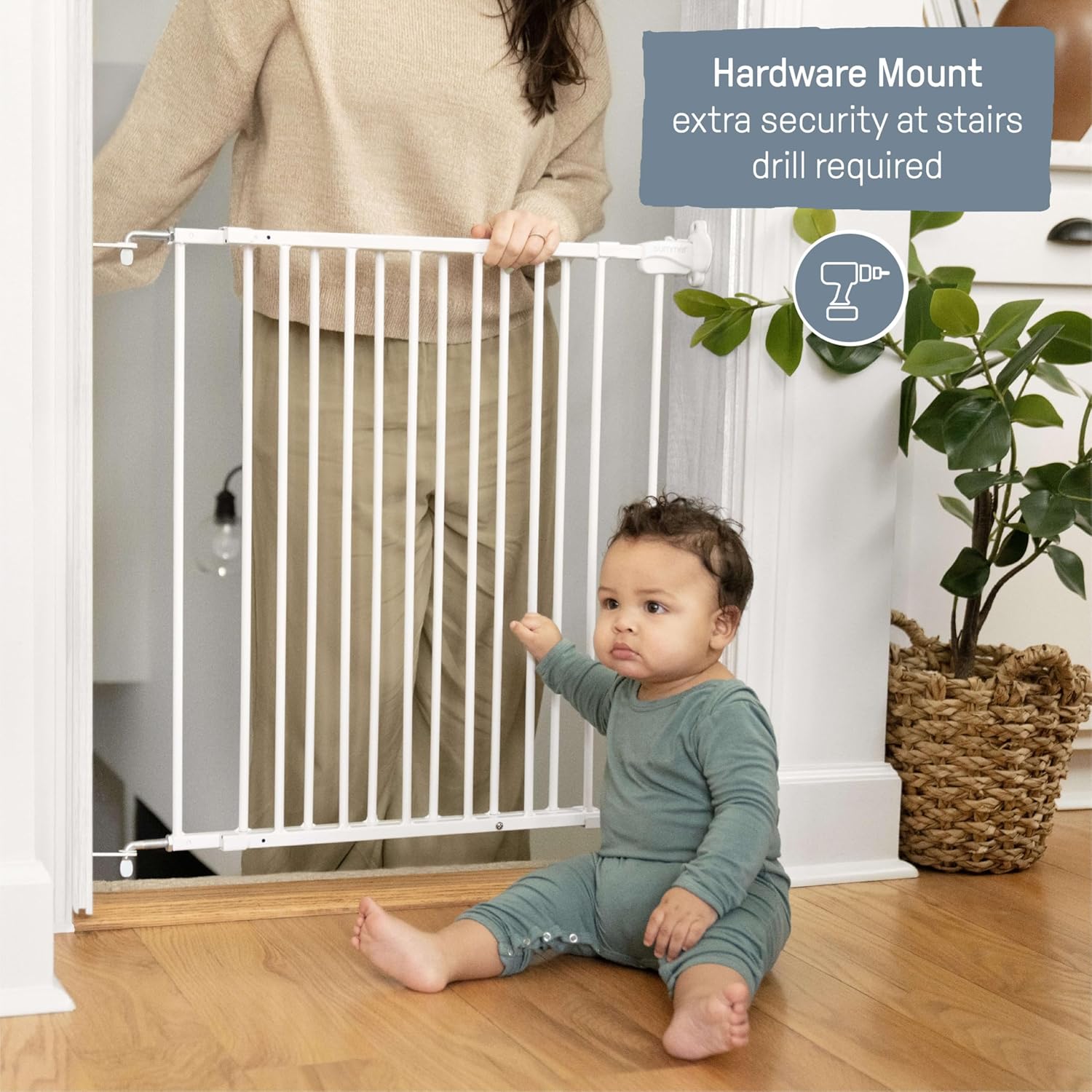
Figure 3: Hardware mounting is required for secure installation, especially at stairways. A drill is necessary for this process.
4.2. Using the Precision Fit Template
The included Precision Fit Template simplifies installation by eliminating the need for manual measurements and reducing unnecessary drill holes.
- Unroll the Precision Fit Template.
- Position the template against the wall or banister at the desired installation height. Ensure it is level.
- Mark the drill points indicated on the template with a pencil.
- Repeat for the opposite side of the opening.
4.3. Hardware Installation
- Using a drill, create pilot holes at the marked points. If installing into drywall, insert wall anchors before screwing in brackets.
- Attach the mounting brackets to the wall using the provided screws and a Phillips-head screwdriver. Ensure brackets are firmly secured.
- Align the gate with the installed brackets.
- Secure the gate to the mounting brackets according to the specific instructions provided with the hardware kit.
- For top-of-stairs installation, ensure the door stopper is correctly positioned to prevent the gate from swinging outward over the stairs.
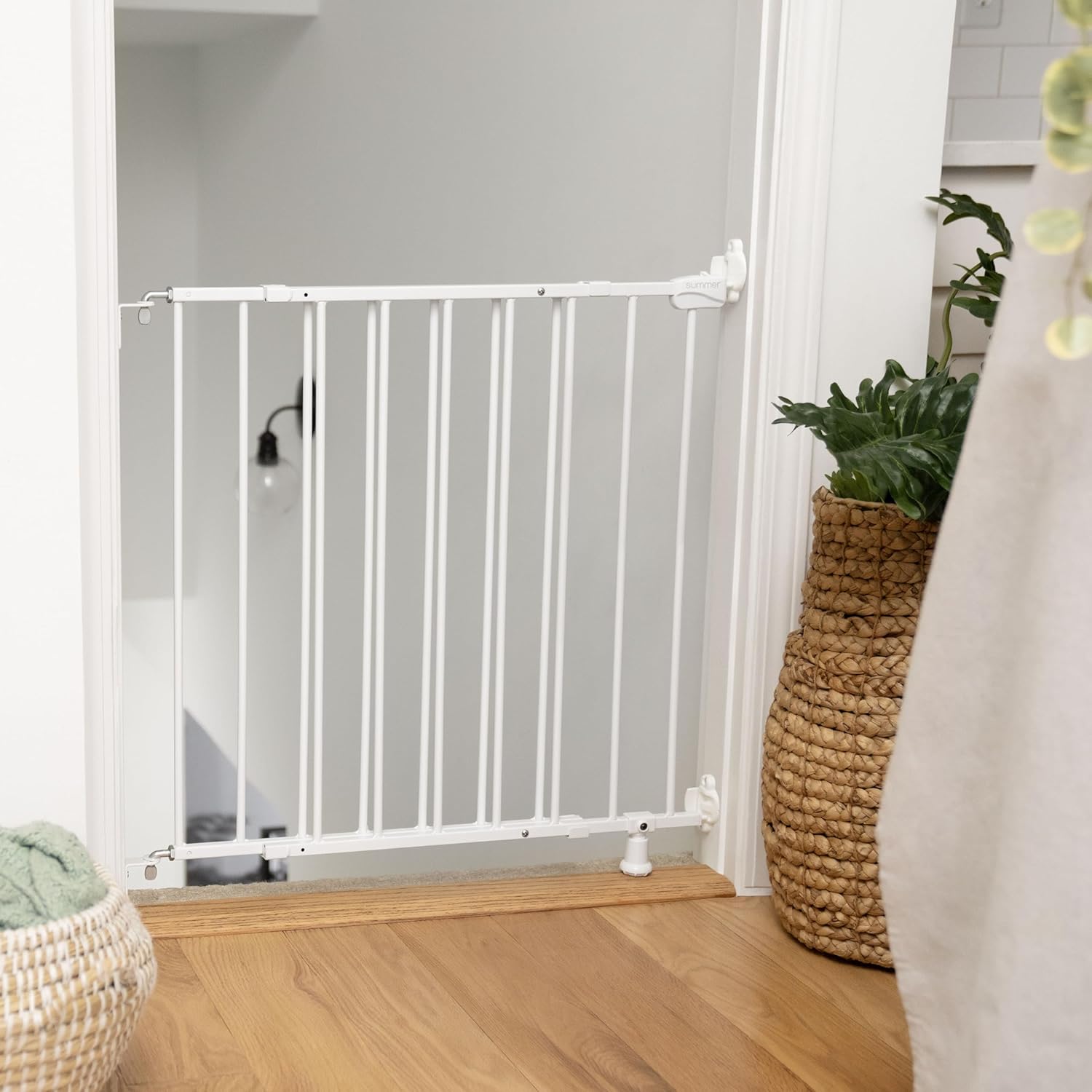
Figure 4: The gate securely installed at the base of a staircase, demonstrating its hardware-mounted stability.
5. Operating Instructions
5.1. Opening the Gate
The gate features an extra-wide door that opens the full width of the gate, allowing for easy passage.
- Locate the latch mechanism on the top of the gate.
- Press the button on the latch with one hand.
- While holding the button, lift the gate handle slightly and swing the gate open.

Figure 5: Operating the gate latch with a single hand for convenient opening.

Figure 6: The extra-wide opening allows an adult to easily pass through while carrying a child.
5.2. Closing and Securing the Gate
Ensure the gate is properly closed and secured to maintain safety.
- Swing the gate door shut until it aligns with the latch mechanism.
- The latch should automatically engage, producing an audible click.
- Verify the locking indicator shows that the gate is securely closed.
- For installations at the top of stairs, the door stopper prevents the gate from swinging outward.

Figure 7: Detail of the secure locking mechanism, ensuring the gate remains closed.
6. Maintenance
- Cleaning: Wipe the gate with a damp cloth and mild soap. Do not use abrasive cleaners or harsh chemicals.
- Inspection: Periodically inspect the gate for any signs of damage, loose parts, or wear. Ensure all screws and mounting hardware are tight.
- Lubrication: If the gate hinges or latch become stiff, apply a small amount of silicone-based lubricant.
7. Troubleshooting
| Problem | Possible Cause | Solution |
|---|---|---|
| Gate does not latch securely. | Misalignment of gate or mounting brackets. | Check that the gate is level and the mounting brackets are correctly aligned. Adjust if necessary. Ensure all screws are tight. |
| Gate is difficult to open or close. | Hinges or latch are stiff; gate is misaligned. | Apply silicone lubricant to hinges and latch. Verify gate alignment and adjust if needed. |
| Gate feels unstable after installation. | Loose mounting hardware; improper installation. | Re-check all mounting screws and ensure they are tightened. Confirm wall anchors are properly installed if used. Ensure the support foot provides stability. |
8. Specifications
- Model: 27054
- Brand: Ingenuity
- Mounting Type: Hardware Mount (Wall Mount)
- Gate Width: 28 - 42 inches (71.1 - 106.7 cm)
- Gate Height: 28 inches (71.1 cm)
- Material: Metal
- Color: White
- Item Weight: Approximately 6.31 pounds (2.86 kg)
- UPC: 012914270547
- Manufacturer: Kids2, Inc.

Figure 8: Dimensional overview of the safety gate, indicating its height and adjustable width.
9. Warranty and Support
For warranty information or customer support, please refer to the contact details provided with your product packaging or visit the official Ingenuity website. Keep your purchase receipt for warranty claims.
Manufacturer: Kids2, Inc.
Website: www.kids2.com/ingenuity
