
1. Introduction
Thank you for choosing the HICSHON WDC901-4K Underwater Camera. This compact and versatile camera is designed for capturing high-quality photos and videos in various environments, especially underwater. With its 4K video resolution, 48MP image capability, autofocus feature, and dual HD screens, it is ideal for activities such as snorkeling, swimming, surfing, and beach trips.
This manual provides essential information on how to set up, operate, maintain, and troubleshoot your camera to ensure optimal performance and longevity.
2. Setup
2.1 Package Contents
- HICSHON WDC901-4K Underwater Camera
- 2 x Lithium Ion Batteries
- 64GB Micro SD Card
- USB Charging Cable
- Wrist Strap
- Carrying Pouch
- User Manual
2.2 Battery Installation and Charging
- Locate the battery compartment on the camera.
- Open the battery compartment door. Ensure it is dry before opening.
- Insert one of the provided Lithium Ion batteries, ensuring correct polarity.
- Close the battery compartment door securely. For waterproof integrity, ensure the door is fully locked before any water exposure.
- Connect the camera to a power source using the USB charging cable. The camera will charge the installed battery. A full charge is recommended before first use.
2.3 Micro SD Card Installation and Formatting
- Locate the Micro SD card slot, typically near the battery compartment.
- Insert the provided 64GB Micro SD card into the slot until it clicks into place.
- Important: Before first use, format the Micro SD card through the camera's menu settings. This ensures compatibility and optimal performance. Refer to the 'Operating' section for menu navigation.
3. Operating Instructions
3.1 Power On/Off
- To power on: Press and hold the Power button.
- To power off: Press and hold the Power button again.
3.2 Basic Photography and Video Recording
The camera features a 48MP image resolution and 4K video capability.
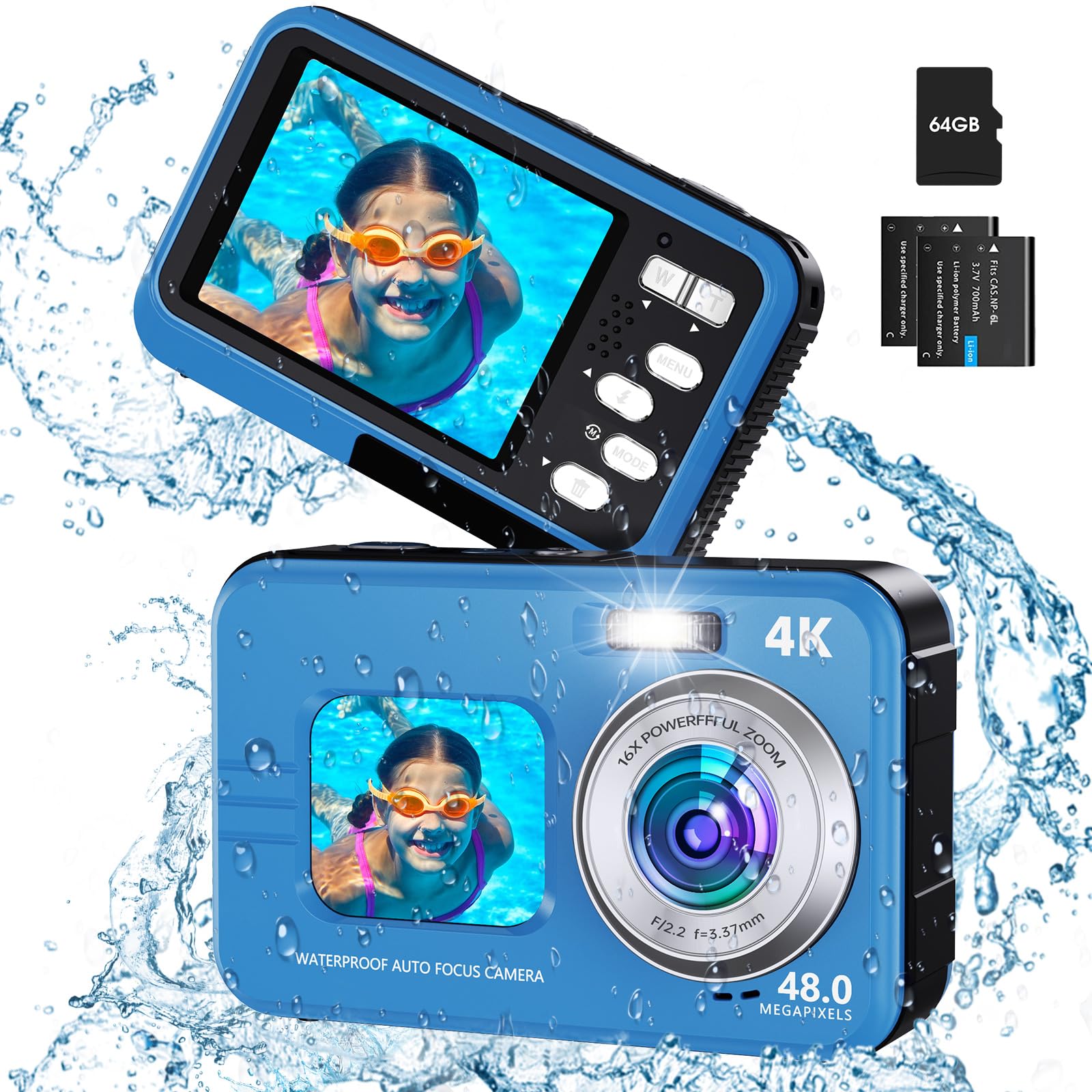
Image: Demonstrates the anti-shake feature for clearer 4K video recording.
- Mode Selection: Use the 'Mode' button to switch between photo, video, and playback modes. Familiarization with this button is key for efficient operation.
- Autofocus: Lightly press the shutter button. The focus frame on the screen will change from yellow to green, indicating focus is achieved. Press the shutter button fully to take the photo.
- Zoom: Use the 'W' (Wide) and 'T' (Telephoto) buttons to adjust the 16X digital zoom.
- Fill Light: Activate the fill light for improved illumination in low-light conditions. Refer to the camera's menu for specific settings.

Image: Illustrates the autofocus process, showing the focus frame changing color.

Image: Shows the effect of 16X digital zoom and creative filters.
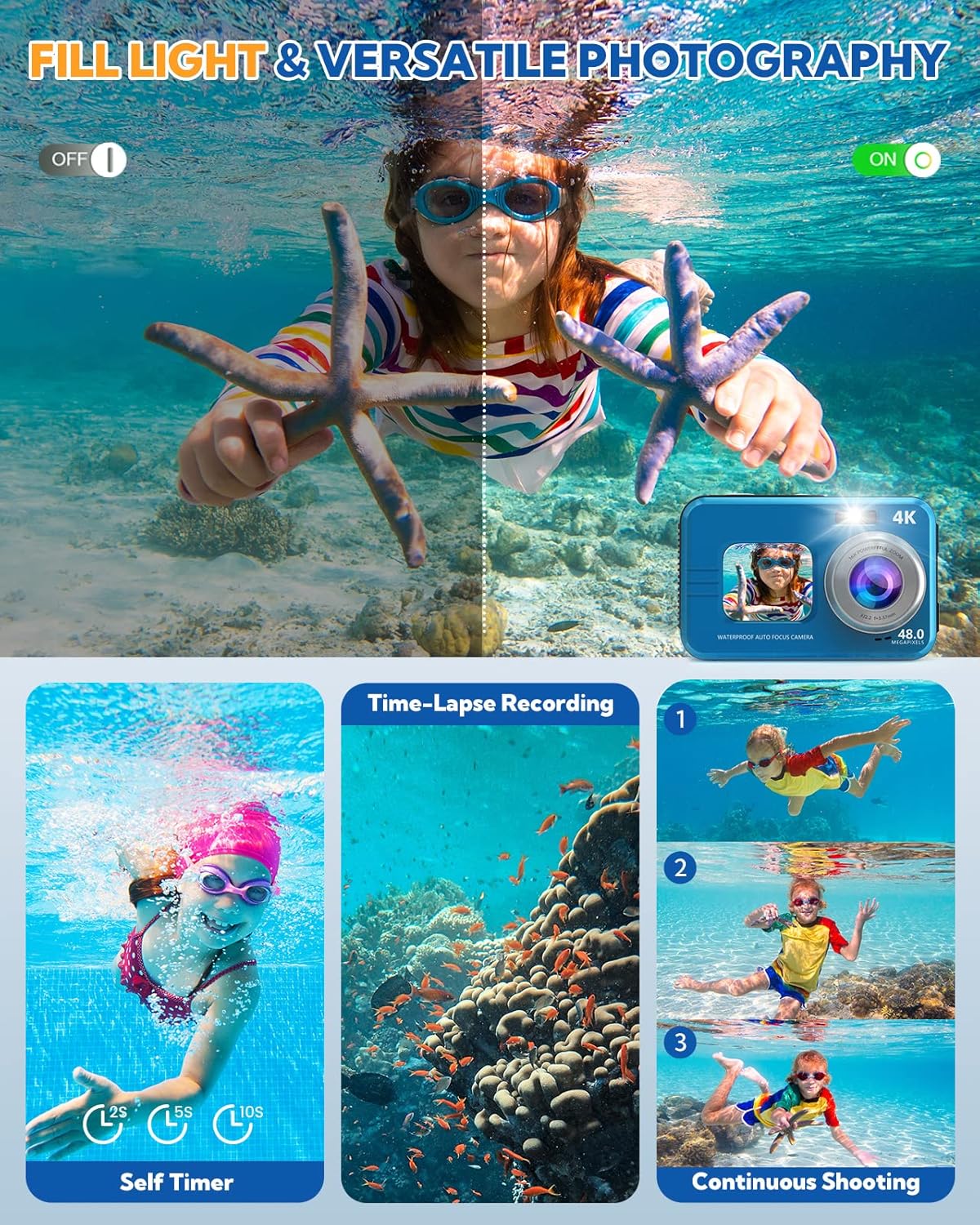
Image: Demonstrates the fill light in an underwater setting and highlights self-timer and continuous shooting.
3.3 Dual-Screen Operation
The camera features a 1.7-inch HD front display for selfies and a 2.8-inch HD rear display for general shooting and viewing.

Image: Shows the camera's dual-screen design for selfies and general viewing.
- To switch between screens: Use the dedicated screen switch button or navigate through the menu.
- The front screen is ideal for framing self-portraits.
3.4 Advanced Features
- Timing Shooting: Set a 2s, 5s, or 10s timer for delayed shots, useful for group photos or self-portraits.
- Anti-shake: This feature helps stabilize images and videos, especially useful in dynamic environments or when shooting underwater.
- Creative Modes: Explore 16 effects and 9 scene modes to enhance your photos.
- Slow Motion & Time Lapse: Access these video modes through the menu for creative video capture.
4. Maintenance
4.1 Waterproof Care
The camera is waterproof up to 11 feet (IP68 standard). Proper care is crucial to maintain its waterproof integrity.
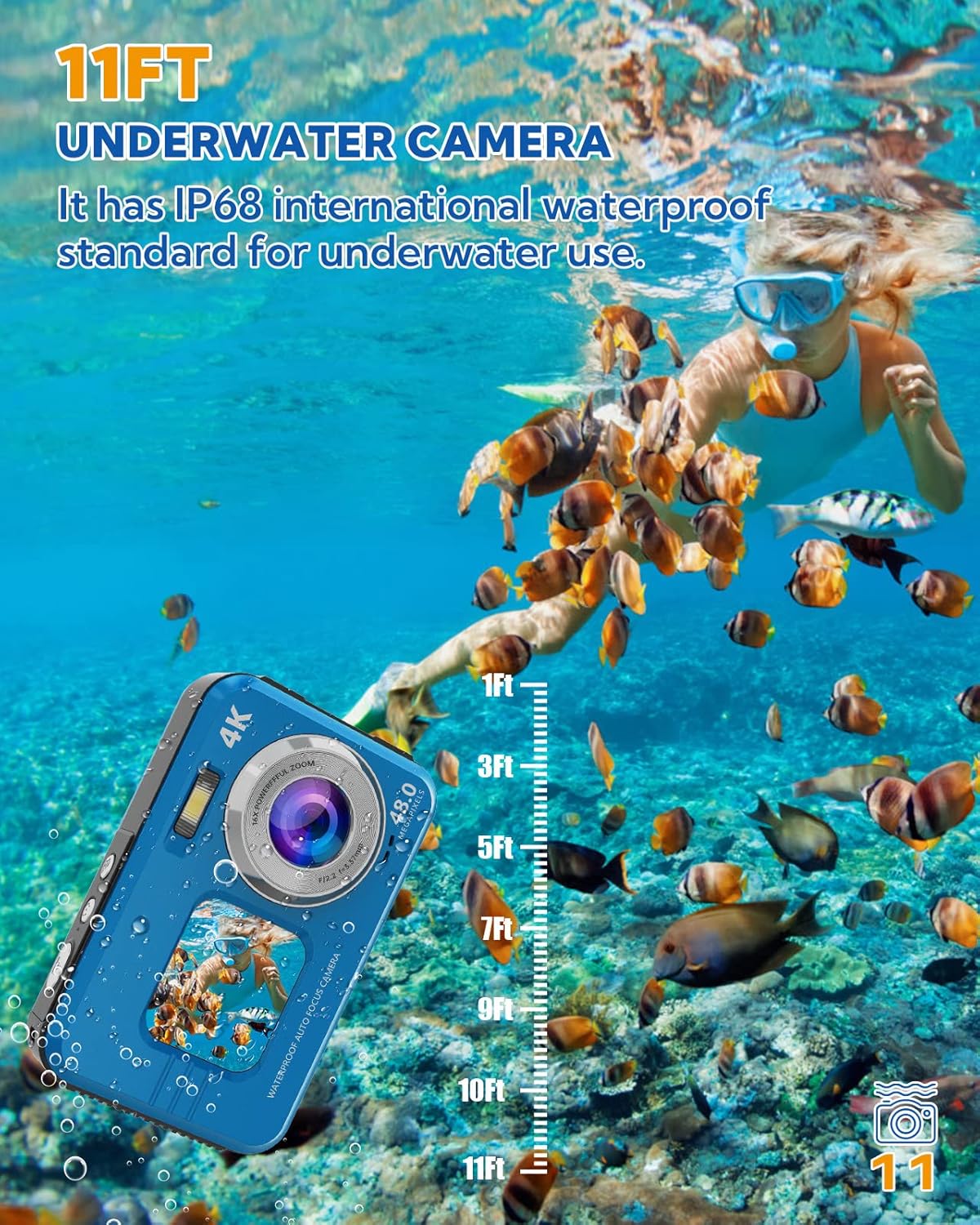
Image: Illustrates the camera's 11FT underwater capability.
- Always ensure the battery compartment door is securely locked before submerging the camera in water.
- After use in saltwater, rinse the camera thoroughly with fresh water and allow it to air dry completely before opening any compartments.
- Avoid opening the battery or card compartments when the camera is wet.
4.2 Cleaning and Storage
- Use a soft, lint-free cloth to clean the camera body and screens.
- For stubborn smudges, slightly dampen the cloth with water. Avoid harsh chemicals.
- Store the camera in a cool, dry place, away from direct sunlight and extreme temperatures. Use the provided carrying pouch for protection during travel.
4.3 Battery Care
- Charge batteries fully before extended use.
- If the camera will not be used for a long period, remove the batteries.
- Note that battery life can vary based on usage and environmental conditions.
5. Troubleshooting
If you encounter issues with your HICSHON WDC901-4K camera, please refer to the following common problems and solutions:
- Camera does not power on:
- Ensure the battery is correctly inserted and fully charged.
- Try using the second included battery.
- Camera does not charge:
- Verify the USB cable is securely connected to both the camera and the power source.
- Try a different USB port or power adapter.
- Ensure the battery is properly seated in the compartment.
- Images/Videos are blurry or not saving:
- Ensure the Micro SD card is properly inserted and formatted.
- Check if the lens is clean and free from smudges or water droplets.
- Confirm autofocus is engaged (focus frame turns green) before fully pressing the shutter.
- Ensure the anti-shake feature is enabled for moving shots.
- Water leakage:
- Immediately remove the camera from water.
- Crucial: Always ensure the battery compartment door is securely locked before entering water. Inspect the rubber seals for any debris or damage.
- Menu button or other buttons are stuck:
- Gently try to free the button. If it remains stuck, contact customer support.
6. Specifications
| Model Name | WDC901-4K |
| Brand | HICSHON |
| Max Image Resolution | 48 MP |
| Video Resolution | 4K (2160p) |
| Water Resistance Level | IP68, up to 11 FT (3.3 meters) |
| Digital Zoom | 16x |
| Front Display Size | 1.7 Inches HD |
| Rear Display Size | 2.8 Inches HD |
| Batteries | 2 x Lithium Ion (included) |
| Memory Storage | Micro SD, up to 64 GB (included) |
| Connectivity Technology | USB, Bluetooth |
| Image Stabilization | Digital, Dual |
| Supported File Formats | JPEG, RAW (images), MP4 (video) |
| Dimensions (L x W x H) | 12.2 x 9.1 x 8.6 cm |
| Weight | 320 g |
| Date First Available | May 12, 2023 |
7. Warranty and Support
7.1 Warranty Information
This product comes with a limited warranty. Please refer to your purchase documentation for specific terms and conditions. The manufacturer's warranty description indicates a period of '1'. For detailed warranty information, please contact HICSHON customer service.
7.2 Customer Support
Should you require assistance with your HICSHON WDC901-4K camera, our 24/7 after-sales service team is available to help you. Please refer to the contact information provided with your product or visit the official HICSHON website for support options.